Bazaar 0.8.2 Brings Better Mobile Search and Fixes a Nasty Flatpak Data Bug
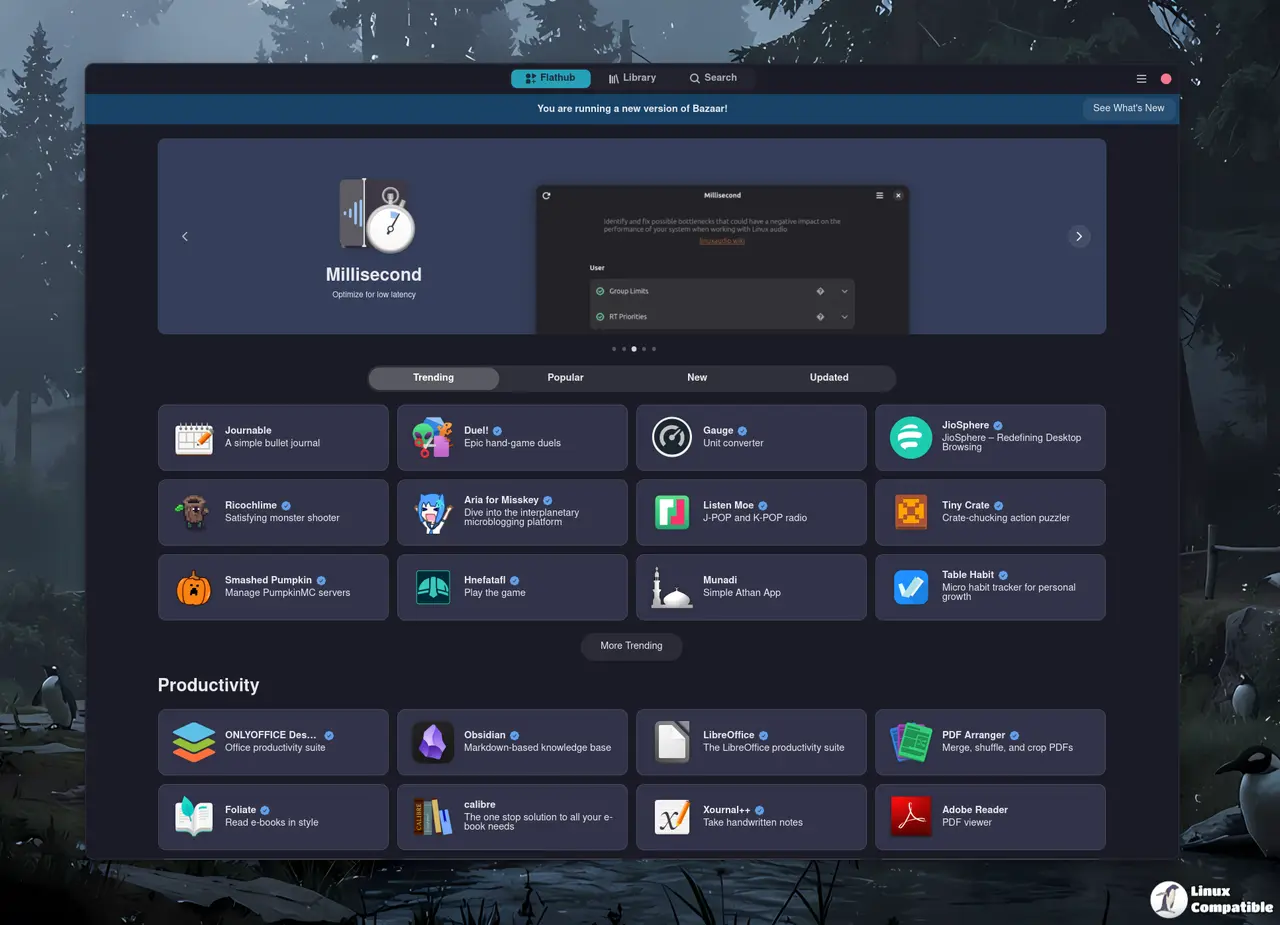
Bazaar 0.8.2 lands on GNOME desktops with a focus on making Flatpak management less frustrating and more mobile friendly. The release tackles a persistent bug that caused the app to hang while calculating user data folder sizes, adds a proper search filter for smaller screens, and cleans up several UI quirks that made browsing Flathub feel cluttered. Users who rely on Bazaar to keep their system tidy will notice the changes immediately.
Why the Mobile Search Filter in Bazaar 0.8.2 Matters
The new mobile search filter directly addresses a pain point that has annoyed GNOME users for years. Browsing an app store on a laptop with a smaller window or a tablet usually means squinting at packed menus and scrolling endlessly. The updated filter lets users narrow down results without losing context, which is especially useful when hunting for specific add-ons or network utilities. It also reworks the all apps page layout to prevent that cramped feeling that used to plague the full view. The developers realized that a desktop app store needs to behave like a mobile app when the window shrinks.
Fixing the Infinite Data Fetching Hang
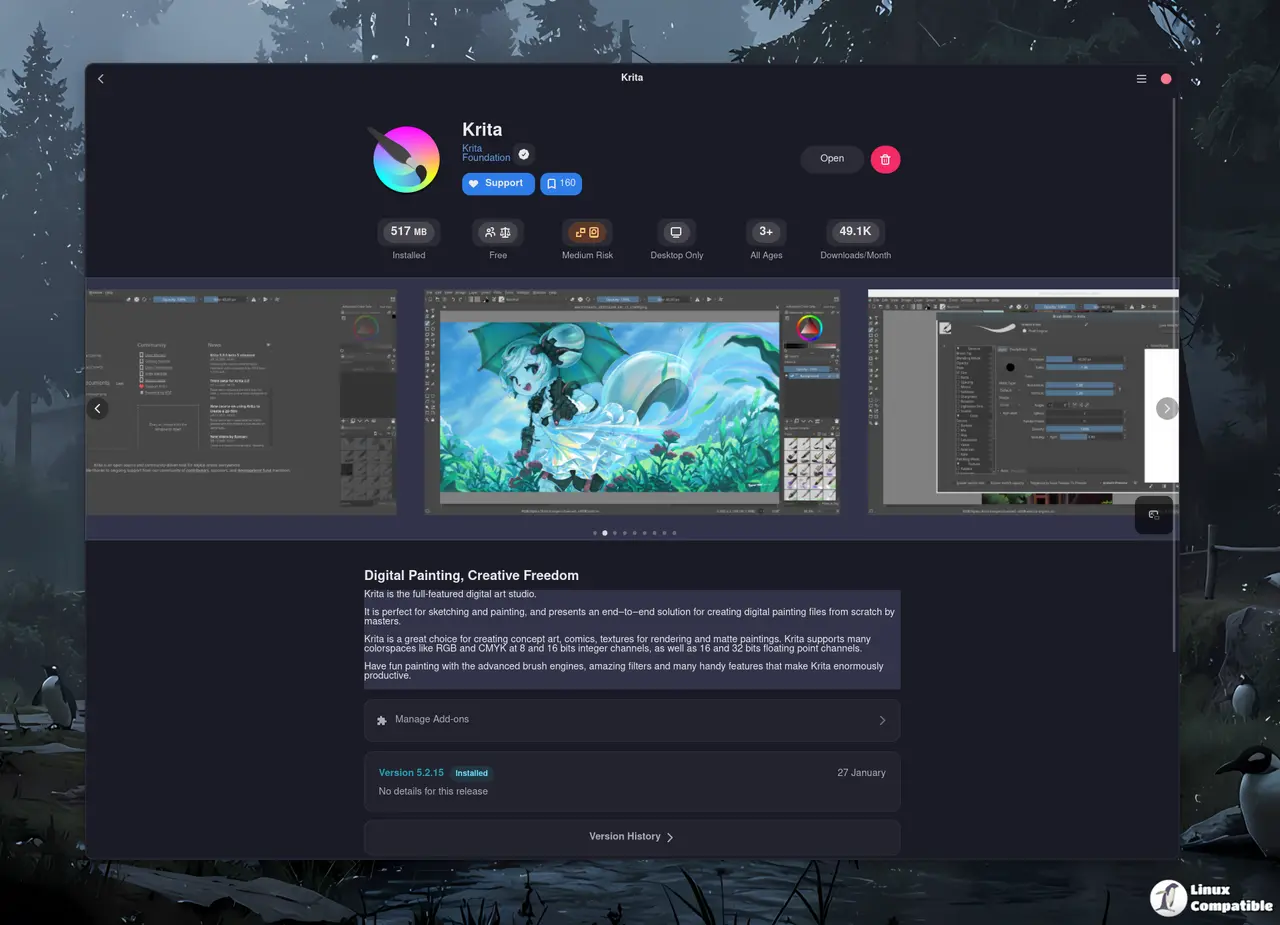
The infinite fetching of user data folder size has been a known annoyance that made the settings panel freeze for minutes at a time. This happens after a messy system update where leftover Flatpak runtime files get scattered across multiple directories. The new code stops the app from looping through those paths and returns a usable number instead of just spinning forever. This matters because tracking installed data is how users decide whether to keep an app or purge its cache. The fix also adjusts the removal dialog to hide the freed space label until the process actually finishes, which prevents that awkward moment where the interface lies about progress.
What Bazaar 0.8.2 Leaves Out
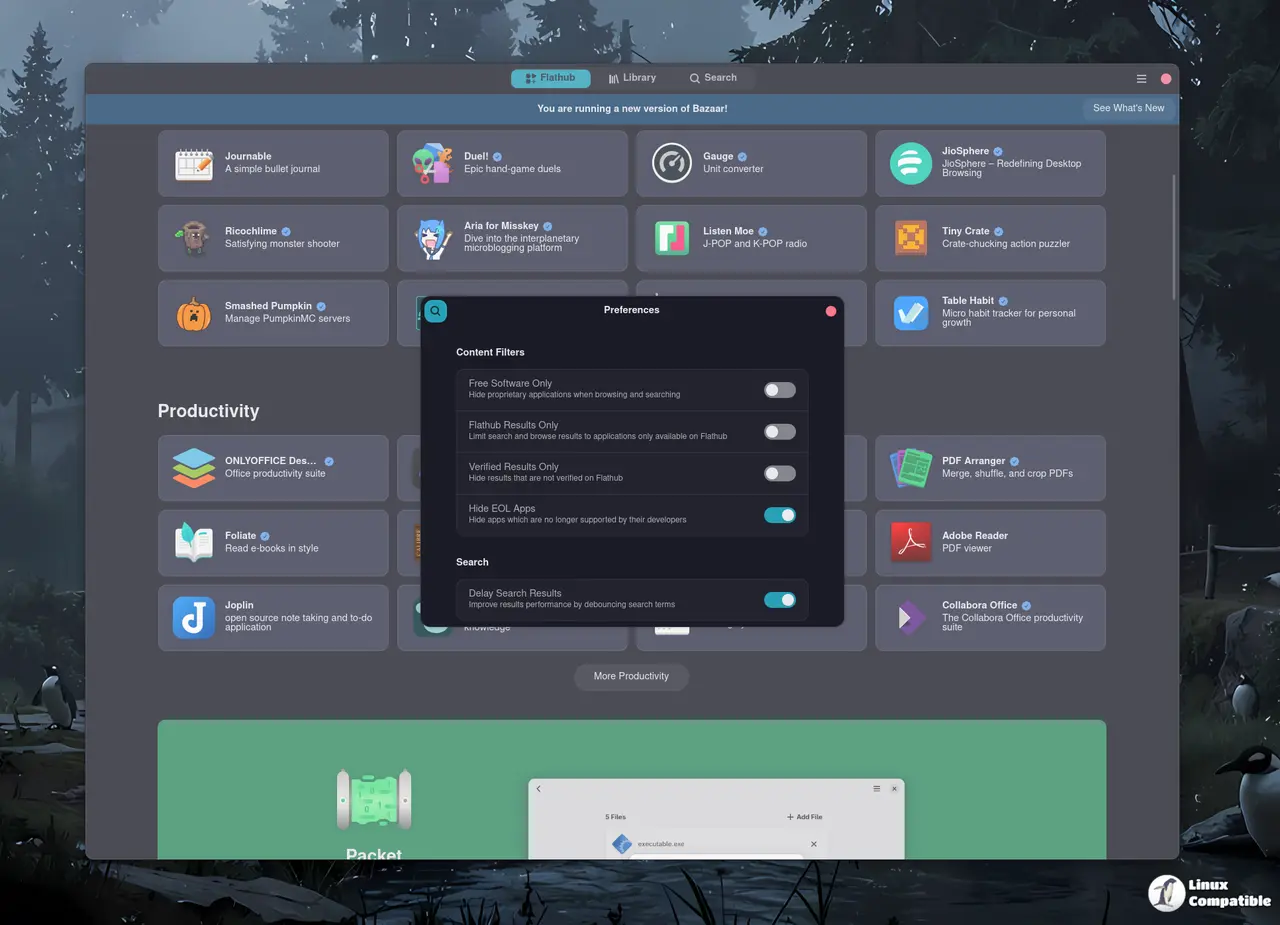
The tag list SEO-ism was completely pointless and just cluttered the search results. The pride flag rotation toggle served no practical purpose and belonged in a settings menu, not the main interface. Those features looked fine on paper but added unnecessary visual noise to the browsing experience. It is always amusing when developers prioritize visual gimmicks over actual usability. The team also dropped the search debounce toggle, which means the interface now prioritizes responsiveness over developer convenience. Network subcategories made it into the build, giving users a cleaner way to find communication tools without digging through generic lists. Translation updates for French, Russian, Czech, and several other languages keep the interface readable across regions. The curated tab remains configurable by distributors, which is exactly how it should work for enterprise or school deployments.
Release Bazaar 0.8.2
Maintenance Release Add mobile search filter Fix infinite fetching of user data folder size Add Network subcategories Remove tag list SEO-ism Rework some UI components support me