Amethyst Mod Manager 2.0.2 ships with startup fixes and a cleaner downloads tab
Amethyst Mod Manager 2.0.2 went live today, continuing the tool’s surprisingly fast post-rewrite rollout. Released just 48 hours after its predecessor, this update tackles a nasty startup crash and tidies up a few lingering UI glitches.
If you have spent any time modding on Linux, you know the usual workaround involves running Windows-only tools like Vortex or Mod Organizer 2 through Proton. It works, but it's messy. Amethyst Mod Manager exists to fix that gap. Built by ChrisDKN, it's a native Linux application designed specifically for the Steam Deck and SteamOS crowd.
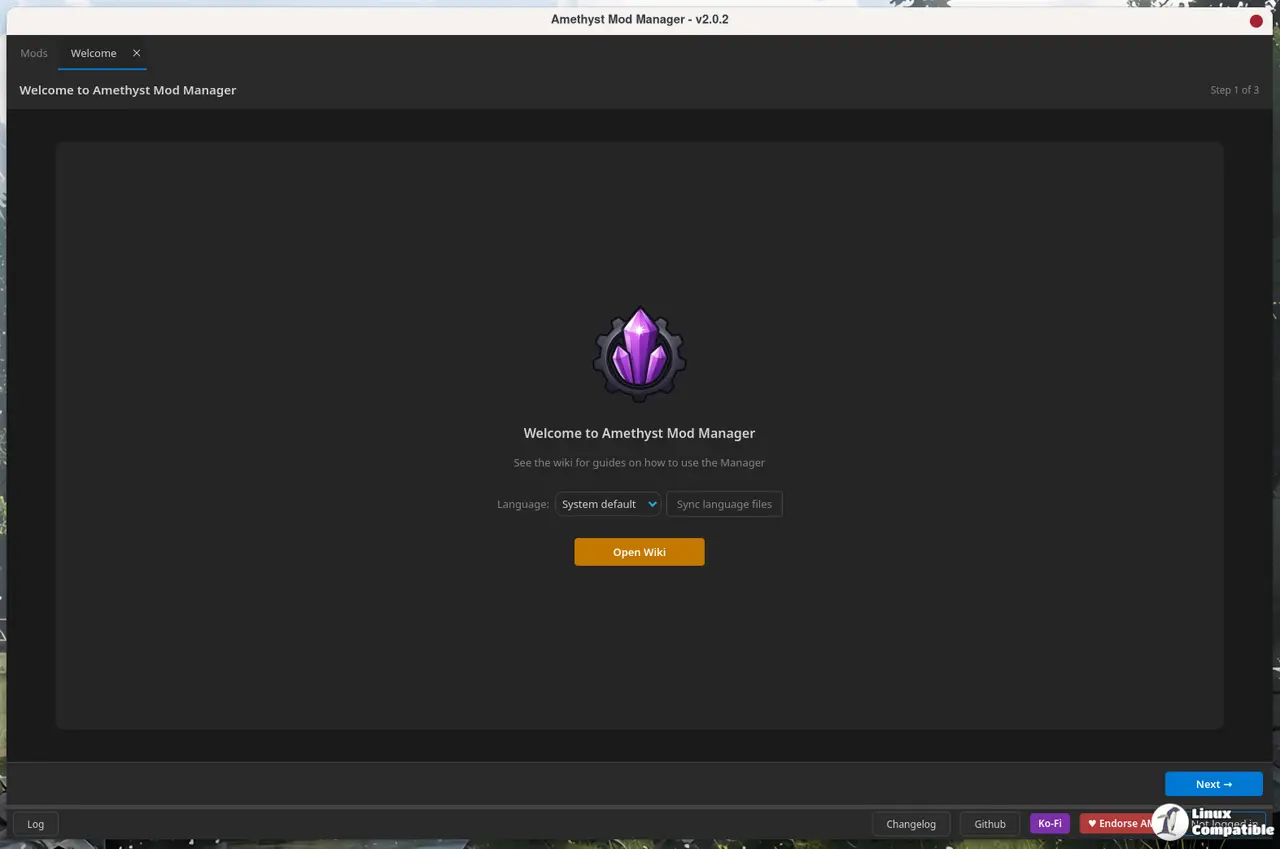
The Qt Shift and Rapid Rollout
That architectural overhaul happened on July 9. Version 2.0.0 completely ripped out the old interface framework and rebuilt the entire UI in Qt. The switch brought tab-based panels, proper localization, and a built-in theme editor. You'd expect a major rewrite to shake out a few bugs. ChrisDKN didn't miss. Version 2.0.1 dropped the next day. Now we're on 2.0.2.
Today's release fixes a segfault that crashes the app on startup for anyone with incompatible fontconfig files. It also corrects a plugin sorting bug where disabled optional mods in Nexus collections would still bleed into plugins.txt.
Add to that a fix for an unreasonably long loading screen when scanning installed GOG titles. The only other tweak is cosmetic. In-progress downloads no longer clutter the downloads tab while they're downloading. They'll only show once they are done.
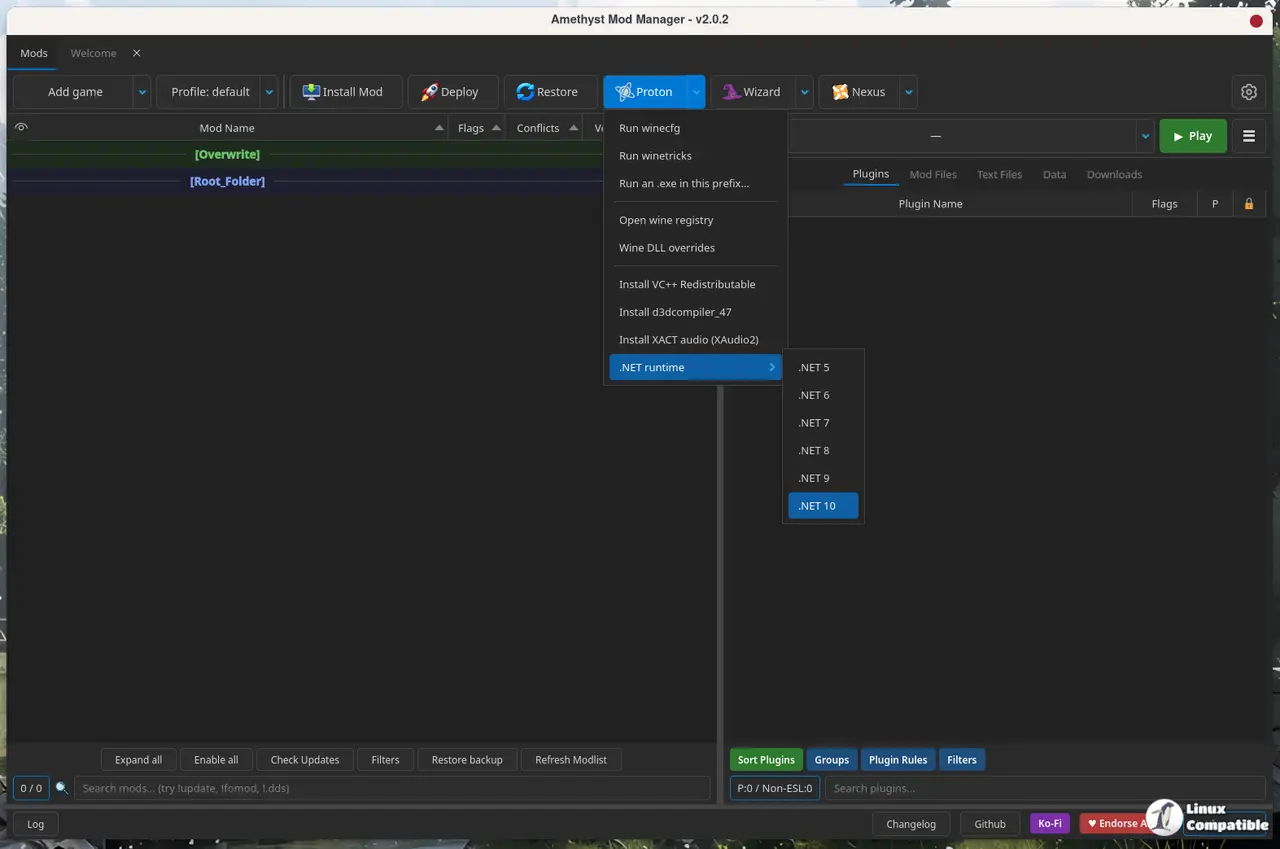
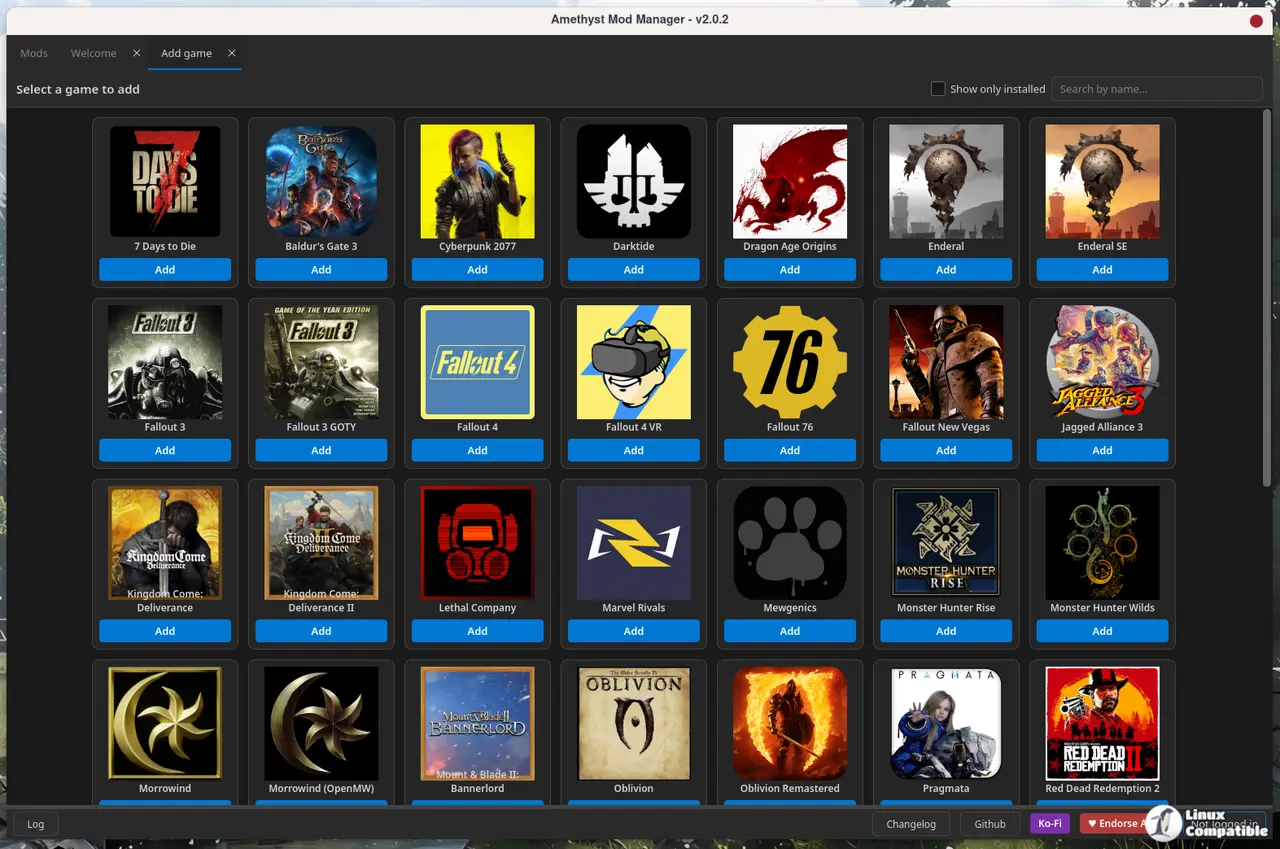
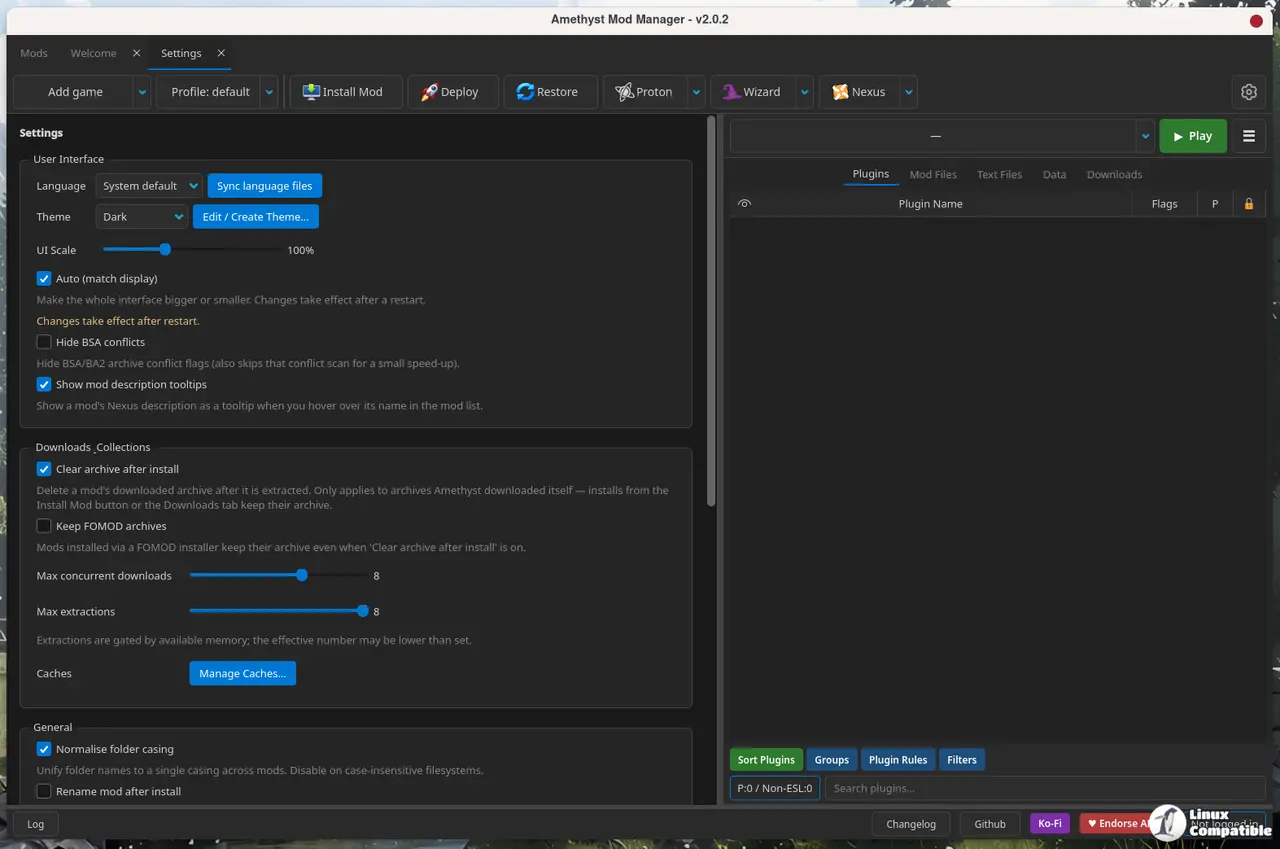
How to Get It
Getting the manager up and running is straightforward. The recommended path is the curl installer script, which drops the AppImage directly into your system menu and hooks up auto-updates. Arch users can grab it straight from the AUR as amethyst-mod-manager. Flatpak fans have a manual package available for direct installation.
The AppImage sits at roughly 80 megabytes. That weight comes from the Qt dependencies and bundled libraries. Linux distributions rarely care about a few extra megabytes when native performance is on the line.
Keep in mind that rolling updates this fast means the plugin architecture and collection parsing rules are still settling. If you're running a heavily customized modlist on SteamOS, test a fresh install before committing your main games to the new staging rules. The Linux gaming scene has spent a decade patching together Windows modding workflows. A properly native tool changes the entire equation.
Head here to download the AppImage or check the GitHub wiki for the latest compatibility notes. Amethyst Mod Manager 2.0.2 is live now.


