Amethyst Mod Manager 2.0.1 Lands as Quick Stabilization Patch Following Massive Qt Rewrite
The Linux-native Nexus Mods tool just overhauled its entire interface. Here is what you need to know about the new release, and the growing pains that come with it.
Amethyst Mod Manager just dropped v2.0.1 today, July 10, 2026. It is a stabilization patch for the massive v2.0.0 release that hit exactly one day earlier. The official changelog is deliberately brief, stating only that the team "Fixed various issues with 2.0.0 that didn't appear during testing." If you are planning to jump in, expect a few bumps along the way.
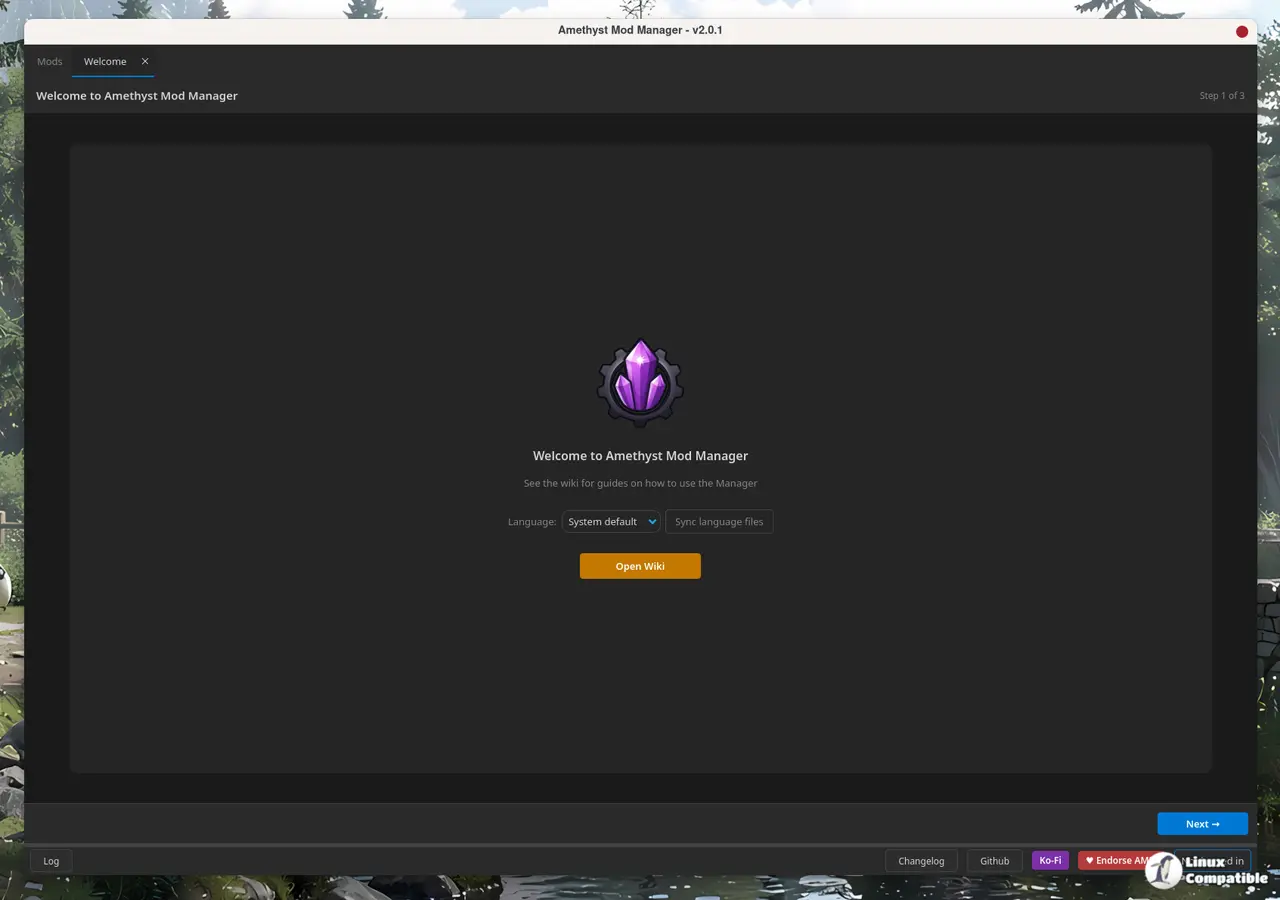
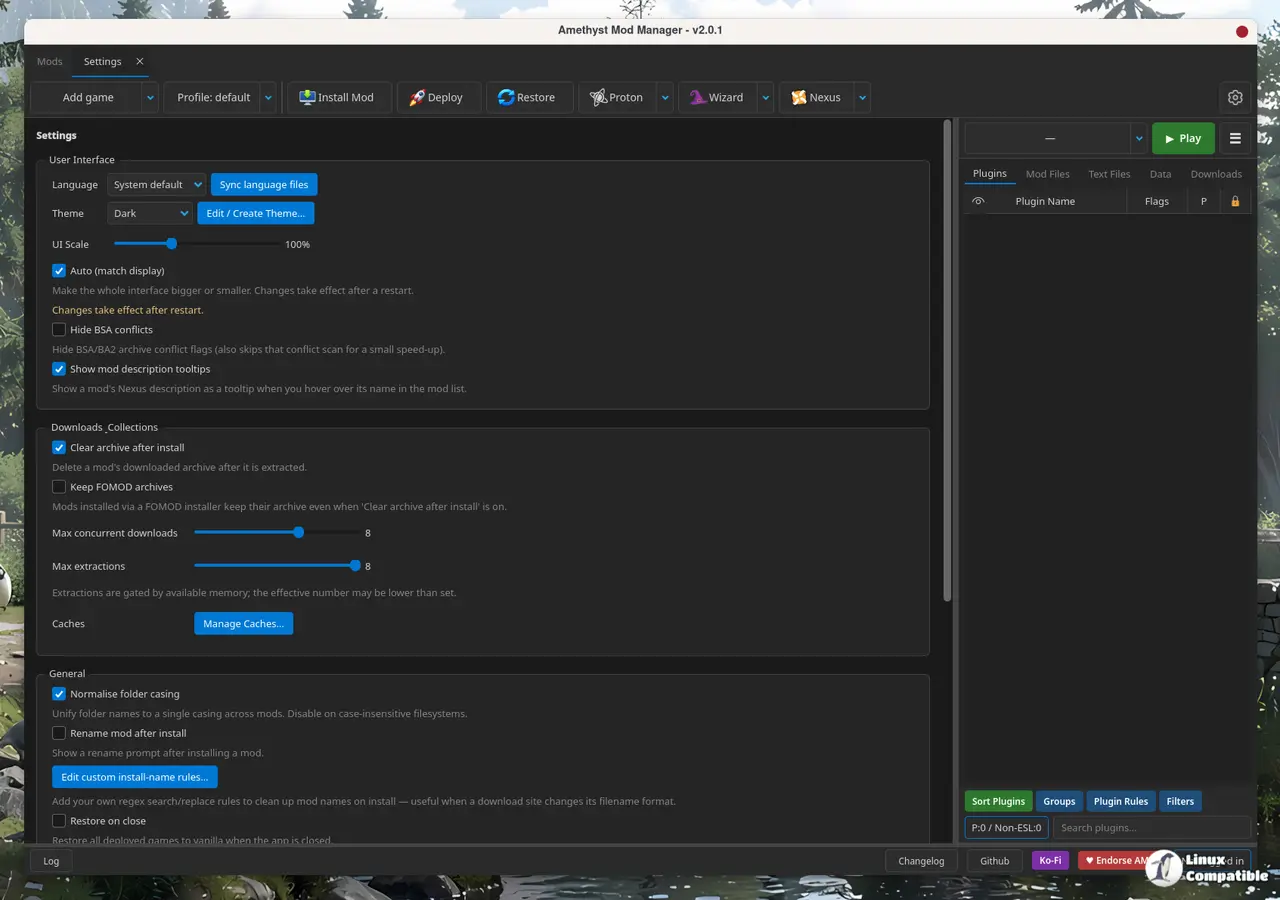
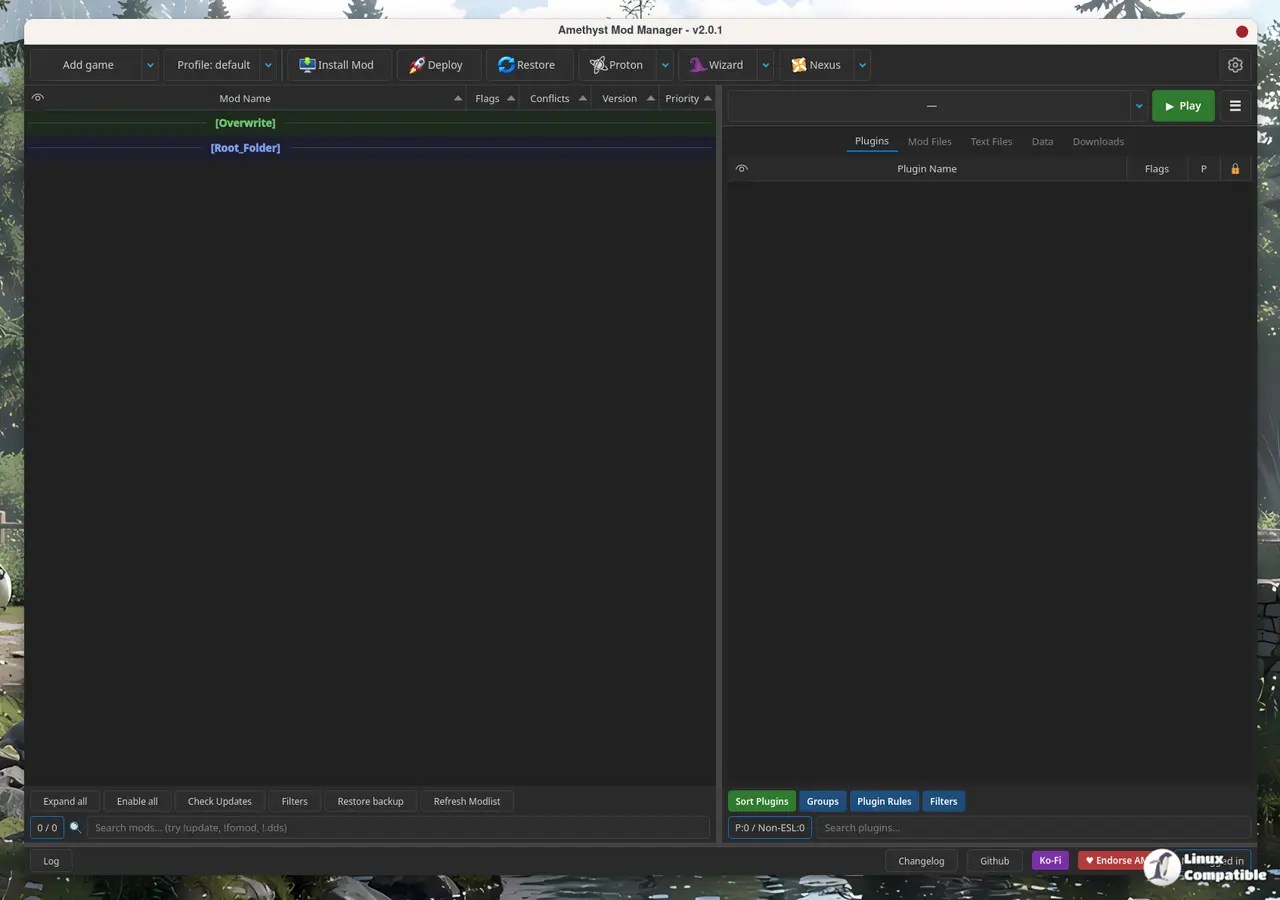
The v2.0.0 update completely rebuilt the interface from scratch, swapping the aging CustomTkinter toolkit for Qt. That shift was never just cosmetic. The rewrite introduced tabbed overlays, deep multi-language localization via DeepL, profile export codes, and a host of behavioral tweaks for how the manager handles symlinks and staging folders. It also finally brought first-class Proton and Steam Deck wizard tools to the table.
Linux gamers have spent years bridging the gap with Wine wrappers for Windows-only managers like Mod Organizer 2 or Vortex. Those setups work, but they are notoriously fragile on modern kernels. AMM sidesteps the compatibility headache entirely. Keep in mind that it is currently the only tool offering full Nexus Mods API integration natively on Linux alongside dedicated Proton setup wizards. You can browse, download, and install mods directly in-app for over forty-five titles, ranging from Skyrim and Fallout to Cyberpunk 2077 and Baldur's Gate 3.
The Rewrite Reality Check
Despite the speed of the release cycle, major rewrites always leave footprints. The project's issue tracker already shows fifteen open tickets, many tied directly to the transition. Users are reporting search breaks mid-installation, infinite loading screens on the add-game tab, and plugin indexing hiccups. The v2.0.1 patch addresses several of these, but the changelog's vagueness leaves you guessing about what actually got fixed.
The project's development velocity is frankly staggering. AMM went from its initial commit in February to v2.0.1 in just four and a half months. That timeline would stress a small team, let alone a solo developer. ChrisDKN carries nearly all of the weight here, with the rest of the contributor list barely scratching four or five commits between them. GitHub stars jumped to 620 in under five months, signaling serious community interest.
However, at the same time, that rapid pace cuts both ways. Quick iterations mean quick regressions. The v2.0.0 release notes were extensive, documenting dozens of feature additions and behavioral changes, but the stabilization effort is just getting started. The long wait for a proper Linux-native Nexus manager is officially over, though the tool will need time to solidify before it becomes a daily driver.
Getting it running requires a bit of manual legwork. You can grab the AppImage, pull it from the Arch User Repository, or download the Flatpak package directly from GitHub releases. There is no Flathub listing or automatic updater yet. Windows migrants will appreciate the community efforts like the GoodbyeWindows migration toolkit, though transitioning from Vortex or MO2 remains a hands-on process. Head here to grab the latest AppImage or AUR package.
The new Qt layer does bring tangible improvements if you stick with it. The filemap rebuild toggles much faster on large modlists, and default staging folders were moved to ./home/games/Amethyst to finally silence the Flatpak complaints. You will also find Pragmata font support for Skyrim, JAR file execution, and a built-in theme editor. The project structure is modular by design, with dedicated layers for game handlers, LOOT integration, and the Nexus API client.
It is a rather ambitious undertaking for a project this young, though the design and native Linux focus do help it stand out. If you need a reliable way to mod Bethesda or Unreal engine titles without wrestling with Wine prefixes, this is the tool to watch. Monitor the issue tracker for your specific game, and give the new UI a spin before making it permanent.
Head here to download the new release from GitHub.


