AM 10.6 Adds Parallel Installations to Its Linux AppImage Manager
The open-source AppImage manager AM has spent years trying to become the go-to package manager for portable Linux apps. Version 10.6, which landed today, is a meaningful step toward that goal. The headline addition? You can now run several instances of the tool at the same time without them crashing into each other.
This feature didn't arrive from any master plan. It showed up because people were clicking too fast.
One-click install shipped in 10.5 back in early September. You could hit "Install" straight from the online catalog, a real usability jump. Easy, sure. But easy breaks the moment you tap the button a second, a third time. Each launch fired a new operation at code paths that were never built to handle concurrency. Installations already running began to fail. So the very thing that made installs friendlier became the thing that broke them mid-download.
10.6 fixes that permanently. You can now install from multiple instances while tracking progress, seeing download size and flagging versions as "pending", while browsing installed apps with -f or updating others with -u. There's a caveat, though. Because instances share state, the maintainer doesn't pretend this is risk-free. His exact words: exercise "great caution and remain fully aware of the actions you're performing."
By the numbers
The core change was more than a patch. Between 10.5 and 10.6 the repo picked up 157 commits and 312 changed files, with 14 contributors in the mix. Roughly 1,400 stars. About 130 forks. Not huge, but respectable for what the maintainer openly calls an "amateur effort", a hobby project sustained by volunteers, not corporate money.
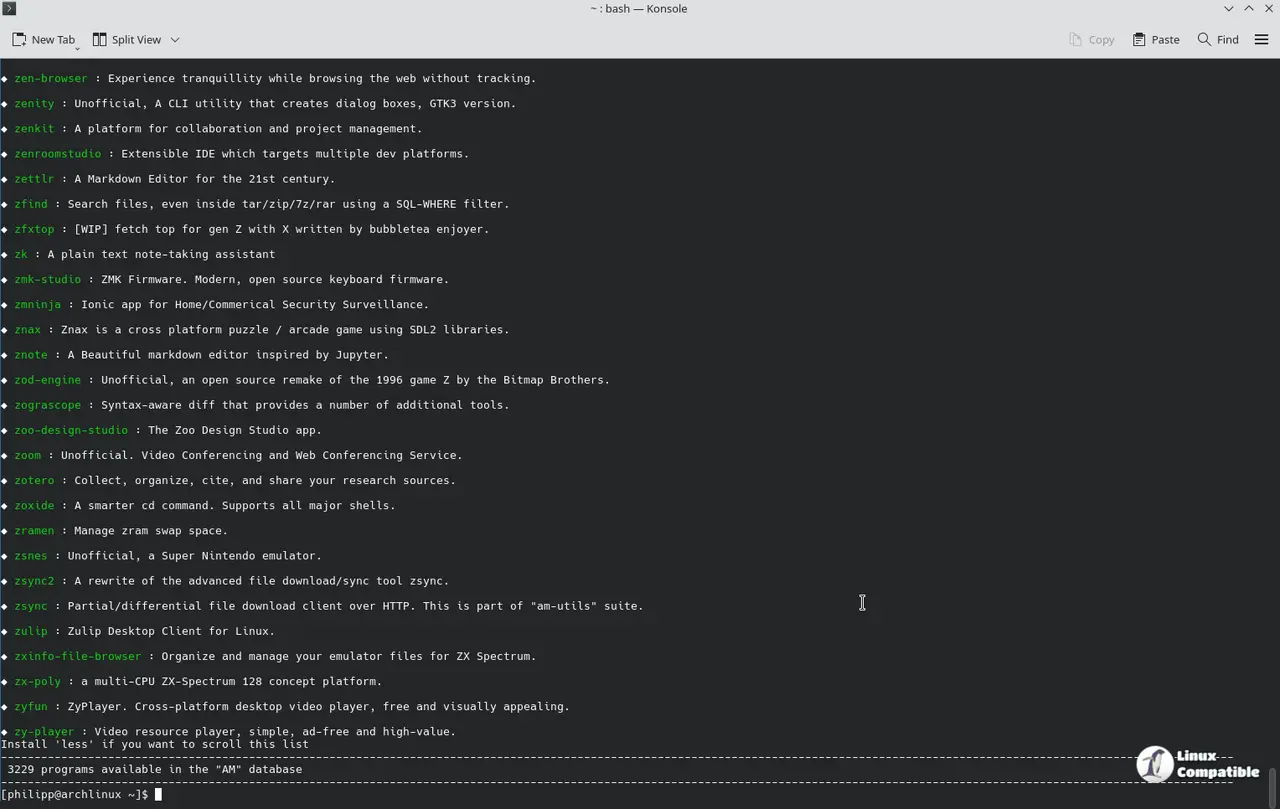
The bigger number, arguably, is the catalog. It just crossed 3,000 AppImages. As of the 10.6 release, AM tracked 3,594 unique applications, 3,000 as AppImages and 594 in other formats. Three weeks earlier, 10.5 held 3,439. That's more than 150 new entries in a month, which is a brisk pace for something this small.
Not all of 10.6 is about parallelism. There's a solid pile of fixes in here too. My pick is the case-insensitive "did-you-mean" matching for app names, since one typo shouldn't sink an install. Icons now pull from a more reliable source. Descriptions got added to AppImages, and the "relocate" and "reinstall" backup-tree bug finally got sorted out.
The catalog grew as well, with dozens of new apps spread across several requests. Names floating through the release notes include lossless-cut, qtscrcpy, v2rayN, syncthing-gtk, and timg, though a much longer list follows. Two collaborators, @ArqamQazi and @MrAbhi19, made their first contributions this cycle.
Ivan runs AM out of Pompei, Italy, the Vesuvius-adjacent town near Naples, for anyone who needs the geography. His GitHub bio is about as understated as it gets: "I'm here just for fun." He started with tiny personal shell scripts and grew AM into something an actual community relies on.
He built in survivability on purpose. Most open-source projects die when their sole maintainer walks away, so he made several core variables customizable. You can repoint the database's source URLs to a fork or a community mirror. "There are many discontinuous projects. Should this become one too, it will not be obsolete," he wrote. It's GPL-3.0 licensed and developed under the Portable-Linux-Apps GitHub organization.
How to get AM 10.6
Install through an AM-INSTALLER script that lets you choose between a system-wide "AM" (needs sudo) and a local, root-free "AppMan." With curl:
curl -s -Lo ./AM-INSTALLER https://raw.githubusercontent.com/ivan-hc/AM/main/AM-INSTALLER && chmod a+x ./AM-INSTALLER && ./AM-INSTALLER && rm ./AM-INSTALLER
Or with wget:
wget -q https://raw.githubusercontent.com/ivan-hc/AM/main/AM-INSTALLER && chmod a+x ./AM-INSTALLER && ./AM-INSTALLER && rm ./AM-INSTALLER
Or git if you'd rather clone the repo directly:
git clone https://github.com/ivan-hc/AM.git
cd AM
chmod a+x INSTALL
sudo ./INSTALL
Run am -h once installed to see the full option list, and swap in appman if you went the portable route.
AM isn't for everyone. It's built for people who've dug through the .deb, .rpm, .flatpak, and .snap maze and just want one clean way to install and update portable apps. If that sounds like you, the parallel-install support should make life smoother. If you've never managed software from a command line, this may still feel like a climb. It usually does, in Linux.
Head here for the full 10.6 release notes if you want the details.


