Alpine Linux 3.24.0 Upgrade Guide for Desktop Workstations and Servers
Alpine Linux 3.24.0 ships with updated toolchains and desktop environments, but the changes to package repositories and bootloaders require careful handling. This guide walks through the actual upgrade path, highlights what actually works, and points out where older scripts will break without warning.
Alpine Linux 3.24.0 Bootloader and Installer Changes
GRUB 2.14 arrives in the main tree, but the installer does not automatically patch existing boot partitions. Users who upgrade from previous releases must run grub-install on the target device to write the updated binaries to disk. Skipping this step leaves the system pointing to an outdated bootloader that may fail to load the new kernel or handle modern partition layouts correctly. System administrators often run into this exact failure after a rushed upgrade where the bootloader stays pointed at the old partition layout. The kernel loads, but the initramfs fails to mount the root filesystem, leaving the machine at a busybox prompt until someone boots a live environment and fixes the disk pointers. The setup-alpine script now supports the Limine boot loader, which simplifies headless deployments. IPv6 gets proper wiring during installation, and serial console configuration happens automatically when a serial port is detected. These changes matter because networked or remote servers often boot faster and stay manageable when the installer stops guessing about console output.
Desktop and Development Stack Updates
The desktop stack finally catches up with modern standards. GNOME 50, KDE Plasma 6.6, and System76 COSMIC 1 all land in the repositories, which means desktop users can run current window managers without chasing external builds. Sway 1.12 rounds out the Wayland options, and Qt 6.11 sits alongside the updated toolchain. Developers get LLVM 22, Rust 1.96, and Go 1.26 ready to compile newer software. nginx 1.30 arrives for web serving, though the real shift happens under the hood. GTK+ 3.0 drops into the community repository, and the distro finally cuts the dead weight by removing GTK 2, Qt5, and libsoup 2. Anyone maintaining legacy build scripts should expect immediate breakage. The package manager no longer carries deprecated dependencies, which keeps the base image lean but demands that users update their own workflows. System administrators often run into this after a rushed upgrade where older Python packages suddenly lose their import paths. The setuptools 82.0.0 update strips pkg_resources entirely, so projects that still reference it will fail to build until the metadata standards get updated.
Package Management and Migration Notes
Upgrading between major releases requires running apk upgrade --available to fetch the full package index. The package manager pulls the complete repository metadata first, which prevents partial upgrades that leave the system in an inconsistent state. Users who keep root and usr on separate filesystems need to follow specific wiki procedures, as the base layout changes during the transition. The installer will refuse to proceed safely without explicit configuration adjustments for that partition scheme. The qemu-binfmt service from qemu-openrc also gets deprecated in favor of binfmt.d configuration files paired with user mode qemu packages. This shift removes unnecessary service daemons and aligns with how modern init systems handle binary format registration. Maintenance teams should audit their custom scripts before touching the main upgrade path. The community repository now holds the newer desktop environments, so enabling it in the package configuration becomes necessary for desktop users.
Alpine 3.24.0 released
Alpine 3.24.0 released
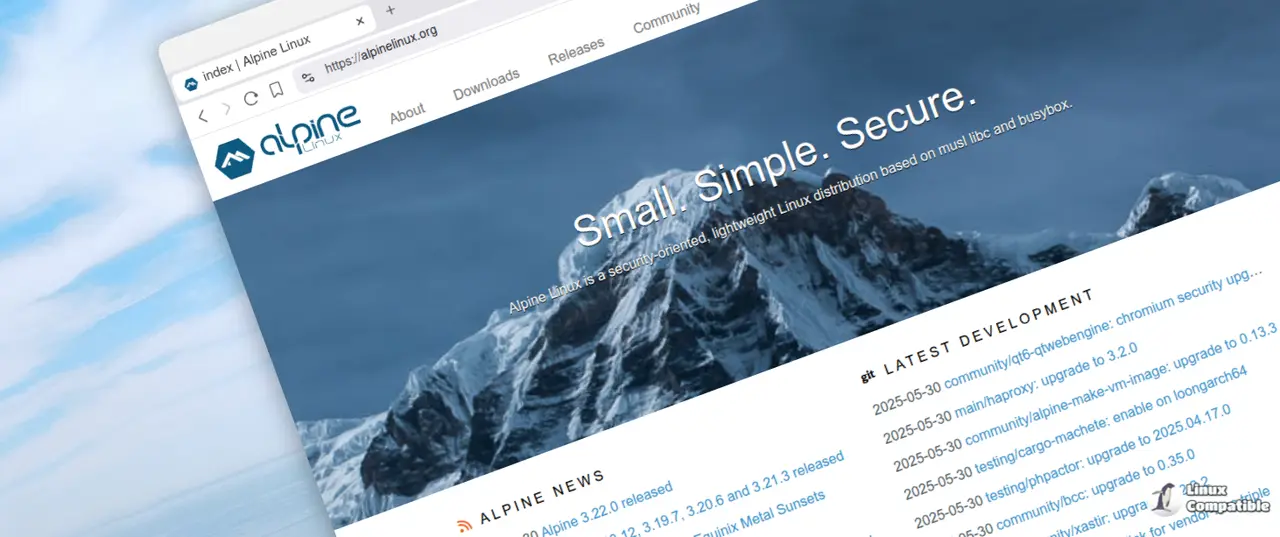
The upgrade path is straightforward once the bootloader gets updated and the package index refreshes. Grab the latest ISO, run the upgrade command, and let the system sort out the dependency shifts.


