Zorin OS 18.1 Released With Better Hardware Support And Windows App Guidance
The latest update to the popular Linux desktop is finally here with tweaks that actually matter for daily use instead of just marketing fluff. This release focuses on smoothing out the transition from Microsoft Windows while adding support for newer gaming hardware and laptops. Users will find improved window management tools and a fresh look for older machines via the Lite edition in Zorin OS 18.1.
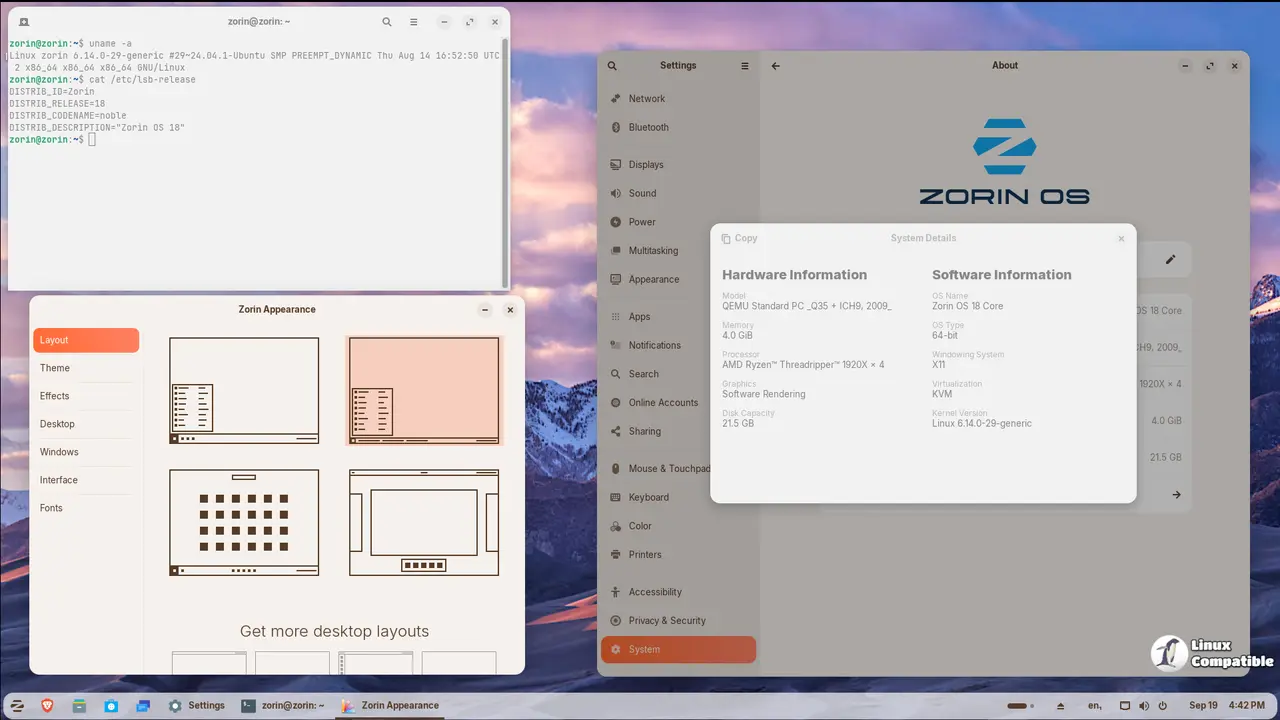
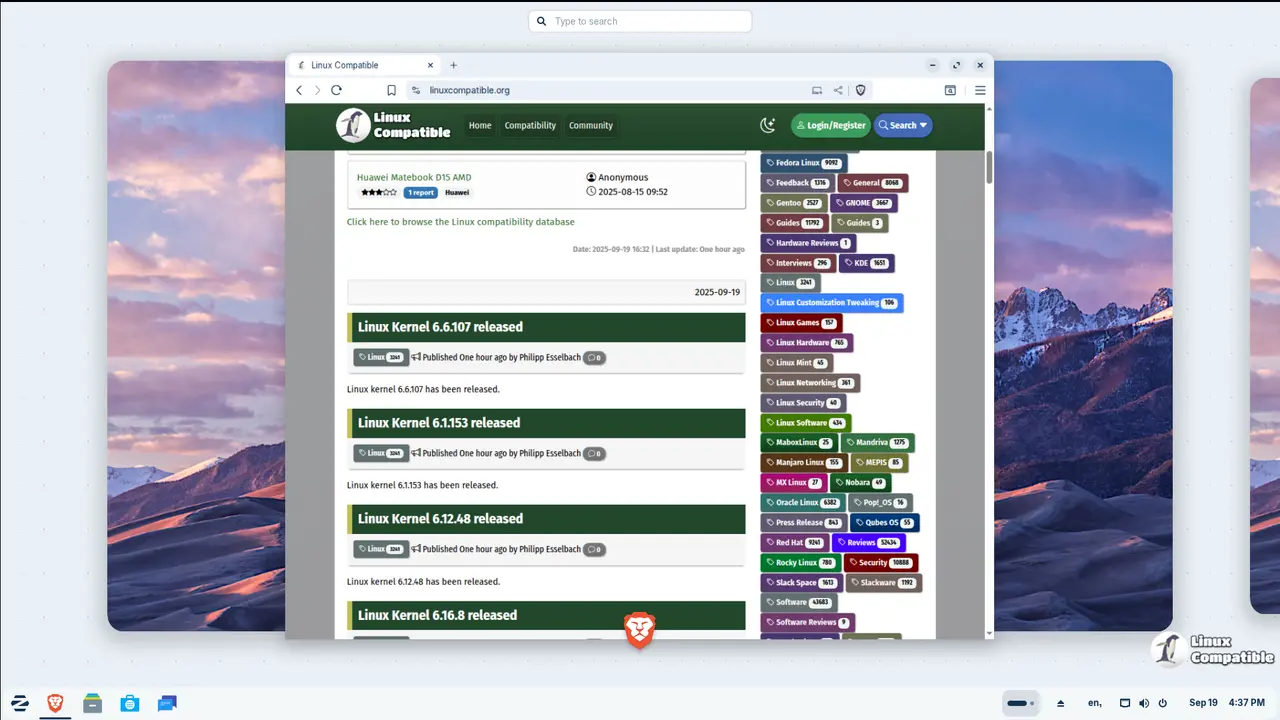
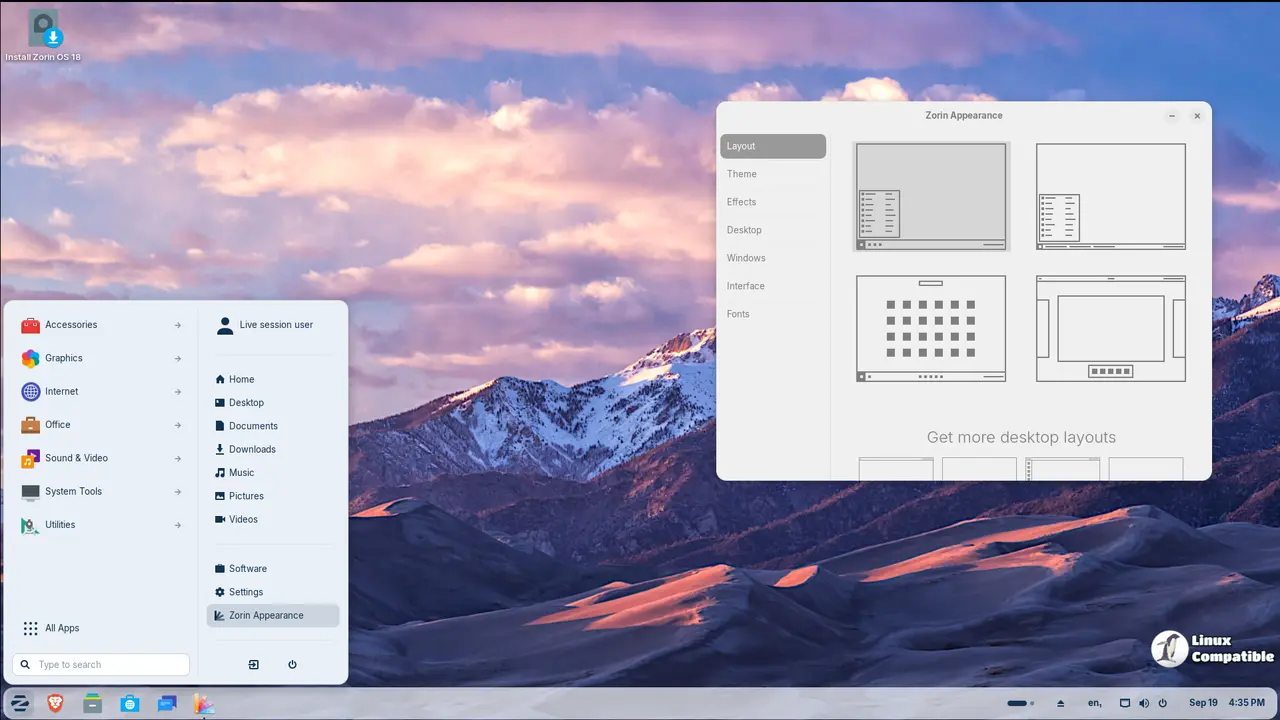
Zorin OS 18.1 Helps You Swap Out Windows Apps Easier
The biggest pain point for people moving over from Microsoft is losing their favorite software or fighting with compatibility layers. This version expands its internal database to recognize over two hundred forty different installers automatically without user intervention. When a user tries to run a Windows executable like Plex, the system suggests installing the native Linux alternative instead of fighting with Wine configurations. Evolution Mail replaces Outlook as a suggested replacement and similar logic applies to other common tools found in corporate environments. This reduces the need for manual configuration when setting up a new machine from scratch after years of relying on proprietary formats.
Advanced Window Tiling In Zorin OS 18.1 Gets Smarter
Power users who rely on keyboard shortcuts will notice changes in how windows stack together during heavy multitasking sessions. The Advanced Window Tiling feature now allows all tiled instances to come to the foreground when switching apps from the taskbar or dash. Edge tiling has been enhanced so custom layouts work better than just splitting the screen in half or quarters which was a common complaint previously. The desktop also feels faster due to background performance tweaks applied throughout the interface during idle times. Panel settings now include a toggle for tray icons so applications do not clutter the menu bar unless wanted by the user. Right-to-left scripts are handled correctly by the panel for users running Arabic, Hebrew, or Urdu languages without visual glitches.
The Lite Edition Brings Life To Old PCs
A separate version of this operating system exists specifically for machines that cannot handle heavy graphics or modern resource demands. This Lite edition runs on XFCE 4.20 and includes a redesigned file manager with a more compact layout for smaller screens. Security has been improved by adding fingerprint reader support directly into the Settings application for biometric authentication. The default theme received a refresh with rounded elements and new color options like yellow or brown to reduce eye strain during long workdays. Web apps can now be turned into desktop shortcuts through an integrated interface that makes them appear in the start menu just like native applications.
Kernel Updates And Security Patches Included
Under the hood the system runs on Linux kernel 6.17 which matches recent Ubuntu releases for maximum compatibility with modern drivers. Drivers have been updated to support NVIDIA graphics cards, Intel Xe3 GPUs, and AMD hybrid laptop setups out of the box without extra configuration. Specific hardware like Lenovo ThinkPads, Samsung Galaxy Books, and Apple input devices receive better integration than previous versions did. Gaming handhelds including the ASUS ROG Ally and OneXPlayer are now recognized without extra configuration for immediate playability. Security patches come pre-installed so the machine is safer immediately after installation before any updates run. Long term support extends until June 2029 which makes this viable for business environments needing stability over flashy features. Existing users on version 18 should just run Software Updater to get the changes without data loss. Those on version 17 can jump directly to this release without a fresh install. Pro license holders will find download links in their original purchase emails if they need them again.
You find the download page here.


