Zen Browser 1.20b Brings Website Customization and Stronger Privacy Protections
Zen Browser 1.20b lands with a long overdue customization tool called Boosts, alongside tighter fingerprinting defenses and a few welcome interface tweaks. The update also pushes the underlying engine to Firefox 151, which means users get all the recent security patches without needing a separate browser upgrade. Here is what actually matters for daily use and how to make the most of it.
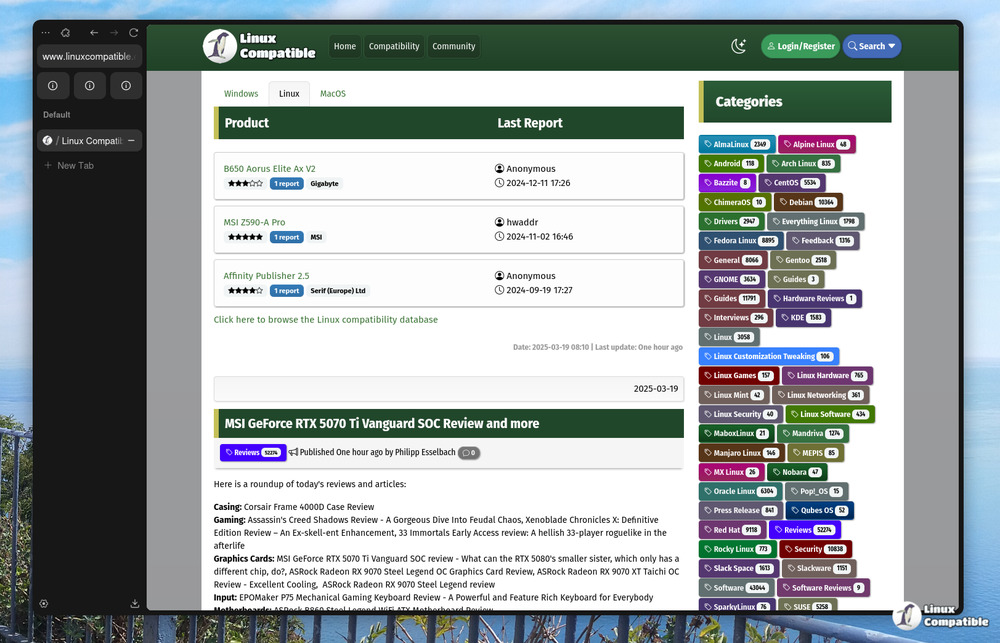
Zen Browser 1.20b Boosts Actually Work Now
The new Boosts feature lets you override website styles without relying on sketchy user.js hacks or bloated extension suites. Users click the site control icon in the urlbar, hit Boost, and then tweak colors, swap fonts, strip out stubborn elements, or force dark mode on sites that refuse to cooperate. Many people waste hours wrestling with Stylus or custom CSS files just to make a news portal readable, so this native approach saves time. The implementation feels lightweight because it runs directly in the browser shell instead of injecting heavy scripts into every page load.
Privacy Gets a Real Upgrade
Fingerprinting protection now sits firmly inside Standard Enhanced Tracking Protection, and the numbers actually show results. Mozilla reports roughly a fourteen percent drop in unique device identification across all platforms, with macOS seeing nearly fifty percent fewer leaks. This matters because advertisers have been using canvas rendering checks and font enumeration to build profiles that look suspiciously like real user data. Zen now limits what gets sent during those checks, which means fewer targeted ads based on exact hardware setups.
PDF Merging and Interface Tweaks
The native PDF viewer finally supports merging multiple files into a single document without forcing users to open a third party tool or upload sensitive paperwork to a random server. It handles the process locally, which keeps private documents exactly where they belong. Single sidebar users will also notice that overflowing extension icons now drop below the urlbar instead of stacking awkwardly in the site control panel. The split view selection bug that accidentally highlighted tabs across different windows has been squashed, and video controls no longer vanish behind the status bar when hitting fullscreen on cramped laptops.
Windows Location Permissions Finally Make Sense
Geolocation handling on Windows now checks the operating system permission setting before asking a webpage for access. Firefox used to override the system prompt, which confused users who had already blocked location services at the OS level. The new flow respects the initial choice and only requests elevated permissions when absolutely necessary. It is a small change that stops the constant back and forth between Windows settings and browser dialogs.
Security Patches You Should Install Immediately
Mozilla bundled a heavy dose of security fixes into this release, including sandbox escapes, use after free vulnerabilities, and several same origin policy bypasses. Memory safety bugs in the DOM bindings and WebRTC components could theoretically allow arbitrary code execution if triggered by malicious media files or crafted network requests. The update also patches privilege escalation paths in enterprise policies and worker threads that administrators rely on for controlled environments. Running this version closes those gaps before threat actors start weaponizing them.
Release Zen Browser Release build - 1.20b (2026-05-24)
Zen Stable Release This release includes a major new feature called Boosts! Boosts allow you to customize the look and feel of any website to your liking. To start boosting, click the site's contro...
Release Release build - 1.20b (2026-05-24) · zen-browser/desktop
Keep the browser updated, test Boosts on sites that actually need styling help, and let me know if the PDF merger handles weird corporate documents without choking.


