Ungoogled Chromium 150.0.7871.46 releases, maintains aggressive stance against Google services
Ungoogled Chromium 150.0.7871.46 is now live. The open-source fork continues its relentless campaign to excise Google infrastructure from the Chromium codebase, landing at version 150 with the usual arsenal of domain substitutions and patching applied.
If you've been following the project since late 2015, the pattern is familiar. The goal hasn't changed: strip Chromium of every background connection to Google, even if you never signed into an account. The new build brings that same ruthless approach to the latest upstream code.
The project has evolved significantly since Eloston first decided that standard Chromium wasn't private enough. Founding developer Eloston stepped back around 2019, leaving the maintenance burden to a collective. In May 2022, the repository officially moved from a personal account to the ungoogled-software GitHub organization.
Today, the fork sits at roughly 27,000 stars with over 300 releases under its belt. The community-driven effort handles builds across Linux distributions, macOS, and Windows.
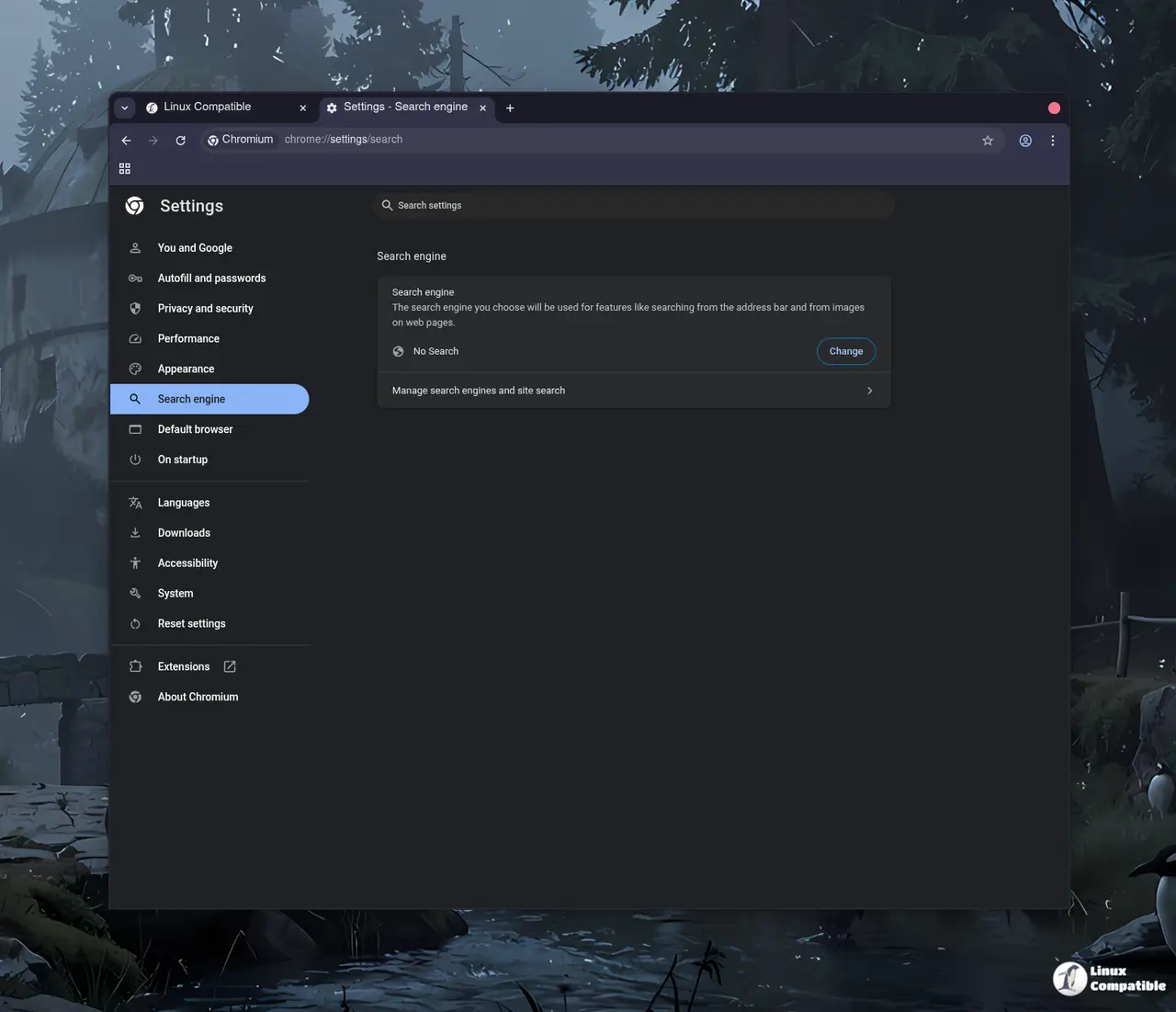
The de-Googling playbook
The approach here is mechanical and thorough. The build process targets the roughly 50 Google service integrations embedded in the Chromium source code. These cover everything from Safe Browsing and search suggestions to crash reporting and spell-check dictionary downloads.
The most distinctive technique is domain substitution. The build swaps Google domains for randomized subdomains under the .qjz9zk suffix. Requests that would normally hit Google's servers now route to non-existent destinations. A patch then blocks any traffic to that pattern entirely.
This acts as a fail-safe. Even if Google introduces new components in future upstream versions, they get routed to dead zones. The HSTS preload list is explicitly excluded from substitution, which keeps legitimate HTTPS connections working.
Binary pruning is the second pillar. Ungoogled Chromium strips proprietary blobs like the Widevine CDM placeholder and replaces them with user-provided alternatives or builds them from open-source equivalents. The result is a browser with no silent proprietary pre-compiled code.
Dozens of patches disable functionality tied to Google domains. Safe Browsing goes offline by default. Google Cloud Messaging, hotword detection, and crash reporting all get neutered.
The trade-offs
Nothing comes without friction. Ungoogling Chromium means giving up features that depend on Google services. Safe Browsing is the biggest sacrifice. The developers consider it a Google service that leaks browsing data. You'll need to rely on tools like uBlock Origin for protection, but you lose the layered defense of both.
Extension management gets clunky. The Chrome Web Store requires manual CRX downloads or third-party extensions. Auto-updates for extensions don't work out of the box. You have to jump through hoops to keep add-ons current.
Captive portals might break on hotel or airport WiFi. Disabling intranet redirect detection to cut DNS requests also interferes with login pages. The developers note that captive portals still function in practice, but you may run into login screens that refuse to load. Microphone-based speech recognition is dead. The built-in API routes to Google's servers, which are disabled. Apps that rely on voice input will hit a wall.
Windows users should also know that user data gets encrypted with OS-specific keys. Moving profiles between installations without the --disable-machine-id --disable-encryption flags will lock you out.
Third-party binaries exist on the project's site, but the developers warn they aren't necessarily reproducible. Tampering risk is real. If you need verified builds, stick to the official package sources.
Where to get it
The new version is available through the usual channels. The source code is available here. Arch Linux users can grab it from the AUR. Flatpak users can pull it from Flathub.
The project explicitly reminds you that auto-updates don't exist here. You're responsible for checking for new versions or relying on your distribution's package manager to keep things current. If you're curious about the technical deep dive, the wiki site has documentation on the patching process and known issues.
This release is part of the broader "de-branding" movement for open-source software. As Microsoft noted back in 2019, the Chromium codebase is packed with Google services, and removing them causes merge headaches even for corporate forks. Ungoogled Chromium just refuses to accept that compromise.
Not cheap in terms of convenience, but if you want a browser that doesn't phone home to Mountain View, this fork keeps doing the heavy lifting.


