Ungoogled Chromium 142.0.7444.59-2 released
A new version of Ungoogled Chromium has been released, offering an alternative to traditional browsers that provides enhanced security, privacy, and customization options for users. This new version includes an important fix that allows the browser to be built without depending on enterprise_cloud_content_analysis, which strengthens Ungoogled Chromium's focus on giving users more control and avoiding unnecessary features.
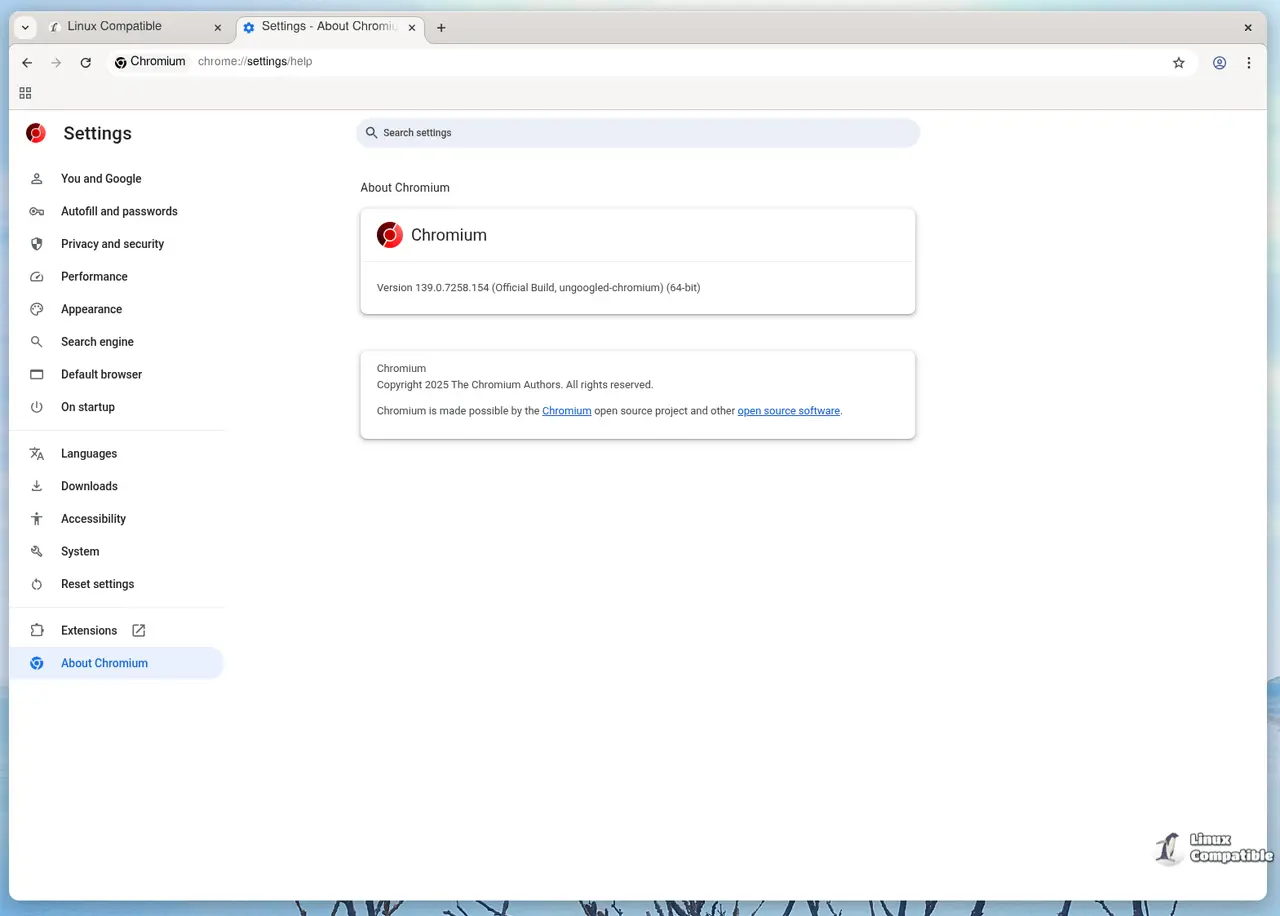
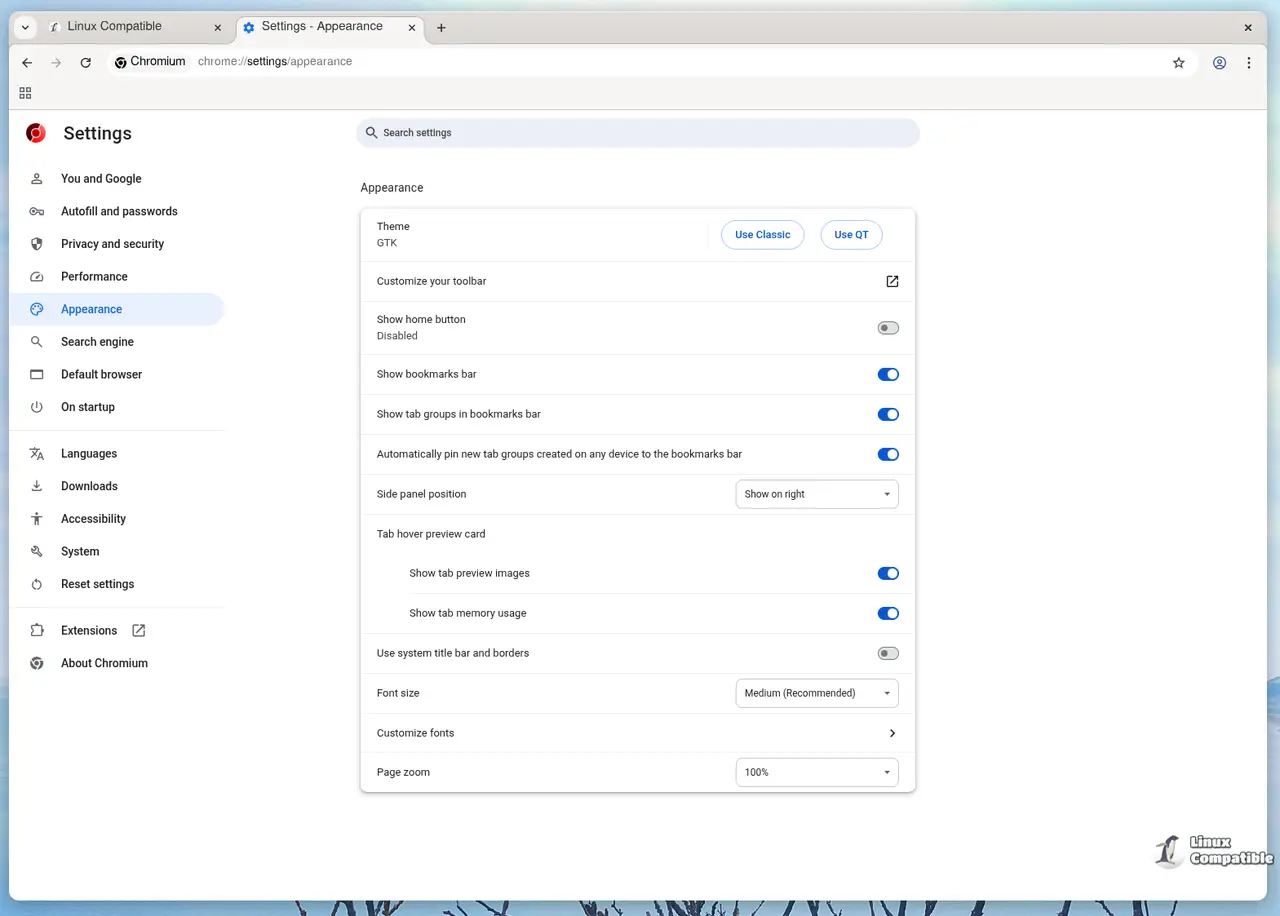
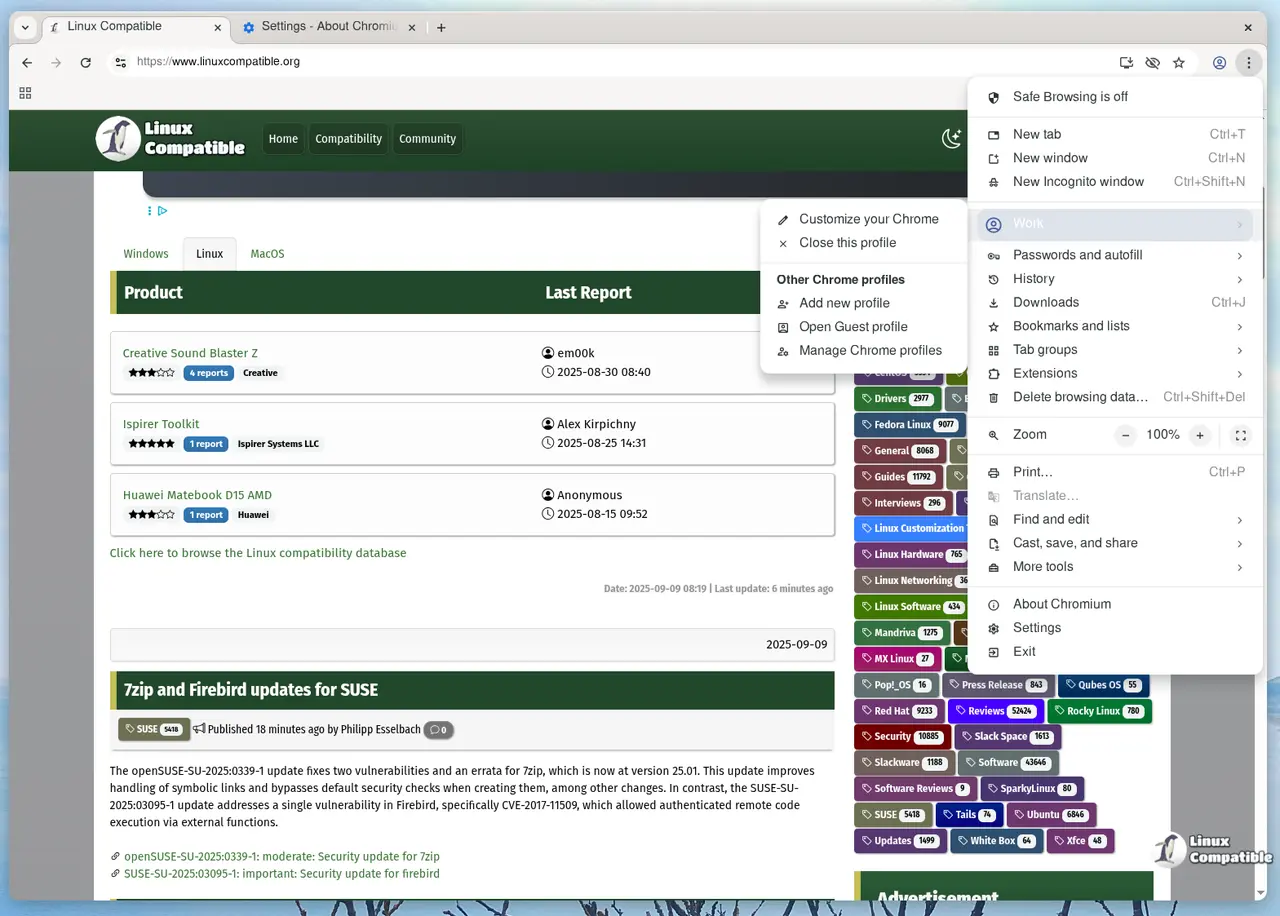
The core objective of Chromium is to eliminate reliance on Google services while maintaining a standard interface experience for users accustomed to traditional browsers. To achieve this, the browser introduces tweaks that promote user control and awareness of their online activities. Key features include disabling or removing functionality related to Google domains, blocking internal requests to prevent potential security breaches, and stripping unnecessary binaries from the source code.
In addition to these core features, Ungoogled Chromium offers further customization options for users. This feature includes the introduction of new command-line switches and chrome://flags entries, which allow users to configure various settings. The browser also introduces a custom search engine suggestions field and provides more URL schemes for saving page preferences.
The latest version of Ungoogled Chromium incorporates several additional features that enhance user control over online activities. These include automatically converting pop-ups into tabs, disabling automatic URL formatting in the address bar, and preventing certain URLs from connecting to the internet. The browser also includes a feature specific to Windows systems that refrains from setting the Zone Identifier on downloaded files.
By providing these features, Ungoogled Chromium aims to offer users a more private and secure browsing experience while minimizing dependence on Google services. The browser's customizable options allow users to tailor their preferences according to their needs.
Download
Ungoogled Chromium is available as a Flatpak on Flathub as well as from the GitHub page below:
Ungoogled-software/ungoogled-chromium Release 142.0.7444.59-2
Google Chromium, sans integration with Google. Contribute to ungoogled-software/ungoogled-chromium development by creating an account on GitHub.
Release 142.0.7444.59-2 · ungoogled-software/ungoogled-chromium


