Ubuntu 25.10 End of Life Approaches: What Users Need to Know Before July 2026
Ubuntu 25.10 end of life arrives on July 9, 2026, and the clock is already ticking on the support window. Users running the Questing Quokka release should plan their migration to Ubuntu 26.04 before the cutoff date. The upgrade path is straightforward, but waiting until the last week will only guarantee unnecessary headaches and a rushed system migration.
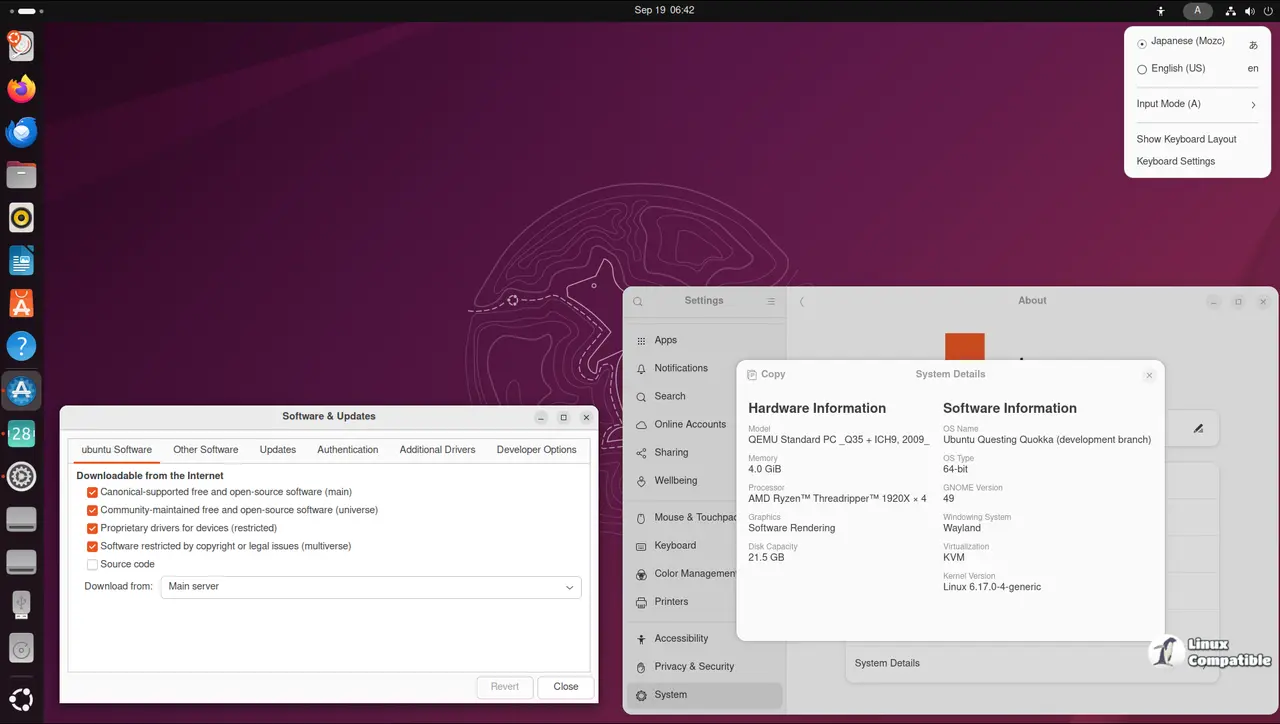
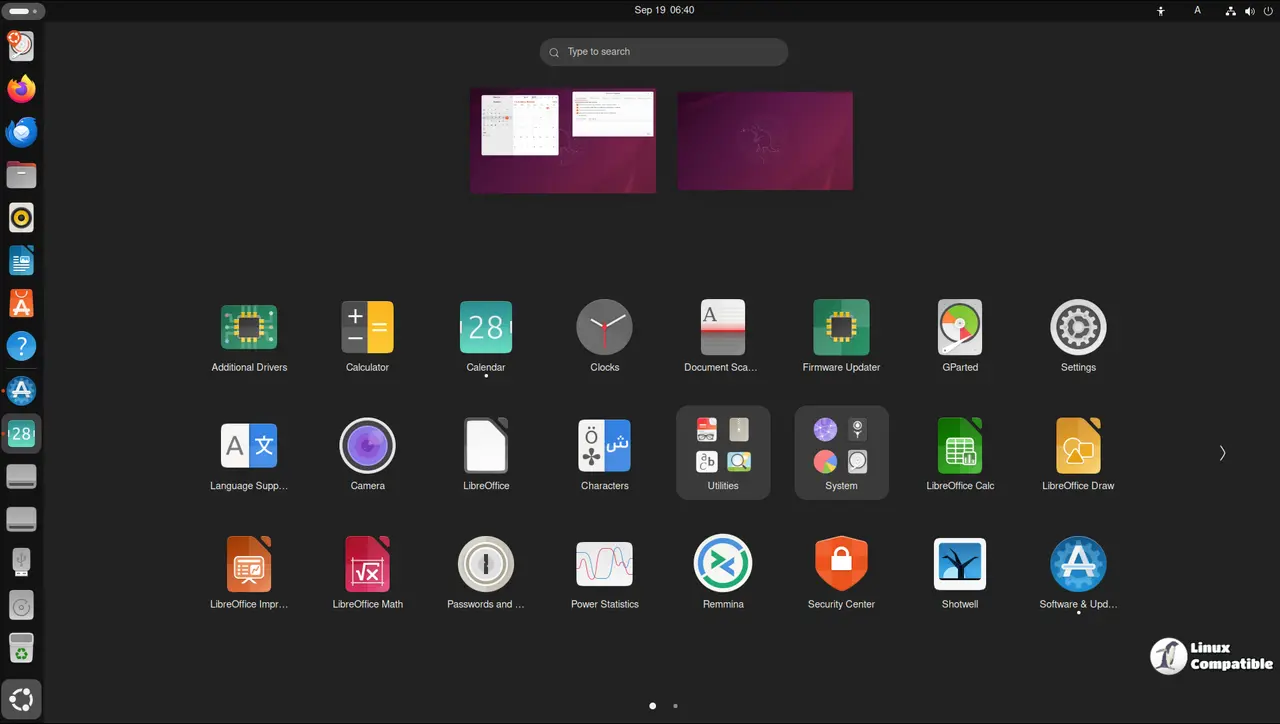
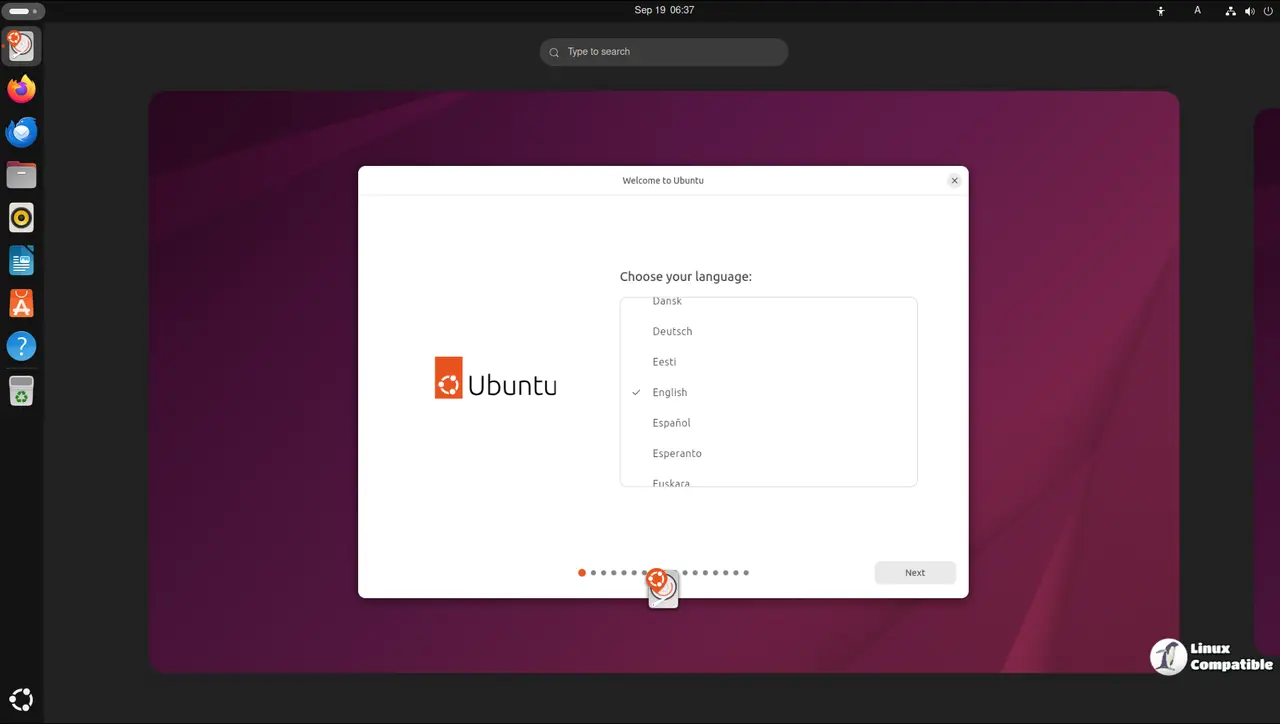
Understanding the Ubuntu 25.10 End of Life Timeline
Canonical officially marked the release date back in October 2025, and the standard nine month support window for interim releases is ticking down. Once July 9 hits, Ubuntu Security Notices will drop all references to this version. Any vulnerabilities discovered after that date will remain unpatched for users who stay put. Waiting until the cutoff date is just asking for trouble. Interim releases are strictly testing grounds, and treating them like long term support is a recipe for broken dependencies. Anyone who has watched a package manager throw dependency errors after a repository vanishes knows how quickly things fall apart. Users who wait until the cutoff date often find themselves chasing missing packages and fighting with apt to resolve broken states. The interim cycle is designed for testing new kernels and desktop environments, not for stability.
Upgrading to Ubuntu 26.04 Without Breaking the System
The supported upgrade path points directly to Ubuntu 26.04, which will continue receiving security updates and high impact bug fixes for years. Running the upgrade early keeps the package repositories active and ensures that all necessary configuration files get migrated correctly. Users should open a terminal and run the standard do-release-upgrade command before the cutoff date. This tool checks the current software stack, downloads the new release packages, and handles the configuration transitions automatically. Running it early ensures that the package manager can still reach the official servers, which prevents the dreaded partial upgrade loops that leave the desktop in a broken state. The desktop upgrade documentation recommends checking available disk space and backing up personal data before starting the process. Server administrators should follow the separate server upgrade guide to avoid unexpected service interruptions during the package replacement phase.
What to Do If You Cannot Upgrade Right Now
Some environments run legacy applications that refuse to work on newer library versions, and those users need a workaround. Canonical offers Extended Security Maintenance for Ubuntu Pro subscribers, which keeps security notices active for a fee. Independent users can also pin their current package versions and rely on community maintained repositories until they can safely migrate. Ubuntu Pro is a paid safety net, but it does not fix the underlying issue of abandoned software stacks. The real value comes from migrating to a supported release while the repositories are still live. Dependencies drift apart, and users eventually face broken install scripts and missing libraries. Planning the migration during a quiet maintenance window saves everyone from debugging a broken desktop environment later.
The clock is ticking on the Questing Quokka release, and moving to the newer Long Term Support version will keep the system running smoothly. Keep an eye on the official upgrade guides and start the process while the repositories are still active. Enjoy the rest of the day, and happy computing.


