Tails 7.8.1 Drops Emergency Patch for Kernel Exploit and Tor Client Flaws
Tails 7.8.1 arrives as an emergency update to patch a serious Linux kernel vulnerability and multiple flaws in the Tor client. The release targets CVE-2026-43503, which could let a compromised app escalate to full system control and deanonymize users. Anyone running live privacy systems should grab this build immediately before attackers start chaining exploits.
Why This Patch Actually Matters
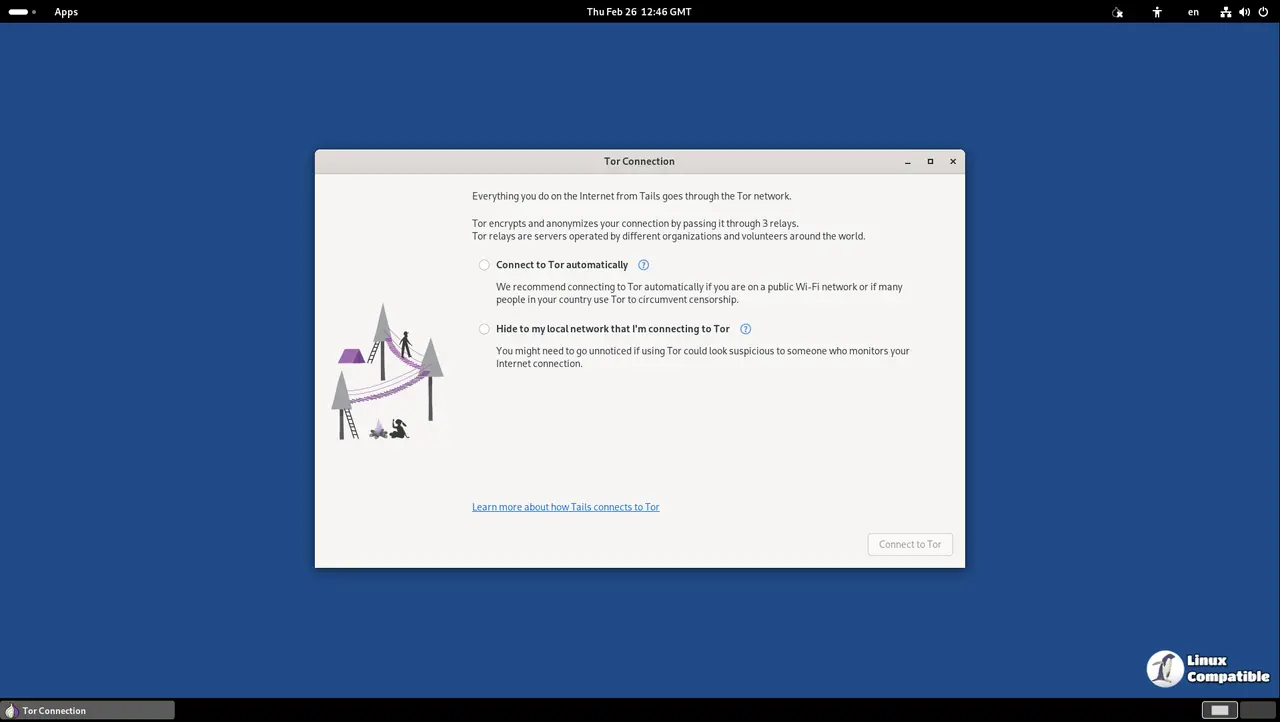
The kernel flaw in question allows a local application to bypass privilege restrictions and grab root access. That sounds like standard Linux hardening talk until you remember how Tails operates entirely from RAM with strict isolation rules. If an attacker slips past the Tor client or another bundled tool, this kernel hole hands them the keys to the entire system. Operators have seen similar escalation paths break isolated environments after a rushed driver update left a sandbox wide open. The Tor client bump to version 0.4.9.9 closes several network-level bugs that could leak traffic metadata or crash the anonymity circuit mid-session. Running outdated privacy tools is basically leaving your front door unlocked while you complain about package theft.
How to Apply Tails 7.8.1 Without Breaking Your Setup
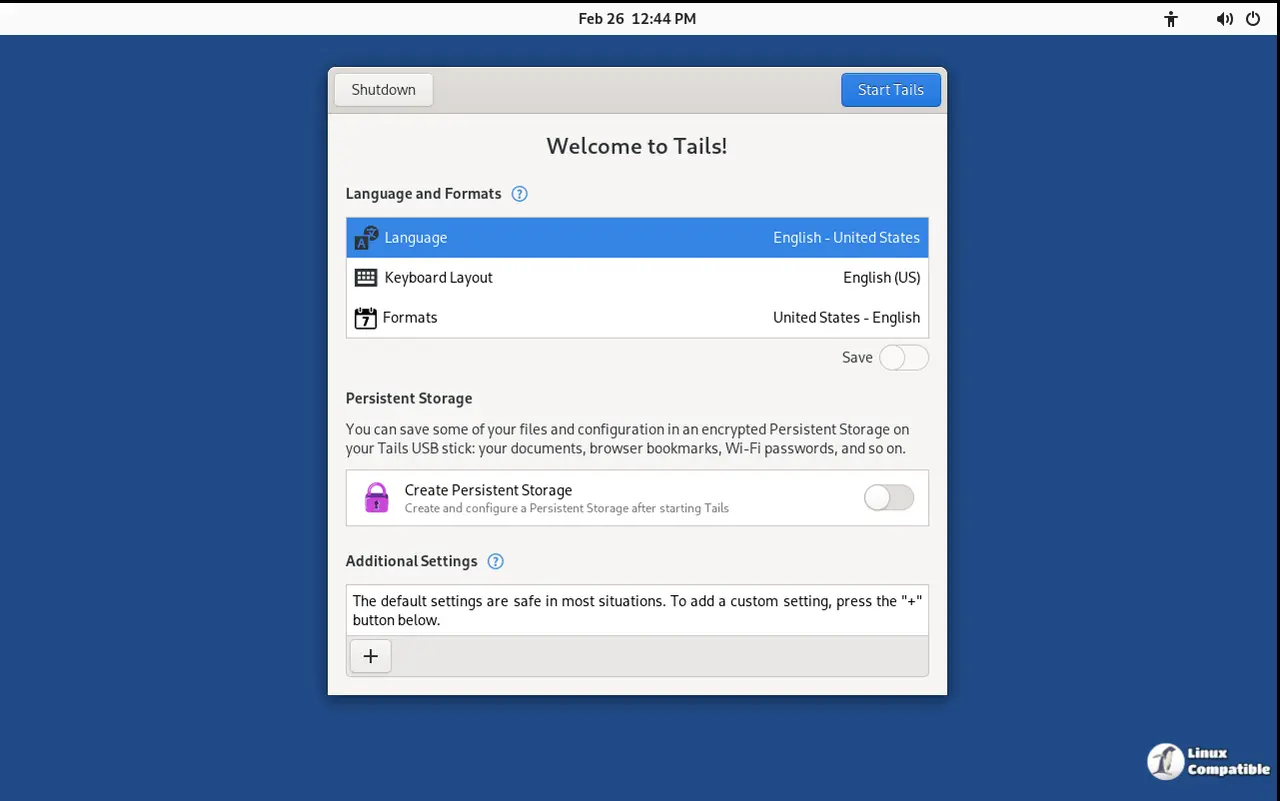
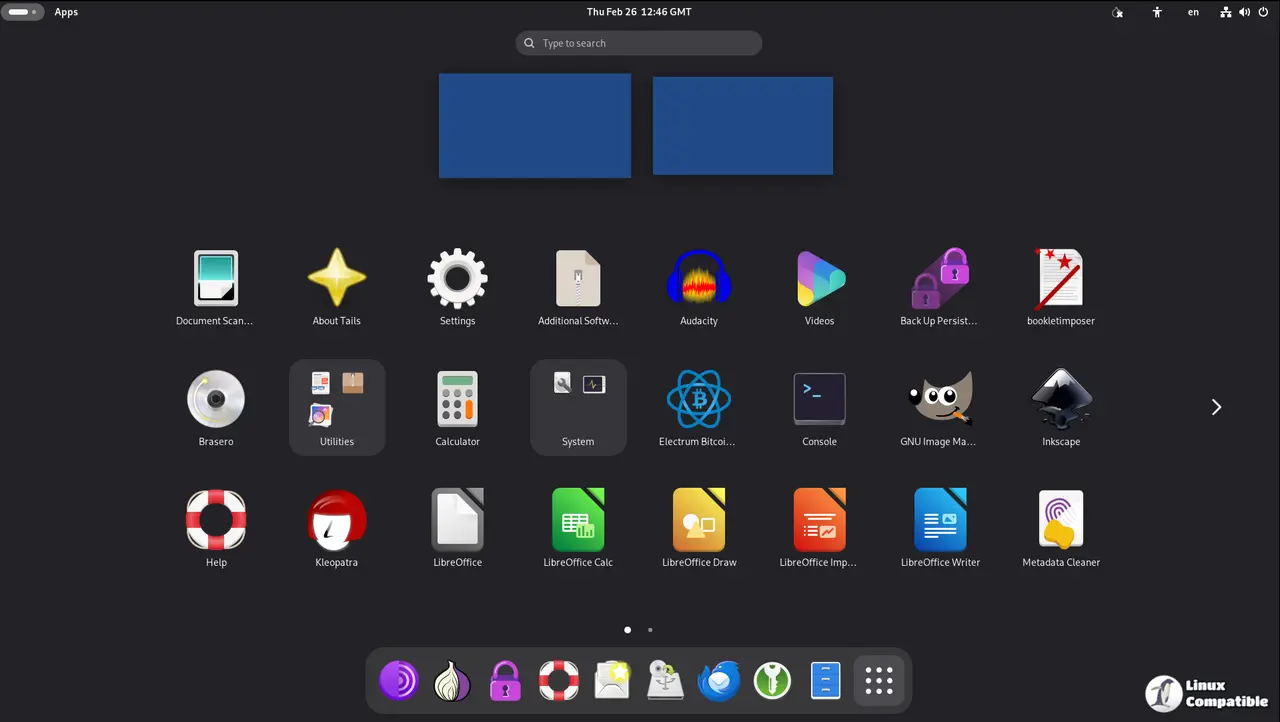
Upgrading a live operating system requires careful handling since Tails does not store changes permanently by default. Users should boot into their current session and open the graphical updater from the applications menu. The tool will check for available packages and download the new kernel and Tor binaries automatically. It is important to let the process finish completely before shutting down, otherwise the patched files never get written to the persistent storage volume. Skipping this step leaves the machine vulnerable until the next boot cycle anyway. Some users prefer command line methods when the graphical interface hangs during large package downloads. Running sudo tails-upgrade-local-filesystem in a terminal forces the system to sync the new kernel image and restart the Tor service without waiting for background daemons to timeout. This approach saves time when network conditions are sluggish or the updater GUI decides to freeze mid-download.
What to Watch For After Installing
The new Tor release changes how circuit construction handles certain exit nodes, which might cause temporary slowdowns on the first few browsing sessions. Users should expect a brief period where websites load slower while the client rebuilds its consensus data and refreshes relay fingerprints. This behavior is normal and usually resolves within ten minutes of opening the browser. The kernel update also resets some hardware quirks related to older Wi-Fi adapters, so users with legacy network cards might need to reconnect once after rebooting. Checking the system log for any dropped Tor connections helps confirm whether the patch applied cleanly. Ignoring these minor hiccups often leads to unnecessary reinstallations that waste more time than waiting out the initial sync phase.
Grab the ISO, verify the signature, and get back to doing whatever requires actual anonymity. The rest of us will keep an eye on the next round of patches.


