Tails 7.7.1 Fixes Critical Tor Browser Vulnerabilities Before They Hit the Wild
The latest emergency release of Tails 7.7.1 drops straight into your system to patch serious security holes in Tor Browser before attackers can exploit them. This update pushes Tor Browser to version 15.0.11 and Thunderbird to 140.10.0, closing gaps that could leave anonymous traffic exposed. Users running older Tails versions should prioritize this upgrade immediately since the vulnerabilities were discovered during routine maintenance rather than through active threat monitoring.
Why This Emergency Patch Matters
Security updates for privacy focused operating systems rarely make headlines until something breaks in production. The team behind Tails caught several flaws in Firefox 140.10.1 that power Tor Browser and decided to push a fix without waiting for the next scheduled release cycle. It is easy to ignore these patches when daily work feels stable, but leaving Tor Browser on an older build leaves metadata handling and network routing exposed to known bypass techniques. The developers note they have not seen active exploitation yet, which means this is a proactive shield rather than a damage control measure. Running outdated browser engines inside a privacy OS defeats the purpose of routing traffic through multiple relays.
How to Apply Tails 7.7.1 Without Losing Data
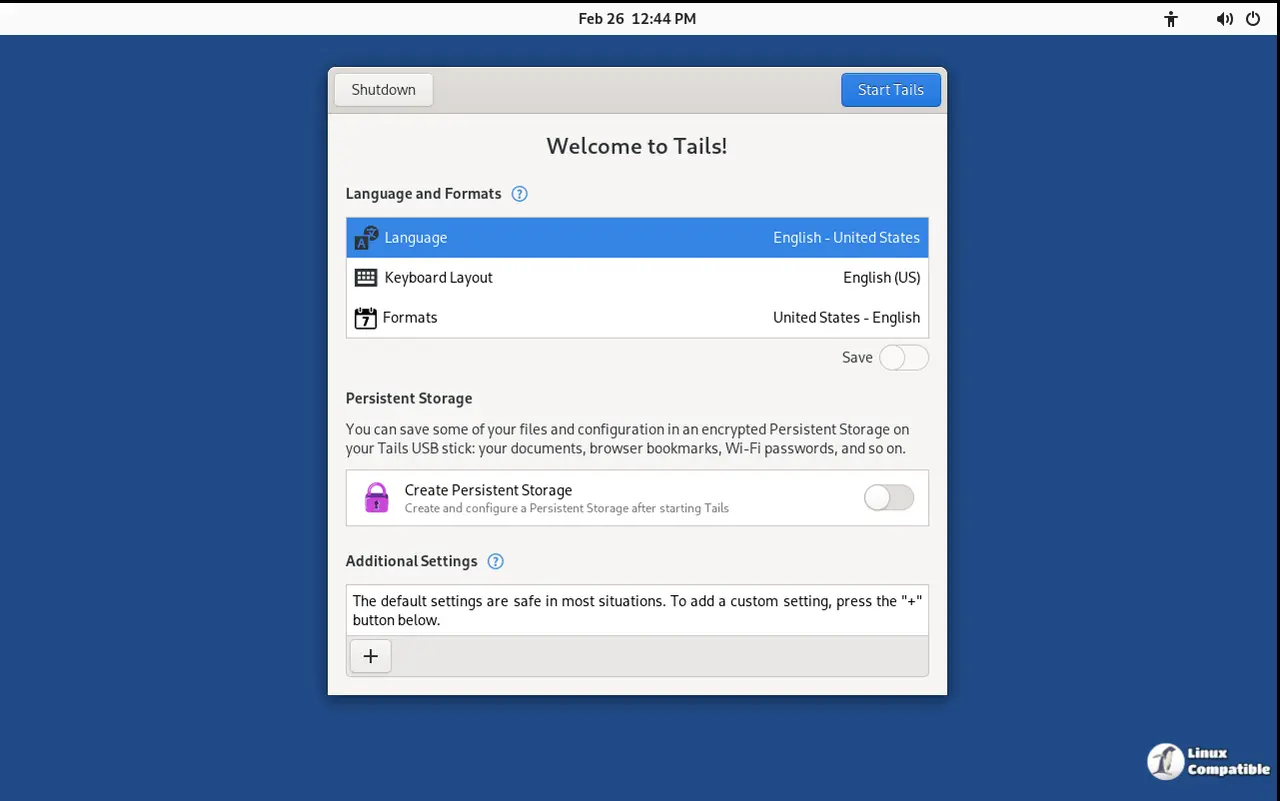
Upgrading an existing installation follows a straightforward path that preserves Persistent Storage when handled correctly. The built in upgrade manager pulls the new files automatically for systems running version 7.0 or newer, which saves time and keeps configuration intact. If the automatic process stalls or leaves the system unbootable, a manual upgrade using the USB image file becomes necessary. Users should download the fresh USB image onto a separate drive first, then follow the official flashing steps to overwrite the old installation while carefully selecting the option that migrates existing settings. Skipping this migration step wipes Persistent Storage completely, which means saved passwords and encrypted documents disappear without recovery options.
The ISO to USB Boot Restriction
Starting with this release, Tails blocks the older ISO images from booting directly off USB drives. This change removes a legacy quirk that caused confusion for users who expected automatic upgrades and Persistent Storage support on makeshift installations. Since twenty nineteen, the project has pushed dedicated USB images because they handle firmware quirks better and maintain feature parity with official releases. Forcing an ISO onto a flash drive only creates degraded sessions that break after a reboot, which is exactly why the developers finally pulled the plug on that workaround. The decision to block legacy boot methods is actually smart. Trying to run an ISO from a thumb drive was always a hacky compromise that stripped away automatic upgrades and persistent storage support anyway. Dropping this compatibility saves a few megabytes from the final package and stops users from accidentally running unsupported configurations.
Downloading the Right Image for Your Setup
Getting the correct file prevents installation headaches and ensures hardware compatibility matches your intended use case. The USB image works best for physical machines that need to boot directly from a flash drive, while the ISO file remains the standard choice for virtual environments or optical media. Users who prefer manual flashing tools like balenaEtcher or Rufus should verify the checksum before writing anything to storage. Running the wrong image on incompatible hardware often results in silent failures during the early boot sequence, which wastes time and complicates troubleshooting.
Keep that flash drive handy and run the upgrade before the next threat model shifts. The privacy tools in this release work best when they stay current, so getting on version 7.7.1 now saves a headache later. Stay safe out there.


