System76's COSMIC desktop quietly lands 1.10.0, turns on GPU rendering by default
The new Epoch release ships a store screenshot gallery, keyboard-driven terminal tabs, and a polished compositor.
System76's COSMIC desktop just moved again. Jeremy Soller tagged epoch-1.10.0 on GitHub. No keynote. No press sweep. Just another set of pinned commits rolling out to whoever's watching.
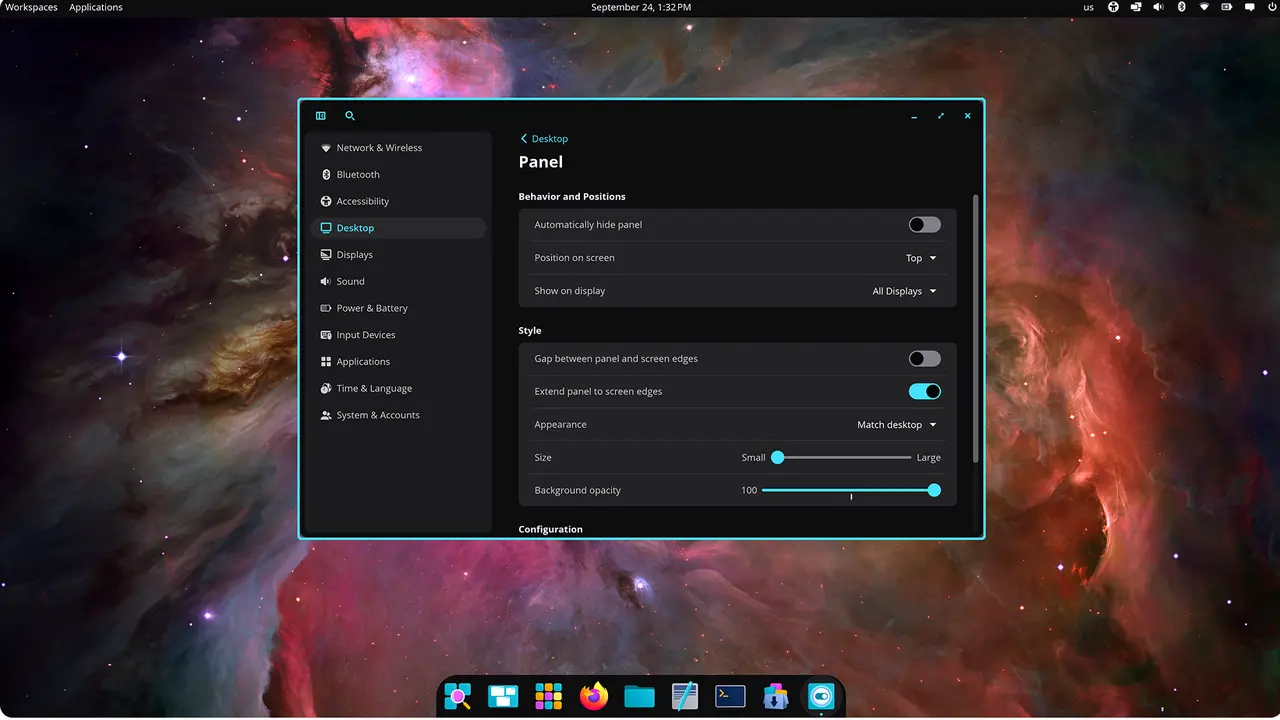
Epoch releases don't work like a normal software update. Instead of shipping one fat package, System76 snapshots roughly 30 separate component repositories down to a single commit each. That's why the changelog looks the way it does. A handful of components actually do the work. Most just ride along.
Here's what changed.
The changes that matter
The store got the biggest feature bump this round, with eleven commits of work centered on screenshots. cosmic-store added a full gallery mode, so you can flip through preview images instead of staring at a single pane. A preview-image cache is in there now, and large screenshots decode on a separate thread, keeping big files from stalling the whole UI. Prev/next arrows only appear when more than one screenshot exists. Small touch, but one you notice.
The launcher did something quietly important. wGPU rendering is now on by default, a genuine shift in the graphics stack for anything built on top of it. If you've been running the launcher on older hardware, you may want to see how it holds up.
cosmic-comp, the compositor, was by far the most active repo with 21 commits. Cursor auto-hide is the headline change here. The pointer now hides while you type and after touch input, with the idle deadline measured off your last pointer event. That makes the disappearing cursor far less jarring. Image-copy ordering got fixed too, which should make pasting screenshots more reliable, and the tiling resize direction logic got sorted out as well.
The terminal finally got keyboard-driven tab movement. You can now shift tabs left and right with shortcuts, a power-user nicety people have asked for a long time.
Settings picked up a first pass at a drawing-tablet page for pen support, plus a WireGuard field that confirms with Enter instead of making you hunt for a button. Monitor jumped to a multi-window mode by default and learned to tell processes apart from apps in search.
A Breakdown of the Updates
cosmic-comp: the most active repo. Cursor auto-hide got a six-commit overhaul: it now hides while typing, after touch input, measures its idle deadline from the last pointer event, and funnels options into a new CursorHideConfig. Other real changes include image-copy dmabuf ordering (prioritize ARGB/XRGB formats, fix non-deterministic ordering), a tiling-resize-direction fix, touch focus on targets, a make to just build migration, and an optional tracing-journald dependency. It also stops waking displays on input-device removal and counts input wakes as activity.
cosmic-store: screenshot gallery mode, preview image cache, and threaded decoding of large screenshots. Navigation: only show prev/next when more than one screenshot exists, and use the app version in the cache key so screenshots refetch after updates. Plus a fix to load all installed app icons and removal of an unnecessary apt-config-icons dependency.
cosmic-monitor: multi-window libcosmic feature enabled by default, search disambiguation between processes and apps, a loading spinner gated to the wgpu feature, an "About" developers section, and Redox/stability fixes via a sysinfo update.
cosmic-osd: audio backend refactor (newtype for NodeId, a HashMap instead of several vectors, combined volume/mute into one struct) plus two on-screen-indicator fixes: don't send volume until it's received, and don't pop up the indicator on the very first volume change.
cosmic-settings: first drawing-tablet settings page, WireGuard VPN "press Enter to confirm" flow, reliance on cosmic-settings-daemon for GTK font preferences, and a Debian packaging tweak (dropped gettext, swapped network-manager-gnome for nm-connection-editor).
cosmic-term: tabs move left/right via keyboard shortcuts, with moving-tabs folded into the keyboard-shortcut grouping.
cosmic-session: preserves the configured SSH_AUTH_SOCK, passes systemd user env vars through to cosmic-session, and builds without systemd.
cosmic-settings-daemon: includes font size when syncing to gsettings, reconnects to WireGuard/Pipewire on error with a 3-second retry, doesn't expose kdeglobals to flatpaks, fixes a musl-target build via a rustix update, and migrates make to just.
cosmic-greeter: a systemd service that conflicts with kmscon, plus two crash fixes: don't panic if active_layouts is empty, and cancel the session on interactive-auth failure.
cosmic-initial-setup: shows the WiFi page only when a wlan device exists, plus build-script and version updates.
cosmic-edit: license URL, updated developer credit to System76, a new GitHub Actions setup for fmt/test/clippy, and cleaned formatting and linting.
cosmic-player: keeps the controls and header bar visible when the controls are hovered.
cosmic-app-library: dropdown container style for context menus.
cosmic-idle: an AC-suspend fix.
cosmic-files: search-path and "action" ellipsis handling, developer credits updated to System76.
cosmic-monitor, cosmic-panel, and others: cosmic-panel got a cosmic-prefix refactor, and xdg-desktop-portal-cosmic now persists file-chooser sort state.
The rest advanced their pointer without landing functional code in this window: cosmic-bg, cosmic-icons, cosmic-notifications, cosmic-randr, cosmic-screenshot, cosmic-sound-theme, cosmic-viewer, cosmic-wallpapers, cosmic-workspaces-epoch, pop-launcher, cosmic-osk, and cosmic-applets (translations only). That's normal for an epoch snapshot — most components just track master and drift along.
Head here to the GitHub release page.


