Valve shipped SteamVR Beta 2.19.1 with a single goal: sharper streamed VR, bringing clearer text, better colors, and cleaner edges to games and interfaces alike. The biggest change is a new rendering pipeline that draws straight from source textures, cutting an extra resampling step so more detail survives the trip to your headset. It's aimed squarely at wireless streaming for the Steam Frame, and it quietly lands a pile of Linux VR parity fixes along the way. It stays a beta for now, so expect follow-ups as the crash fixes get tested after wider release.
SteamVR Beta 2.19.1 Sharpened VR Streaming. Here's What Actually Changed.
Valve's new SteamVR beta improves streamed image quality across the board, and quietly does a lot of work for Linux users.
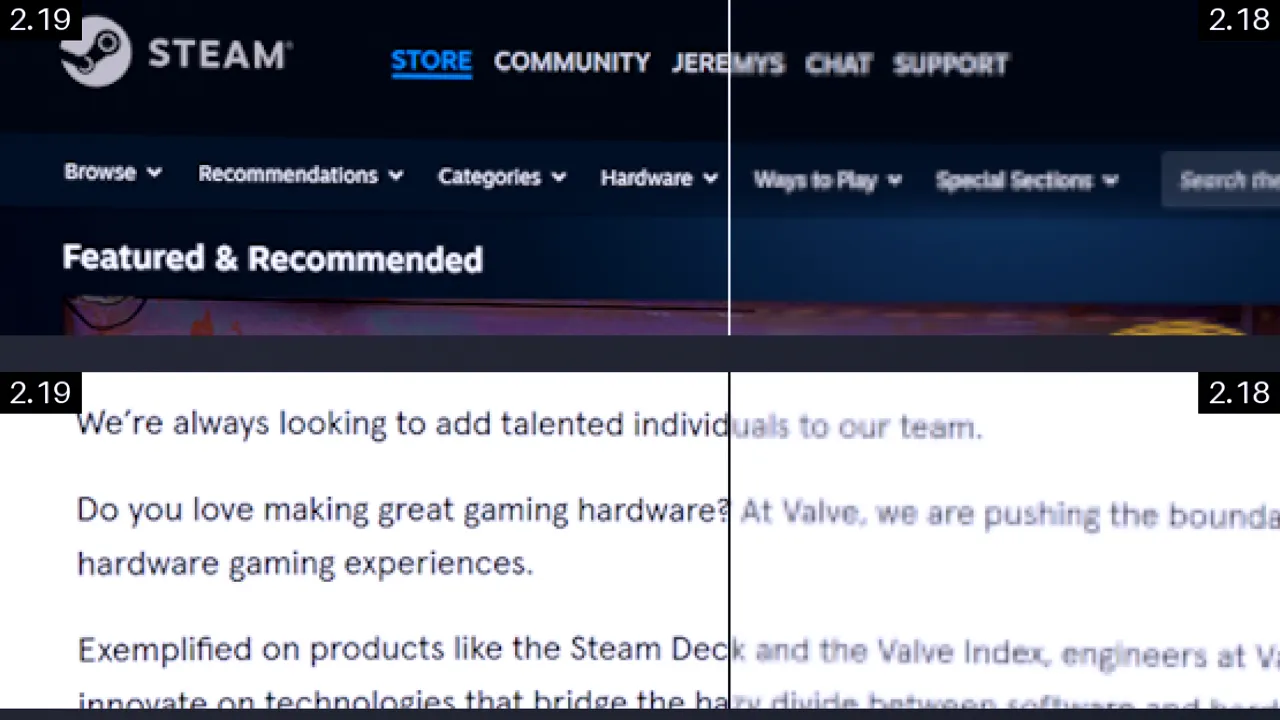
Valve shipped SteamVR Beta 2.19.1 to the beta channel on November 2. It's an update with a single focus: streamed VR should look sharper, and not just a little.
The company's own summary is tight. "Today's SteamVR brings improvements to streamed image quality: sharper text, clearer colors, and better detail," Valve wrote. Those changes don't just hit games you stream over Wi-Fi. They reach the SteamVR interface, desktop streaming, third-party overlays, and the theater screen too.
That last point matters. The same rendering-pipeline tweaks that fix a blurry streamed text message will crisp up your dashboard even when you're running a wired headset on the couch.
Why streaming quality keeps being the problem
Streaming VR is the weakest link in wireless PC VR, and it's been for years. You render a game on a powerful desktop GPU, compress each frame into a video stream, push it over Wi-Fi or USB, then decode it and re-project it on a lightweight headset. Every step throws away detail. Compression is the big one.
So the complaints pile up: blurry text, muddy colors, soft edges. 2.19.1 goes straight at those.
The headline move is a higher default render resolution. Valve bumped the recommended render scale to 1.5, which targets roughly 1.4x the headset's native panel resolution. A bigger image goes to the headset before compression gets its hands on it.
There's a bet tucked in there. Steam Link no longer runs a GPU performance test to choose that recommended resolution. The old heuristic benchmarked your local card and played it safe. Valve is dropping that, which means it's betting most modern GPUs have headroom. Fine for a GeForce RTX 40-series card. Not great if you're pushing on a much older chip.
On the Steam Frame itself, the default encoded video size jumped from 1152 to 1216 pixels. That's a separate setting. A larger frame holds more detail before encoding mangles it.
Then there's color and edge detail. A higher-quality filter now downsamples color before encoding, keeping fine colored detail that older downsampling would blur away. It also preserves brightness at the boundaries between strongly saturated colors. A bright red sign against a dark wall used to go muddy at the edges. That should stay clean now.
Here's the part that's genuinely clever. SteamVR now uses a new system-layer rendering pipeline that draws foveated and non-foveated views straight from their source textures. That kills an intermediate render texture and an extra resampling step. Fewer passes means less detail bleeds out between the frame your game produces and the frame your headset shows. It's a real net gain rather than a resolution-and-bitrate tradeoff.
Foveation, and why it's different
Valve keeps throwing around the word "foveated," and it's worth untangling. Foveated rendering exploits how human vision works: the tiny center you're staring at sees detail, the edges don't. The GPU renders your focal point in full resolution and drops quality toward the edges, saving performance without you noticing. That needs eye tracking.
Foveated streaming does the same thing to the video stream itself. It sends higher-quality bits for what you're looking at. The catch, as Valve engineers have pointed out, is that it doesn't lower the PC's performance bar. It just optimizes how much detail survives the trip over the wire.
Jeremy Selan put it this way at the Steam Frame launch: the eye tracking is "fast enough that it essentially beats where you're going." By the time your eyes move, the high-res bits are already there. Foveated streaming via Steam Link has existed since the Meta Quest Pro app landed in late 2023. 2.19.1 mostly refines how that data gets rendered and encoded.
How to try it
Valve built in an A/B comparison so you don't have to take its word for it. On your host PC, head to Steam Link => Advanced => Stream Quality and pick Default (the new quality) or Legacy (the old image). One toggle flips you between them.
You also get a new Preferred Foveated Sharpness control for the System UI, which adjusts the size of the sharp foveated region. And "Ultra" is a new tier under Settings => Video => Overlay Render Quality, also available under Steam Link > Advanced.
If you've manually tuned Steam Link's encoded video size or render resolution, those are preserved. Valve just asks that you flip them back to Auto to pick up the new defaults.
Smaller streaming fixes round out the build. Valve fixed a cause of "Error 17," the connection failure that makes streaming suddenly give up. It also reworked head motion prediction, fixed a startup frame-timing issue, corrected IPv4 and IPv6 address comparisons when picking network links, and added per-application refresh-rate overrides. There's a reorganized Steam Link settings page for good measure.
On privacy: connecting an eye-tracking headset now prompts you before SteamVR shares eye-tracking data with your PC apps. It used to just hand it over.
In headset-specific notes, Meta Quest users get a fix for the 72Hz notification that stuck around in Battery Saver mode, and HTC Focus Vision gains face-tracking support over OSC. There were also crash fixes scattered through the build — shared resource manager shutdown, dangling textures during VR manager shutdown, unblocking blocked add-ons, plus OpenXR support for cylindrical projection layers, image layout composition layers, and a stationary reference space.
The quiet Linux win
This release does a meaningful amount of work for Linux VR, which has historically trailed Windows. SteamVR now runs under Valve's "Sniper" Steam Runtime 3 container while keeping the scheduling priority it needs. That resolves a real tension between running modern containerized clients and pulling off real-time performance.
Non-Proton OpenXR games can now launch without SteamVR already running. OpenVR and OpenXR runtimes operate inside Flatpak and bubblewrap sandboxes now, and a 32-bit OpenXR runtime symlink landed. Valve also re-enabled all the Render Quality options, which had been disabled on Linux for a while.
Not a headline feature, maybe. But for anyone running SteamVR on Linux, this is the kind of parity work that actually matters.
SteamVR 2.19.1 is a beta build, and SteamDB notes it hasn't appeared in the public branch yet. To opt in, right-click SteamVR in the Steam client, go to Properties, then Game Versions & Betas and Beta Participation, and select "Beta – SteamVR Beta Update."
The stable channel is still on the 2.18 line. 2.18.1 shipped September 23 and 2.18.2 on October 1, both in 2026. Valve hasn't announced a date for when 2.19.1 reaches stable.
Keep in mind that the higher default resolution assumes GPU headroom. On a lower-end card, you might want to keep the old GPU test running or stick with Legacy rather than let render scale 1.5 turn into a stuttering mess.
It's a solid push in the right direction. Streaming quality has been VR's thinnest seam for years, and removing an extra render pass to preserve detail is a smarter fix than cranking up bitrate. The built-in comparison lets you see the difference yourself. Whether it fully closes the gap between wireless and wired is another question entirely, but 2.19.1 moves it that way.
Head here to the release announcement.


