Valve shipped SteamOS 3.9 to stable users, landing across the Steam Deck, Steam Machine, Steam Frame, and compatible third-party hardware. The update rebases the Linux kernel on version 7.2 and bumps KDE Plasma to 6.7.3 in Desktop Mode, while also improving idle battery life on the handheld. It adds early hibernation support (gated behind a driver bug on the Deck), fixes a wide range of WiFi, display, and game crashes, and improves Steam Frame wireless adapter support. A key part of the release also revokes the compromised eMudhra CA certificates tied to the late-October security scandal.
SteamOS 3.9 is now live on the Steam Deck, Steam Machine, and Steam Frame
Valve shipped SteamOS 3.9 to stable users. It lands on the Steam Deck, Steam Machine, Steam Frame, and a growing roster of third-party "SteamOS Compatible" hardware. Before you get too worked up about the version number, there's a quirk: the stable build is actually numbered 3.9.5, but Valve is marketing it as "3.9" because it folds in every change made since the last point release, 3.8.
So this isn't a single-drop update. It's the consolidated result of months of Beta and Preview testing. That distinction is exactly what shapes what you're getting.
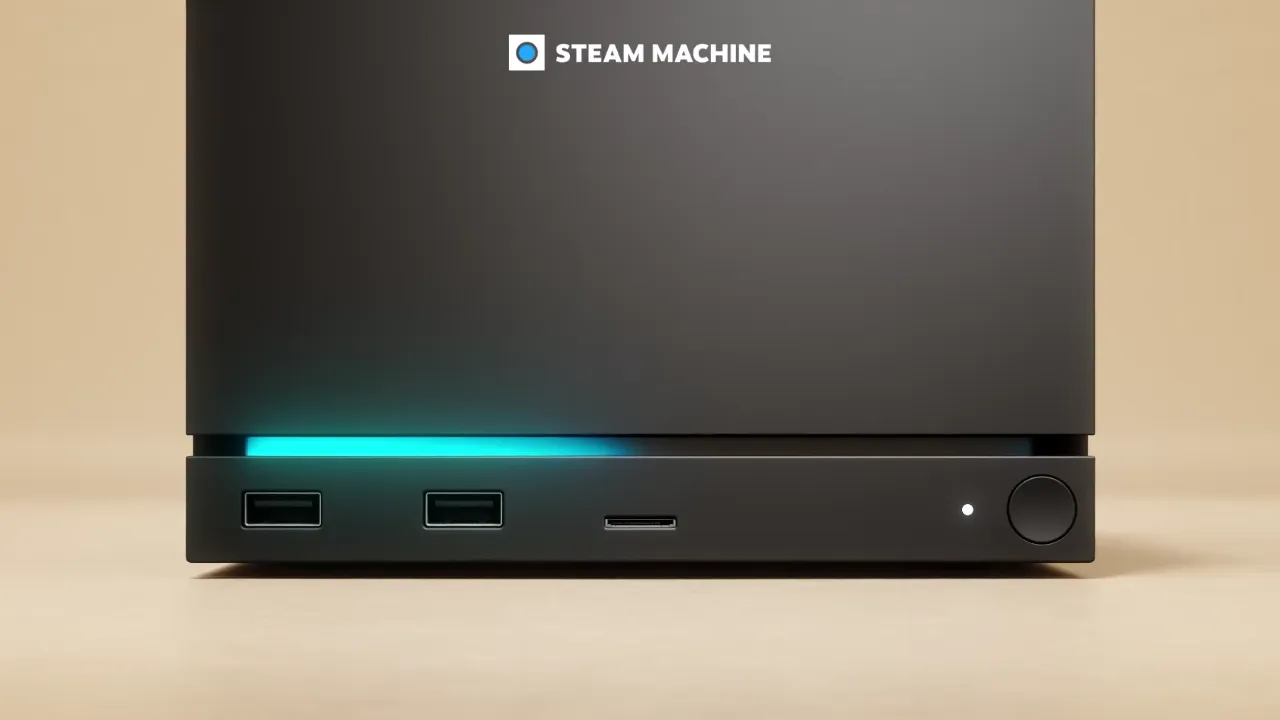
What's in the update
The big news sits under the hood. On top of a kernel rebase onto version 7.2, SteamOS 3.9 bumps KDE Plasma from 6.4.3 to 6.7.3 in Desktop Mode. That Plasma jump covers KDE's 6.5 through 6.7 feature sets, which is the PC-like interface you touch once you leave Game Mode.
The 7.2 kernel brings security and performance gains that probably won't jump out at you day to day. The desktop upgrade is more noticeable. And for a handheld, the idle battery win is the one you'll actually feel. Valve lowered power draw when no audio is playing, buying a few extra minutes before you're hunting for a charger. That improvement got a second pass in the 3.9.5 Beta.
Valve also added preliminary hibernation support at the kernel level. Keep in mind that hibernation isn't the same as the sleep mode the Deck's always had. It isn't exposed in Game Mode yet either, and Valve even disabled it on the Steam Deck because of an outstanding driver bug. That's a fine example of the company gating a feature behind stability instead of shipping something half-finished.
Bugs, security, and the quiet stuff
Security gets its own moment here. One part of 3.9 is a direct response to the eMudhra certificate compromise, one of the bigger web-security headaches of late October. Indian certificate authority eMudhra confirmed that eight intermediate certificates carried weak, guessable private keys. The most infamous was a CA nicknamed EM OV TLS CA G3C, whose private key was literally the number "4." An attacker could derive that private key from the public certificate and forge HTTPS certificates for any domain. Valve revoked the bad certificates as part of this build, so your devices stop trusting forged ones. Browsers moved fast: Firefox and Google blocked within a day, with Apple and Microsoft shortly after.
Valve also cleared out a large batch of bugs that bite in real life. Hidden WiFi networks used to fail on the first connection attempt, and Remote Play wouldn't kick in on the Steam Machine when you boot without an external display attached. Screenshots were getting saved at 720p even when your display ran higher. There are game-specific fixes too, including a Forza Horizon 6 crash on the Legion Go 2 and ELDEN RING refusing to launch on new Panther Lake Intel CPUs.
Two things you might not notice but that are worth knowing. New installs now switch the WiFi backend from iwd to wpa_supplicant for broader compatibility, though existing setups stay on iwd unless you flip the switch in Developer Settings. The steamos- to holo- package rename is mostly about distributing packages under a neutral name on hardware Valve doesn't make, so you don't need to lose sleep over it.
It's a modest update on paper. But the kernel and desktop refresh, plus the idle battery win, give it enough substance to feel worthwhile rather than filler.
Getting it is simple. On your device, go to Settings, then System, then System Update. Check for the update and apply it. Want newer builds early? You can opt into the Beta or Preview channel the same way. A companion Steam Client update, including a 64-bit Linux client, may arrive separately on those channels.
Head here for the full official patch notes.


