SparkyLinux team ships SparkyOS onUSB 2026.11, returns to Debian and adds BIOS support
The portable USB-based OS now ships BIOS images, roughly seven weeks after its UEFI-only Arch launch.
A portable Linux that fits on a USB flash drive just picked up a new foundation. SparkyLinux maintainer Paweł "pavroo" Pijanowski published SparkyOS onUSB 2026.11 on 8 November, built on Debian testing and now shipping separate images for both UEFI and legacy BIOS machines.
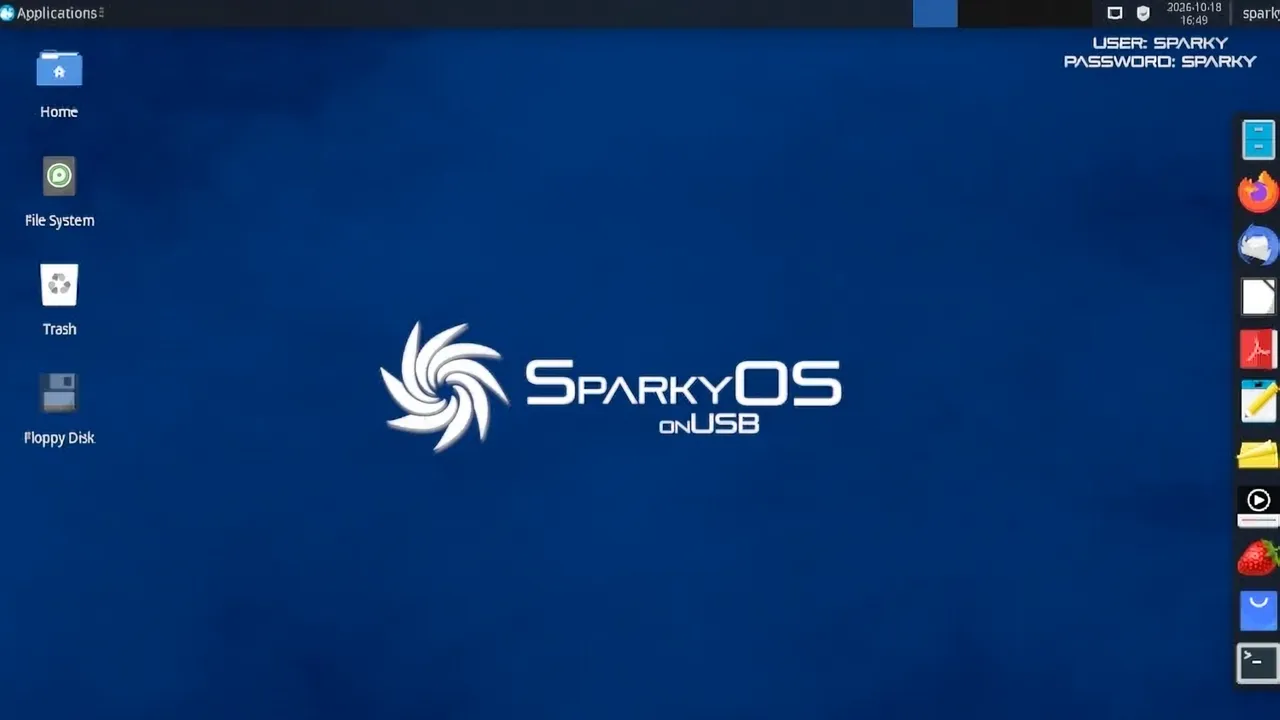
That second part is the real story. The first SparkyOS, launched on 20 October, was Arch-based and UEFI-only. Community pushback arrived fast, and pavroo promised a BIOS image in the next release. About seven weeks later, it landed. The developers still describe the whole concept as something that "changes the operating system paradigm," which sounds like quite a lot of claim coming from a stick.
SparkyOS isn't a traditional live USB. Most of those keep the OS inside a read-only compressed filesystem and offer persistence that's more aspirational than practical. This one ships as a full image of an entire drive. You write it to a stick, boot it, and everything persists. You can install apps, update the kernel, and carry your setup between machines.
What changed from the Arch launch
The new release trades the Arch rolling base for Debian testing, the same semi-rolling foundation SparkyLinux itself runs on. It's currently codenamed Tiamat, heading toward Debian 14, and it brings the usual Sparky tooling with it. The default desktop stays Xfce, though the kernel is now 7.2.15 instead of the 7.2.11 from the Arch edition.
The downloads are split by boot mode now. The UEFI image is sparkyos-2026.11-3-x86_64-efi-debian.img.zip, roughly 3.3 GB compressed. The BIOS image is sparkyos-2026.11-1-x86_64-bios-debian.img.zip, also about 3.3 GB. Uncompressed they sit near 10 GB. For comparison, the earlier Arch/UEFI image was 3.08 GB, so the Debian build isn't bloated.
Boot mode was the whole argument last time. The release's filename literally contained "-efi-", which is why some users expected BIOS support and were then surprised when Rufus was the only tool that would touch the file. Not that anyone blames them. The 2026.11 split puts that argument to rest.
Running it, and the honesty about flash
No installer is involved. You drop the IMG onto a USB drive using balenaEtcher, Rufus (Windows only), or plain dd. The default login is user sparky, password sparky, with sudo for root. You'll want a drive of 16 GB or more, and a USB 3.0 port if you want speed.
SparkyOS frames itself as base-agnostic, with Arch and Debian as just the first two foundations and more editions possible. That gives existing SparkyLinux users a workflow choice without leaving the ecosystem.
The Debian images live on SourceForge under the " SparkyOS onUSB" project, mirrored at sparkyos.sparkylinux.org and sparkyos.org. Each download comes with a torrent, a package list, and a .sig file for verification.
Head here for the download. Keep in mind that this is still a niche experiment, but one that listens, iterates fast, and tells you how to keep your stick alive past its first birthday.


