The Scribus Team has released two distinct versions where 1.6.6 serves as a safety patch for production workflows while 1.7.3 introduces experimental features for layout artists. Version 1.6.6 fixes critical crashes involving file names and restores image links after using Collect for Output to ensure documents export correctly without data loss. The unstable 1.7.3 release brings a live spell checker running in its own thread so the interface remains responsive during proofing tasks. Users should expect occasional hiccups until this becomes stable but can try not to break anything with that new scripting feature before committing changes so please stay safe and happy publishing.
Scribus Update Includes 1.7.3 Features And 1.6.6 Fixes
The Scribus Team has announced a major update cycle with both the stable patch and new experimental version available now. This Scribus release brings live spell checking to the unstable branch while fixing critical bugs for production users on the older version. Users should expect smoother workflows when dealing with complex documents or international numbering systems without the interface freezing up during proofing tasks.
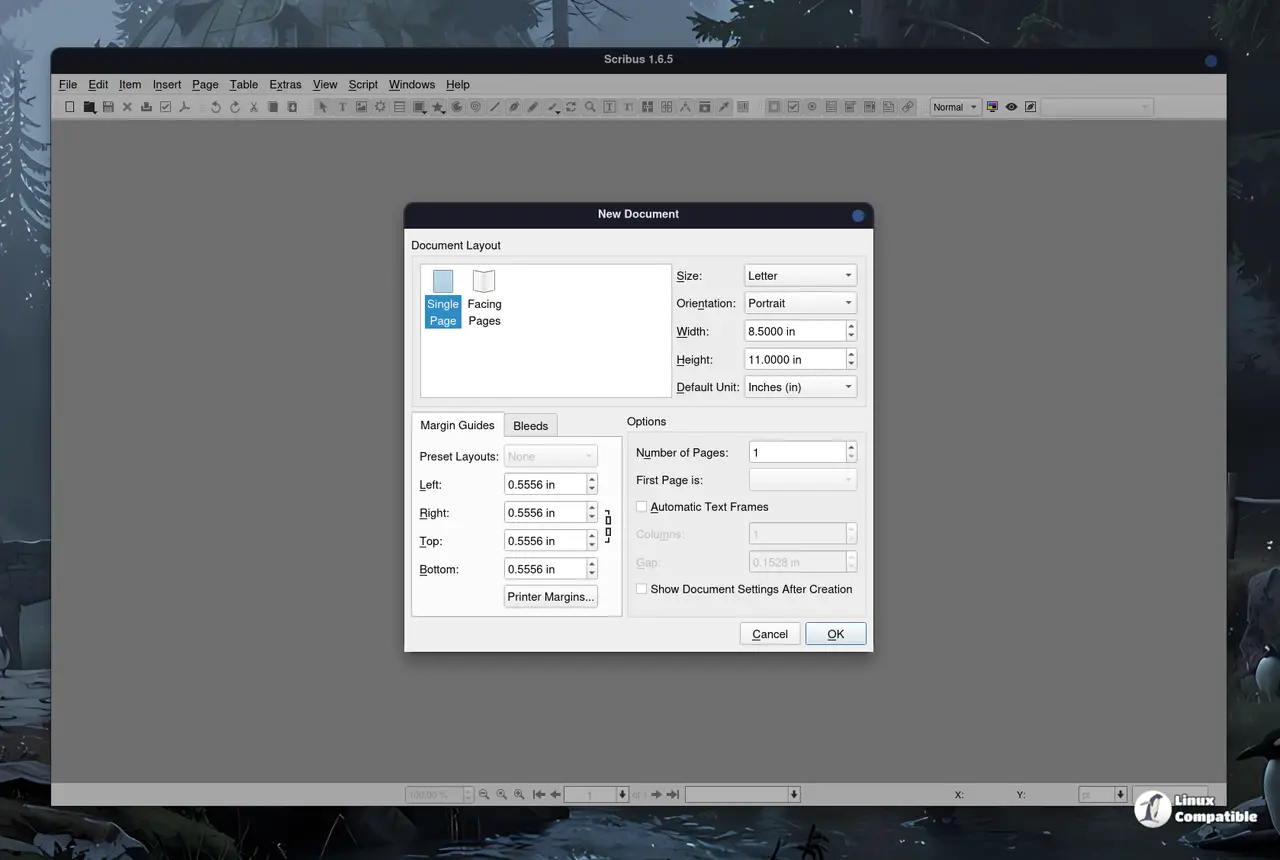
Scribus 1.7.3 release changes how you handle text
The most noticeable change in this release is the addition of a live spell checker that runs in its own thread so users can see misspelled words highlighted in real time without slowing down the interface while typing. There are dedicated preferences for this feature and undo support so you do not accidentally lose corrections during proofing.
The developers also fixed issues where soft hyphens were incorrectly flagged as errors which used to annoy anyone working with justified text blocks. Search and replace has seen a similar overhaul with a rebuilt dialog that allows searching across all frames in a document at once. This is particularly useful when correcting typos that appear repeatedly throughout a multi-page layout rather than hunting through each page individually.
New typographic features include a Change Case tool for quickly converting text between uppercase and lowercase formats without manual editing. International numbering support has been expanded to cover scripts like Bengali, Thai, and Devanagari alongside traditional alphabet-based page numbering. The barcode generator plugin received a major rewrite by its author Terry Burton to utilize the C++ API for better performance. This update gives users full access to BWIPP options through a redesigned dialog with text formatting controls for each segment. Programmatic creation of barcodes is now possible via a new Scripter function for those who like to automate repetitive tasks.
Stability improvements for production work on Scribus update
Several stability issues were addressed including a crash caused by umlaut composition in file names of embedded PDF documents which previously halted work on international layouts. Users will also notice that lost image links after Collect for Output are no longer an issue following this patch.
Build failures with newer releases of Poppler have been resolved to ensure smoother compilation on Linux systems. Text underline and stroke dependencies on text frame dash array when exporting to PDF were corrected to prevent formatting errors in final outputs. The StoryText::endOfWord function now returns the correct result if the position is already at the end of a word, fixing edge cases during parsing.
Import plugins for MS Publisher have seen improved image scaling behavior while the color wheel correctly moves to the selected color without delay. Developers will appreciate the fix for bad escape sequences in Python docstrings and the addition of MSVC 2026 projects retargeted to the Windows 10 SDK. Extensive code cleanup was performed across many import plugins including AI, CDR, CGM, CVG, Micrografx Draw, EMF, FreeHand, IDML, ODG, legacy OODraw, Apple Pages, Macintosh Pict, PageMaker, MS Publisher, QuarkXPress, Dia Shapes, Kivio, SVG, SVM, UniConvertor, Viva Designer, MS Visio, WMF, WPG, Xara, Xfig, XPS, and Zoner Draw.
Additional improvements include code style fixes and renaming of some methods to avoid conflicts with C++20 reserved keywords. The development team has clarified that version 1.7.x is now the unstable series while 1.6.x remains the stable branch for production work. Distributions should consider switching their stable version to 1.6.x if they have not already done so as no fixes will be applied to the older 1.4.x branch.
You can download both releases from the Scribus download page.


