Scribus released two updates on the same day: 1.6.7 for the stable branch and 1.7.4 for development, both patched against the same seven memory-safety CVEs. The flaws live in the code that loads PSD, PICT, TIFF, DRW, and SVM files and could let a crafted image cause crashes or even arbitrary code execution. The 1.7.4 release additionally carries the long-criticized tables overhaul, right-to-left text improvements, and other features headed for the 1.8 stable release. All fixes came from responsible disclosure by Tristan Madani of Talence Security, and both builds are now available free under the GPL.
Scribus ships seven security fixes and a long-awaited tables overhaul on the same day
Two Scribus releases dropped on 27 October 2026, both carrying backported memory-safety CVEs that could let a crafted image run arbitrary code.
Scribus is, by most accounts, the most capable free and open-source alternative to InDesign. It is not, usually, the reason you check for an update.
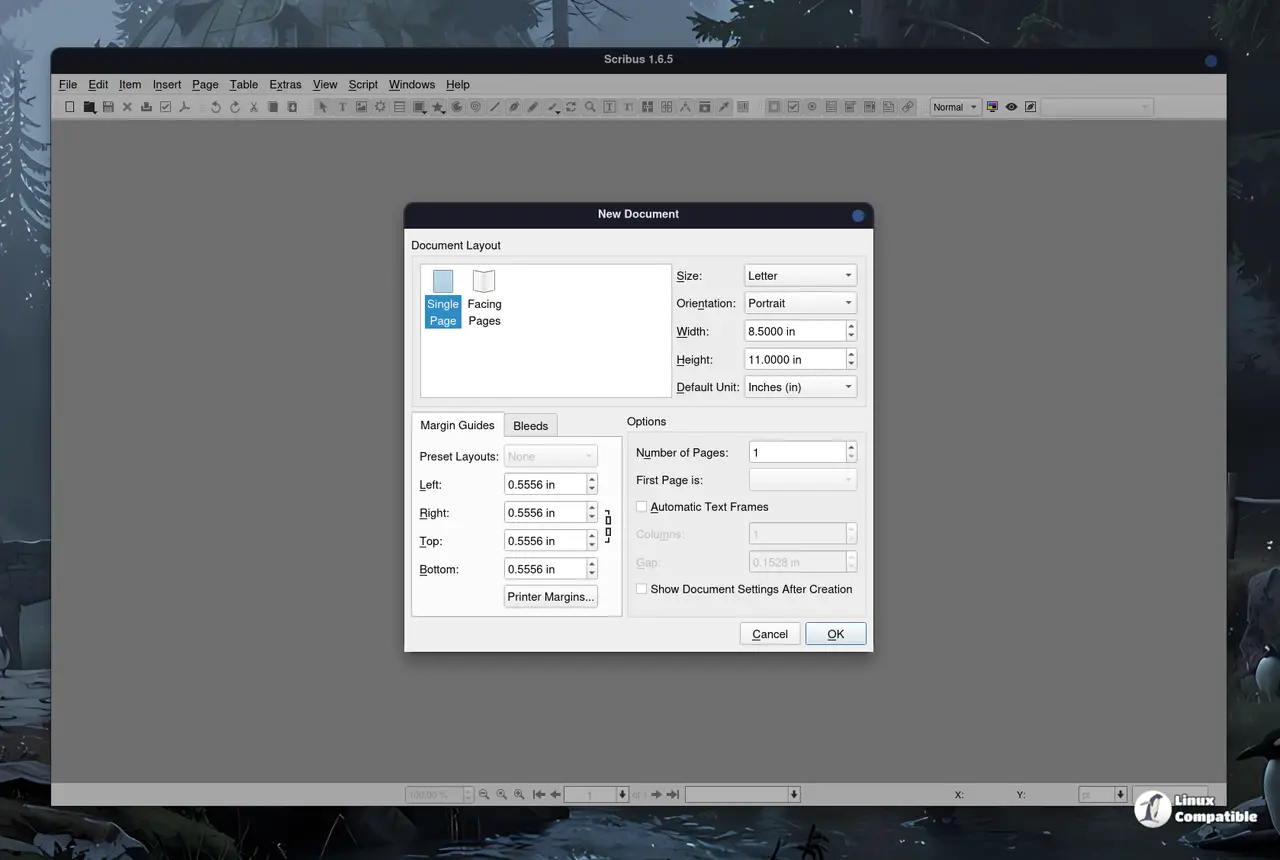
On 27 October 2026, the Scribus Team handed everyone a good reason to change that habit, announcing two releases in a single day. Craig Bradney, a long-time Scribus lead developer, put out both. One is 1.6.7, the steady state of the stable branch. The other is 1.7.4, the current feature candidate on the path to 1.8. They sound like a routine double-up. The detail that actually ties them together is a batch of seven memory-safety vulnerabilities.
To put this in context, Scribus has been around since 2001, built in C++ with the Qt toolkit and handed out under the GPL in roughly sixty languages. It is frequently cited as the success story for FOSS in a domain long dominated by paid tools. The Malayalam-language daily Janayugom moved its entire desktop-publishing operation onto Scribus and GIMP in 2019, reportedly saving over ten million Indian rupees. The trade-off the project has always carried, even among loyal users, is that volunteers set the schedule, and that schedule is often slow. So a coordinated security release lands a little harder than usual.
Seven CVEs, one fix
Both releases patched the same set of flaws in the code that loads PSD, PICT, TIFF, DRW, and SVM files. That is Photoshop, print scans, a chunk of classic Mac imagery, and CorelDRAW and StacheView vector art. None of these are obscure, which widens the pool of files that could trip the bug.
Each loader now validates the dimensions and offsets it reads from a file before it trusts them. Before the fix, a specially crafted image dropped into an image frame could push Scribus to read or write outside the memory it had allocated. That is a crash on a good day. On a bad day, the same flaw is a straight shot to running code as whomever opened the file.
Here is the full roster, should you want to check which of your loaders got fixed.
| CVE | Format | Type of bug | Possible consequence |
|---|---|---|---|
| CVE-2026-104061 | PSD | Out-of-bounds read from a static array | Heap write |
| CVE-2026-104062 | PICT | Heap overflow in pixmap loader (bytes-per-line wider than image) | Memory corruption |
| CVE-2026-104063 | PICT | Out-of-bounds read of planar image data | Info leak or crash |
| CVE-2026-104064 | TIFF | Integer overflow in tile-buffer size math | Out-of-bounds write |
| CVE-2026-104065 | DRW | Out-of-bounds scanline access via unvalidated vertical offset | Memory corruption |
| CVE-2026-104066 | PICT | Heap overflow unpacking 4-bit indexed images | Memory corruption |
| CVE-2026-104067 | SVM | Out-of-bounds access when image and mask dimensions differ | Memory corruption |
The numbering, CVE-2026-104061 through CVE-2026-104067, dates them all to 2026 and lines up with a coordinated disclosure rather than a leaked note. Whoever found them took the responsible route.
Tristan Madani of Talence Security reported all seven privately. He has disclosed hundreds of vulnerabilities over the years, landing more than 250 assigned CVEs, with acknowledgments from Google, Microsoft, Apple, and Red Hat. The Scribus team's public thank-you, plus the fact that the very same fix shipped in both branches on the same day, is textbook coordinated disclosure. For a project kept alive largely by volunteers, that is worth a moment's attention.
The tables overhaul, at last
If you follow the project, you likely already know Scribus tables used to draw complaints like nothing else in the app. The bug tracker carries entries that are blunt about it, describing the table tools as "awful." 1.7.4 is the release that finally addresses that, and the team calls it the most extensive single body of work in the patch.
Table editing now behaves more like a word processor or a spreadsheet. You get conditional formatting for header rows, total rows, banded columns, and the four corner cells, with a body-cell area as the default fallback. Vertical alignment can be pinned at the cell, row, column, or whole-table level, and copying a table between documents actually carries its style along now instead of resetting to defaults on arrival.
The selection model got a real facelift too. Arrow keys move character by character and spill into the next cell at the text boundary, a new Table => Select submenu offers cell, row, column, and whole-table selection with a spreadsheet-style select-all corner, and tables copied from LibreOffice, Microsoft Word, and Apple Pages can be pasted straight in. Rows auto-grow to fit content, and pressing Tab in the last cell appends a new row at its existing height rather than rescaling everything else.
Not cheap, but calling it "finally" is fair. After years of the tracker slamming the feature, this feels more like a reckoning than an upgrade. The undo and redo system now covers table editing as well.
RTL text, and the rest
Right-to-left rendering has been a multi-year slog for Scribus. A from-scratch rewrite of the text layout engine, announced in 2016 and built on the HarfBuzz shaping engine, laid the groundwork. 1.7.4 adds a document-level LTR/RTL switch to Preferences, the New Document dialog, and Document Setup, with the choice persisted in both preferences and document files. Page layout and binding now follow the document's direction, and a batch of RTL rendering bugs are fixed across the text ruler, drop caps, bulleted lists, and Arabic underlining. For publishers working in Arabic, Hebrew, or other RTL scripts, that is a real, if long-delayed, win.
The remainder of 1.7.4 is a grab bag of smaller stuff. There is a first-start wizard, externalized and localizable page-size templates, a reworked Style Manager, and a live spell checker refined for stability. GraphicsMagick memory leaks are fixed, and importing Photoshop custom shapes no longer freezes the app.
Two branches, one future
Understanding why two releases came out together is the whole point here. The 1.6.x line is the stable branch, and it takes bugfix and security updates only, no major features. The 1.7.x line is the development branch. Per the project's own README, "all 1.7.x versions are development candidates of the future stable Scribus 1.8.0." The recommendation is to keep 1.6 (or a later stable) for production and reserve 1.7.x for testing.
Scribus 1.8 is the next major stable release, and it carries a modernization agenda: more Qt work, a revamped Search & Replace dialog, a major Barcode Generator plugin update, new SVG-based icons, and a new docking system. The Qt 6 port that some coverage has tied to 1.8 actually landed in the 1.7.x line per the project's own documentation, not in 1.8. Either way, the future of Scribus is being built and stress-tested here and now.
The relationship between the two releases on 27 October is symbiotic. 1.7.4 introduces and breaks things so they can mature into 1.8, while 1.6.7 hardens the stable line, most importantly by backporting the exact same security fixes so no user class is left exposed. 1.6.7 arrives six months after 1.6.6, and the team is urging all 1.6.x users to upgrade, "particularly anyone who opens image or vector files from untrusted sources."
Keep in mind that 1.7.x development files are not backward compatible with 1.6. Once a 1.6 file is opened in 1.7.4, an older 1.6.x build cannot reopen it. So keep the stable install for production work.
How to get it
Both builds are out now, and both are free under the GPL. Scribus 1.6.7 ships as an AppImage that works across Linux distros and as a Flatpak from Flathub. 1.7.4 is available through the project's usual channels.
Head here for the 1.6.7 changelog, and here for the broader change-log index.


