Pop!_OS 26.04 LTS built on Ubuntu 26.04 LTS "Resolute Raccoon" and running COSMIC 1.12, a Wayland-only, Rust-based desktop. The headline feature is Constellations, one-click bundled theming that replaces a maze of settings panels with a single appearance menu. Most of the new capabilities, including drawing-tablet support, remote desktop, automatic updates, and gaming tweaks like VRR, actually already reached 24.04 LTS users through COSMIC's rolling updates.
Pop!_OS 26.04 LTS Ships With COSMIC Constellations and a Year of Features
System76 announced Pop!_OS 26.04 LTS on Tuesday, and the long wait for a fully realized COSMIC desktop is over. The new release sits on Ubuntu 26.04 LTS "Resolute Raccoon," ships COSMIC 1.12, and runs a Wayland-only, Rust-based session. Support should run until roughly April 2031.
Pop!_OS has never really been a distro for chasing the latest everything. System76, the Denver company that builds Linux laptops and servers, has always preferred curating and polishing existing open-source tools into something that just works. That instinct shows up all over 26.04.
Here's the part that trips people up: most of what's new this year already reached 24.04 LTS users months ago. COSMIC is a rolling-release desktop, so System76 pushes updates every couple of weeks regardless of the LTS release cycle. What 26.04 actually does is bundle all that into one stable, five-year-supported package.
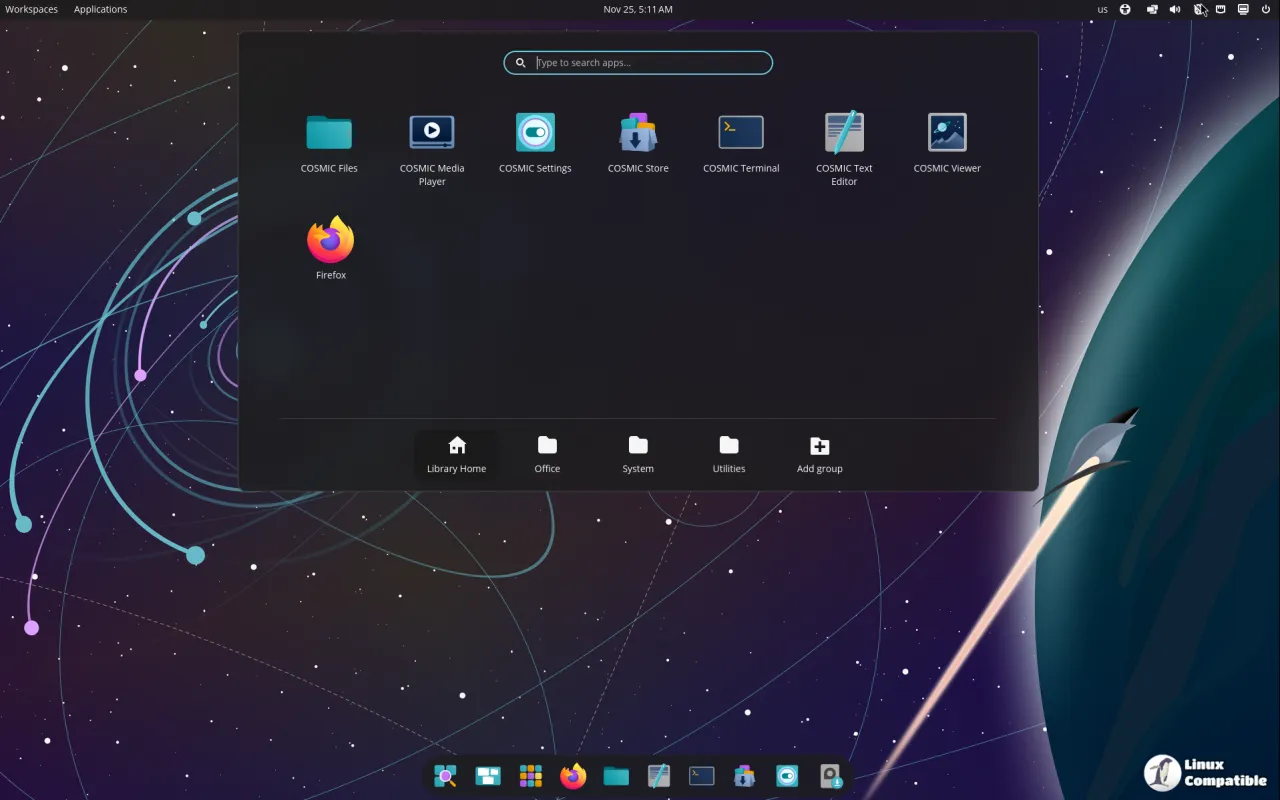
A Year of Features in One Package
The headline feature is Constellations, System76's one-click bundled theming. Before Constellations, dressing up your desktop meant clicking through a chain of separate panels, wallpaper, appearance, panel, dock, window management. Now you open Settings > Desktop > Appearance, pick light or dark (with an auto-switch toggle), and the whole desktop restyles at once.
Eight themes ship out of the box: COSMIC, Dune, Mirror Grove, Still Peaks, and four Universe variants in blue, green, orange, and red. You can export your own Constellation as a backup or to hand off to a friend. A Frosted Glass transparency option is there too, if flat design isn't your thing.
The rest of the changelog is a grab bag of smaller gains. Graphic designers get drawing-tablet support with tilt sensitivity. There's now an on-screen keyboard that responds to both touch and gamepad input. Remote desktop support landed inside COSMIC. Gamers get pointer constraints, VRR, and a tidied-up Steam Big Picture. Accessibility bumps include shake-to-find-cursor, scalable cursors, and improved magnification.
System76 also added automatic OS and app updates, pitched with a rather blunt promise: "No missing crucial updates to the OS!"
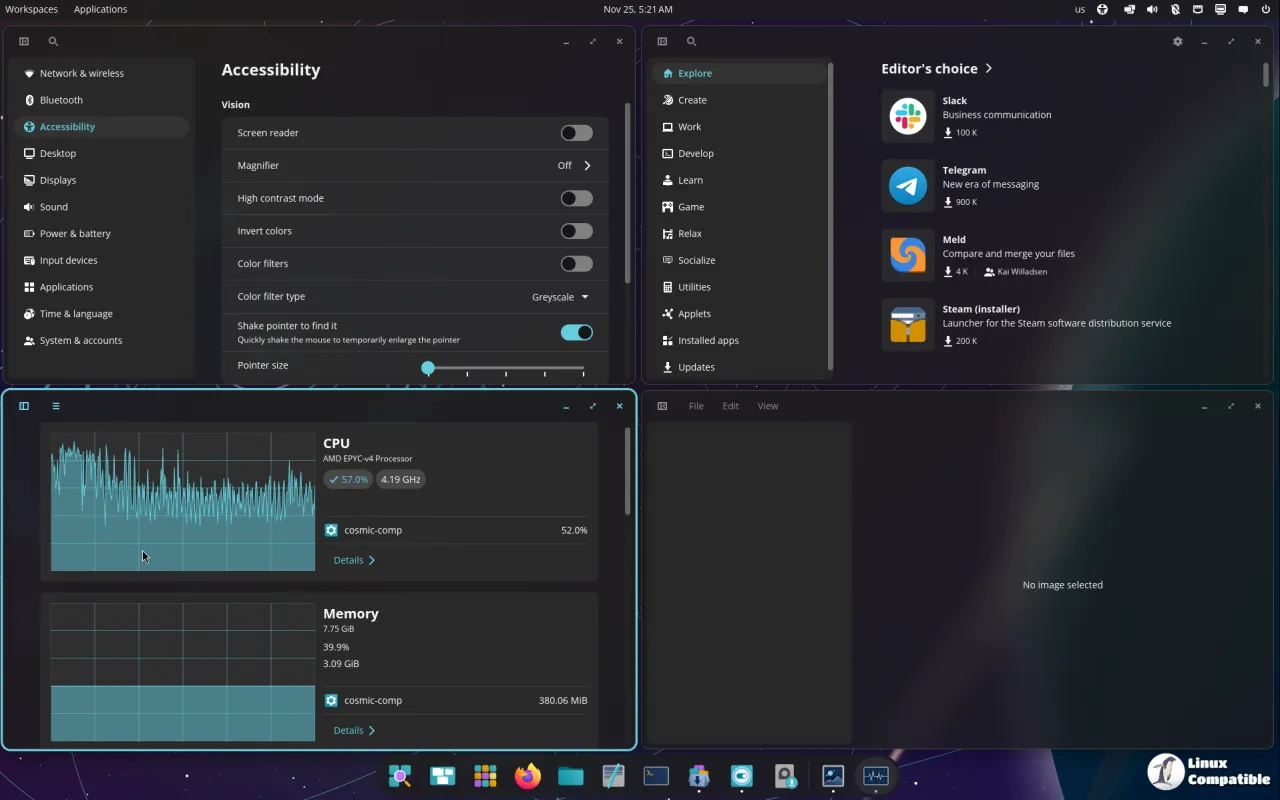
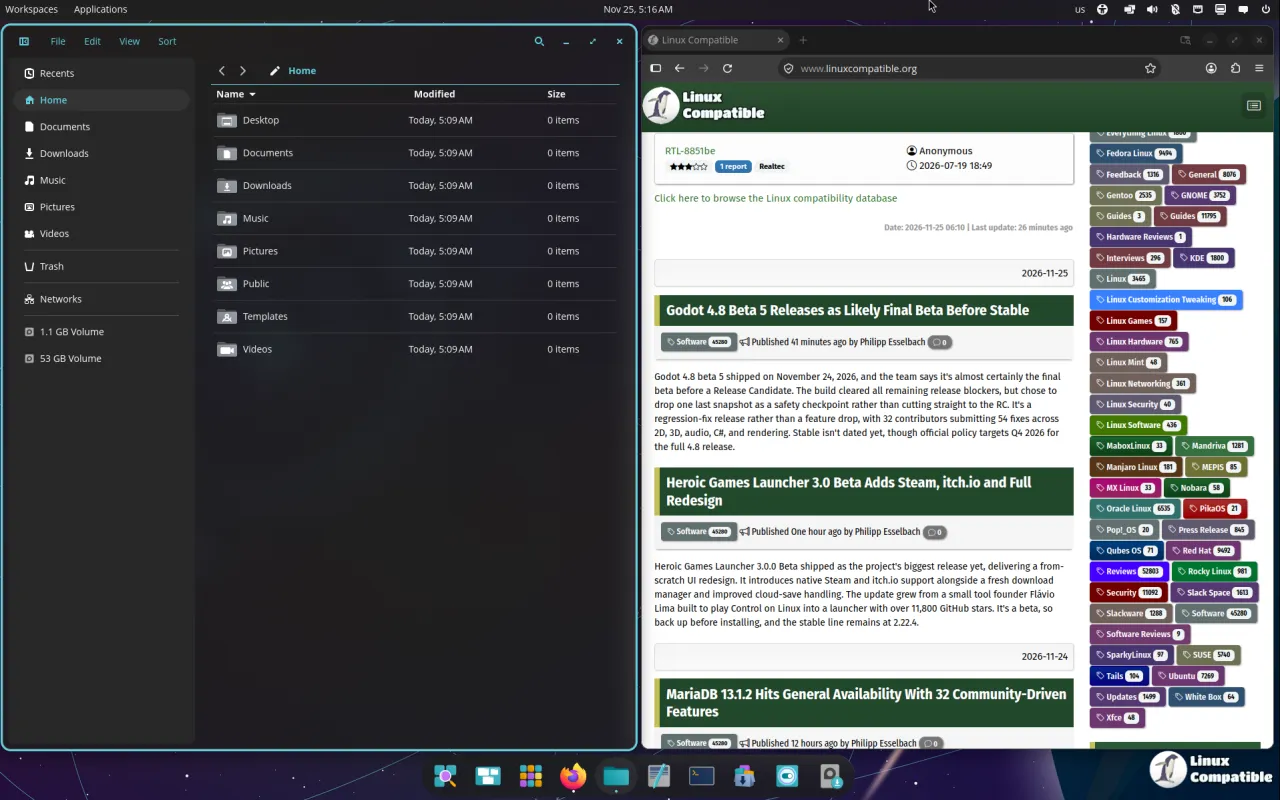
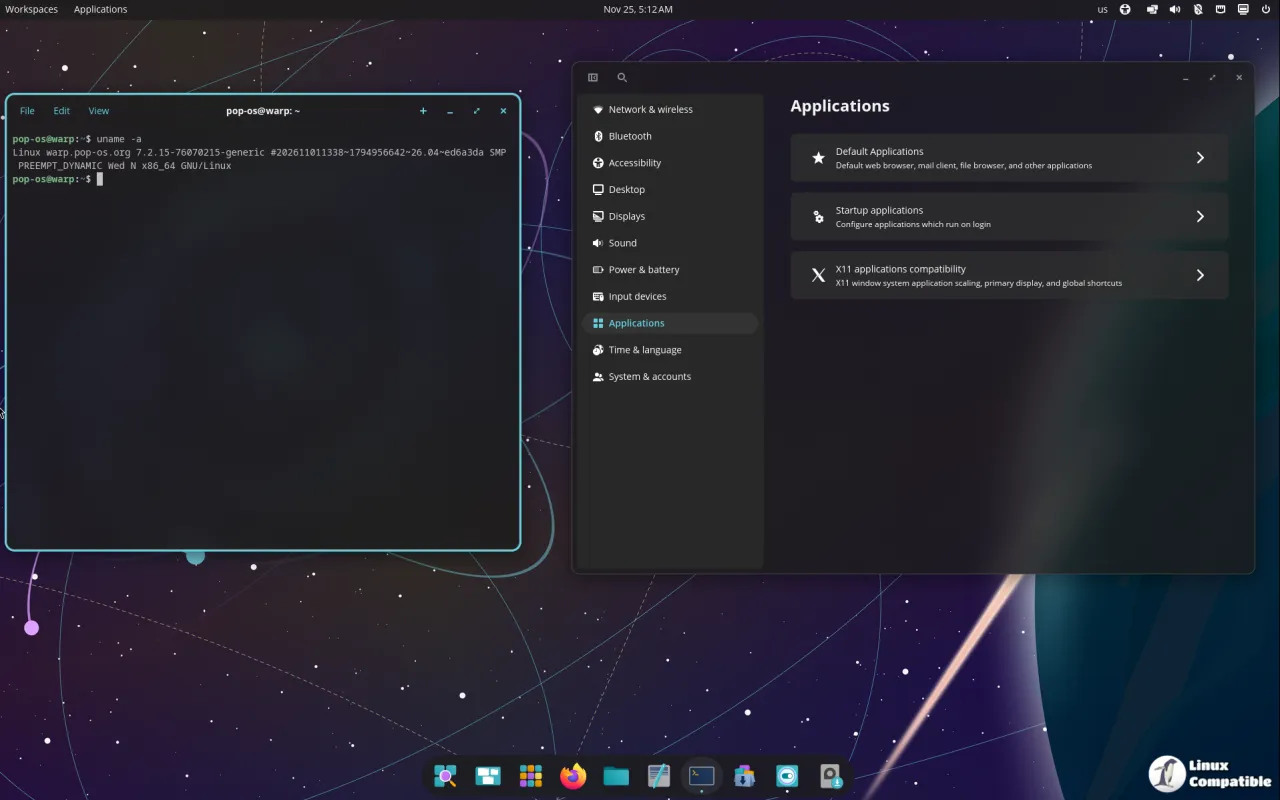
Why Rust at All?
System76 first announced the COSMIC rebuild back in 2021, after public spats with GNOME developers over where the desktop was heading. The original COSMIC was little more than custom extensions bolted onto GNOME. This version is a full rewrite: an alpha branded "Epoch" arrived in August 2024, built on Rust's Iced toolkit and a custom Wayland compositor, cosmic-comp, running on the Smithay library.
Two reasons for going Rust, per System76: memory safety, since Rust catches use-after-free and buffer overflow bugs at compile time (a big deal in a compositor sitting between your apps and your input), and a single codebase for the shell, compositor, and apps instead of a GTK-Qt patchwork.
Head here to the download page.


