GOverlay 1.8.4 Makes Configuring Linux Gaming Apps Actually Painless
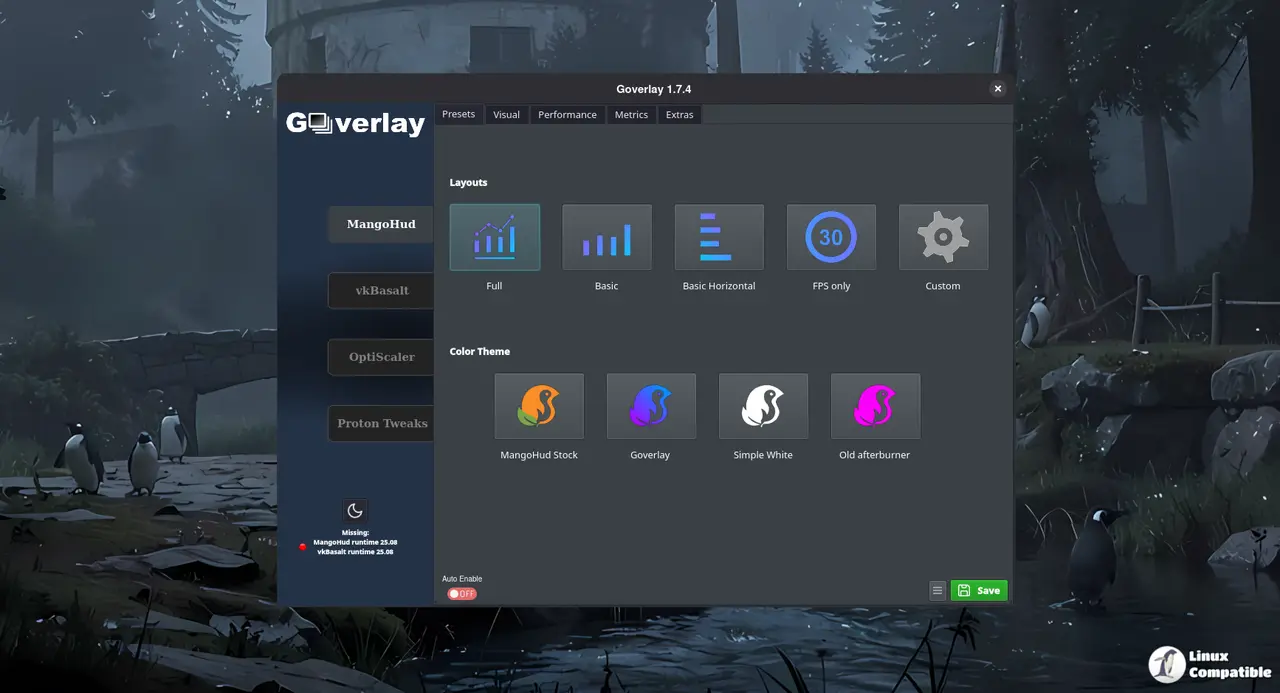
GOverlay 1.8.4 drops today and stops treating Linux gaming configuration like a puzzle designed to frustrate. The application provides a graphical interface for tweaking Steam, Proton, and Wine environments without forcing users to hunt down terminal commands or edit config files by hand.
This release focuses on hardware benchmark tracking, Flatpak sandbox reliability, and automatic package distribution across multiple formats. The developers also added ARM64 build support. Most people will just grab the Flatpak and move on. That is probably the smartest move here.
Hardware Comparisons and Benchmark Tracking
The new Pascube integration replaces the old spreadsheet submission flow with a proper database page. Every benchmark run now generates a unique hardware fingerprint. The system truncates the first eight characters of that identifier before showing the confirmation dialog. Reference scores got recalibrated to match actual hardware tiers instead of guessing from generic model names.
This exact workflow breaks constantly when users run benchmarks on machines with identical GPU model names but different VRAM configurations. The new client-id approach stops that from happening. Users can now check compiled statistics directly on Pascube_DB without waiting for a manual update cycle. The comparison charts actually mean something now.
GOverlay 1.8.4 Flatpak Sandbox Fixes and ARM64 Builds
Flatpak users get GPU detection that works inside restricted sandboxes. The developer added a sysfs fallback that reads hardware details directly from the filesystem when standard detection methods get blocked.
vkSumi support also came back online after disappearing in previous versions. The build pipeline now churns out stable DEB, RPM, AppImage, and Flatpak packages for both x86_64 and aarch64 architectures. ARM64 Flatpaks used to fail on compiler and glibc compatibility. That issue gets resolved here.
Nightly builds push those formats automatically now. People who prefer rolling releases can just pull the nightly Flatpak instead of waiting for stable tags. The GitHub workflow handles the heavy lifting without requiring manual intervention.
OptiScaler and bgmod Under the Hood
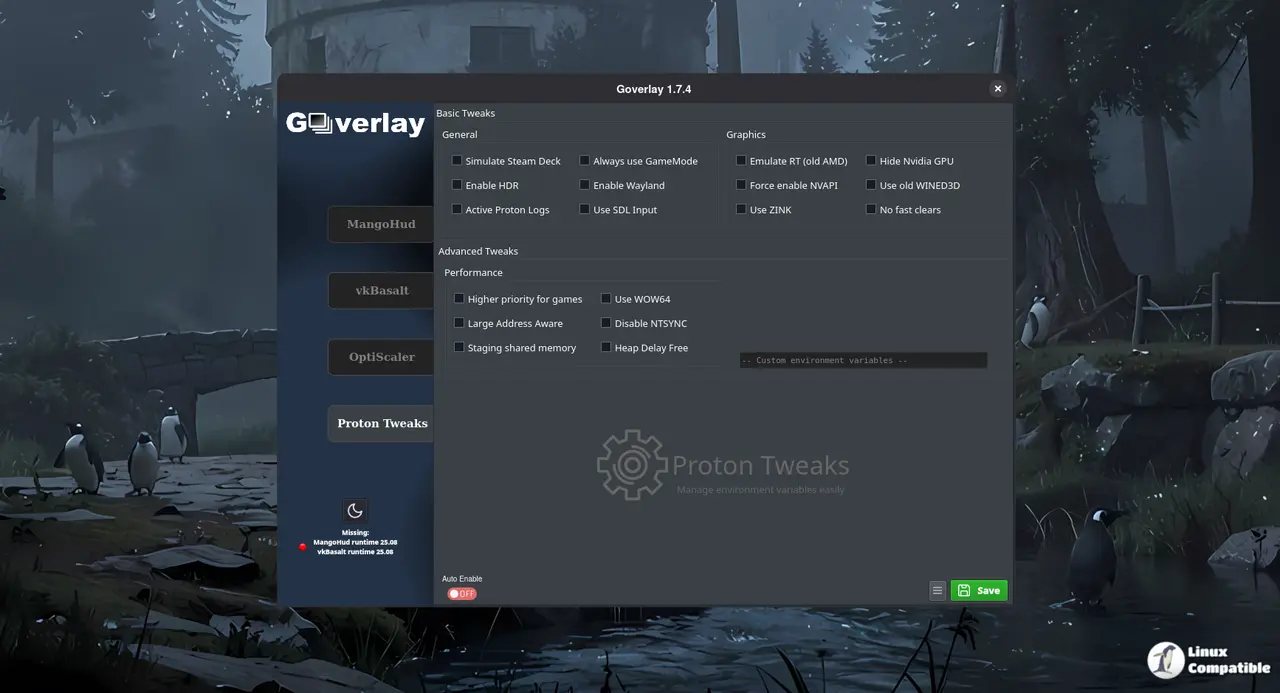
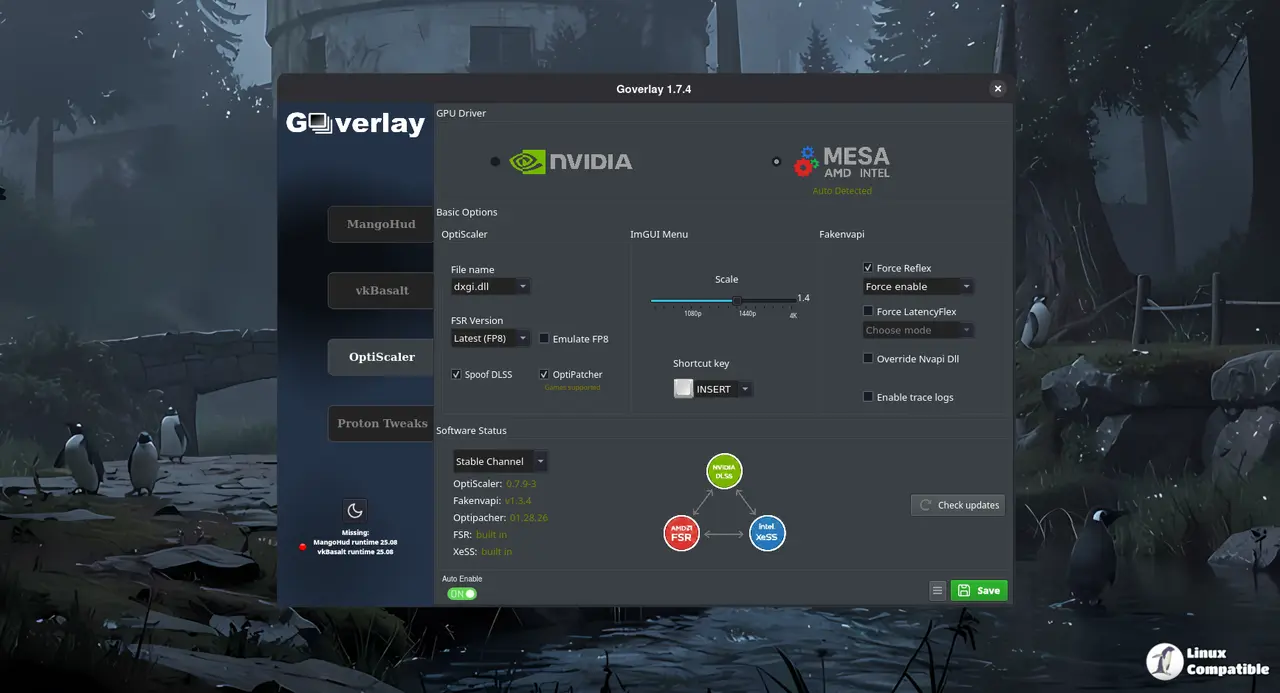
OptiScaler updates now run automatically when a game launches. The tool skips redundant file copying if the existing version matches the latest release. Configuration actions and dropdown menus stay hidden during the update process. That prevents the UI from overlapping and freezing mid operation.
bgmod file permissions get set to default values on copy. Global Reflex settings actually persist across sessions now. This exact permission bug corrupts overlay files after a driver update. The fix stops that from happening. The automatic update mechanism checks file timestamps before triggering a download. That saves bandwidth and keeps the game environment stable.
Release GOverlay 1.8.4
Hey Linuxers, In this release i've improved the hardware comparisons based on all the 144 submissions so far. Also, you can check ou the statistics on Pascube_DB. Now i'm providing automatic builds...
Grab the Flatpak if you want it to just work. DEB and RPM packages sit in the release tab for those who prefer native installs. The ARM64 builds run without compiler complaints. Users should verify their benchmark data shows up correctly on the database page. Enjoy the smoother overlay experience.


