ML4W OS 2.15 Lands With Full Quickshell Migration and New Scratchpad Workflow
The latest release of Stephan Raabe's Hyprland configuration set removes legacy components and commits to QML for all UI layers.
ML4W OS 2.15 shipped Tuesday afternoon, completing a multi-month migration to Quickshell that's fundamentally changed how the desktop environment works. If you've been following the project on GitHub, you've probably noticed the pattern: this isn't a single-feature release. It's a consolidation.
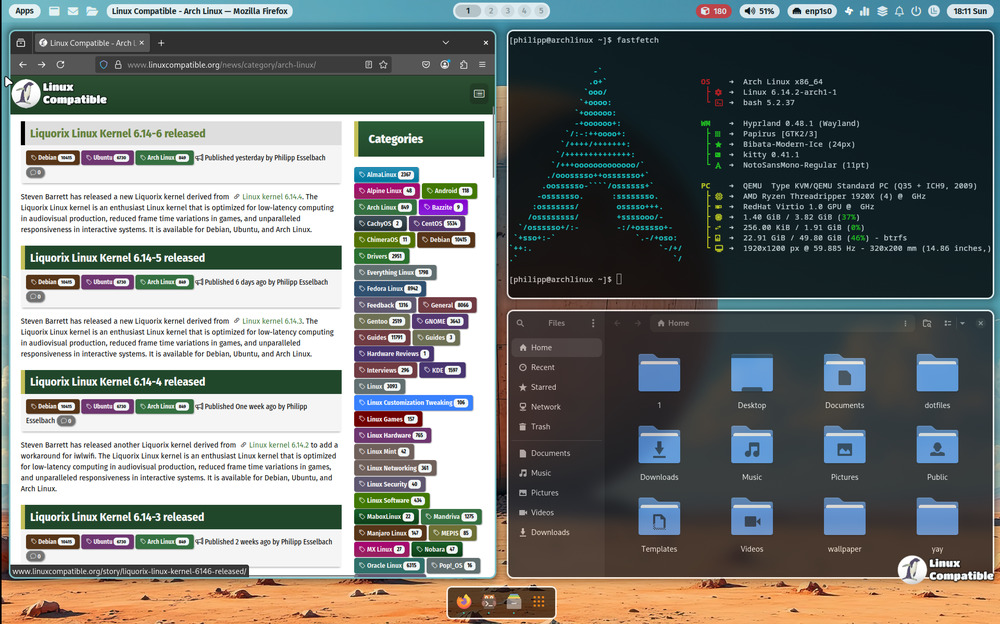
The starkest shift is the dock. nwg-dock-hyprland has been fully replaced by a native Quickshell-based implementation. The move makes practical sense because nwg-dock-hyprland doesn't support Fedora 44, and the ML4W team has been actively supporting Fedora users for months now.
What you get instead is a set of five QML components sitting in ~/.config/quickshell/DockApp/. There's DockWindow.qml for the main window, DockItem.qml for individual icons, and a loader that pulls both running and pinned applications.
The dock supports autohide, a pill-style UI with border and opacity controls, and comes pre-configured with Firefox, Kitty, Nautilus, and Calculator pinned by default.
Scratchpad and Quickshell Now Default
You can move windows to scratchpad with SUPER + SHIFT + S and toggle them back with SUPER + S. This replaces the sidepad feature that was announced for removal back in v2.14.0. The implementation uses Hyprland's built-in scratchpad functionality, which means it should behave the way you'd expect.
The Quickshell status bar is also now enabled by default across all installations. The project maintainer cited an existing mouse click issue with the Waybar stable branch as the reason for the switch. If you'd rather stick with Waybar, you can create a ~/.config/ml4w/settings/waybar-disabled file to override the default.
The release includes 42 commits touching 64 files. On top of the dock and scratchpad changes, the global ML4W theming system has been temporarily disabled.
"They will be back soon," the maintainer wrote in the release notes.
That's a reasonable wait. Global themes were always a bit of a moving target in the Hyprland ecosystem, where compositors shift so fast that static theme definitions tend to break within weeks.
What's Actually Being Removed
The walker launcher configs have been completely stripped from the repository. Walker wasn't officially bundled as the default in recent versions, but users who had been relying on it will need to reinstall separately.
All nwg-dock-hyprland configuration files, themes, launch scripts, color definitions, are gone. Sidepad-related settings files (sidepad-active, sidepad-position) have been cleaned up to match the scratchpad restructure.
The configuration surface area has shifted, not shrunk. You'll find a new master settings file at ~/.config/ml4w-dock/dock.json for user overrides, with a fallback at ~/.config/ml4w/settings/dock.json.
Quickshell is now a hard dependency. The project requires Quickshell to be installed as a system package, which eliminates the Flatpak dependency that was in place for earlier versions.
Why This Matters
ML4W has one of the more polished Hyprland configurations available, and the Quickshell migration removes a layer of abstraction. QML components communicate directly with Hyprland via Wayland protocols, which means fewer moving parts and potentially fewer bugs.
The language breakdown in v2.15 tells the story: QML now accounts for roughly 49% of the codebase, up from a much smaller share six months ago. Shell scripts make up 23%, CSS 18%, and Lua 9% following the Hyprland configuration conversion that landed in v2.13.0.
It's arguably competing with Hyprland's own settings app for the "most ambitious open-source desktop configuration" title, though the lack of a dedicated window manager settings GUI still means you're editing config files if you want to customize beyond what the sidebar offers.
The README still references the v2.14.0 ISO URL, which suggests the project documentation is playing catch-up with the release cadence. The live docs site at ml4w.com has been updated, but if you're pulling the repo directly, you'll want to check the releases page for the current ISO link.
Installation
You can grab the live ISO from here, or run the one-line install for Arch, Fedora, or openSUSE Tumbleweed:
bashbash <(curl -s https://ml4w.com/os/stable)
There's also a rolling release channel available at /os/rolling if you're willing to live on Hyprland 0.55.x. The installer backs up your existing dotfiles to ~/.ml4w-hyprland/dotfiles-versions/backup before making changes, which is at least a decent safety net.
Keep in mind that the installer uses gum for interactive dialogs and rsync for file operations, so you're getting a somewhat guided experience rather than a bare-bones script.
The project has 4,942 stars on GitHub. Stephan Raabe (GitHub: mylinuxforwork) remains the primary maintainer, with Affanmm handling logo design and harilvfs supporting the wiki documentation.
Not cheap when you factor in the time investment for customization, but for users who want a complete desktop environment that just works out of the box, ML4W OS 2.15 is probably the most polished option available for Hyprland right now.


