GIMP 3.2.8 ships as a maintenance-focused release
It's a stable point release with bug fixes, security patches, and one long-awaited restoration.
GIMP 3.2.8 is out, and it makes no pretense about being anything other than a maintenance update. The GIMP Team announced the build, calling it a stable release with "a number of bugfixes and security updates from new and long-time contributors." Two months after 3.2.6, this is the version that tidies up the house instead of building a new room.
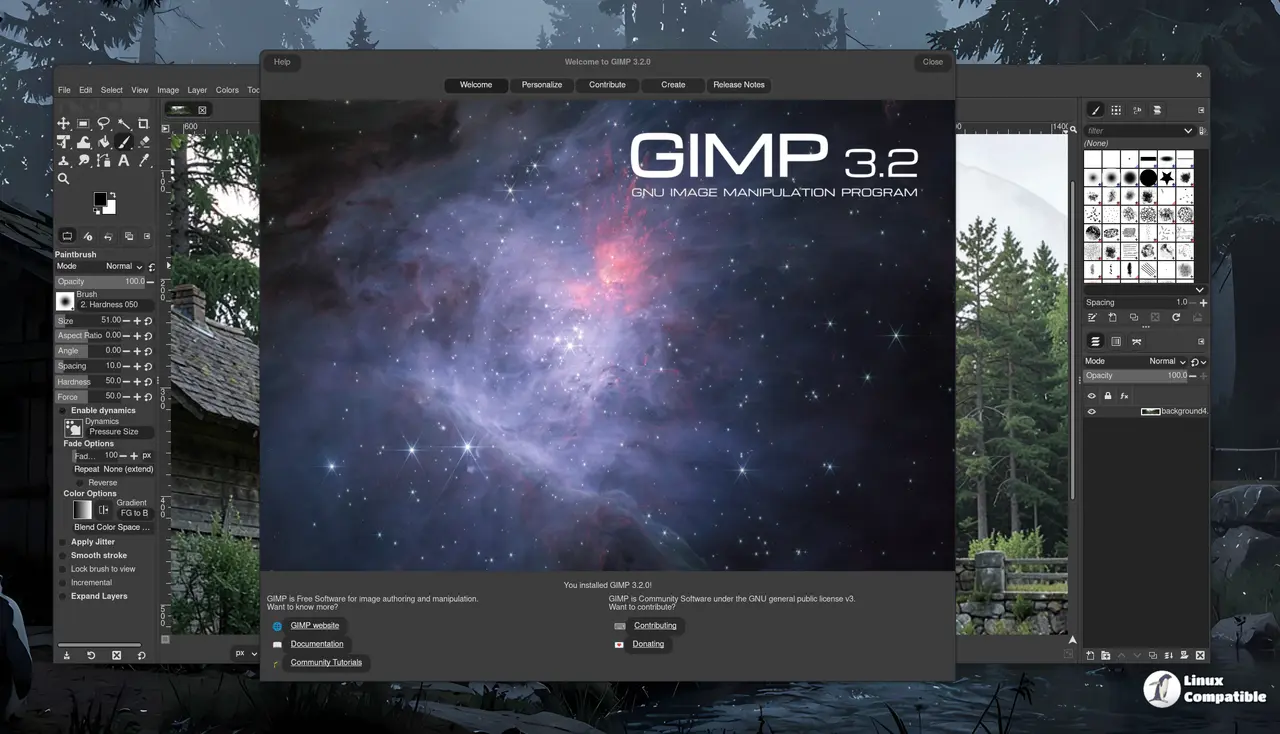
It keeps the 3.2 line alive, that being the major release from March 2026 that finally brought GIMP's non-destructive editing to a mainstream audience. 3.2.8 won't outrival that in ambition. It's the polish pass you've been waiting for.
As for what shipped, the mascot this time is a "Wilber-o'-Lantern," a small pumpkin nod to the late-October release window. Harmless bit of tradition, but at least it lands in the season.
What's actually in 3.2.8
The change several outlets led with is also the least dramatic. GIMP 3.2.8 restores "Offset" as a non-destructive filter. It had been mistakenly disabled when the filter loaded in an earlier 3.2 update, per 9to5Linux's reporting, and simply didn't behave for months. It works the right way again now.
That's the headline, and honestly it's a good one. Restoring a broken filter to a non-destructive layer matters more to real composite work than any feature dump.
The rest of the update is the unglamorous kind that stops software from slowly falling apart. Jehan patched a regression from 3.2.6 that broke copying non-rectangular selections inside layer groups. Bruno Lopes fixed dialog positioning on multi-monitor setups and brought back the "Dot to Dot" setting, which had reported the wrong pixel density since 3.0. Manu Cornet added caching for gradients above 6000×6000 pixels, a niche fix that only matters until you've actually hit that wall.
Then there's the quiet crowd-pleaser. A newer contributor named Infinity overhauled the Text tool, fixing arrow-key cursor movement for right-to-left languages and clearing up negative kerning. The tool now auto-detects direction per the Unicode Bidirectional Algorithm. If you regularly edit Arabic, Hebrew, or similar scripts, you'll feel the difference in a day.
The security side is worth reading straight, since these things usually get either overblown or quietly buried. GIMP was unusually frank, noting it had received "a large quantity of security reports" thanks to recent advances in automated scanning. The honest framing: there's no password vault to crack. GIMP doesn't store your banking details or credentials. The most common report involves older plug-ins being too trusting of image-size metadata, which could crash a plug-in — but that's the plug-in, not GIMP itself, and scanners are now probing mature codebases across the whole open-source world. Understand what a vulnerability actually means before you lose sleep.
Hardening the platform, one fix at a time
The platform work keeps piling up, and the macOS side is probably the most relevant for anyone who's been bumped off the update. Bruno Lopes restored title bars with background colors on macOS 27+, which had rendered transparent since Apple's "Golden Gate" changes. There's a fix for the longstanding "Blank UI" startup bug on certain Macs, and screenshots now go through the ScreenCaptureKit API.
Windows gets a Print Preview that works with the Unified Print Dialog, plus better HDR screenshot support. Linux AppImages now install Python Wheels from pip the way Flatpak and Snap already do.
None of that makes headlines. It's precisely the kind of detail that stops you from walking away.
Since 3.2.6, the main repository has closed 82 reports as fixed, merged 46 merge requests, and pushed about 300 commits. Twenty-seven people touched the codebase across core, plug-ins, translations, and packaging. The project also gained two new download mirrors, hosted in Portugal and Romania, which is a small mercy for anyone who's sat through a sluggish GIMP download before.
The team points to "cool things in progress" and a roadmap that keeps expanding non-destructive editing — filters on layer masks, a non-destructive Gradient Tool dubbed the "Editable Gradient," and dialog-free filter application. The 3.x line still clearly has more to give.
The update is live now. Head here to downloads for AppImages, Flatpaks, Snaps, Windows installers, a Microsoft Store build, and macOS DMGs across Intel and Apple Silicon. Third-party distribution packages are expected to follow.


