Liquorix Linux Kernel 7.0-12 Brings Low Latency Tweaks to Debian and Arch Systems
Steven Barrett just pushed version 7.0-12 of the Liquorix Kernel, which rides on the stable 7.0.11 base and focuses heavily on cutting input lag and smoothing out frame pacing for desktop workloads. This release targets users who need their systems to react instantly during audio editing sessions or competitive gaming without waiting for background tasks to catch up. The update ships with precompiled packages that replace stock kernels, so getting it running requires a straightforward script but demands careful attention to system compatibility.
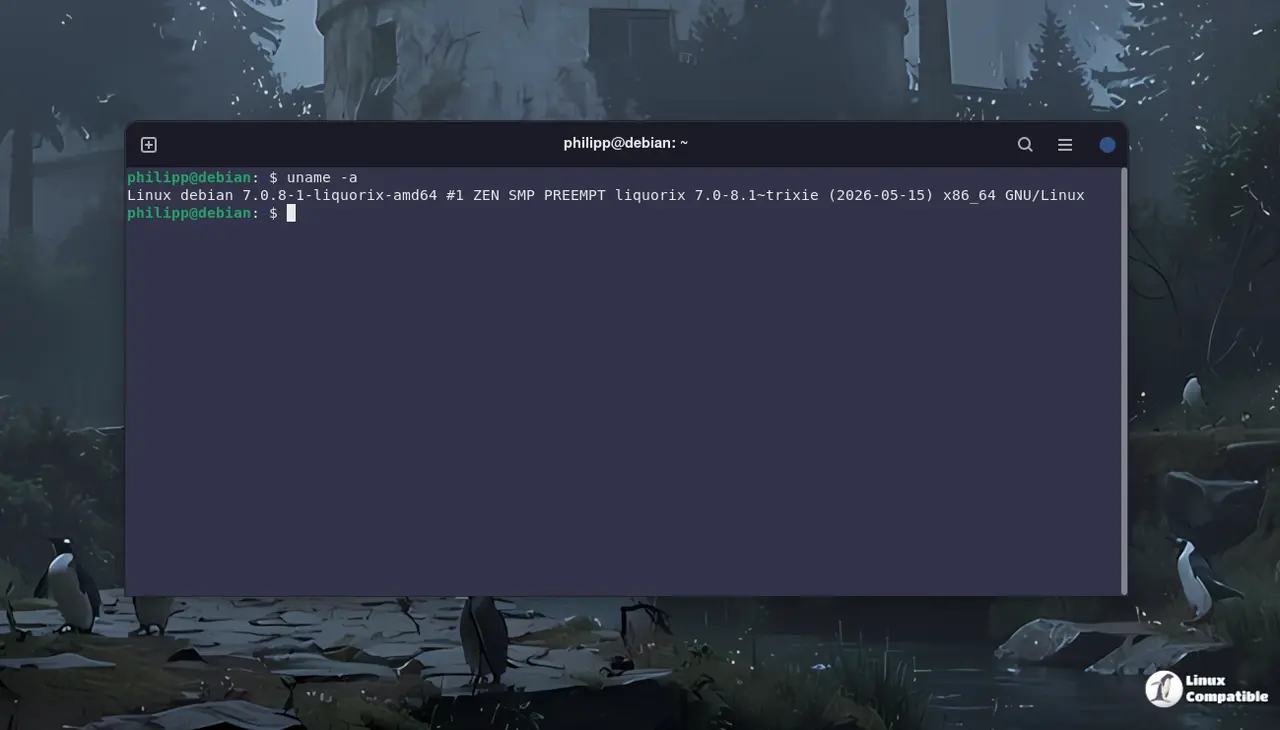
Why Swap to the Liquorix Linux Kernel Anyway
Most default distributions ship with kernels tuned for broad hardware compatibility rather than raw responsiveness. That means background scheduling, interrupt handling, and CPU frequency scaling all play it safe to avoid breaking obscure peripherals or virtualization setups. Liquorix flips that priority by tightening scheduler parameters and enabling real-time patches out of the box. Users who have watched audio dropouts ruin a recording session or noticed stuttering during fast-paced games will immediately feel the difference in how quickly the system responds to user input. The tradeoff is slightly higher power draw on older hardware and occasional quirks with proprietary drivers, but the responsiveness gain usually outweighs those headaches for desktop enthusiasts.
How to Install the Liquorix Linux Kernel on Debian and Arch
The official installation method relies on a single curl command that fetches and executes a setup script tailored for Debian, Ubuntu, and Arch distributions.
Running:
curl -s 'https://liquorix.net/install-liquorix.sh' | sudo bash
downloads the package manager hooks, pulls the latest kernel binaries from their repository, and configures the bootloader to prioritize the new entry on startup.
The script handles dependency resolution automatically, which saves time but also means users should verify available disk space before execution since kernel images can consume several hundred megabytes. After the process finishes, a system reboot is mandatory because the running kernel cannot replace itself while active. Users who prefer manual control can download the .deb or .pkg files directly and install them through their package manager, though the script remains the fastest route for most desktop setups.
What to Watch Out For After Installation
Low latency kernels often expose hardware quirks that stock distributions quietly mask with conservative tuning. Graphics drivers, especially proprietary NVIDIA stacks, sometimes struggle with the aggressive CPU frequency scaling and may require manual governor adjustments or fallback to older kernel versions. Virtualization users should test container workloads before committing to daily use since real-time scheduling can interfere with standard cgroup limits. Keeping a working stock kernel in the bootloader is nonnegotiable because broken audio interfaces or missing Wi-Fi adapters will leave systems unbootable without recovery options. The Liquorix team maintains their repository cleanly, but third-party modules like DKMS packages occasionally need recompilation after major updates. Users who run bleeding-edge software alongside gaming rigs should monitor forum threads for driver compatibility reports before pushing the kernel to production machines.
The repository stays active and updates roll out regularly, so checking the changelog before each upgrade keeps things running smooth. Grab the script when ready and enjoy a snappier desktop experience without waiting for distribution maintainers to catch up.


