Liquorix Linux Kernel 7.0-11 Brings Low Latency Tweaks to Debian and Arch Systems
The Liquorix Linux Kernel 7.0-11 release just dropped, building on the stable 7.0.10 base with a heavy focus on interactive responsiveness and audio video production workflows. This update targets users who want tighter frame pacing in games and lower latency when running digital audio workstations without waiting for official distro kernels to catch up. The new build ships with updated scheduler tweaks and real time patches that actually matter for desktop performance rather than just chasing synthetic benchmark scores.
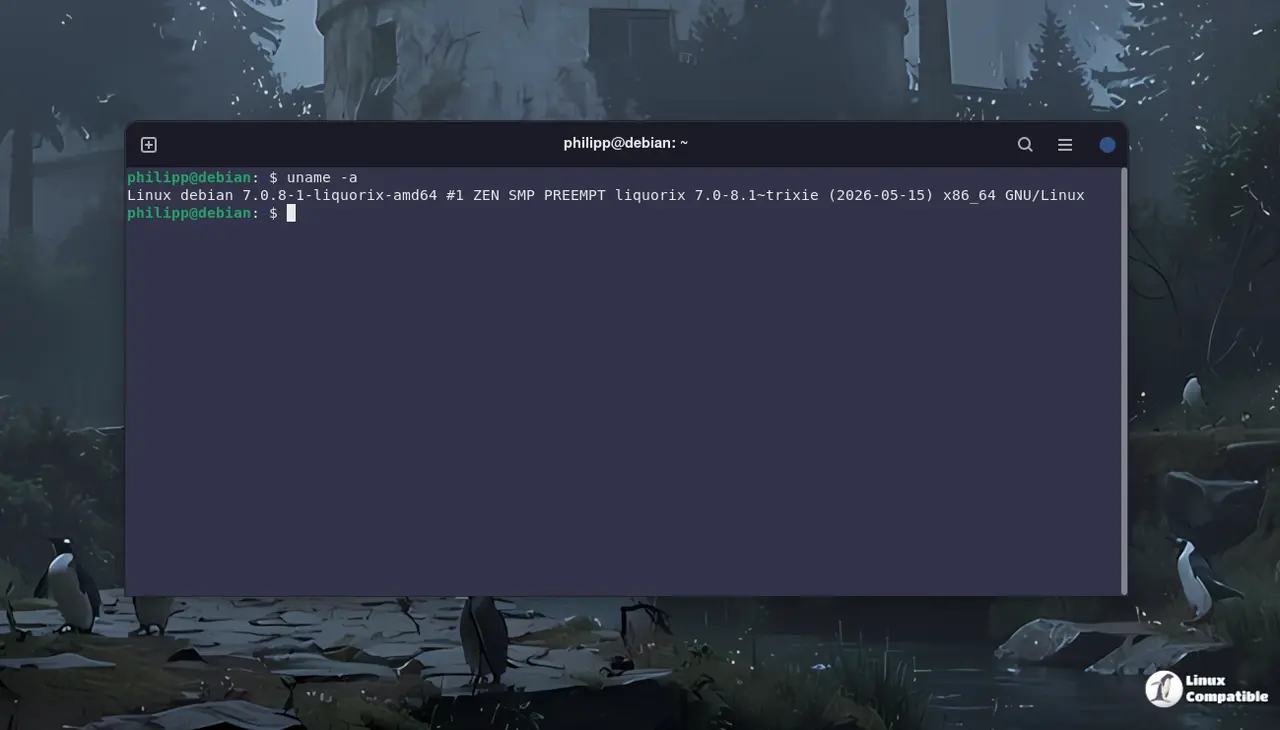
Why This Kernel Actually Matters for Desktop Users
Most mainstream distributions ship kernels tuned for broad hardware compatibility and power saving over raw responsiveness. Liquorix flips that script by prioritizing low latency compute and tighter interrupt handling, which directly translates to fewer audio dropouts during recording sessions and smoother frame delivery in games. Desktop users running digital audio workstations often notice buffer underruns when background services spike disk activity, and the updated scheduler patches in this release directly target that exact bottleneck by tightening interrupt handling timers. The 7.0-11 build keeps the foundation solid while layering on performance adjustments that stay out of the way during everyday tasks but kick in when the system needs to react instantly.
Installing the Liquorix Linux Kernel on Debian and Arch
The developers provide a straightforward installation script that handles package dependencies and kernel selection automatically. Running the curl command to fetch and execute the installer will pull the latest headers and modules while keeping the existing system intact until a reboot confirms everything loads correctly. Users should remember that custom kernels sometimes require manual module compilation for proprietary drivers like Nvidia or Wi-Fi adapters, so checking hardware compatibility before switching remains a smart move. The script also sets up automatic updates through the distro package manager, which means future patches arrive without needing to manually download deb or pkg files from third party repositories.
curl -s 'https://liquorix.net/install-liquorix.sh' | sudo bash
What Changes in Version 7.0-11
This release sticks closely to the upstream 7.0.10 codebase while applying Liquorix specific patches for scheduler tuning and memory management. The real time configuration options get tightened further, which helps reduce context switching overhead when running multiple background services alongside latency sensitive applications. Gaming performance sees noticeable improvements in frame time consistency because the kernel prioritizes foreground processes more aggressively during input polling cycles. Audio production workflows benefit from reduced jitter on timer interrupts, meaning digital audio workstations can maintain steady sample rates without dropping packets under heavy disk or network load.


