Liquorix Linux Kernel 6.19-10 Brings Faster Responsiveness to Debian and Ubuntu Systems
The latest Liquorix Linux Kernel 6.19-10 drops today, building on the stable 6.19.13 base with a heavy focus on shaving off input lag and smoothing out frame pacing for desktop workloads. This release tightens up scheduler timing, flips several memory management flags, and disables split lock detection to keep latency predictable during audio production or gaming sessions. Users looking to swap out their default distribution kernel will find the new tuning defaults worth testing immediately.
What Actually Changed in This Build
The changelog shows a straightforward merge of the upstream release alongside targeted scheduler adjustments. Developers marked several scheduling functions as always inline to match mainline behavior, which cuts down on function call overhead during context switches. The real story here is how the tuning profile shifted toward raw interactivity. The CPU timeslice dropped from four milliseconds down to two, meaning the kernel will switch between running processes twice as often. That sounds like a minor number until you are juggling a digital audio workstation with dozens of background services and notice the crackling less under load. Memory management also got a refresh. Background hugepage reclaim is now enabled by default, unevictable memory compaction was turned off to avoid unnecessary CPU spinning, and the watermark boost factor was zeroed out to prevent aggressive page reclamation from stalling foreground tasks.
How the Liquorix Linux Kernel 6.19-10 Tweaks Affect Daily Use
Power management settings took a hit in this update. The ondemand governor now waits five times longer before scaling down CPU frequency, and the thresholds for ramping back up were lowered to fifty-five percent and sixty percent respectively. This means the processor will stay at higher clock speeds longer during light workloads, trading battery life or idle power draw for snappier desktop response. Split lock detection and mitigation are completely disabled by default now. That feature was originally added to patch a hardware vulnerability that mostly affects older server chips, but it adds measurable latency to user space applications on modern desktop CPUs. Turning it off removes an unnecessary bottleneck without impacting everyday security posture. The block layer also switched from mq-deadline to kyber for multiqueue drives and kept bfq for single queue setups, which helps keep storage queues moving smoothly when multiple apps are reading or writing at once.
Installing Without Breaking Your Setup
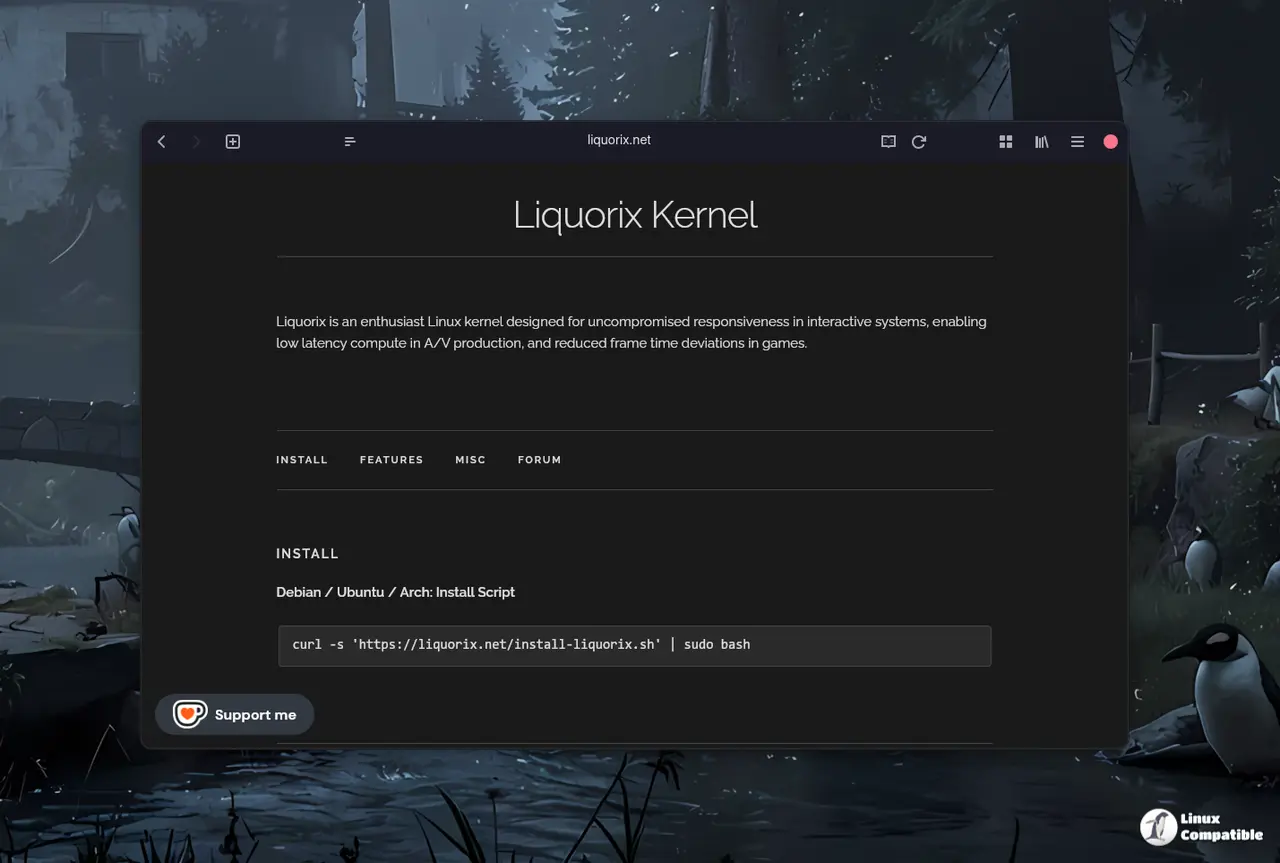
Getting the new kernel running does not require compiling anything from source. The project maintains a simple installation script that handles package dependencies and configures the bootloader automatically for Debian, Ubuntu, and Arch based systems. Running the curl command pulls down the installer, which then fetches the matching header files and DKMS modules so third party drivers like NVIDIA or VirtualBox continue working after reboot. The script asks for confirmation before touching anything, but it is still wise to keep the current kernel installed as a fallback in case a specific hardware quirk shows up with the new tuning defaults. Once the system boots into the updated build, users can verify the active version through standard package managers or by checking the boot log output during startup.
curl -s 'https://liquorix.net/install-liquorix.sh' | sudo bash
The command fetches configuration files from the public server and updates the local package sources automatically without requiring manual file editing in system directories. A reboot is necessary for the new kernel options to take effect across all system processes including drivers and background services that run at boot time. Users should expect slightly higher power consumption as a result of the aggressive tuning designed to minimize input lag during gaming or audio production tasks on battery power.
Give it a spin if your current setup feels sluggish under mixed workloads. Drop back in with questions about driver compatibility or scheduler behavior, and happy tinkering.


