Liquorix Kernel 7.1-20 Lands With Refined PDS Sleep Credit Heuristic
The enthusiast kernel pushes its twentieth v7.1 build in under six weeks, fine-tuning scheduler behavior for low-latency workloads.
Steven Barrett dropped linux-liquorix 7.1-20, merging upstream Linux 7.1.12 and quietly tweaking how the custom PDS scheduler handles sleep credits. If you run a high-refresh gaming rig or a headless media server, you might notice the changes. You probably won't. The patches are surgical, not flashy.
Liquorix has never been for the power-efficient. The project targets AMD64 systems only and strips back power management, default I/O schedulers, and traditional preemptibility in favor of raw interactive responsiveness. You sacrifice sleep states and background throughput. The trade-off is frame-time consistency on gaming workloads and lower latency in audio production.
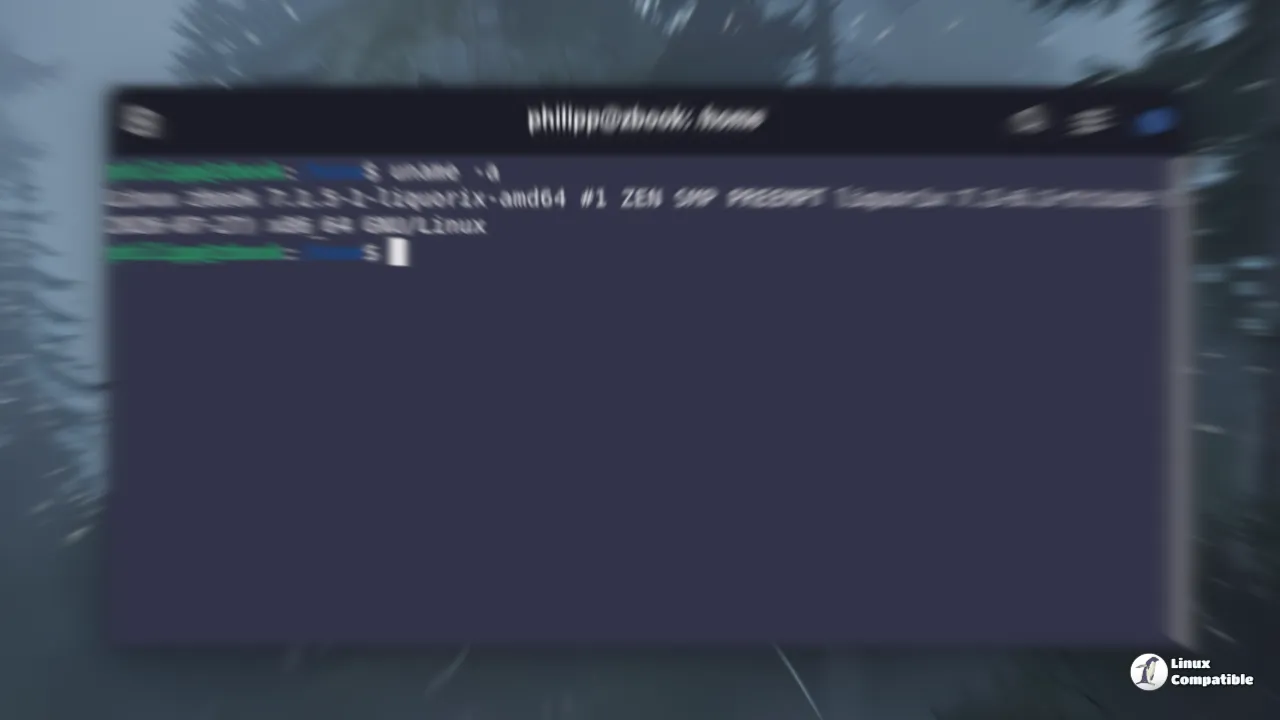
The V7.1-20 Changes
The changelog is intentionally short. Two patches adjust how the scheduler rewards tasks that frequently yield the CPU. First, it keeps sleep credits out of the reniced priority range, so a boosted process won't accidentally get demoted just because you tweaked its nice value. Second, it introduces gradual decay so abandoned tasks don't hoard priority indefinitely. It's a fairness tweak wrapped inside a latency-focused design.
Keep in mind that the v7.1 series as a whole has been anything but quiet. From the July 13 switch to the 7.1 base kernel through late August, Barrett has shipped twenty builds. The dominant theme is Project-C scheduler maturation. You'll see patches targeting cache-line alignment, atomic operation reduction, and hybrid P-core and E-core CPU handling. Release 7.1-14 threw in a security overhaul, enabling AppArmor by default, lockdown LSM, and landlock sandboxing. It also dropped irqbalance, disabled CONFIG_PREEMPT_DYNAMIC for reliability, and kept split lock mitigation off by default. That last one is a deliberate trade-off. A slightly wider attack surface buys you measurably lower latency.
How to Install Liquorix
This one-liner installer drops the repo and installs the kernel on Debian, Ubuntu, or Arch Linux in one shot:
curl -s 'https://liquorix.net/install-liquorix.sh' | sudo bash
Keep in mind that Liquorix is a drop-in replacement kernel. It'll replace your distribution's mainline build, so stick to LTS release branches if you want to minimize breakage after a major distro upgrade.


