KDE Plasma 6.8.3 arrives as a quiet cleanup after the historic Wayland-only 6.8
KDE just pushed Plasma 6.8.3, a bugfix release that smooths the rough edges left by 6.8's switch to a Wayland-only desktop. The headline fixes target multi-monitor setups, a sluggish screenshot tool, and a long-hidden keyboard shortcut.
If you've ever pulled a second monitor out of your setup while jamming in another one, you know the feeling. Your desktop icons scatter across the screens like startled birds, and nothing lines up the way it did. Plasma 6.8.3 stops that from happening. Released today, the maintenance update keeps icon positions intact during hot-plug chaos.
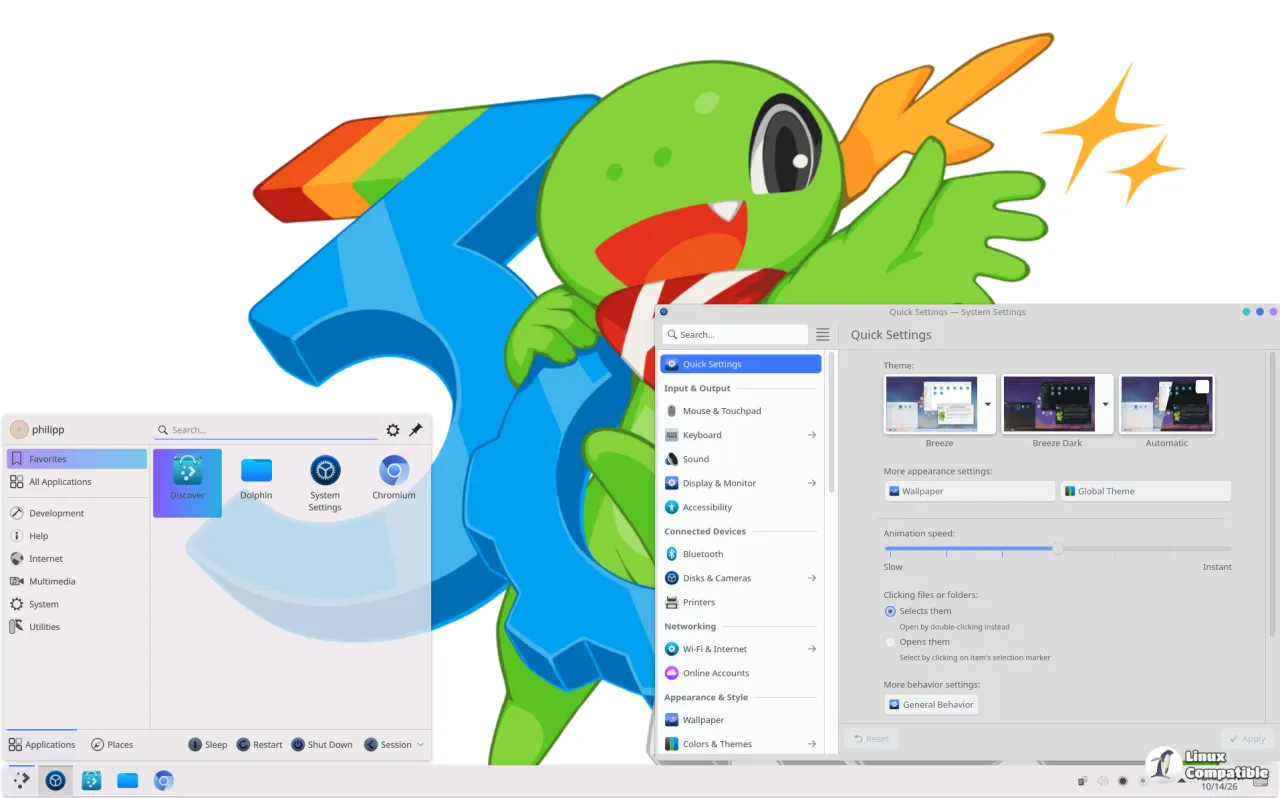
The release is the third bugfix in the 6.8 track, bundling roughly two weeks' worth of volunteer-contributed fixes plus a fresh batch of translations. KDE's own announcement is, characteristically, terse. It says the update "adds two weeks' worth of new translations and fixes from KDE's contributors. The bugfixes are typically small but important."
Keep in mind that "small but important" does a lot of lifting here.
Here's what actually changed
The icon-scrambling correction is the change most outlets are leading with, and it's one worth sympathizing with. Beyond it, KWin now handles multi-GPU swapchain workarounds on both Nvidia and AMDGPU, and it deals better with a certain kind of swapchain damage that used to surface as visual glitches. There's also an edge-case fix that stops screen configuration from allowing a panel height of zero, a setting that could crash the shell outright.
On the desktop shell side, things get fiddly in a good way. The window-list applet now truncates long titles with an ellipsis instead of growing without limit. The pager no longer slams "Show Desktop" on you when you scroll. The Folder View can shrink down to a single cell. It's the granular polish you only notice when it's missing, and bug #471241 is the one responsible for that pager mishap.
Spectacle's background mode launches faster and uses less memory, partly because it skips QR-code scanning while sitting idle. The desktop right-click "New" menu finally reveals the Create Folder shortcut instead of hiding it. And the Power & Battery widget shows its charge-limit hint only on batteries that the limit actually affects.
Most of what matters beneath the surface lives in KWin, the window manager under everything else. The Wayland move in 6.8 exposed low-level compositor bugs that X11 used to mask, and this release eats through that list. KWin fixes include a triple-buffering commit-timing correction, a fix for a jagged cursor in screen-sharing (bug #528423), and an HDR color correction that restores the correct sRGB behavior. There's even a new hang-detection thread for diagnostics.
None of it is flashy. It's the maintenance engine doing exactly what it's supposed to. That's the point, not a criticism.
The 30th anniversary backdrop
To see why 6.8.3 exists, look at 6.8 itself. That feature release shipped Wednesday, 14 October 2026, on KDE's 30th birthday, and picked up the appropriately grandiose tagline of "30th Anniversary Edition." Its defining move was retiring native X11 sessions after 42 years of service, completing the long-planned migration to Wayland. GNOME had already dropped X11 by default the year before, in 2025.
The rest of 6.8 was a grab bag of upgrades: NVIDIA triple buffering turned on by default, screen recording that can grab both system audio and your microphone, remote-desktop improvements for slow networks, CPU pinning straight from the System Monitor GUI, and a "dwell clicker" accessibility feature for users with mobility limitations. There was even a new command-line display tool called kscreenctl and a backup app called Kup folded into the shell.
Where to get it
If you want to try 6.8.3 without committing, KDE offers live USB and Docker images. Otherwise you're at the mercy of your distribution's packaging schedule. Rolling releases like Arch Linux, openSUSE Tumbleweed, and KDE neon typically pick these up fastest. Fixed-schedule distros may lag, so don't panic if your package manager hasn't caught up yet.
You can also build from source, with instructions at KDE's developer docs, and check your installed version at the command line with plasmashell --version. Head to the KDE distributions wiki for a rolling list of who's packaged what, and flag any new bugs through Plasma's Bugzilla. The KDE Forums remain the usual spot for community discussion.
Take a look at the cadence if you want a sense of how active things are. 6.8.0 landed on 14 October, 6.8.2 followed on 27 October, and 6.8.3 closes out the month. Four releases in about three weeks for a desktop environment sitting in its stabilization window is brisk, and it says something about a project that clearly wants its flagship to actually work.
Head here to the release announcement.


