KDE Plasma 6.6.5 Fixes Display Glitches and Launcher Bugs for a Smoother Desktop
The latest KDE Plasma 6.6.5 release targets the exact friction points that usually make Linux desktops feel unfinished. Readers will learn which compositor and display fixes actually improve daily stability, along with safe steps to apply the update without losing custom monitor profiles or launcher settings. This breakdown covers the changes that matter for real workflows and how to get them running without breaking existing setups.
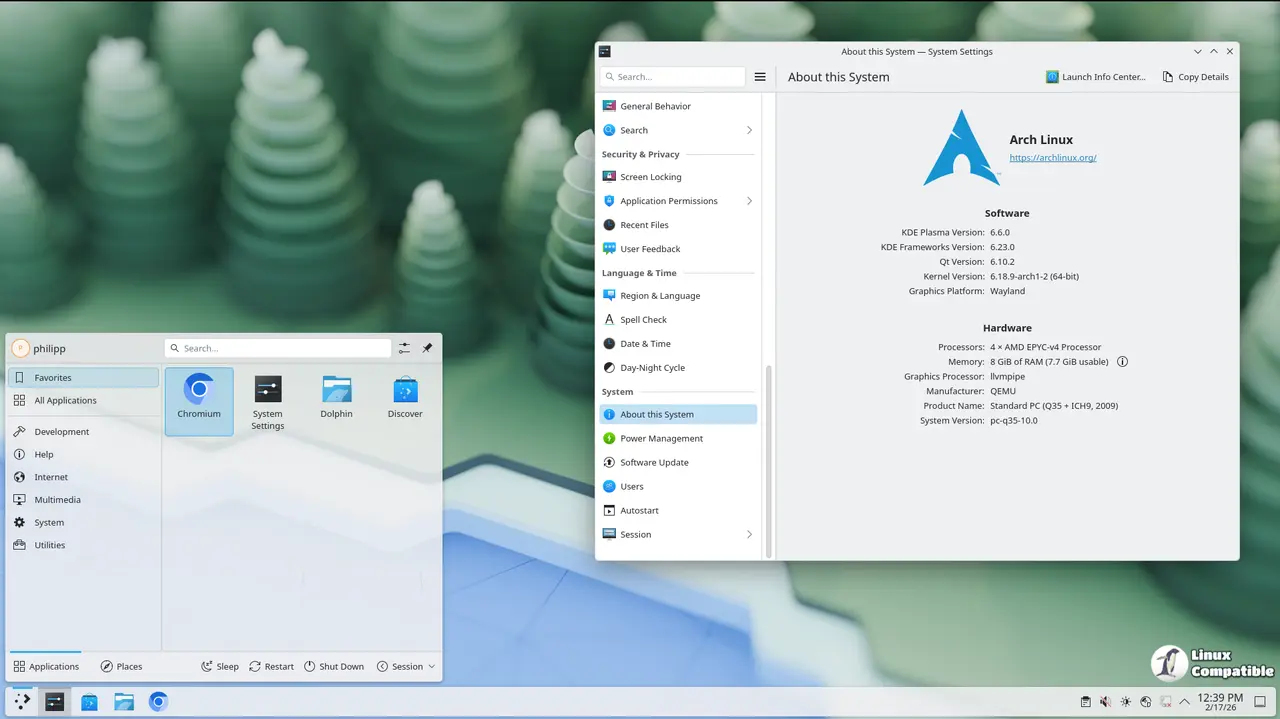
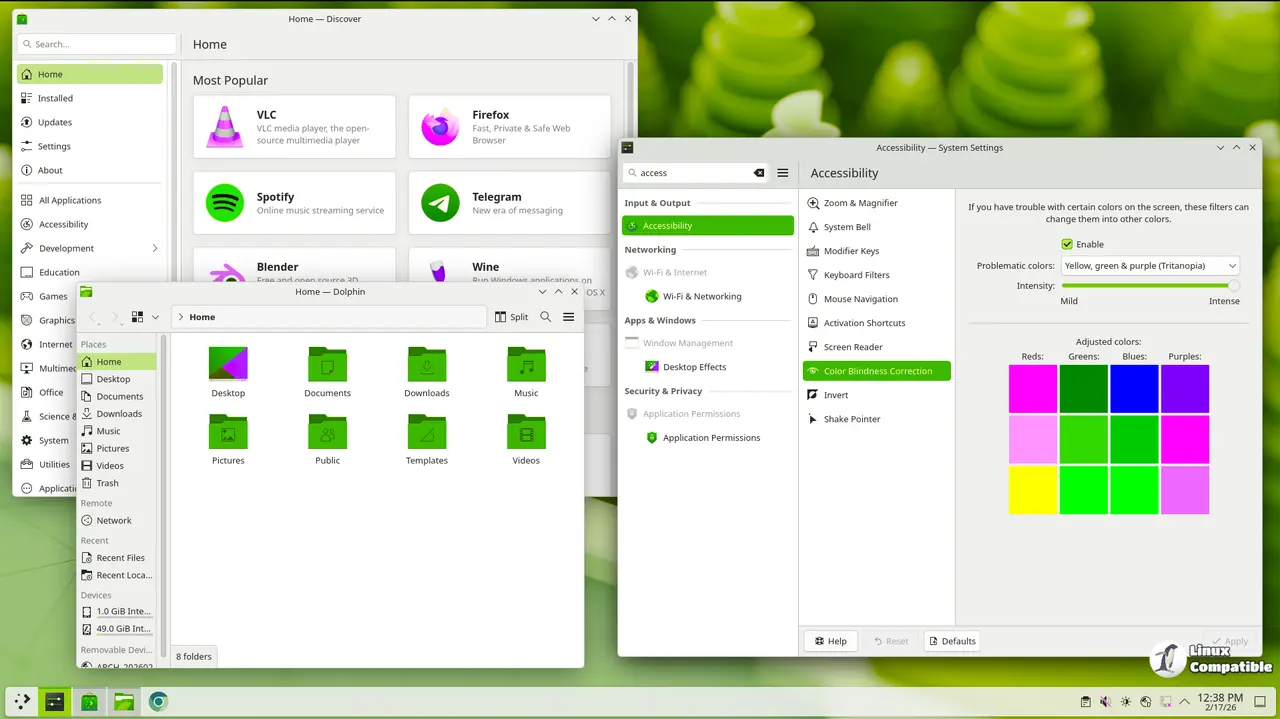
KDE Plasma 6.6.5 Resolves KWin Compositor Issues for Multi-GPU Setups
The window manager gets the most attention in this release, and for good reason. Developers fixed how KWin handles interactive output resizing on X11 and corrected a reference bug that temporarily pinned windows during compositing. Multi-GPU setups finally stop attempting unsupported format copies, which usually results in screen tearing or frozen frames when switching between applications. The input system now maps devices to physical outputs instead of logical ones, so dragging a window across monitors actually follows the cursor correctly. Anyone who has wrestled with hybrid graphics laptops knows how annoying it is when an external display randomly drops refresh rates after waking from sleep. This update tracks preferred output mode flags and fixes custom mode restoration after reboot, which keeps those stubborn monitor profiles intact instead of resetting to generic defaults every time the system restarts.
Plasma Desktop Tweaks Clean Up the Application Launcher and Clipboard Manager
The Kicker applet receives several visual and behavioral corrections that make navigating menus feel less like guessing games. Submenu background opacity now matches the main panel, so text remains readable instead of blending into dark wallpapers. The Recent Files runner gets a proper separator, and dropping items onto the launcher no longer accidentally activates them. Clipboard history also stops misplacing entries when users move them to the top of the list. These changes matter because small UI inconsistencies usually compound into frustration during fast-paced work sessions. The system tray scroll orientation string case mismatch gets corrected too, which prevents accessibility tools from misreading volume controls.
Display Settings Finally Stop Fighting with HDR and Custom Resolutions
Monitor configuration has always been a minefield in Linux desktop environments, but this release removes several triggers that caused display managers to crash or apply wrong scaling factors. The system now hides DDC/CI options when HDR is enabled, preventing conflicting signal negotiations that usually result in black screens. Creating display replicas no longer allows gaps between monitors, which stops virtual layouts from breaking when users rearrange their workspace. NVIDIA owners benefit from a direct fix that sets COLOR_RANGE to full for RGB planes, eliminating the washed-out colors that often appear after driver updates. Users who rely on custom refresh rates will appreciate the cleanup around mode flag tracking and the removal of off-by-one errors in output comparisons.
How to Apply the KDE Plasma 6.6.5 Update Safely
Most distributions push this release through standard package managers, but the installation process requires a few precautions to avoid breaking custom configurations. Users should back up their config directories before running system updates, since KScreen and KWin changes sometimes overwrite saved monitor profiles during the first login. The plasma-login-manager now waits for udev to settle before starting, which means users might notice a slightly longer boot sequence on systems with multiple storage drives or external peripherals. NetworkManager receives focus fixes that keep password fields active when hovering over other settings, so typing credentials no longer requires clicking back into the box. Running a quick check of existing virtual desktop names after reboot ensures those custom labels did not reset to default values.
The update lands quietly without fanfare, but it patches enough rough edges that daily driving Plasma feels noticeably more polished. Grab the packages when they appear in your distribution repository and report any lingering display quirks back to the bug tracker.
For more information and download links, visit the official announcement as well as the full change log. Happy desktop tweaking.


