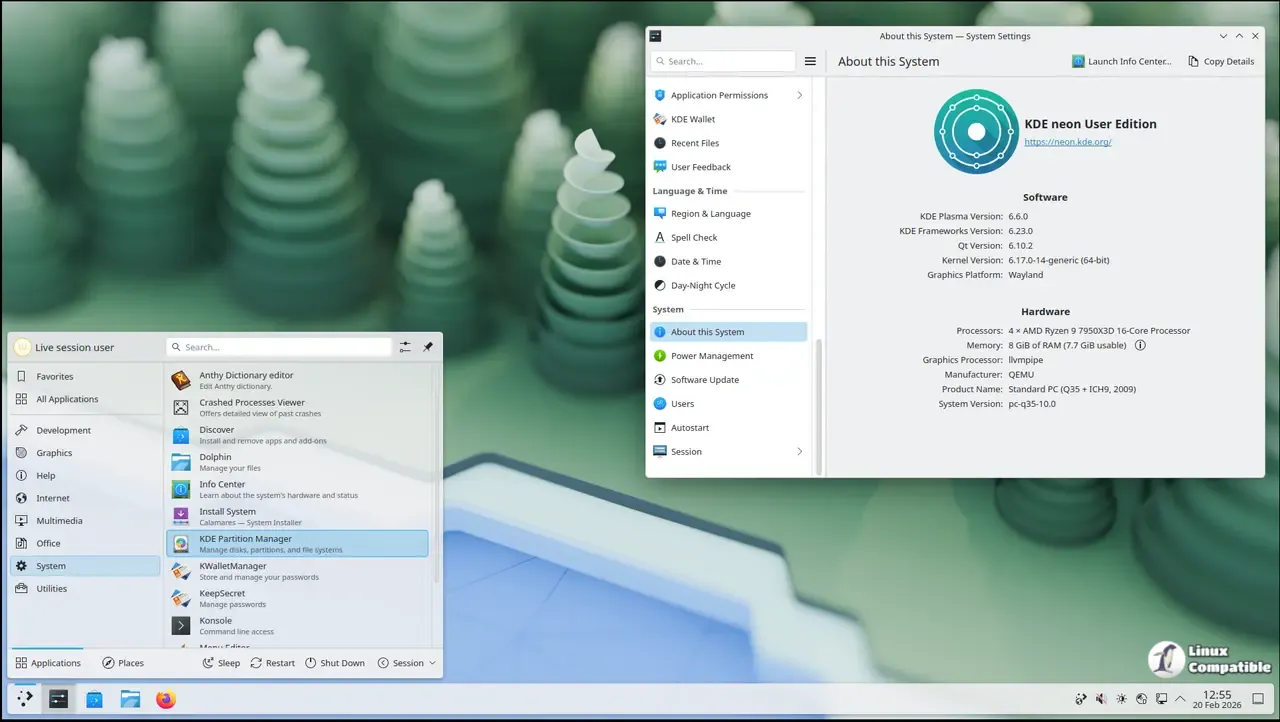
KDE neon 20260604 drops cutting-edge Plasma desktop tools directly onto a stable Ubuntu LTS foundation, giving enthusiasts immediate access to modern features without waiting for traditional distribution schedules. System administrators and casual users should think twice before installing since the rolling software model prioritizes fresh updates over long-term package stability. Graphics card owners will need to handle proprietary Nvidia drivers independently, as official support only covers open source alternatives and basic troubleshooting falls outside the project scope. Keeping the system current requires running sudo apt full-upgrade or using Plasma Discover to catch rapid framework changes before broken dependencies pile up.
KDE neon 20260604 Delivers Fresh Plasma Updates Without Waiting for Distro Cycles
The latest release drops cutting-edge desktop tools straight onto a stable Ubuntu LTS foundation, giving enthusiasts immediate access to modern features without waiting for traditional distribution schedules. This breakdown covers who should actually run this build, how the rolling software model handles updates, and why graphics card users need to check their driver situation first.
Who Actually Needs KDE neon?
The project targets technical Linux users who want the newest Plasma environment and related applications without patching or waiting for package maintainers to catch up. The standard User Edition offers a polished desktop experience focused entirely on KDE tools, while the Testing and Unstable builds cater to developers willing to report bugs as they happen. Anyone running mission-critical workstations should probably stick with traditional distributions that delay software releases by weeks or months. System administrators frequently report black screens after forcing proprietary drivers onto rolling KDE stacks, so treating this build like a daily driver requires a backup plan and some patience.
How the Rolling Software Model Actually Works
The underlying operating system stays locked to an Ubuntu Long Term Support release for core reliability and consistent hardware support. Only the KDE stack moves at a rapid pace, meaning Qt libraries and desktop components update continuously while traditional repository packages can sit two years behind. The developers explicitly discourage using those outdated system apps and instead push users toward Discover for Snap or Flatpak alternatives. This hybrid approach keeps the interface fresh without breaking the foundation that actually boots the machine.
NVIDIA Driver Realities
Open source Nouveau drivers handle basic desktop acceleration without trouble, but anyone chasing maximum gaming performance will likely want the proprietary Nvidia stack. The team makes it clear that installing those closed-source packages happens entirely at your own risk since they fall outside official support channels. Driver conflicts and display issues usually trace back to Ubuntu or Nvidia upstream rather than Plasma itself. If guaranteed troubleshooting resources matter when graphics stacks break, switching to a distribution with dedicated hardware support saves a lot of headache later.
Updating Without Breaking the System
Keeping the desktop current requires using the command line or Plasma Discover since continuous deployment pushes new packages almost daily. Running sudo apt full-upgrade ensures that all necessary dependency shifts and package replacements happen correctly during fast-moving release cycles. The normal upgrade flag gets blocked intentionally because it often leaves behind critical framework updates on rolling software streams. Users who ignore this warning will likely encounter broken dependencies or missing components after a routine refresh.
Why Stick to Ubuntu Instead of Switching Bases
The team sticks with Ubuntu because it provides a mature technology base and reliable third-party support after over a decade of collaboration. Plans to switch to non-LTS releases do not exist since the rolling KDE stack already handles rapid software delivery while the LTS foundation keeps graphics drivers relevant. Converting an existing Kubuntu installation through unofficial PPAs is possible but completely unsupported, so fresh ISO installs remain the only safe path. The project also dropped 32-bit support entirely as modern hardware shifted to 64-bit architectures years ago, and download mirrors still rely on plain HTTP despite GPG signatures keeping the actual images secure.
Grab the ISO if Plasma updates matter more than long-term package stability, and keep an external drive handy just in case things need a quick reset.


