KDE neon ships unpatched Plasma updates straight from upstream developers on a stable Ubuntu LTS foundation, which means you get the freshest desktop features without any distribution-level safety nets. Keeping the system running requires using sudo apt full-upgrade instead of standard update commands, since the rapid package turnover constantly breaks traditional dependency chains and leaves half installed desktops in its wake. Graphics card support stays strictly limited to open source drivers, leaving anyone who installs proprietary Nvidia software completely on their own when sessions inevitably fail. The setup works best for adventurous KDE enthusiasts who want immediate access to new tools and do not mind troubleshooting occasional breakage instead of relying on a polished daily driver.
How to Actually Use KDE neon Without Breaking Your Daily Driver
The latest release of KDE neon drops fresh Plasma updates straight from the developers, but running bleeding edge software on a stable Ubuntu base requires a specific mindset. This guide covers what actually changes in the 20260514 build, how to keep it updated without triggering dependency hell, and who should even bother installing it in the first place.
Why KDE neon Actually Makes Sense for Some Users
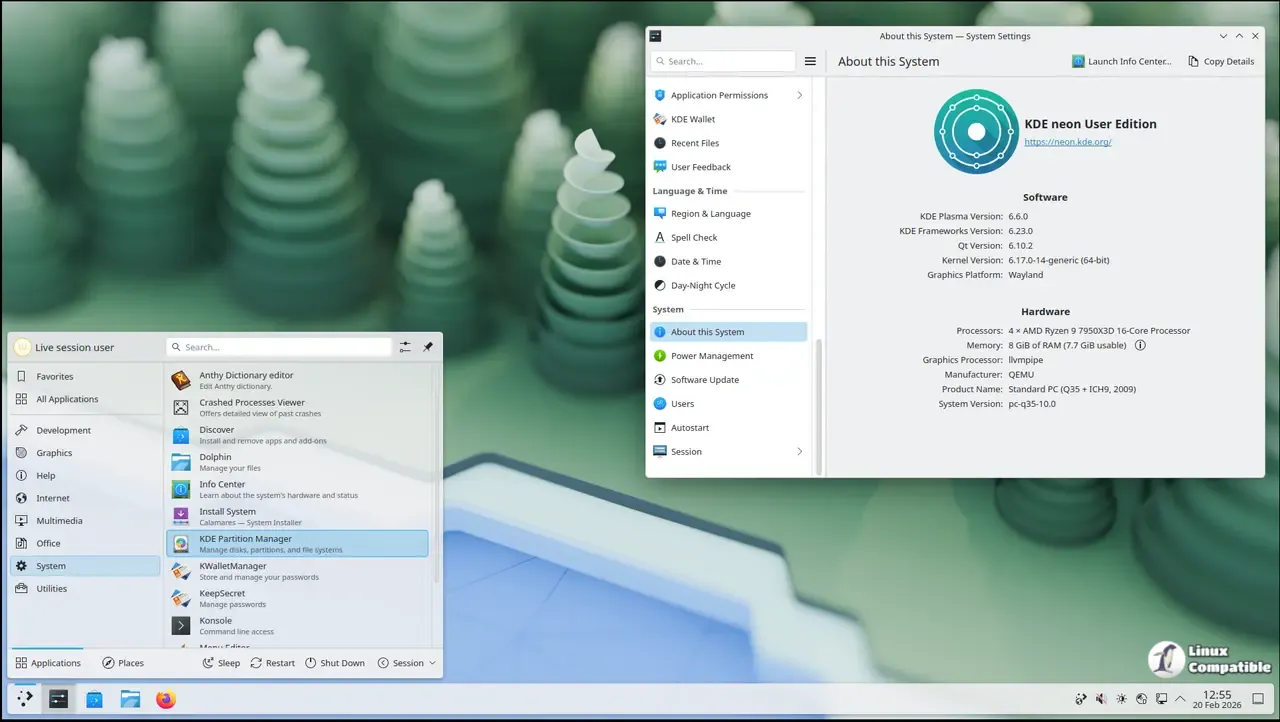
The project strips away every patch and opinionated tweak that other distributions add to the desktop environment. You get exactly what the upstream developers shipped, which means fewer workarounds but also zero safety nets. Most people who try this setup expect a polished daily driver right out of the box. That expectation usually ends with a broken display server after a routine update. The 20260514 release continues the same philosophy by prioritizing immediate access to Qt and Plasma over long term stability testing. Developers who want to test features before they hit mainstream distributions should stick with the Testing or Unstable editions instead of the User Edition.
How to Keep KDE neon Updated Without Breaking Things
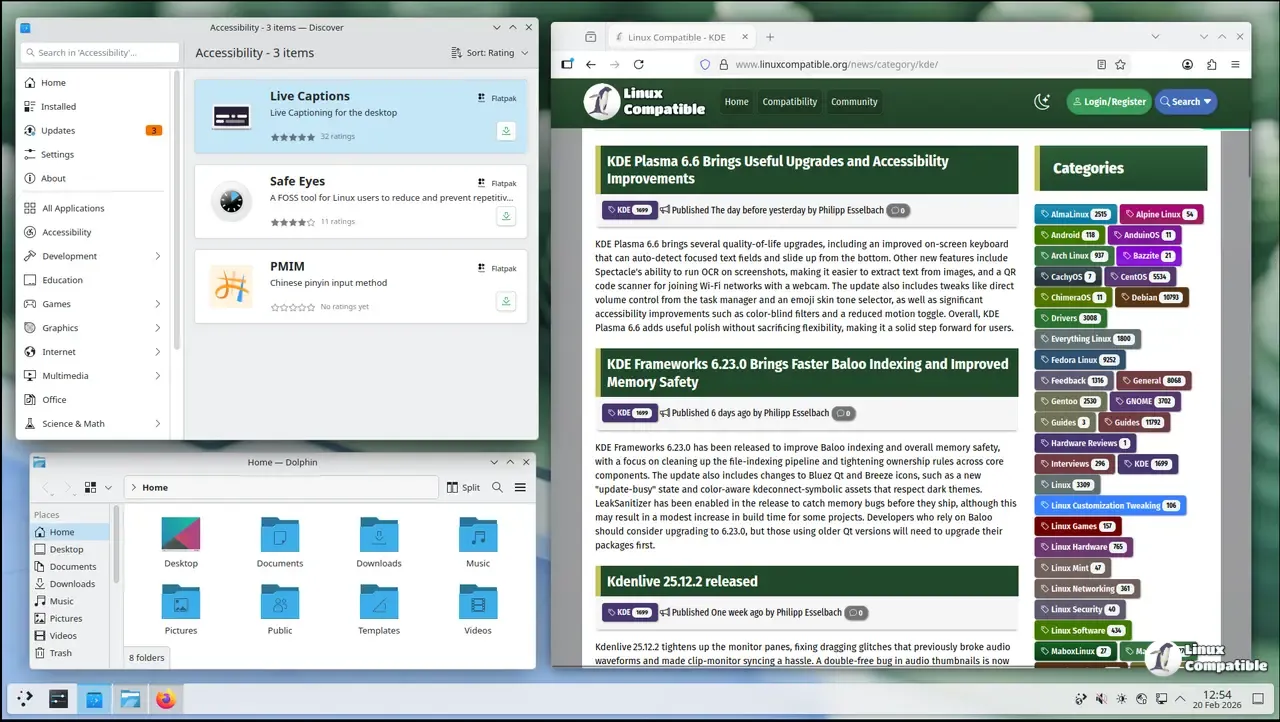
The update mechanism relies on continuous deployment for the desktop stack, but the underlying Ubuntu base stays locked to a long term support release. Running standard apt upgrade commands will fail because the package manager refuses to handle the rapid dependency shifts. You have to use full-upgrade instead, which forces the system to install or remove packages as needed to satisfy new library versions. The developers actually blocked the normal upgrade switch and replaced it with a warning message so users do not accidentally leave their desktop half installed. Discover handles these updates through its panel updater just fine for most people who prefer clicking buttons over typing commands.
NVIDIA Drivers and Hardware Compatibility Realities
The base system ships with the open source Nouveau driver, which handles basic hardware acceleration without requiring extra configuration. Installing proprietary Nvidia drivers works through standard Ubuntu package archives, but the KDE neon team refuses to provide support for them. You are completely on your own if the kernel module fails to load or if Wayland sessions refuse to start after a driver update. This setup usually means spending an evening reading forum threads about DKMS failures and Xorg configuration files. People who need guaranteed graphics stack reliability should pick a distribution that tests proprietary drivers alongside their desktop environment.
What Actually Comes Preinstalled and How to Get Apps
The User Edition focuses strictly on KDE software, which means the traditional Ubuntu repositories are completely hidden from the default Discover interface. You will not find older versions of common utilities sitting in a package manager that filters everything out anyway. The developers expect users to grab applications through Snap or Flatpak packages instead of relying on system libraries that might be two years behind. This approach keeps the core desktop stack clean but forces everyone to manage third party app formats from day one. Some people find this workflow tedious, while others appreciate not dealing with repository conflicts during major updates.
Should You Even Install KDE neon on Your Main Machine
The distribution runs exclusively on sixty four bit hardware and bases itself on Ubuntu twenty four point zero four for the long term support cycle. Mirrors still serve downloads over plain HTTP, though the ISO images remain GPG signed to verify authenticity. Switching from Kubuntu or any other Ubuntu derivative requires adding external APT repositories that nobody officially supports. The system will simply overwrite existing installations without warning if you attempt a mixed setup. Most users who want a stable desktop with modern KDE features should stick to distributions that delay updates by a few weeks for proper QA testing.
Grab the ISO, verify the signature, and decide whether your workflow can handle daily package shifts before committing to an install. The desktop will look sharp from minute one, but keeping it running smoothly requires reading release notes instead of blindly clicking update.


