KDE neon 20260430 drops unpatched Plasma and Qt packages straight onto Ubuntu 24.04 LTS to give technical users immediate access to cutting-edge desktop software. The hybrid setup keeps the underlying OS stable while continuously updating the KDE stack, though it deliberately filters out legacy repository apps in favor of Snap and Flatpak alternatives. Running proprietary Nvidia drivers or skipping regular full-upgrade commands will likely break things, so this release demands hands-on maintenance rather than set-and-forget reliability. Enthusiasts comfortable reading logs and fixing occasional glitches will appreciate the fresh features, but mission-critical workstations should stick to more conservative distributions.
KDE neon 20260430 Brings Fresh Plasma to Ubuntu LTS Without the Bloat
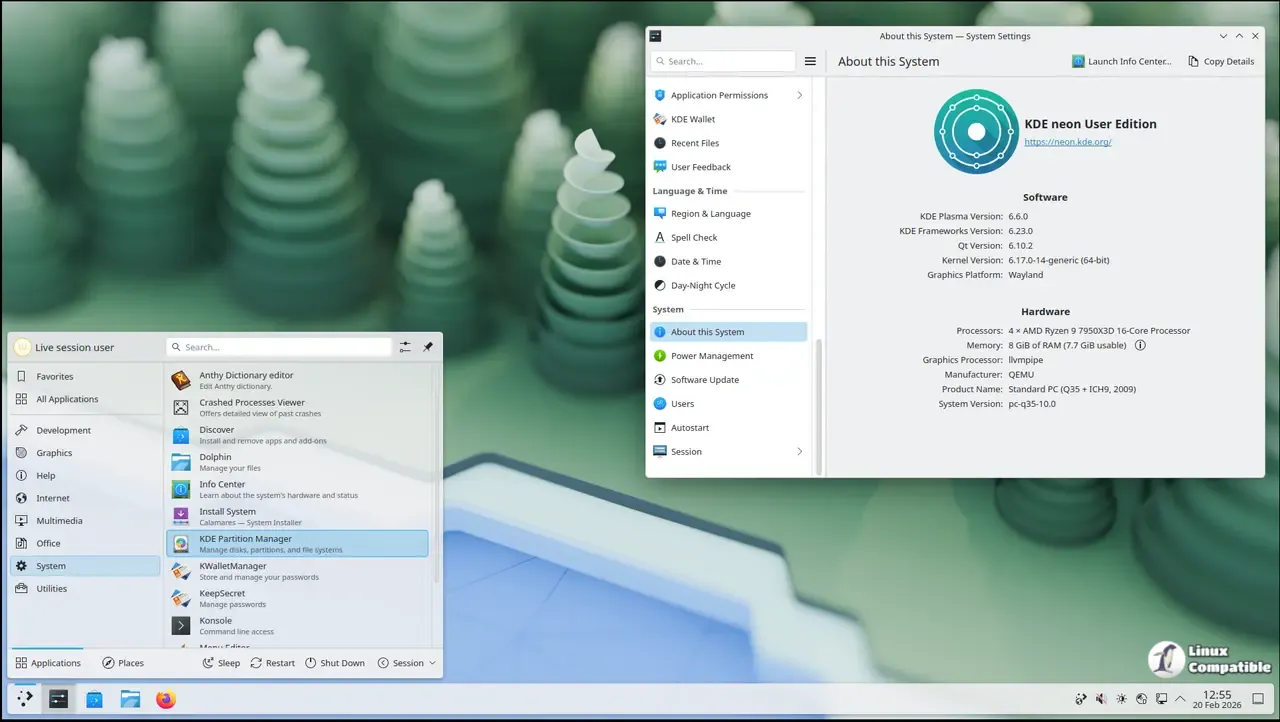
The latest release of KDE neon drops a fresh snapshot of unpatched Plasma and Qt packages right on top of Ubuntu 24.04 LTS. This build keeps the base system stable while pushing cutting edge desktop software straight from upstream developers. Users who want immediate access to new features without waiting for distro maintainers will find this release worth checking out, though it demands a bit more hands-on troubleshooting than a standard install.
Why KDE neon Runs on Ubuntu LTS Instead of Rolling Releases
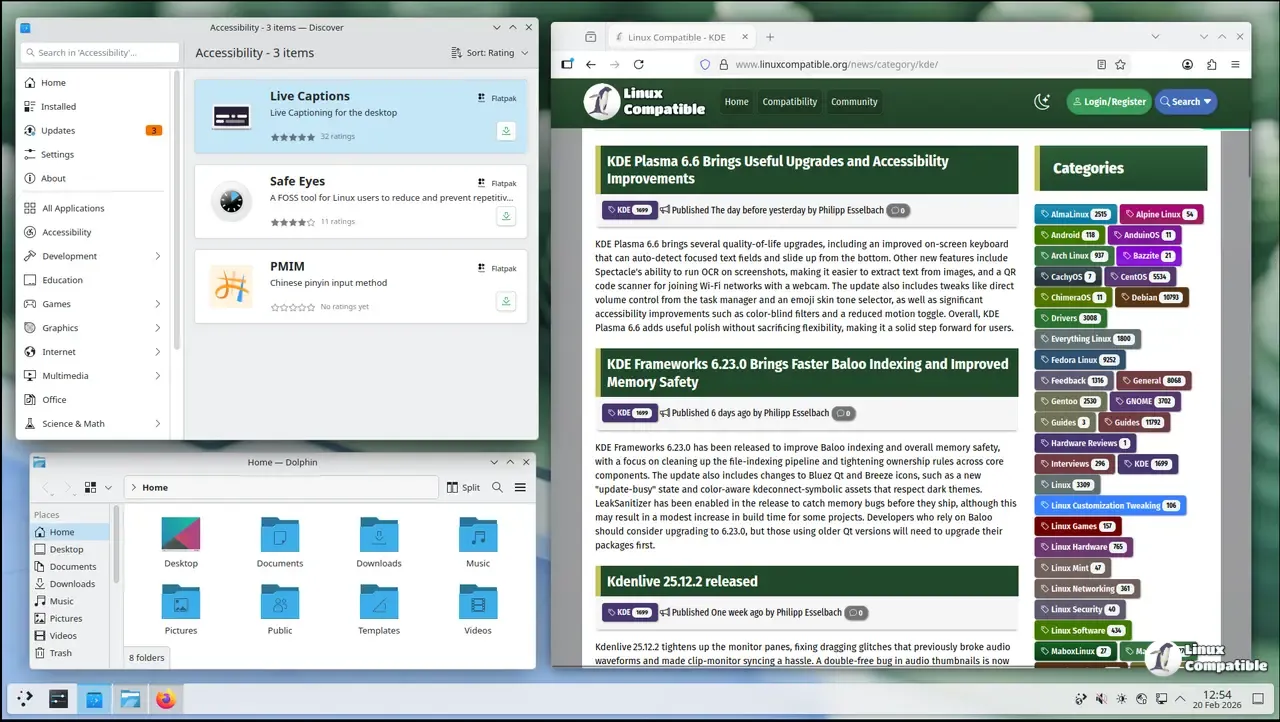
The project sticks to Ubuntu LTS for the foundation because it provides a predictable kernel and graphics stack that rarely breaks under normal use. While the desktop environment updates continuously, the underlying OS stays locked to long term support cycles. This hybrid approach means users get fresh Plasma features without constantly chasing broken package dependencies. The tradeoff is obvious when system tools lag behind modern standards, but the team deliberately filters out old repository apps in favor of Snap and Flatpak packages through Discover. Keeping those legacy tools around only invites dependency conflicts and wastes disk space, so the default software center hides them entirely to keep workflows clean.
Who Actually Needs KDE neon Right Now
This distribution targets technical users who want Plasma exactly as upstream developers ship it, without distro patches or modified defaults. The User edition offers a polished experience for enthusiasts willing to accept occasional glitches in exchange for bleeding edge features. Testing and Unstable editions exist for people actively hunting down bugs before they hit stable releases. If someone relies on their machine for mission critical work or expects zero maintenance, this setup will likely cause more headaches than it solves. The team makes it clear that stability only applies to the KDE software stack itself, not the entire operating system.
Handling Graphics Drivers and NVIDIA Hardware
Open source Nouveau drivers handle basic hardware acceleration out of the box, which covers most everyday desktop tasks without extra configuration. Proprietary Nvidia drivers install through standard Ubuntu tools but fall completely outside official support channels. Systems frequently lock up after a kernel update when proprietary drivers fail to rebuild modules, which explains why the neon team refuses to handhold Nvidia setups. Users who choose to run them accept full responsibility for black screens, failed updates, or package mismatches after a system refresh. Anyone needing guaranteed driver stability should probably stick with distributions that maintain dedicated graphics stacks.
Updating Without Breaking the System
Continuous deployment means new Plasma versions arrive frequently, so keeping packages current requires careful attention to update commands. Running standard apt upgrade will often fail because it skips necessary dependency changes on fast moving platforms. The full-upgrade flag forces the package manager to handle all required removals and installations safely, preventing half installed libraries from leaving the desktop in a broken state. Discover also provides a graphical updater that handles these operations behind the scenes without requiring terminal access. Skipping regular updates eventually leads to broken dependencies, which defeats the purpose of running an unpatched software stack.
Grab the ISO if Plasma 6 features are worth the occasional maintenance window. The desktop runs smooth once configured properly, and the lack of distro patches keeps things predictable for anyone comfortable reading logs when something goes sideways.


