The latest Arch Linux install media drops with kernel version 7.0.3 and is strictly intended for fresh system builds rather than updating existing rolling releases. Users should always verify the downloaded ISO using BLAKE2b checksums and PGP signatures to prevent boot failures caused by corrupted files or compromised mirrors. Beyond standard USB flashing, the release supports alternative deployment methods like netboot, Docker containers, preconfigured VM images, and WSL for specialized workflows. Skipping verification steps wastes bandwidth and often leads to avoidable installation headaches down the line.
Arch Linux Install Media 2026.05.01 Drops With Kernel 7.0.3 and Fresh Download Options
The latest Arch Linux install media just hit the mirrors, bringing kernel version 7.0.3 to fresh system builds. This release targets brand new installations rather than rolling updates for existing setups. Users looking to burn a USB drive or spin up a virtual machine will find straightforward download paths alongside standard verification steps.
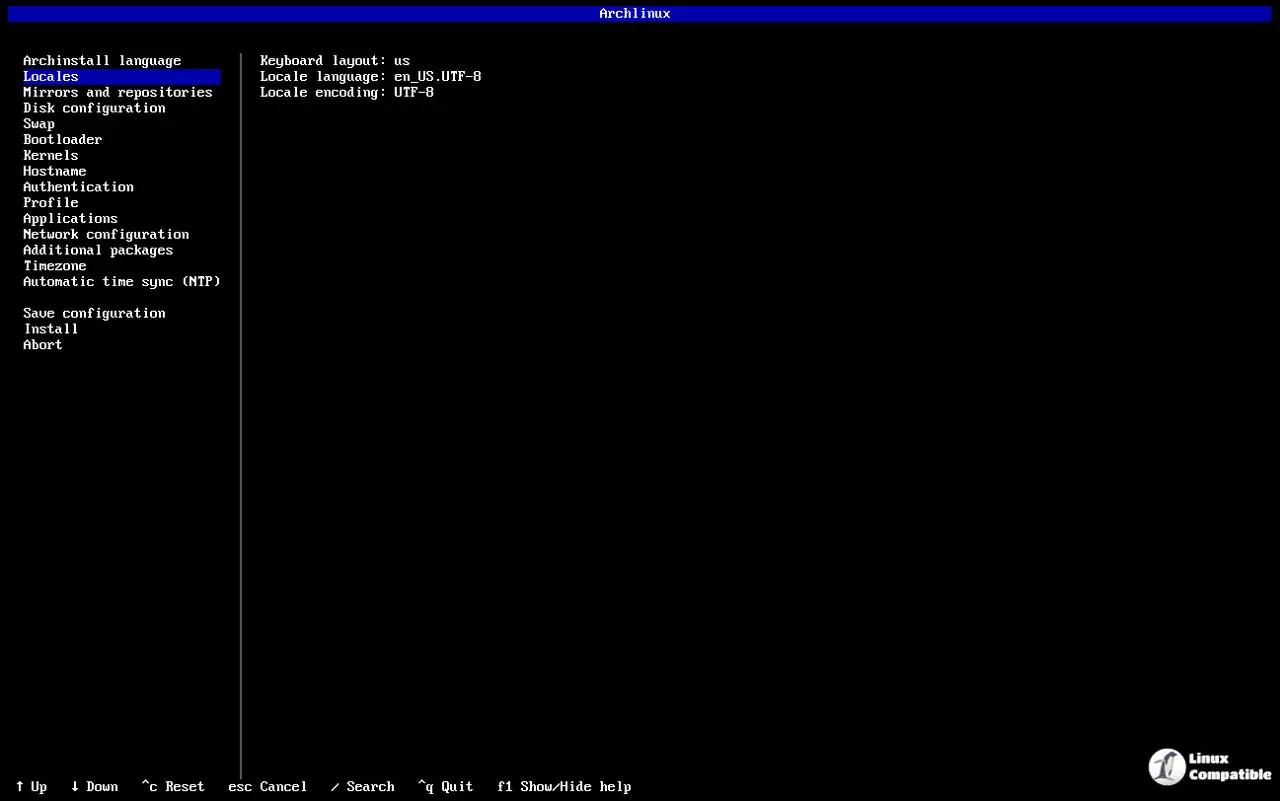
What Actually Changed in This Release
The build ships with kernel version 7.0.3, which means newer hardware support and updated driver stacks right out of the box. The ISO sits at roughly 1.4 GB, keeping the base image lean enough to fit on older optical media while still packing modern utilities. Existing Arch users should skip this entirely since rolling releases update through pacman -Syu anyway. Downloading a fresh ISO for an already running system just wastes bandwidth and risks breaking custom configurations that evolved over months of updates.
Arch Linux Install Media Verification Steps That Actually Matter
Broken boot loops happen constantly when users flash an unverified ISO onto a USB stick. The installer will happily copy corrupted sectors straight into the partition table, leaving the system stuck in a GRUB prompt with no recovery path. Running b2sum -c b2sums.txt against the downloaded archive catches any incomplete transfers before they reach removable media. PGP verification adds another layer since it confirms the release actually came from the Arch maintainer instead of a compromised mirror. Sequoia handles modern cryptographic standards cleanly, though GnuPG still works for legacy setups. The signing key pulls directly from the Web Key Directory using either client, which removes the need to manually hunt down detached signature files.
Alternative Boot Paths for Specific Setups
Netboot streams the installer over a wired connection when local storage is unavailable or too slow to write an ISO. Docker containers run the exact same environment inside isolated processes, making it useful for testing package builds without touching the host system. Virtual machine images skip the partitioning phase entirely by providing preconfigured disk layouts that work out of the box in QEMU or VMware. WSL users can pull the official image directly through PowerShell with wsl --install archlinux, which handles the backend setup automatically. Each path serves a different workflow, but none replace the standard USB method for desktop installations.
The mirrors will stay updated as long as the next rolling release approaches. Keep the verification steps in mind before burning anything to removable media.


