KDE Gear 26.04.1 Released: Quick Fixes for Konsole, Kdenlive, and Okular Stability Issues
The latest round of updates for the desktop environment just dropped, bringing over one hundred eighty applications into line with fewer crashes and tighter security. KDE Gear 26.04.1 focuses heavily on squashing memory leaks, fixing middle mouse button quirks in terminals, and patching a few dangerous buffer handling flaws in document viewers. Users running Plasma or building custom Linux setups should grab this update to keep their workflow from stalling out during heavy multitasking.
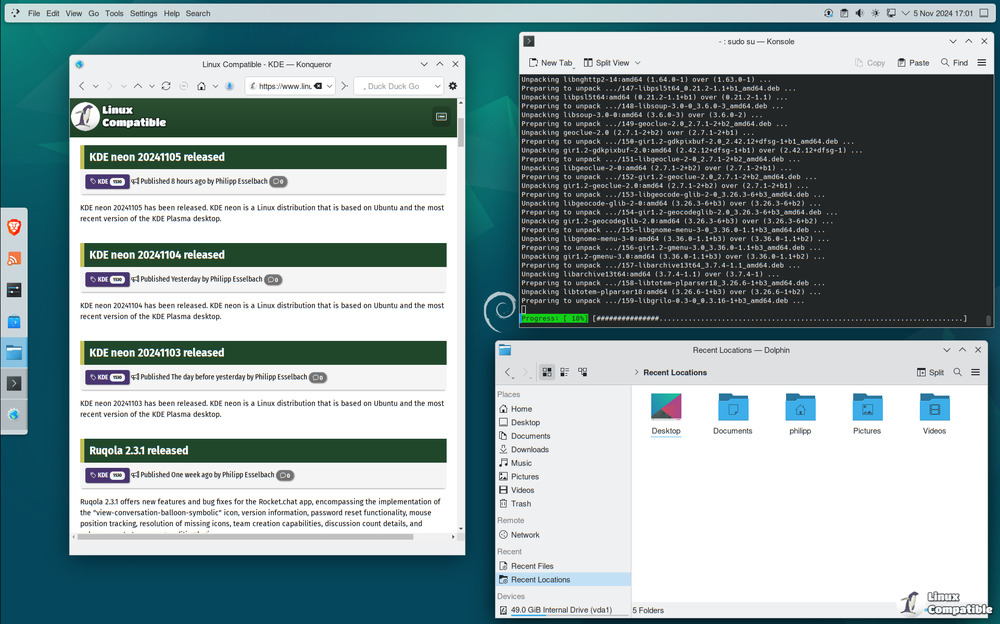
Why the Konsole and Akonadi Fixes Actually Matter
Terminal emulators and email backends rarely get attention until they break, but KDE Gear 26.04.1 finally addresses two annoyances that have been nagging power users for a while. The konsole update stops the QTabBar from closing tabs when middle clicked, which is a massive quality of life improvement since accidental clicks used to wipe out open sessions without warning. Meanwhile, akonadi gets a crash fix tied to selecting multiple items in EntityTreeView, something that routinely happens when people try to bulk manage contacts or calendar events. This exact pattern repeats after minor UI tweaks, where a single unhandled selection state triggers a full backend restart and forces users to wait for indexes to rebuild. Patching these edge cases keeps the desktop environment from feeling like it is constantly fighting itself in the background.
KDE Gear 26.04.1 Patches Critical Memory Safety Issues
Video editors and document viewers often sit on the shelf until a project deadline forces them into action, so stability matters more than flashy new features here. The kdenlive release tackles several macOS permission prompts that were blocking audio device access before users even opened their timeline, along with fixes for subtitle layer crashes and frozen clip monitors. Okular receives attention to fax handling routines that previously allowed attacker influenced dimensions without overflow checks, which is exactly the kind of memory safety issue that turns a routine PDF open into a system compromise. These are not trivial tweaks either, since uninitialized media recorder access or missing proxy sanitization can easily corrupt project files or leak network credentials during export.
What Else Gets Updated in This Release Cycle
Beyond the headline fixes, the update touches dozens of smaller tools that keep the desktop environment functional without drawing much attention. Neochat clears up pinned message logic and fixes forwarding issues with newer library versions, while ktorrent corrects an incorrect peer ID that was messing with tracker communication. Kmail components get hardened against null bytes in charset parsing, and rocs finally stops crashing when closing property dialogs. The Android build chain also gets cleaned up across multiple apps to work properly with Qt 6.11, which means mobile ports will stop throwing compilation errors during development cycles. Translations receive routine updates across the board, so non English speakers get better interface accuracy without waiting for a major version jump.


