How Plasma 6.7 Fixes The Crashes And Quirks That Actually Annoy Users
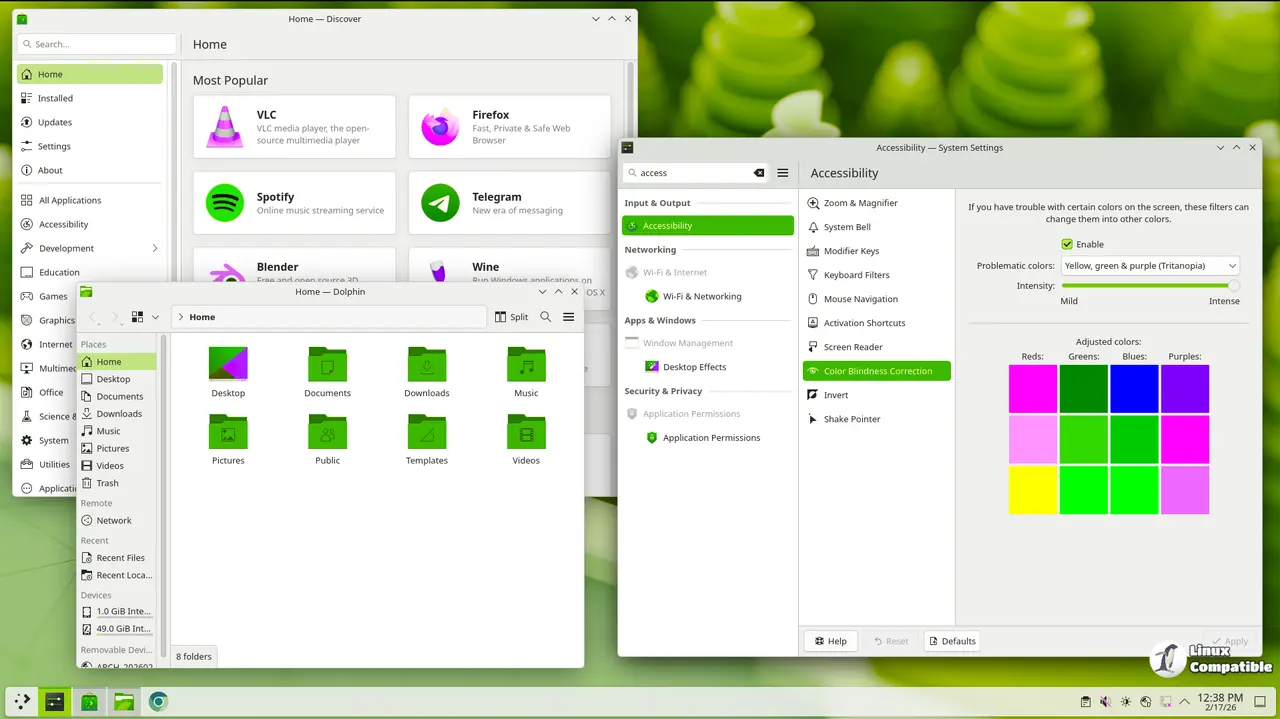
KDE is wrapping up bug hunting for Plasma 6.7 ahead of next Tuesday, and the changelog shows a clear shift from adding new features to actually stabilizing the desktop environment. This release targets the exact crashes and interface quirks that have been driving users crazy after recent updates. The team also quietly slipped in some practical UI tweaks that make daily navigation feel less like guessing games.
Why Plasma Browser Integration Finally Supports Flatpak Edge
The KDE team added support for the Flatpak version of Microsoft Edge through Plasma Browser Integration, which solves a long standing gap in cross platform app communication. Anyone who has watched a flatpak application silently fail to share the clipboard with native software knows how quickly that breaks workflow momentum. This update bridges that divide without forcing anyone to switch back to traditional package formats or run everything inside a browser tab. It is a small change but removes one of those friction points that makes containerized setups feel incomplete.
Window Controls And Theme Switching Get More Predictable
Mouse wheel behavior for window actions now ignores the natural scrolling preference, which means up always moves windows up and down moves them down regardless of system settings. The logic here is straightforward since screen space manipulation should follow physical direction rather than document reading flow. The automatic day night theme switcher also moved its trigger point to halfway through dawn or dusk instead of waiting until the transition ends. This adjustment prevents that awkward moment where the desktop stays in light mode while the room gets dark, and it keeps the visual experience consistent with actual daylight conditions.
Remote Access Notifications And Pointer Movement Improvements
Applications that request remote control permissions now trigger a visible notification whenever they actually take over the system. This change addresses a security blind spot where background tools could manipulate windows without any visual feedback. Numpad pointer movement also got an interpolation update so pressing multiple keys moves the cursor in a blended direction instead of snapping to a single axis. KRunner searches now filter out global shortcut matches when better results exist elsewhere, which keeps the launcher from cluttering up with obscure keybind suggestions during everyday typing.
The Crash Fixes That Actually Matter For Daily Use
KDE spent most of this cycle patching stability issues that would break workflows after routine actions. KWin no longer leaks system capabilities to child processes, which fixes sandboxing conflicts that previously broke containerized applications. Monitor layout changes during login will stop triggering desktop crashes, and waking from sleep with different display configurations is now handled without a full session restart. The Digital Clock widget finally respects timezone offsets correctly, so the today button highlights the right date instead of drifting into tomorrow when local time crosses midnight. System Monitor graphs also display fractional values properly, and non random wallpaper slideshows remember their position across reboots instead of resetting to the first image every single time.
Frameworks And Qt Updates Clean Up The Underlying Mess
The accompanying frameworks release adds a standalone Meta key trigger for the KWin overview screen, which gives power users a faster way to access workspace previews without holding modifiers. Thumbnail alignment in open and save dialogs received spacing corrections that make file selection noticeably cleaner. A stubborn freeze caused by placing AVIF icons on the desktop got squashed, and media player widgets no longer crash when fetching album art from streaming services. These backend adjustments keep the desktop environment responsive even when third party applications push unusual formats or request heavy system resources.
The Plasma team clearly prioritized stability over flash this cycle, which is exactly what a mature desktop environment needs before moving into 6.8 development. Users who have been putting off updates due to recent instability should find this release much more reliable for daily driving. Keep an eye on the official channels when Tuesday rolls around and grab the update when it hits your distribution repository.


