Heroic Games Launcher ships 2.22.4, patching broken GOG login and UMU launch
A terse little hotfix clears out two rough edges from a rocky 2.22 series.
The release notes were about as terse as they come. "Small hotfix to fix the GOG Login and UMU issue," wrote Flávio Fearn, the Brazilian developer behind Heroic Games Launcher, when he pushed version 2.22.4 to the public today.
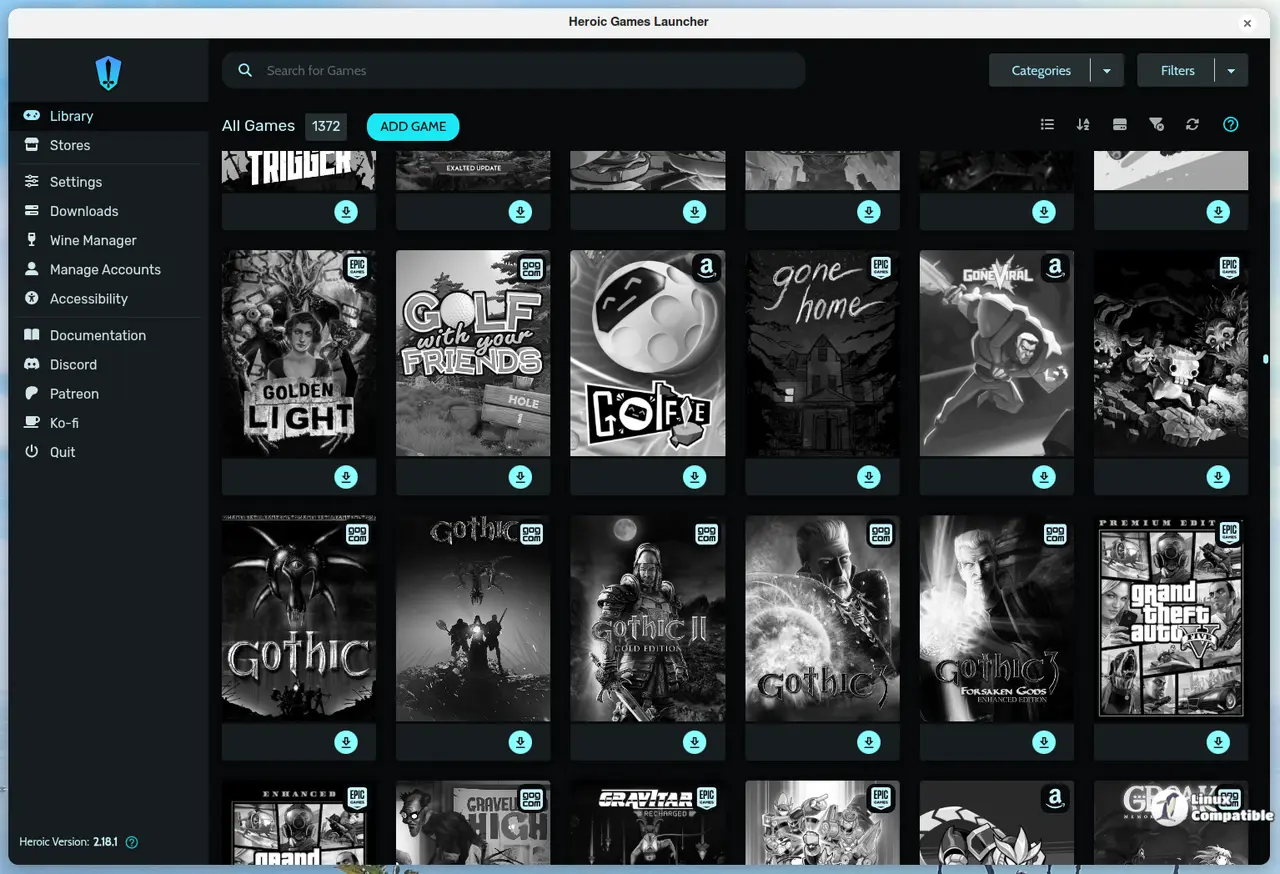
Nothing to unpack. No feature list. Just two things that were broken, now un-broken. For a patch, that's the whole point, and honestly it's a relief to see a team confident enough not to over-explain.
Heroic is the free, open-source launcher that lets you play games you already bought on the Epic Games Store, GOG, and Amazon Prime Gaming without putting up with the official clients. It started in 2021 as a workaround for Linux users tired of bloated, Windows-first storefronts. It's now sitting at over 20 million downloads and roughly 500,000 monthly active users, with 12,000-plus stars on GitHub to boot.
Keep in mind that it quietly pulls off a lot: no ads, no data selling, and anonymous analytics that ship off by default. That stance is a genuine differentiator in an industry that otherwise runs on telemetry.
The two headline fixes
First, the GOG login. Heroic sends a custom User-Agent header with its web requests, and that identifier apparently set off GOG's Cloudflare anti-bot wall. It served an "I'm not a robot" challenge that always failed. You were stuck in a login loop.
The fix is simple in hindsight: unset the custom User-Agent so Heroic's traffic reads like an ordinary browser. Cloudflare steps aside and sign-in works again.
Not cheap to fix in terms of disruption, though. A broken GOG login takes down library syncing, cloud saves, store access, and deal browsing in one shot, and GOG is one of Heroic's three core stores. So this hurt more than the word "small" implies. The fix came from collaborator arielj, merged October 14th. A companion bug report was literally titled "Cannot sign in in GOG because cloudflare's check fail."
Then there's the UMU side. For a native Linux game (one that runs directly on Linux), Heroic shouldn't route it through Proton or UMU at all. But a quirk in the config system left the "Wine Version" field populated, which made isUmuSupported() return true. Heroic then defaulted to UMU anyway.
The fix stops Heroic from trusting that return value on native games, so UMU only kicks in when you actually ask for it. Note that this area is still being worked. Related open bugs #5925 and #5934 show the team still hammering out how UMU settings surface, so don't expect this to be the last word.
Why a small hotfix mattered
The 2.22 series has been anything but smooth. 2.22.0 "Hajrudin" shipped in May with library editing and expanded console mode. Then came a string of hotfixes: 2.22.2 targeted Rockstar and Ubisoft headaches, and 2.22.3 went out with a blunt note that the previous release had broken UMU for a lot of people.
2.22.4 is the one that closed the gap. Fearn had called 2.22.3 his "hopefully last hotfix" before the next major release, and this patched the lingering GOG and UMU problems so the team could move on.
For what it's worth, Fearn also co-founded HyperPlay, a fairly commercial game launcher. That's a mild irony for a guy who built his reputation on kicking down walled gardens, but it doesn't change what Heroic is.
The bigger picture: this line also teased itch.io, Humble Bundle, and Steam integration, alongside a "plugin" system meant to make future storefronts easier to bolt on. So the next major release probably brings more stores, and probably more rough edges to smooth out.
The remaining 2.22.4 changes are smaller but real: it stops Heroic from running chmod on native Linux and macOS binaries on exit, adds ARM64 Flatpak build support, rolls in routine translation updates across 40-plus languages, and welcomes new contributor wehrwolfmann. That's a single commit tagged 2.22.4, bundling a handful of PRs merged into main since the previous release.
If you're on it, update through the app's built-in updater. You can also grab the release direct from GitHub, or through the usual Flatpak, AppImage, .deb, .rpm, pacman, and tarball matrix on Linux. macOS ships .dmg and .zip for both Apple Silicon and Intel, and Windows gets installer and portable builds. Head to the GitHub releases page if the in-app updater is being stubborn.
Head here to the release notes and downloads.


