GOverlay 1.8.9 adds per-game MangoHud blacklist and fixes Flatpak path handling
The latest stable release of the Linux gaming overlay manager lands today with a feature the community has wanted since the project's early days.
GOverlay 1.8.9 shipped on July 22, 2026, bringing per-game blacklist support for MangoHud, global profile parity, and several fixes for Flatpak and non-Steam game configurations. Developer Benjamim Gois, a network engineer who describes the project as his "way of giving something back to the community," has been pushing updates at a rapid clip through mid-2026.
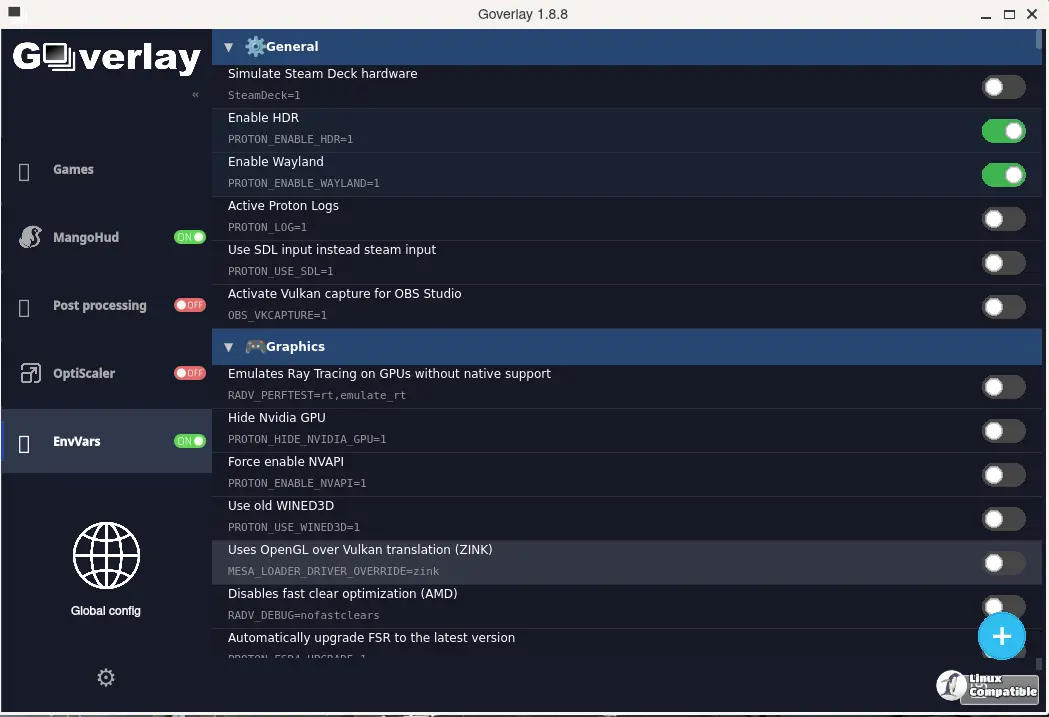
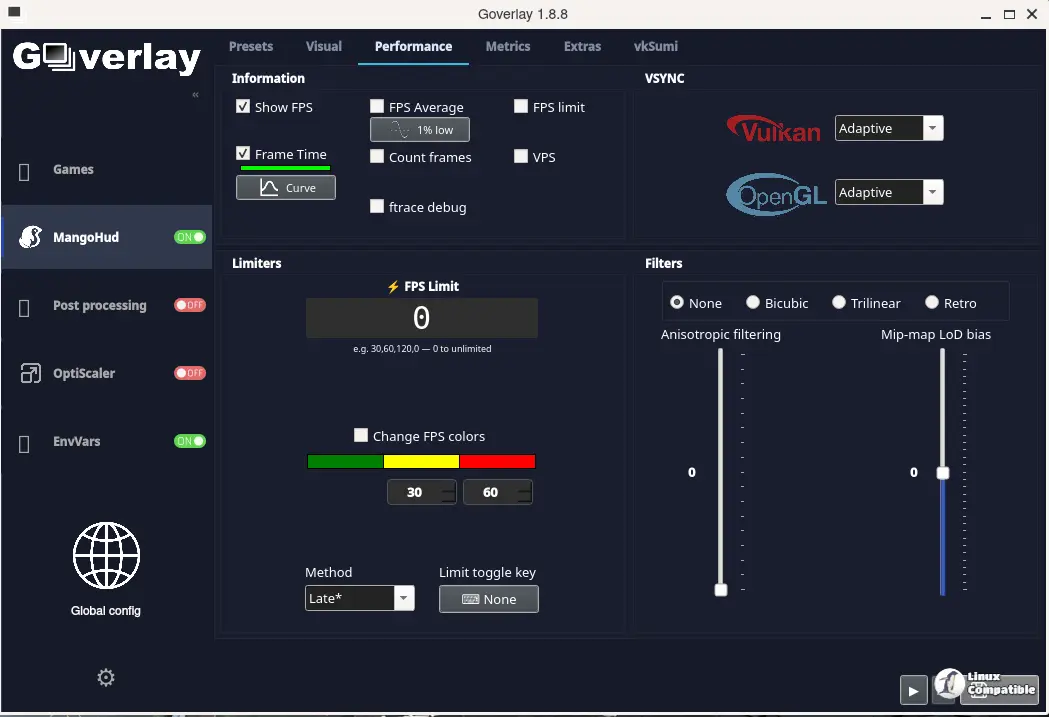
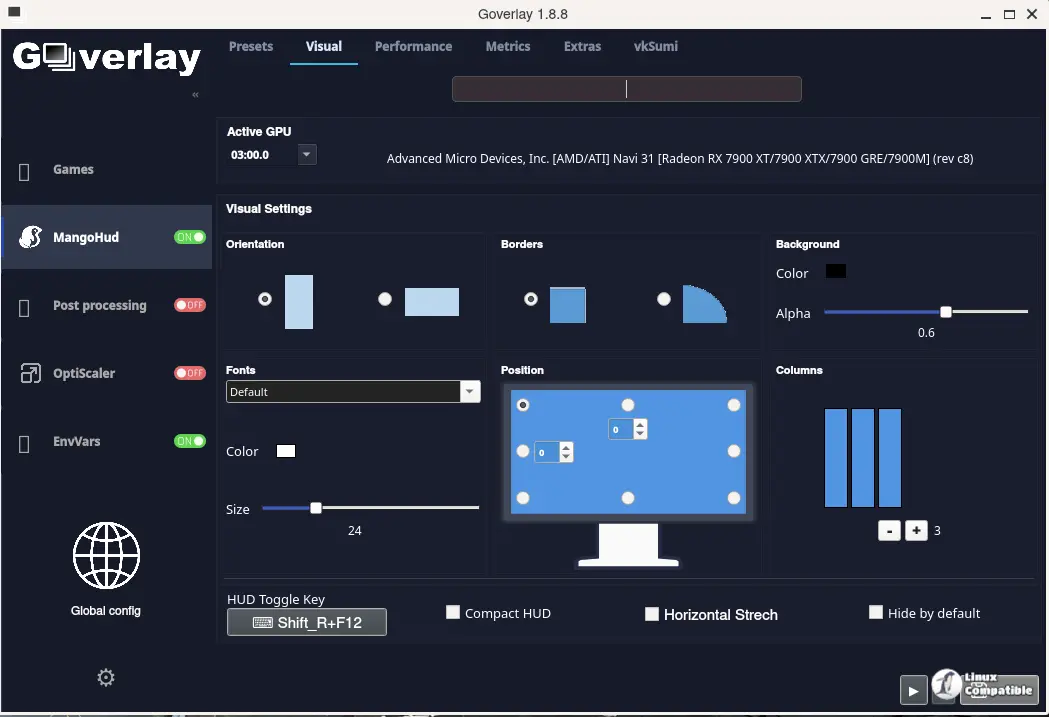
The app consolidates configuration for five Vulkan-based tools — MangoHud, vkBasalt, vkSumi, OptiScaler, and Proton tweaks — into a single card-based interface. You generate config files and launch commands you paste into Steam, Lutris, or whatever launcher you're using.
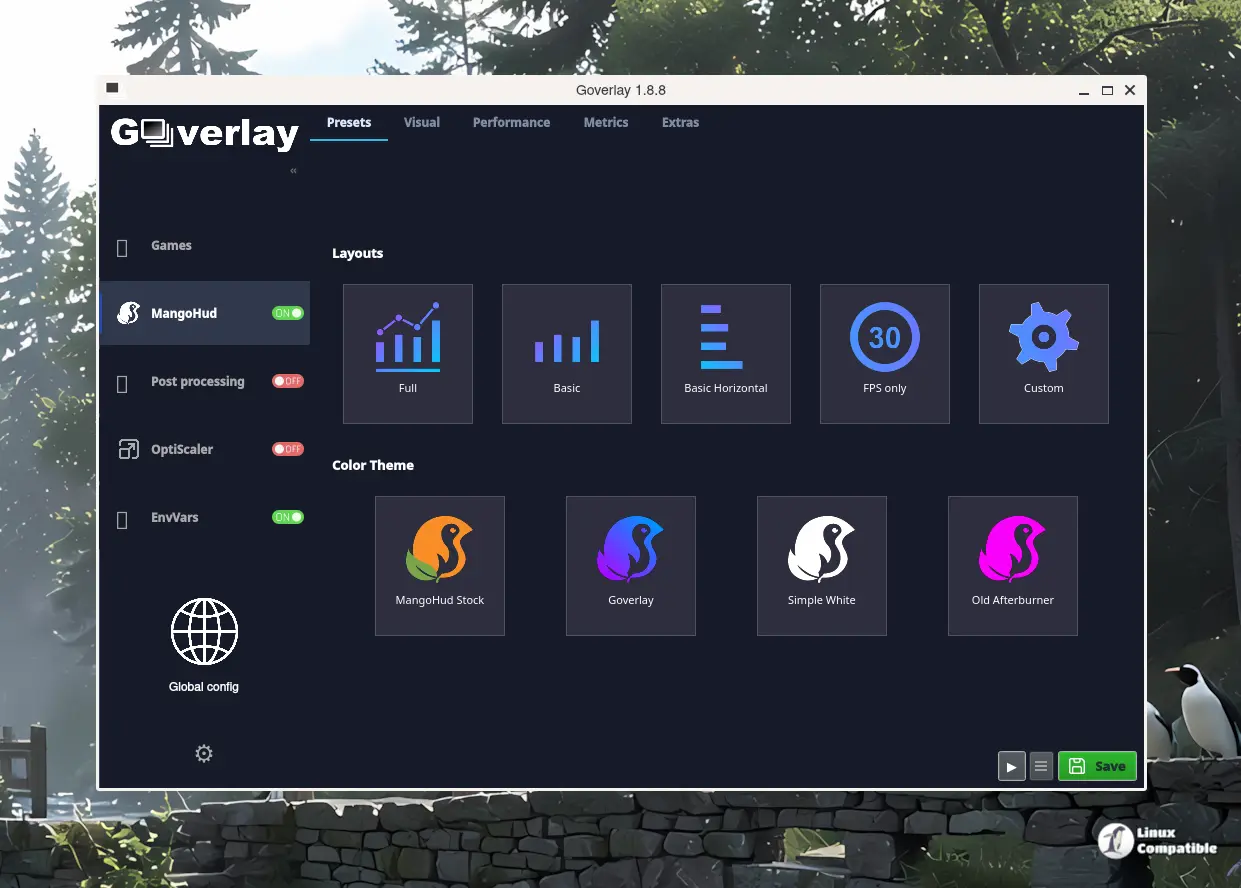
MangoHud gets the blacklist it needed
The headline feature here is selective exclusion of specific windows from performance monitoring. GOverlay now appends the blacklist= directive to both global and per-game MangoHud configuration files, letting you exclude launchers, anti-cheat processes, or whatever other background windows were cluttering your overlay.
This was a long-requested capability. Running games with multiple processes always meant your FPS counter would jump between the main window and the launcher. Next, the release also unifies global mode storage under goverlay/gameconfig/global/, mirroring the per-game profile structure while staying in sync with system-wide MangoHud paths.
If you've ever toggled between global and per-game profiles and noticed config drift, this parity matters. There's also a small UX fix for the blacklist dialog — the window no longer closes after adding or deleting entries, so you can work through multiple items without reopening the modal each time.
Flatpak, non-Steam, and other fixes
GOverlay 1.8.9 also resolves a path resolution issue for nonsteam_folders.txt using TConfigManager.GetGoverlayFolder. That's a meaningful fix for Flatpak users running AppImages or standalone binaries outside Steam.
On the stability side, a previous bug caused a curl I/O pipe deadlock when fetching release notes from GitHub, which could hang the app on startup. You'll see that cleared up now. The changelog UI no longer freezes.
OptiScaler version string comparison also gets corrected — the stable. prefix is now stripped when comparing releases, preventing false "update available" prompts on already-current installations. Fakenvapi and bgmod configurations receive minor reliability improvements as well.
Keep in mind that GOverlay ships with PasCube, a Vulkan demo compiled from the PasVulkan engine, so you can preview settings in real time without launching a full game. That's been useful for testing shader configurations.
Where it stands
The project sits at 1,400+ GitHub stars and pulls roughly 9,900 Flathub downloads per month. That's not massive, but it's a solid niche audience for a tool that does what it does well — unifying Vulkan overlay configuration when most Linux gaming tools handle one or two pieces at a time.
The codebase is 97.9% Free Pascal, which is an unusual choice for a Qt6 GUI app, but it's worked well enough to reach 37 releases and 1,534 commits. Gois has been maintaining a rapid release cycle through July, pushing updates every few days based on community feedback.
For what it's worth, GOverlay's main competition in this space is mangoapp, which is simpler but MangoHud-only. Gamescope takes a different approach entirely as a compositor. The unified interface for multiple Vulkan tools remains the project's real differentiator.
Not cheap in terms of development effort alone, but free for you. The tradeoff is that the per-game architecture means config files live in XDG-compliant directories under ~/.config/goverlay/, which some users prefer and others find a bit scattered. That's a minor quibble though.
Grab it now
GOverlay 1.8.9 is available across all standard distributions. Arch Linux users can pull the official repo, while Fedora, Debian, and Ubuntu users are best served by the Flatpak or AppImage.
Head here to download the release.


