GOverlay 1.8.8 Release Brings Stability to Linux Vulkan Configuration
benjamimgois just pushed GOverlay 1.8.8 to stable today, closing a handful of startup deadlocks while unifying the OptiScaler upscaling interface. The Free Pascal-built utility now consolidates MangoHud, vkBasalt, vkSumi, and OptiScaler configuration into a single Qt6 window, finally giving Linux gamers a unified dashboard for Vulkan performance tweaks.
Linux gaming has improved dramatically over the past few years, but configuring per-game performance overlays remains a fragmented chore. You typically juggle manual config files, custom launch scripts, and terminal windows just to get a consistent experience. GOverlay strips that away by generating XDG-compliant directories on the fly, complete with the exact bgmod launch command you paste straight into Steam or Lutris.
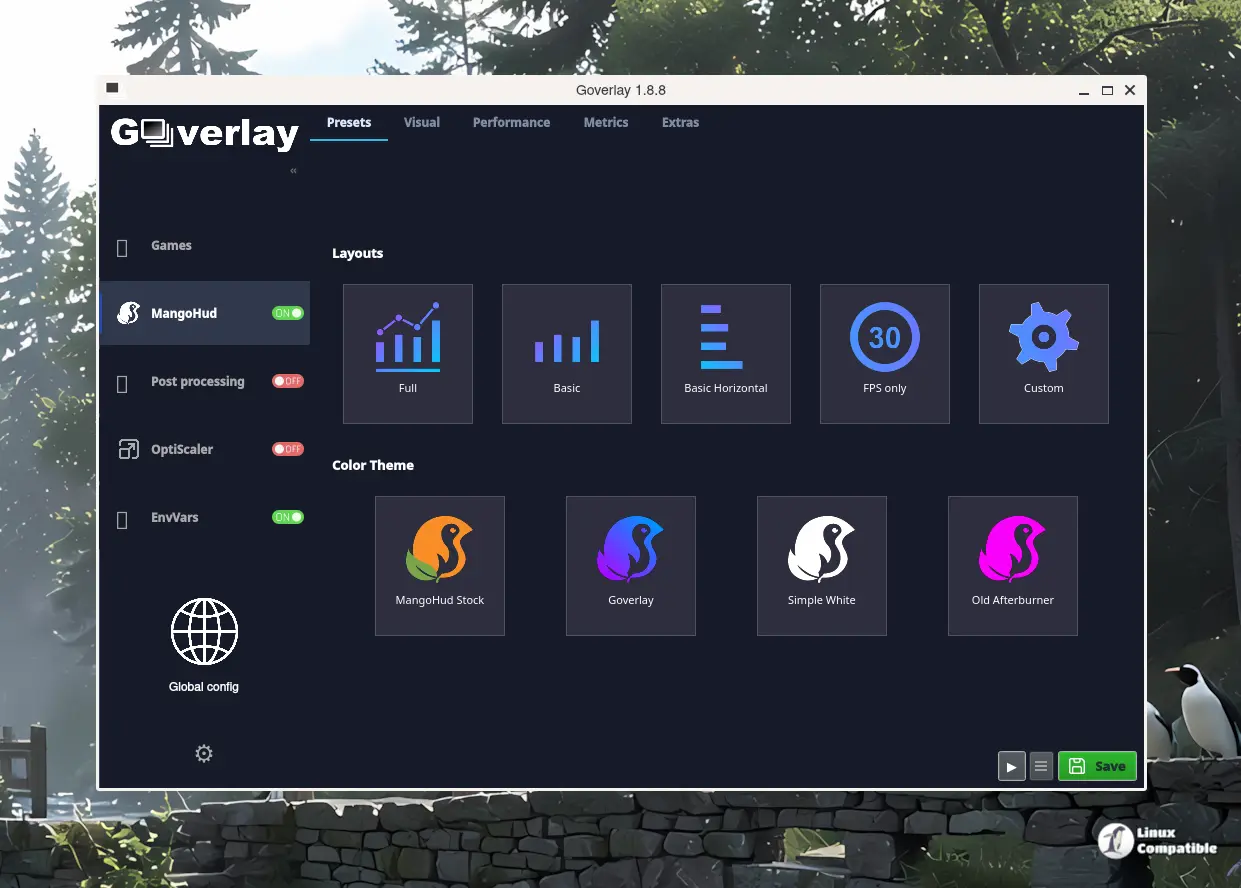
Architecture & Workflow
This 1.8.8 bump is strictly stability and polish on top of yesterday’s 1.8.7 feature release. Six commits from the maintainer cleaned up cover fallback deadlocks, moved synchronous changelog fetching to a background thread, and tightened up OptiScaler’s FSR layout across stable and bleeding-edge channels. The project still runs on a deliberate Free Pascal foundation, with roughly 97.9 percent of the codebase compiled via the Lazarus IDE. It’s a technical choice that keeps the final binary lean, though it means you’ll need a specific set of dev libraries if you want to compile from source yourself.
When you drop a game into the interface, GOverlay switches into Game Mode. It dynamically writes out MangoHud.conf, vkBasalt.conf, and the necessary upscaling INI files. The bottom panel updates in real time, spitting out the wrapped command ready for your launcher of choice. The project also ships PasCube, a built-in Vulkan demo that lets you preview those settings without actually booting into a title. It’s a neat trick for tweaking shader passes on the fly.
At the core of the workflow is bgmod, a compiled Free Pascal wrapper that replaces the old bash approach. It intercepts game arguments, exports environment variables, handles Wine DLL overrides, and copies the upscaling binaries right into the game folder on launch. The ecosystem it ties together is substantial. MangoHud handles monitoring. vkBasalt and vkSumi manage post-processing. OptiScaler tackles frame generation. fakenvapi bridges NVAPI gaps. Each component usually demands its own CLI workflow. GOverlay forces them into a consistent card layout.
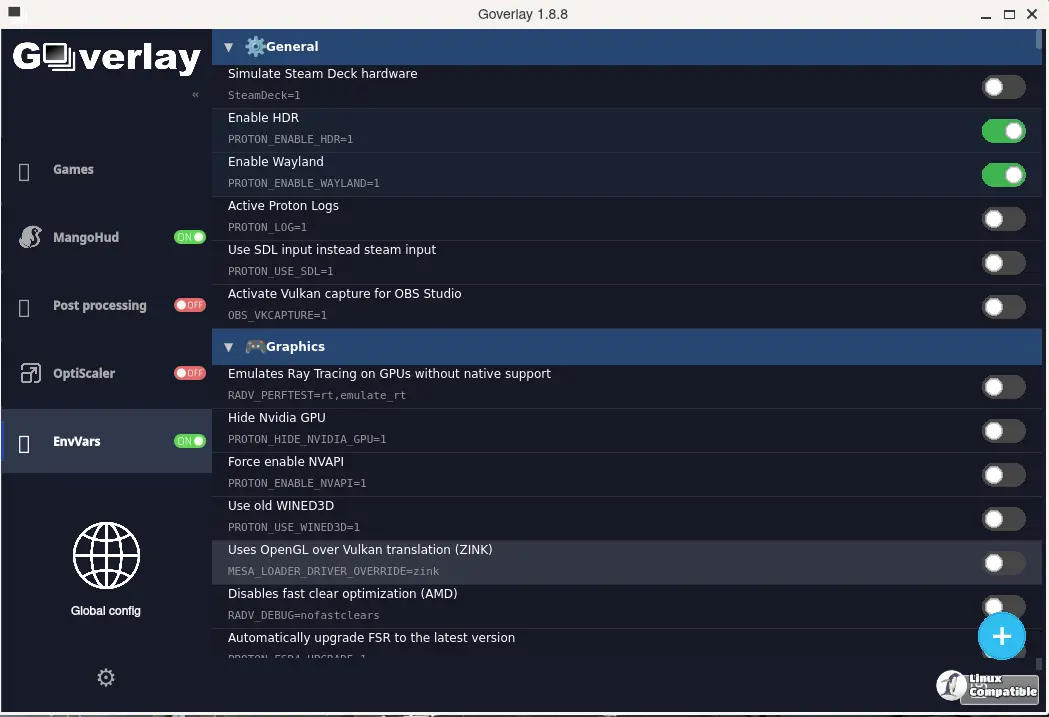
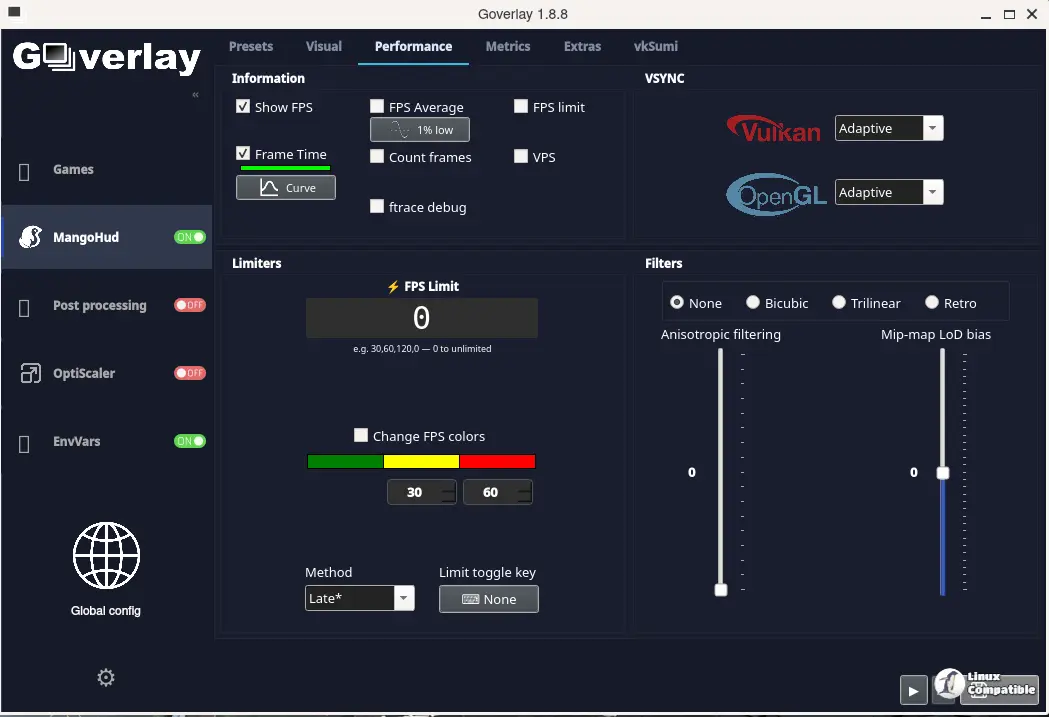
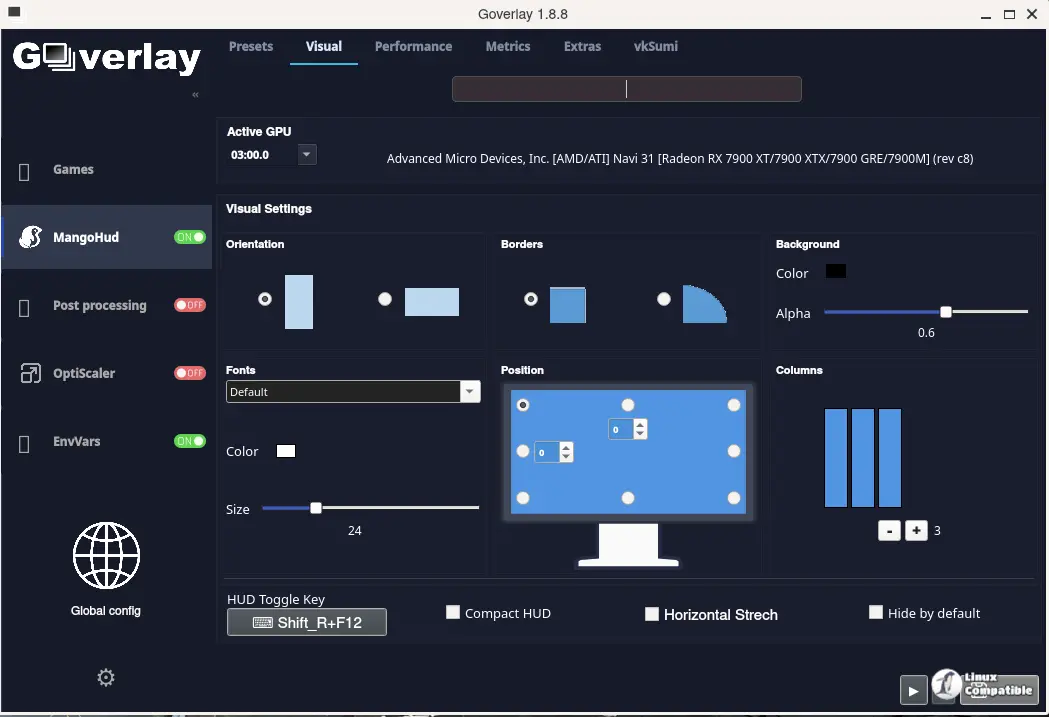
Installation & Practical Notes
You can grab the 67.3 MB AppImage or a 154 MB Flatpak from the GitHub releases page, though the Flatpak version runs noticeably larger due to runtime dependencies. Native packages are available for Arch, OpenSUSE, and Solus, but you’ll want to verify your distro’s repo freshness since they often lag behind. The maintainer is tracking stars at 1.4k, and the GitHub repo shows active daily commits across both stable and nightly channels.
It’s a practical tool for a niche but growing audience. The unified interface saves time, and the bgmod wrapper handles the messy environment variable swapping without breaking prefixes. However, at the same time, relying on Free Pascal and Lazarus means occasional quirks with newer Qt6 bindings, and the project still depends heavily on upstream Vulkan tools keeping pace with driver updates. If you’re manually crafting launch arguments just to get FSR4 running in a Steam Proton prefix, GOverlay 1.8.8 is absolutely worth the install.
Keep in mind that prerequisites like mangohud, gamemode, and Nerd Fonts are required before the interface renders correctly. Head here to the GitHub repository for the latest AppImage or Flatpak install commands. Source builds require make, git, and a fully configured Lazarus IDE with the Qt6 widgetset.


