Gearlever 4.6.0 Lands with JSON Output for AppImage Automation
The Linux desktop app manager finally ships machine-readable CLI output, making script-friendly updates easier than ever.
Gearlever 4.6.0 dropped on July 18, 2026, and brings the exact feature Linux power users have quietly requested for years. Lorenzo Paderi’s AppImage manager now outputs machine-readable JSON from its command-line interface, letting scripts parse installed applications and pending updates without parsing raw text files.
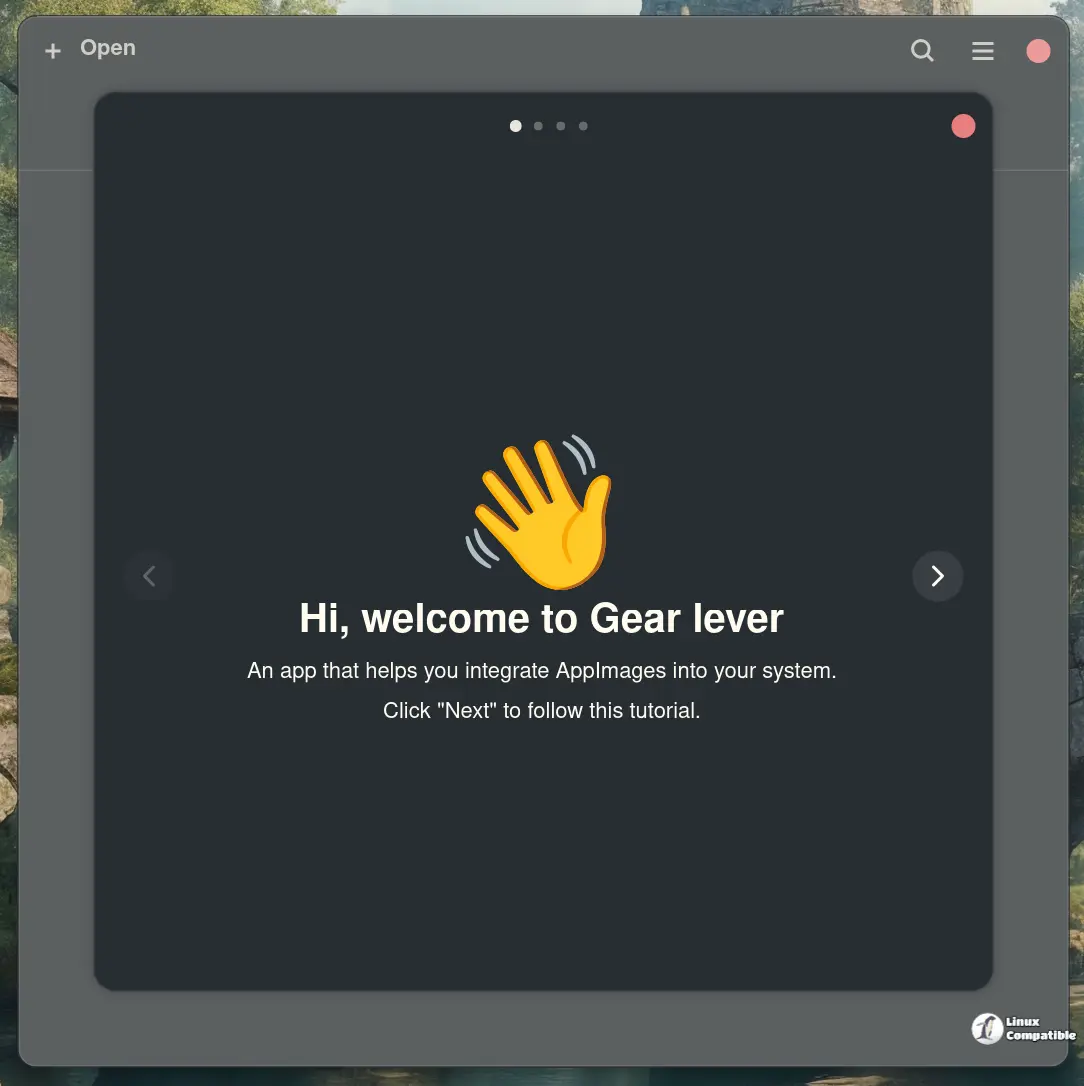
If you’ve ever juggled a dozen standalone AppImages on Debian, Fedora, or Arch, you know the typical workflow. They run without installation, but they refuse to play nice with your system menu. Gearlever steps in to fix that. You drag a file into the window, click integrate, and suddenly it shows up in your launcher like it’s been there forever. The 4.6.0 update doesn’t reinvent that process. It just makes the backend talk in a language automation tools actually understand.
More scriptable than ever
The headline change lives in the CLI. Running gearlever --list-installed --json or --list-updates --json now spits out structured data instead of plain text. Each entry pulls name, path, desktop ID, version numbers, download size, and whether the update manager is embedded or currently running. Laszlo Stahorszki built the feature, and it plugs directly into cron jobs, bash scripts, or whatever custom dashboard you keep running.
Next, the update brings translations. Jozef Gaal added full Slovak support, while TickDracy patched the Portuguese (Portugal) pack to cover new interface strings. The app also finally stops hiding the back button after a bulk update finishes. ganyuke tracked down that visibility quirk and pushed a fix.
Gearlever has quietly become the default bridge for a lot of Linux desktop workflows since it first appeared. The app itself doesn’t do much heavy lifting under the hood. You drag a binary in, it writes a .desktop file, and the system menu handles the rest. What makes this release stand out isn’t the GUI polish. It’s the JSON output finally giving automation tools a reliable handshake.
Paderi noted in the release notes that the JSON addition was a "long-overdue handshake for automation tools," and the commit history backs that up. Eleven commits since version 4.5.5 mostly target the CLI schema, translation merges, and that stubborn back button.
Gearlever stays lean. The latest Flatpak clocks in around 5.5 MB and relies on Meson for its build system. It ships primarily through Flathub under it.mijorus.gearlever. You’ll need the --talk-name=org.freedesktop.Flatpak permission to actually launch apps and refresh the system menu, but that’s standard for desktop integration tools these days. If you prefer building from source, Gnome Builder handles it cleanly, though the manual flatpak-builder route works just as well.
It’s a rather narrow tool by design, focusing strictly on AppImage integration rather than trying to become a full package manager. Though the desktop hooks work reliably enough, you’ll still need to handle runtime dependencies manually if a binary expects specific system libraries. At this point, it’s arguably the most practical bridge between portable Linux binaries and actual desktop workflows.
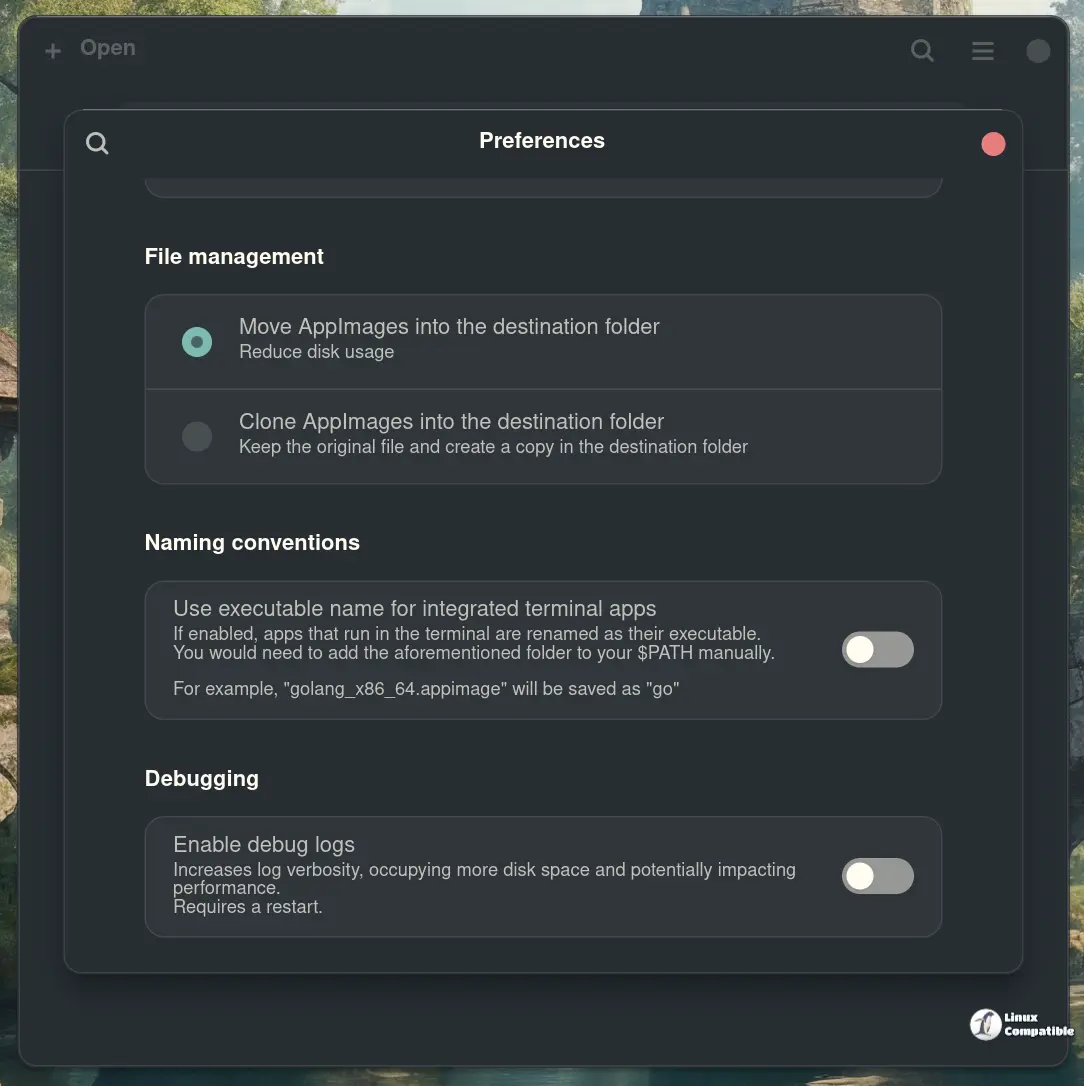
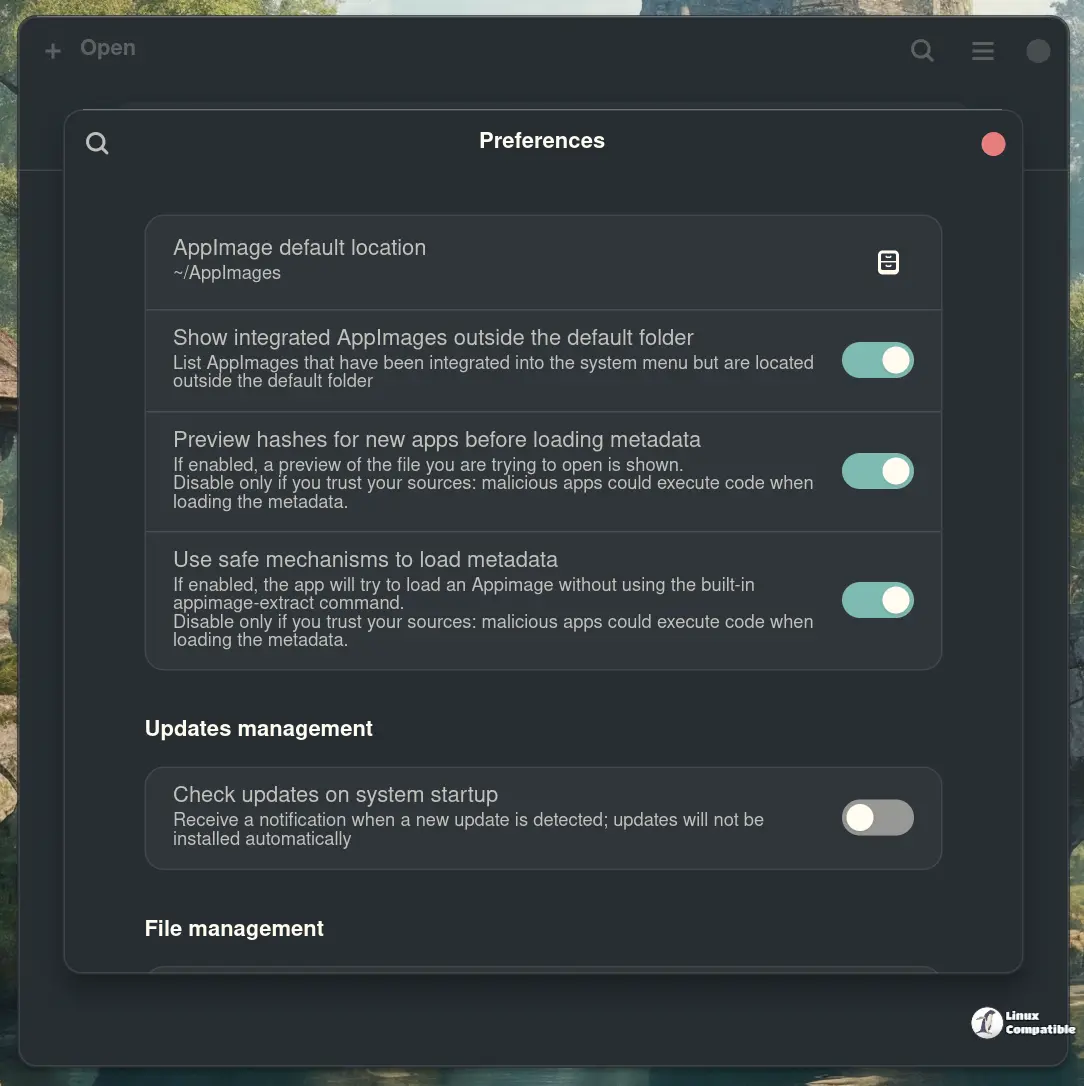
The project’s been moving at a steady clip. We’re looking at 97 releases, over a thousand commits, and a cadence that usually lands between three and four weeks for minor bumps. Keep in mind that automatic update checks still run in the background, so you might notice it waking up right after boot.
Head here to grab Gearlever from Flathub, or pull the source directly from the GitHub repo if you want to tinker with the JSON schema yourself. The CLI reference stays available in the official docs, and the Flatpak package will handle most of the heavy lifting on its own.


