Godot 4.7 Release Brings HDR, Asset Store, and Major Workflow Fixes to Your Projects
Godot 4.7 has landed after three years of iteration on the 4.x branch. This release shifts focus from raw stability to polishing the developer experience and adding features that remove friction from your workflow. You get full HDR output support across major platforms, a revamped Asset Store with background threading, and enough quality-of-life improvements to make daily development feel less like a chore.
Visual Upgrades and Rendering Improvements
The most visible change in this update is the introduction of HDR output support for Windows, macOS, iOS, visionOS, and Linux running Wayland. While Godot has rendered lighting internally using high dynamic range values for some time, the full detail was often lost when pushing to screen space via standard SDR modes. Now, developers can make full use of a display's capabilities, allowing vibrant colors and ultra-bright special effects to shine through in both 2D and 3D scenes. This is particularly useful for projects aiming for high-fidelity visuals or those utilizing bloom-heavy aesthetics.
Lighting workflows also receive a significant boost with the new AreaLight3D node. Previously, simulating soft glows from rectangular sources like TV screens or billboards required hacky combinations of emissive materials and global illumination setups. The new node renders real-time light directly from a rectangle in 3D space, creating softer shadows and more realistic reflections without the extra complexity. This works well for both environmental lighting and UI glow effects that need to feel organic rather than flat.
For projects targeting retro aesthetics or performance-critical rendering, Godot 4.7 adds nearest-neighbor scaling options for viewports. This allows developers to maximize crispness when using low-resolution scales without the blur introduced by bilinear filtering. The feature applies to 3D rendering and does not affect 2D, keeping performance roughly identical to existing resolution scale options while delivering that sharp, pixel-perfect look many indie games rely on.
Workflow and Editor Enhancements
The Asset Store gets a major overhaul in this release. The old library served its purpose but often felt sluggish when browsing large catalogs. Godot 4.7 introduces threading to the store, allowing it to perform background tasks without blocking the editor's main interface. Developers can now zoom into asset preview images, view ratings directly within the store, and browse organized assets without the UI freezing up. This makes finding plugins and resources significantly faster and less frustrating than previous iterations.
User interface development sees a long-awaited improvement with Control offset transforms. Previously, applying translation, rotation, or scale to a Control node often caused issues when parent Container nodes recalculated their layout, effectively wiping out custom transforms. The new offset_transform_* properties allow developers to apply these transformations in a self-contained manner, similar to CSS behavior. This is especially valuable for UI animations where buttons need to slide into view or fade away smoothly without losing hover states or breaking the container's logic.
Shader editing becomes much more intuitive with inline previews for text-based shaders. Developers no longer need to compile a shader and switch workspaces to see results. Changes appear in real-time as code is typed, eliminating the tedious compile-run-see loop that often slowed down iteration. This feature alone saves considerable time when tweaking visual effects or debugging shader logic.
The 2D editor gains a Scene Paint Mode accessible via the B key shortcut. This tool allows developers to quickly scatter collectables, enemies, or decorations across a scene without being restricted by grid patterns or manual placement limitations. It provides a faster way to populate levels compared to dragging and dropping individual nodes one by one. Additionally, the MeshLibrary editor now has a dedicated interface for editing GridMap tiles, removing the need to dig through Inspector properties for every tile adjustment.
Mobile and Android Capabilities
Android development receives substantial attention with the stable release of the Godot Android Build Environment, known as GABE. This companion app enables standalone exporting and publishing directly from Android devices using Gradle export support. Developers can now build and publish games without needing a PC for certain workflows, which is a major step forward for mobile-first teams or solo developers working entirely on tablets and phones.
The update also introduces a built-in VirtualJoystick node, complete with Fixed, Dynamic, and Following operation modes. Previously, implementing virtual joysticks required custom code or hunting for third-party add-ons. Now, the engine provides native support that integrates seamlessly with Godot's input system, speeding up mobile development significantly. The node supports theming out of the box, making it easy to match your game's visual style without extra effort.
Picture-in-picture support lands on Android as well. This feature allows games or media apps to render inside a small floating window while the user interacts with other applications. It is particularly useful for games that do not require constant input during cutscenes or for media players built within Godot. On the Linux side, Wayland touch support finally arrives, enabling developers to drag windows and push buttons using finger gestures on compatible systems.
Editor Polish and Miscellaneous Fixes
Several editor tweaks address common pain points that have plagued users since earlier versions of Godot 4. The 3D view now supports trackball-style rotation via the transform gizmo. By hovering over the translucent sphere in the gizmo and dragging, developers can rotate nodes intuitively, similar to Blender's approach. This is toggled using the U key or the new planet icon in the toolbar, offering a more natural way to orient objects compared to traditional axis sliders.
Camera behavior improves with a follow mode for moving objects. Pressing the Focus Selection shortcut twice makes the 3D editor automatically track a node as it moves. This is incredibly helpful when previewing how lighting affects dynamic objects or testing animations without manually panning and zooming the camera repeatedly. The Remote Scene Inspector also gains support for folding groups and subgroups, bringing consistency with the Local Inspector and making large scene hierarchies easier to manage during debugging.
Collision handling in 2D becomes more flexible with one-way collision direction support on CollisionShape2D. Developers can now set the one-way direction relative or globally to the shape using a new property. This eliminates the need for painful workarounds involving shape rotation hacks that often failed when objects rotated slightly off-axis. Similarly, CSG nodes gain an autosmooth option that automatically assigns smooth or sharp faces based on a configurable angle threshold, reducing manual smoothing steps during geometry creation.
Export templates are no longer a one-size-fits-all download. The new export template downloader allows developers to fetch templates for individual platforms or specific architectures. This saves bandwidth and disk space, which is especially helpful for users on metered connections or those who only target a single platform. Additionally, the Project Manager now displays version discrepancy icons next to projects that require upgrading or downgrading, making it immediately clear when a project needs migration before opening.
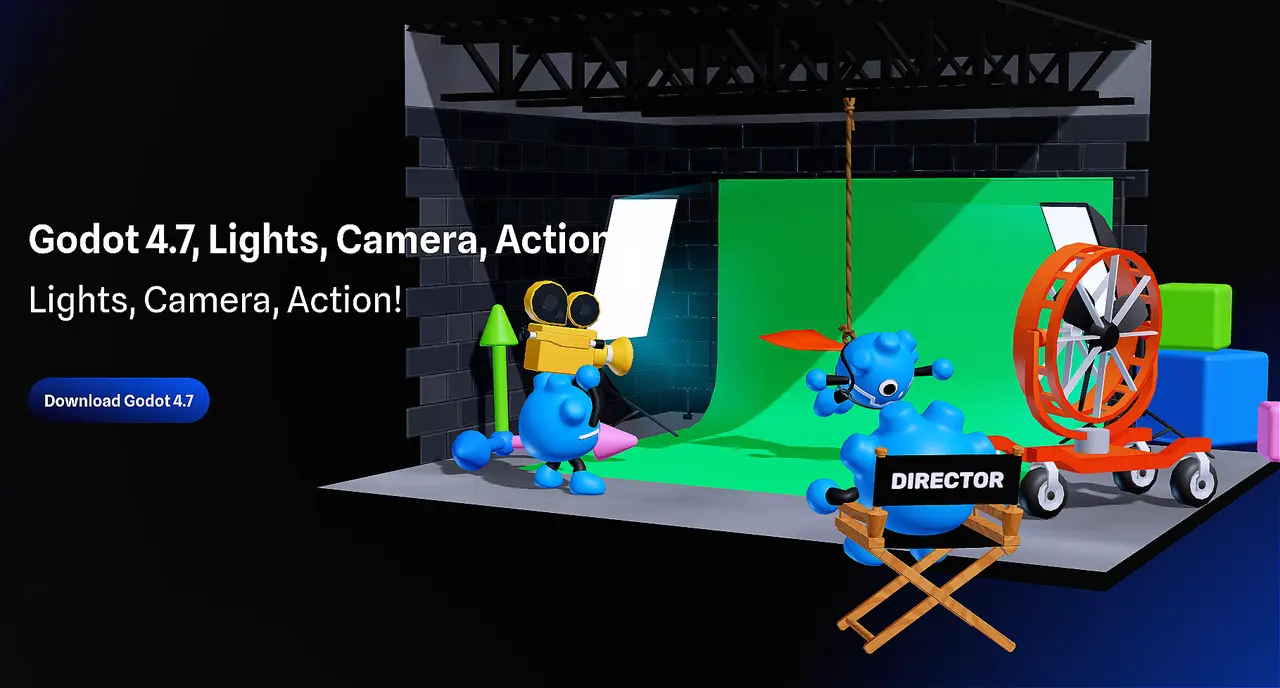
Godot 4.7, Lights, Camera, Action!
Like a cult classic movie, Godot 4 has only gotten better with age. This brings us to Godot 4.7. With 3 years under its belt, the 4.7 Director’s Cut offers colors of never-before-reached intensity.
Before transitioning existing projects to Godot 4.7, reviewing the migration guide is essential to catch any breaking changes. The engine continues to mature with each release, and this update delivers enough practical improvements to justify the upgrade for most workflows. Grab the latest version, test your scenes, and enjoy a smoother ride through development.


