GloriousEggroll ships GE-Proton 11-7 with a big Wineland Wayland rendering overhaul
The community Proton fork lands an 85-patch child-rendering series for Wine's native Wayland driver, along with a fresh pile of per-game fixes.
GE-Proton 11-7 went live today, and for anyone running Windows games on a Wayland desktop this is the build to care about. The community-maintained fork of Valve's Proton has finally made Wine's native Wayland graphics driver usable in the way that actually matters: rendering child windows across processes.
The person behind it is Thomas Crider, known online as GloriousEggroll. He runs a Red Hat maintenance job, is based in Denver, and also maintains the gamer-focused Nobara Linux. He's also quick to draw a line in the sand: GE-Proton is not affiliated with Valve, and he only supports builds from his own repository. The project sits at roughly 15,000 GitHub stars.
The headline of 11-7 is the Wineland work. That's the nickname Wine gave its native Wayland driver, which lets Windows apps talk straight to a Wayland compositor instead of funneling through the older OpenGL wined3d path or the DXVK and VKD3D translation layers. It's a bit more efficient, sure. More importantly it does multi-window and child-process rendering correctly, and that's exactly where a lot of game launchers and embedded web panels go to die.
Here's a little history. Valve's own Proton walked away from this path on purpose. Proton 10, out in November 2025, deliberately did not expose the native Wayland driver. It wasn't until Proton 11 shipped in July 2026 that the door opened at all. Crider has been pushing harder on that door than Valve, and 11-7 is where it swings fully open.
The Wineland overhaul and the games it fixes
This release extends the child-rendering support that first appeared in 11-6 rather than reinventing it, and GE-Proton is careful to say so. The resulting series carries 85 numbered patches. It covers the whole lifecycle of cross-process rendering, from producer and consumer management through presentation geometry, popup handling, minimized windows, and toplevel sizing.
On the EGL side the fixes retire stale frame callbacks after surfaces detach and reattach, stop apps from getting double-throttled, and recreate surfaces after role changes. One fallback handles the case where an app releases its graphics context too early, and it credits Paul Gofman for the adaptation.
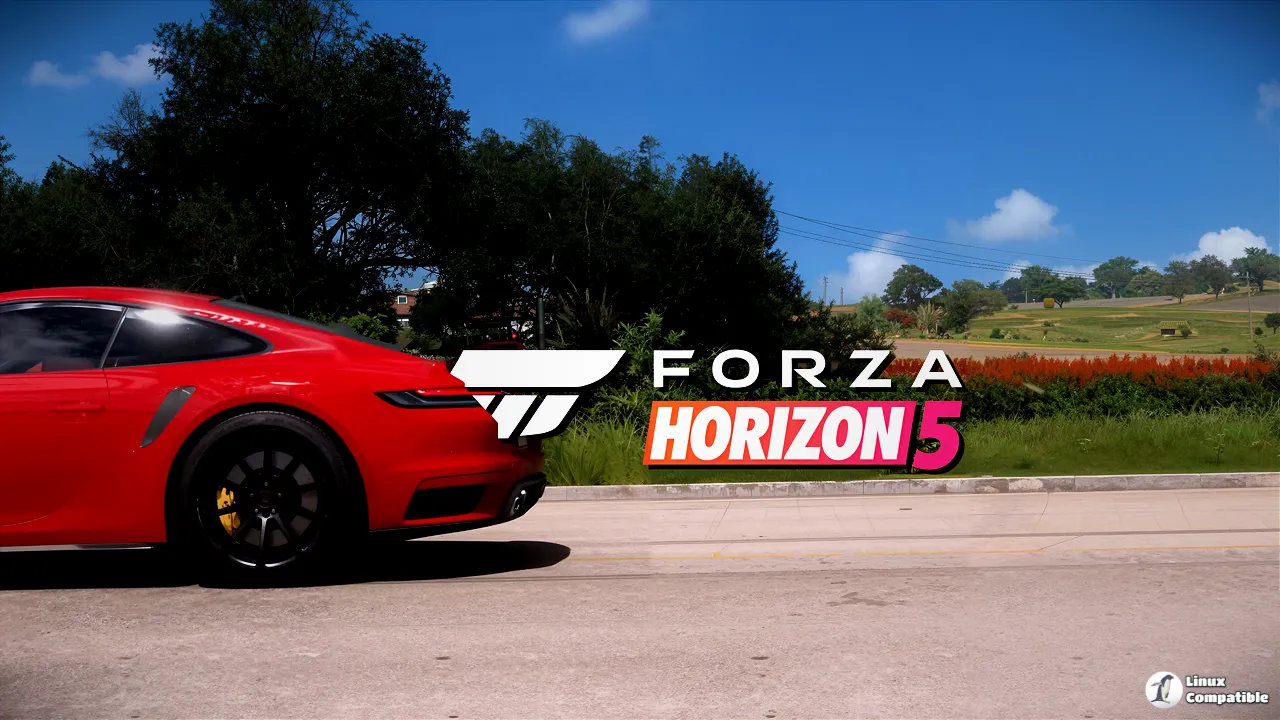
The other half of the release is the usual GE-Proton strength: dozens of targeted game fixes. Some are concrete. The NCSOFT Purple launcher used to freeze until you moved or maximized the window, a problem tied to games like Lineage II. 11-7 fixes the class of bug, and the user confirmed it. Forza Horizon 5 had a black-screen login issue tied to its WebView2 UI; the old workaround got cut and the session confirmed the menu shows now.
Then there's the laundry list. Diablo IV was freezing because battery monitoring blocked game threads. Path of Exile 1 and 2 hit an "unsupported backbuffer image count" error at startup. DOOM Eternal HDR flickered. Black Desert Online fumbled fullscreen transitions. Final Fantasy XIV shrank when you clicked away. Fixes exist for all of them.
What's honestly refreshing is how candid the release notes are about what's been tested. Several fixes are marked as included but still need runtime retesting. Marvel Rivals launcher flicker and the DOOM Eternal HDR caching both fall into that bucket. AI LIMIT's DX12 black screen was only demonstrated during diagnosis. GE-Proton explicitly warns against overstating coverage, which is a refreshing note from someone who could easily have touted more.
Everything else, and how to grab it
The controller side adds new Sony-to-XInput defaults for a batch of Fighting Collection titles, Street Fighter 30th Anniversary, and Tetris Effect: Connected. Wired VitaPad controllers now show up as DS4 by default. There's also a rebased Sony audio and haptics stack. Video playback picks up fixes for a range of players and cutscenes, including the green-strip corruption in Call of Duty: Black Ops III and the opening movie in The Witch's Love Diary. The Steam Overlay gets cursor restoration, fractional-scaling fixes, and VRR handling.
Getting the build is straightforward if you're comfortable with a terminal. Download the matching tarball for your architecture off the GitHub Releases page, pull its .sha512sum file, verify it, drop it into Steam's compatibilitytools.d folder, restart Steam, then force it per game through Properties. ProtonPlus offers a GUI if you'd rather click around, and there's an unofficial asdf plugin for the appropriately hardcore.
GloriousEggroll warns that community Flatpak and Snap builds aren't supported and "can behave differently from the upstream builds," and that's worth heeding. This build ships a new LOW_LATENCY_LAYER variable on top of the usual HDR and Sony toggles, and at time of writing the release page was drawing reaction from a healthy chunk of the community.
It's a lot of patches for a single drop. The Wineland work is genuinely the payoff here, though, and the honesty about what's still being tested is more than most projects offer.
Head here to the GitHub Releases page to grab it yourself.


