Gear Lever 4.5.0 Updates squashfs Support for Better AppImage Management on Linux
The latest update to Gear Lever brings improved compatibility for handling compressed file systems across various distributions. Users struggling with messy AppImage installations will find the new squashfs support resolves common mounting issues that often stall updates. This release focuses on stability rather than flashy features, which is exactly what a utility tool needs right now.
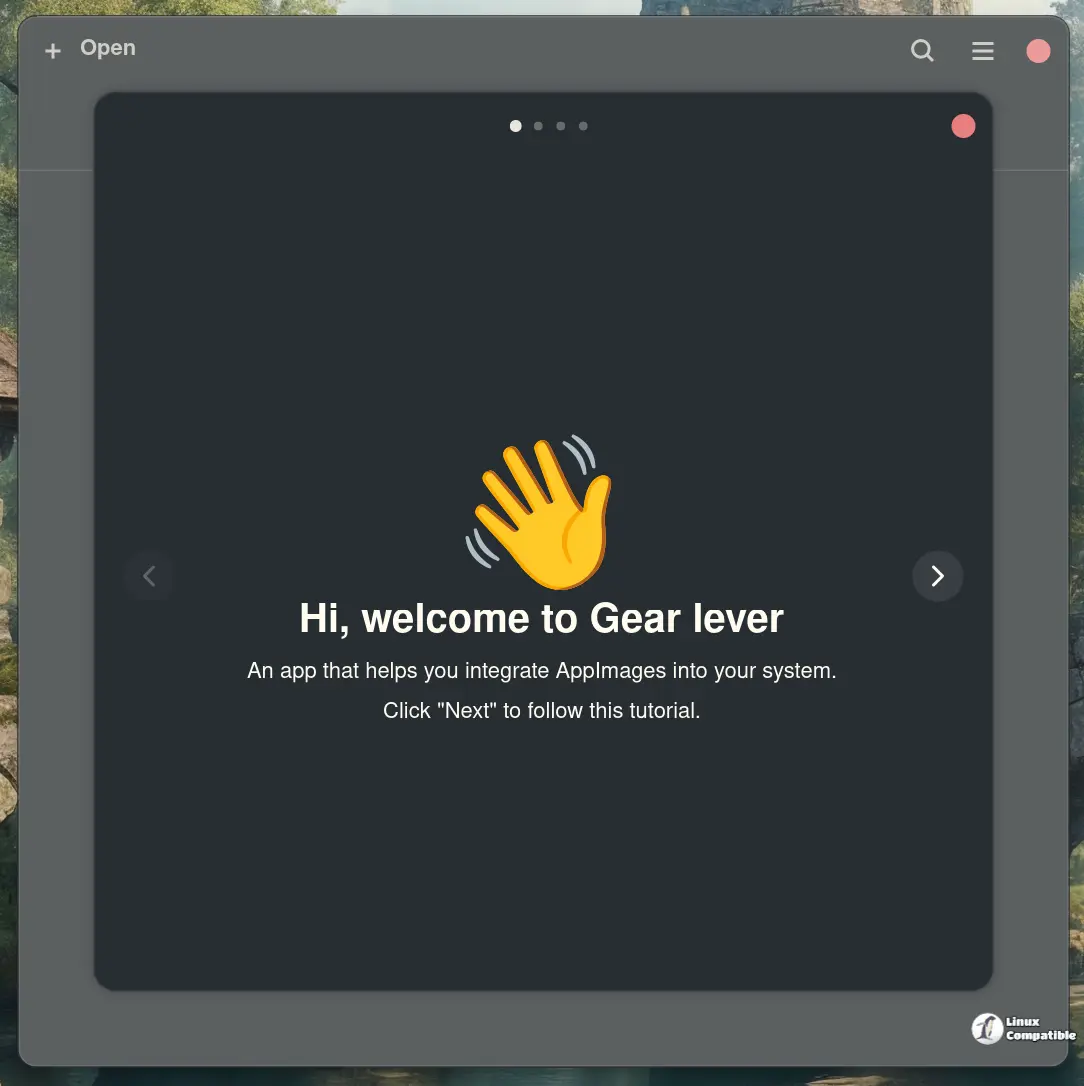
The impact of updated squashfs integration
The core of this version lies in the updated squashfs integration since many AppImages rely heavily on that format for their internal structure. Older versions sometimes choked when encountering newer compression methods or specific filesystem quirks found in modern distributions like Fedora or Arch. Now the software parses these archives more reliably so the application data stays intact during extraction and execution without throwing errors to the user. This change ensures that portable applications run smoothly regardless of how the underlying file system handles compressed read-only layers on different Linux kernels.
Managing updates and application organization
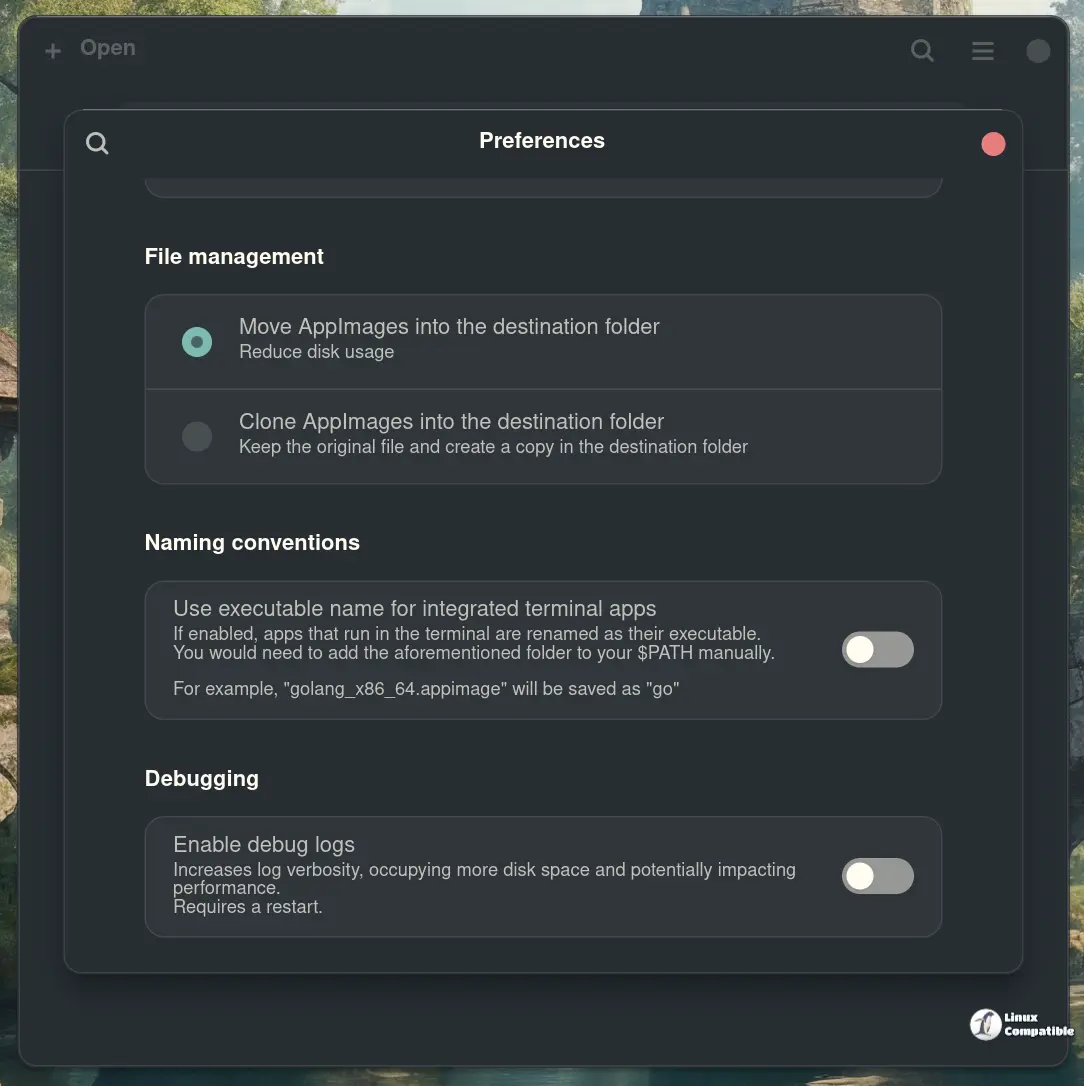
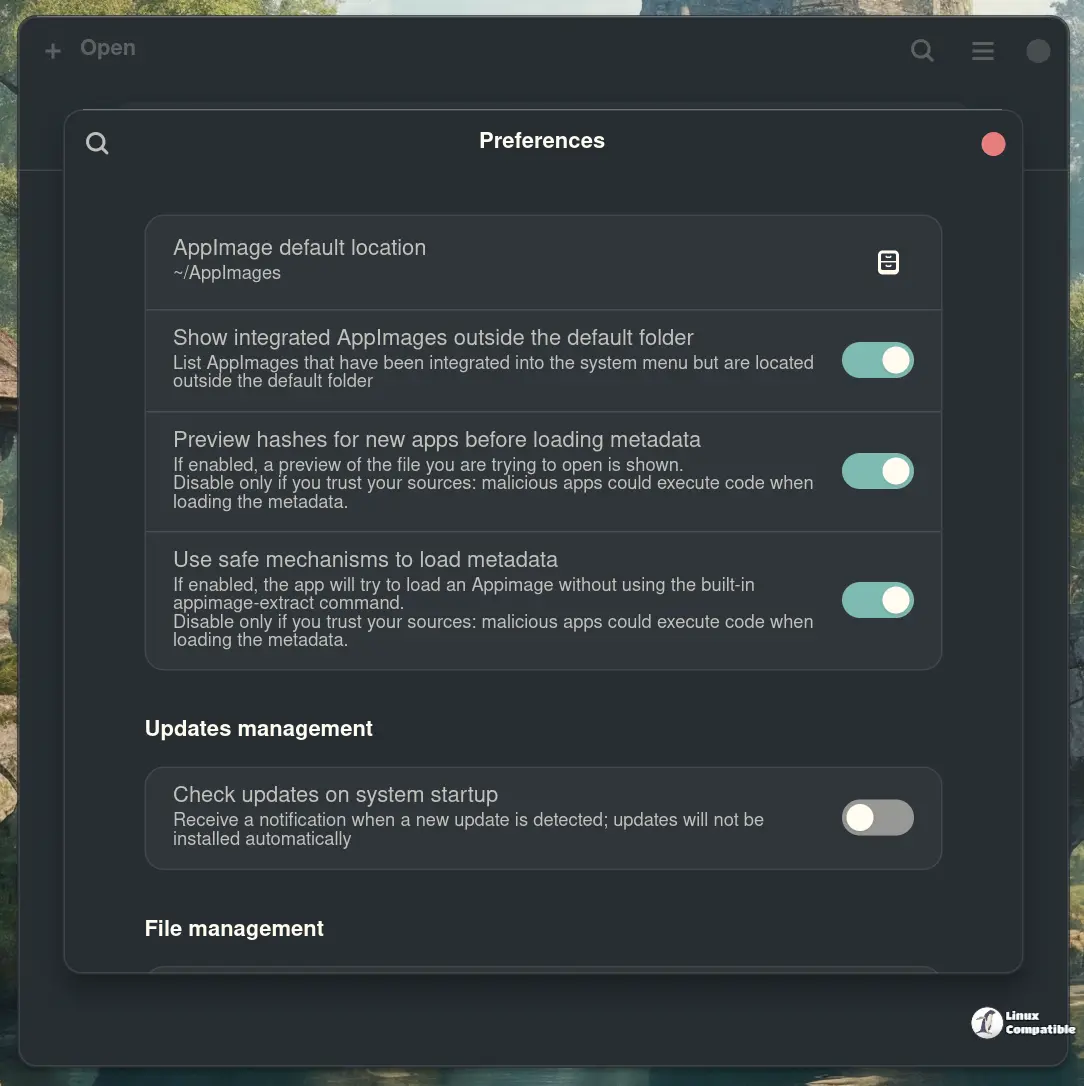
Beyond the backend fixes there is the usual suite of conveniences that make managing portable apps less painful than digging through terminal commands. The ability to drag and drop files from a file manager directly into the application window saves time compared to navigating through menus or command lines for installation tasks. Power users will appreciate the option to keep older versions installed alongside new releases rather than forcing an immediate overwrite every single time they check for updates. Saving command line tools with their correct executable names ensures that terminal shortcuts work immediately after installation without extra configuration steps since fixing broken paths in shell scripts is a common headache for anyone running multiple portable utilities. The modern interface also gets a refresh to match current desktop standards though the functionality remains the priority over pretty graphics.
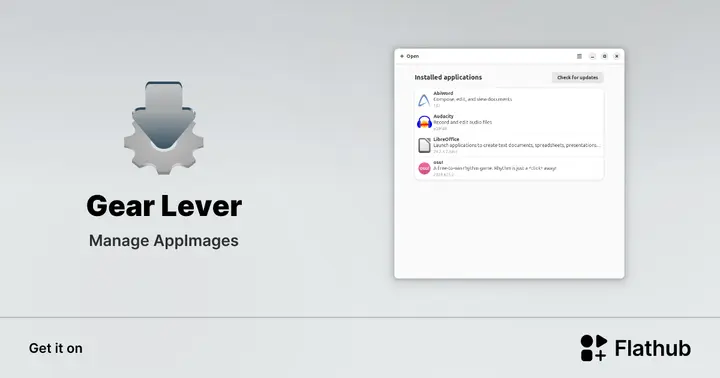
Install Gear Lever on Linux | Flathub
Manage AppImages
Give this update a spin if your AppImage setup has been acting up lately and let us know if you hit any new snags along the way.


