The Fedora Respins SIG just released updated installation media that ships kernel 7.0.10 directly on the disc to skip routine post-install downloads. Fresh setups save roughly one gigabyte of package traffic, which actually matters when you are juggling multiple machines or slow internet connections. Users can pick from GNOME, KDE Plasma, Xfce, i3, or SOAS depending on their hardware age and workflow preferences. Grabbing these respins before flashing a drive makes sense for clean installs while existing systems already handle incremental updates without needing fresh media.
Fedora Linux 44-20260601 Updated ISOs Cut Post-Install Update Time
The Fedora Respins SIG just dropped fresh installation media for Fedora Linux 44-20260601, and the main point here is simple. These updated Live ISOs ship with kernel 7.0.10 baked in, which means new installs skip a chunk of routine package downloads right out of the gate. Anyone who has ever waited through a massive post-install update queue knows how quickly that baseline download phase eats into setup time.
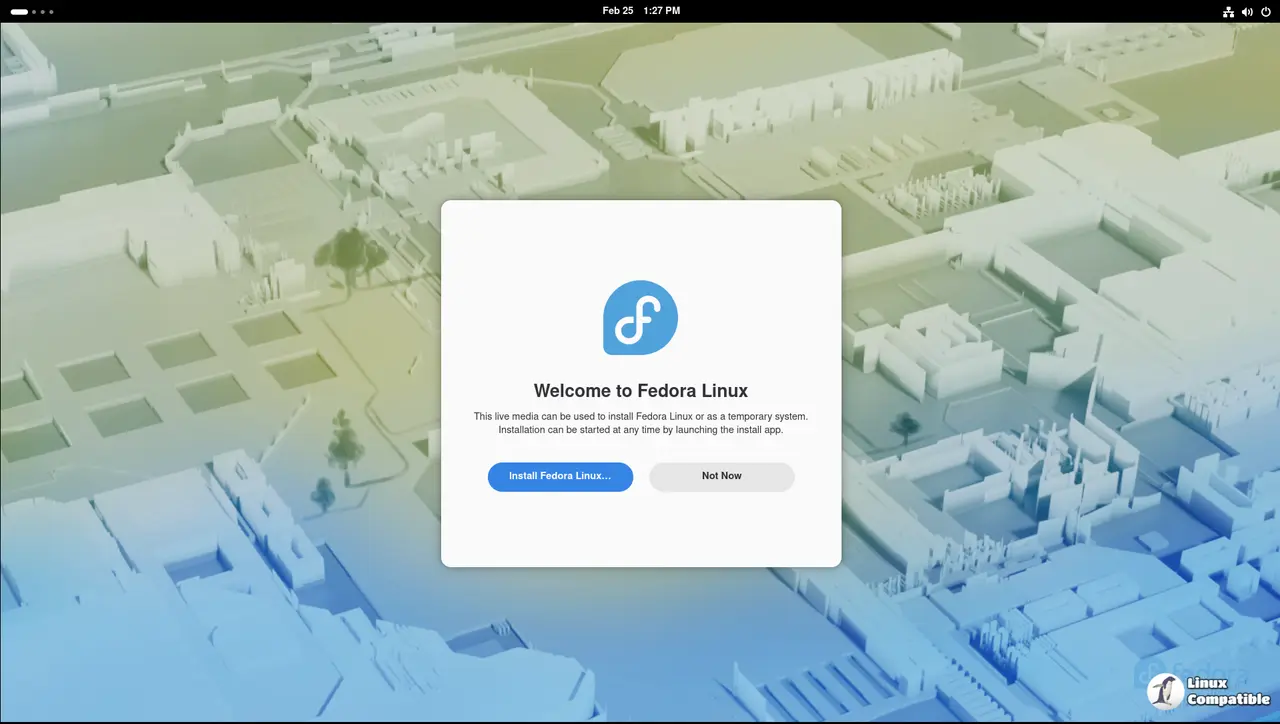
Why Baking the Kernel Into the Fedora Linux 44-20260601 Media Actually Matters
Fresh installs usually pull down hundreds of megabytes of updated packages before a system feels truly ready to use. That initial download cycle is where most people waste their first thirty minutes after flashing a drive. By shipping kernel 7.0.10 directly on the disc, Fedora removes that baseline update phase entirely. Workstation setups typically save around one gigabyte of post-install traffic, which translates to less waiting and fewer interrupted workflows. The real benefit shows up when someone needs to spin up a machine quickly for testing or deployment without babysitting package manager commands.
Desktop Environment Choices and What Actually Works
The updated media covers the usual spread of desktop environments, including GNOME, KDE Plasma, Budgie, Cosmic, LXDE, LXQt, MATE, Xfce, i3, and SOAS for educational hardware. Picking a flavor comes down to personal preference and hardware age rather than technical superiority. GNOME and KDE handle modern displays well but demand more RAM during initial setup. Lightweight options like LXQt or Xfce keep the installer responsive on older machines without forcing users into outdated package versions. The i3 variant remains a solid choice for tiling window enthusiasts who prefer manual configuration over graphical wizards. SOAS gets special mention since it ships with preloaded educational tools that save teachers from chasing down classroom software later.
When to Grab These ISOs and When to Skip Them
New installations benefit most from these respins, especially for clean setups or fresh workstation builds. The one gigabyte savings adds up when deploying multiple machines across a home lab or small office network. Upgrading an existing Fedora system does not gain much from the updated media since package managers already handle incremental kernel and library updates efficiently. Anyone planning to flash these ISOs should verify the checksum before writing to storage media, since corrupted downloads still slip through occasionally and cause boot failures that waste hours of troubleshooting. Using a reliable USB writer like Etcher or Fedora Media Writer ensures the partition table gets handled correctly, which prevents stubborn boot loops on UEFI systems. The installer itself runs smoothly from live memory, so users can test hardware compatibility before committing to a full disk wipe.
Grab the ISO image, flash it to a drive, run through the installer, and let the system settle into its new routine without chasing down baseline updates. The Fedora team keeps making these respins for a reason, so grabbing the latest media before starting a fresh install saves time that is better spent actually using the machine.


