The Respin SIG just released Fedora Linux 44 20260616 Live images that ship with Kernel 7.0.12 and a heavily updated package set straight out of the box. Fresh Workstation installations will skip roughly one gigabyte of post-install downloads since months of standard repository updates are already baked into the live environment. Users can choose from GNOME, KDE Plasma, Xfce, MATE, Budgie, LXQt, or i3 depending on their hardware limits and desktop preferences. These community respins work best for quick workstation setups where immediate usability matters more than strict upstream release schedules.
Fedora Linux 44 Updated ISOs Cut Post-Install Hassle With Pre-Patched Live Images
The Respin SIG just dropped Fedora Linux 44 20260616 Live images that ship with Kernel 7.0.12 and a heavily updated package set straight out of the box. These Fedora Linux 44 updated ISOs skip the usual post-install update marathon, which means less waiting and fewer broken dependencies during your first boot. The guide below breaks down what actually changed, which desktop environments get the treatment, and when it makes sense to grab these respins instead of waiting for official media.
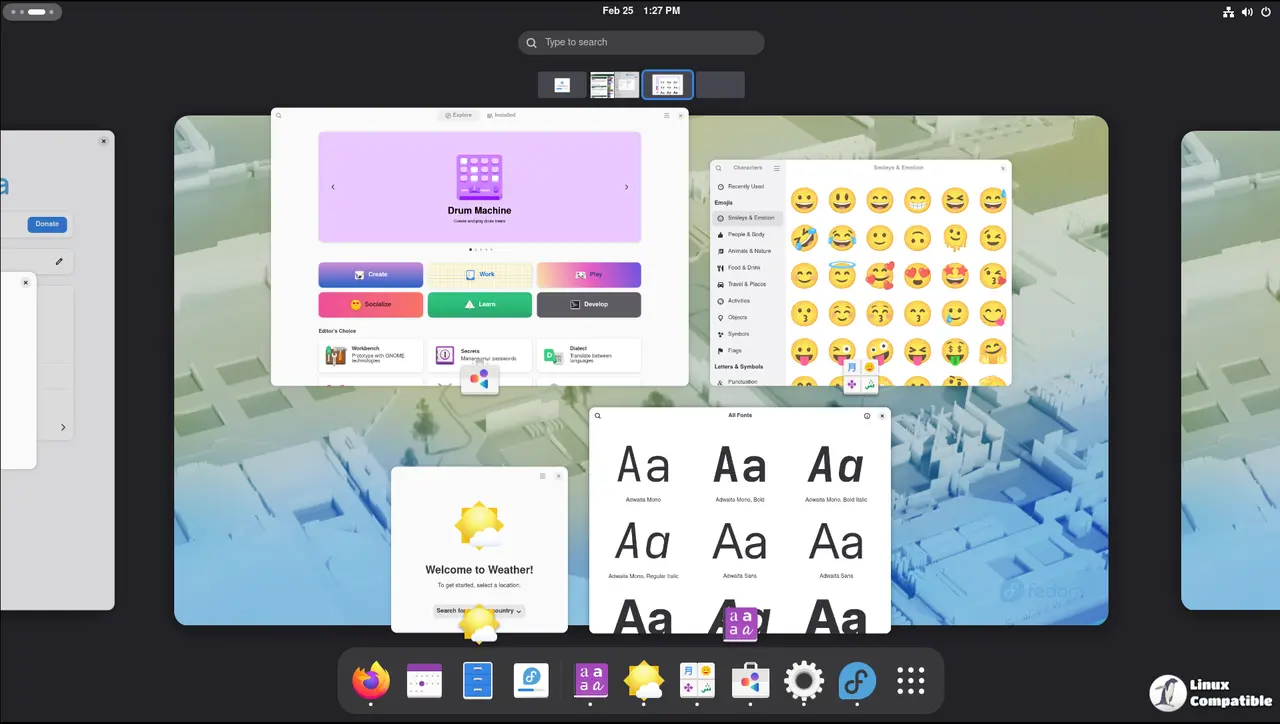
Why Fedora Linux 44 Updated ISOs Actually Matter
Fresh Fedora installs usually demand a full system update before most users can comfortably work. That process eats bandwidth, drains battery on laptops, and occasionally triggers dependency conflicts that leave the package manager stuck in limbo. The F44-20260616-Live images solve this by baking months of standard repository updates directly into the live environment. When the installer runs, it pulls from a much more current snapshot, so the first boot lands closer to a stable workstation state. Operators frequently notice systems stall for forty minutes after a fresh install while the package manager chews through hundreds of updates. These respins remove that bottleneck entirely and let users jump straight into configuration or software installation without waiting on background downloads. Running dnf upgrade immediately after setup becomes optional rather than mandatory, which saves time and reduces wear on storage drives during the initial phase. For a fresh Workstation install, this pre-integrated approach typically trims about one gigabyte of post-install updates. That might sound small until you are actually sitting there watching progress bars crawl across a throttled connection or dealing with an ISP data cap. The math adds up quickly when multiple machines need setup, and the reduced network chatter keeps routers from overheating during peak hours.
Desktop Options And Kernel Expectations
The Respin team covered the usual suspects with GNOME and KDE Plasma getting full treatment, while Budgie, MATE, Xfce, and LXQt round out the mainstream choices. Lightweight and tiling fans get options through i3 and LXQt if they prefer minimal resource overhead. All images ship with Kernel 7.0.12 preloaded, which means hardware support for newer chipsets and graphics stacks arrives without needing a manual kernel swap or third-party repository. The tradeoff is slightly larger download sizes compared to the base Fedora ISOs, but the bandwidth savings during setup usually offset that difference. Users who prefer rolling their own desktop stack from scratch might find these images redundant, but anyone chasing a predictable install experience will appreciate the consistency.
When To Skip The Official Release
These respins are not meant to replace official Fedora 44 media for production servers or automated deployment pipelines. They target workstation users who want a functional desktop immediately after installation without wrestling with package manager queues. If a system requires strict compliance with upstream release schedules, sticking to the official ISO and running dnf upgrade manually remains the safer route. The Respin SIG images are community driven and carry no formal support guarantee beyond what the base Fedora project provides. Grabbing one makes sense when hardware compatibility matters more than chasing bleeding edge package versions on day one.
Give them a spin on a test drive or spare partition first. The setup process stays familiar and the time saved during that initial update phase usually pays for itself quickly. Happy installing.


