Darktable 5.6 Brings AI Masking and Faster Processing to Your Photo Workflow
The latest Darktable 5.6 release is now available on Github and brings practical artificial intelligence tools to the desktop without turning your computer into a space heater. Photographers who have waited years for non-destructive raw development with actual smart features will find this update worth installing, especially since the new AI modules stay completely disabled until you explicitly turn them on. This version also fixes several long-standing performance bottlenecks and cleans up interface quirks that used to make batch editing a headache.
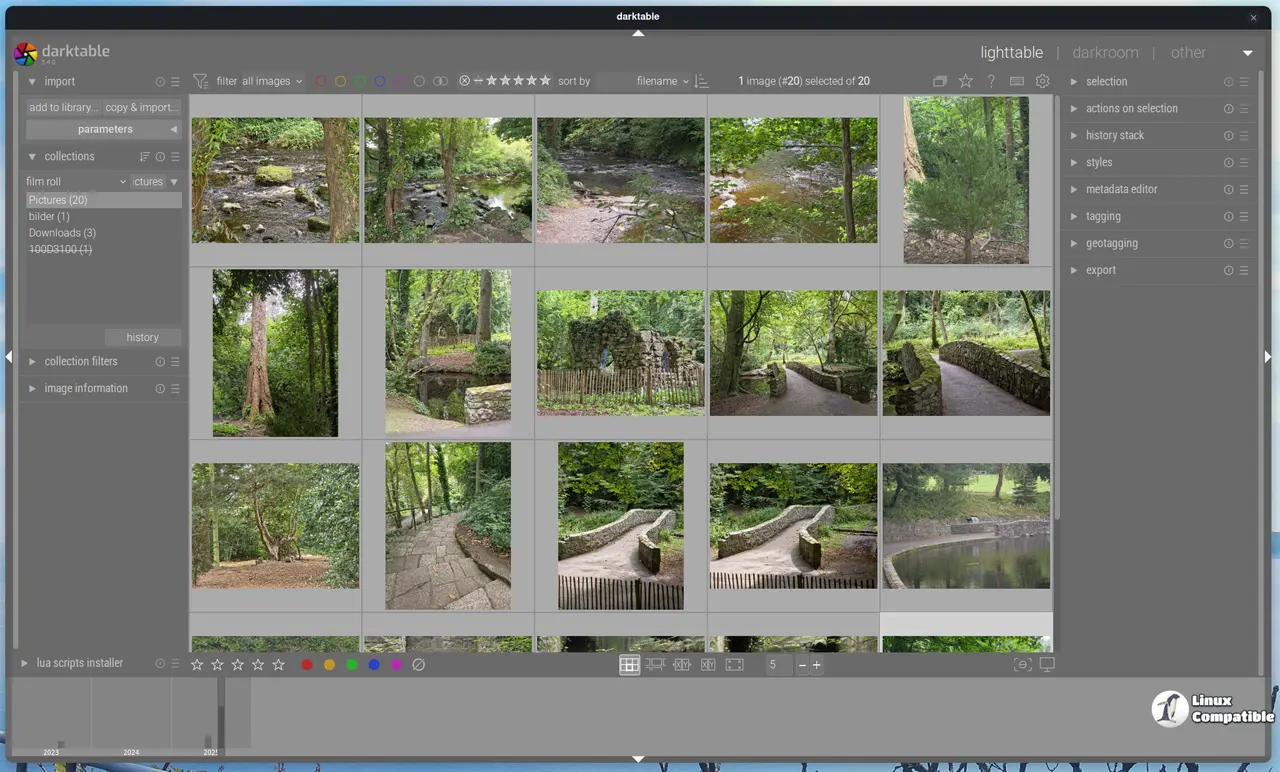


How Darktable 5.6 Handles AI Masking and Neural Restore
The biggest shift in this release is the optional AI subsystem, which stays completely dormant until you enable it in preferences. This matters because older versions of similar software would load heavy neural networks on startup and drain RAM even when someone just wanted to adjust exposure or crop a frame. The new object mask tool uses SAM2.1 or SegNext models to generate precise selections with a single click, and the iterative refinement process tightens edges without requiring manual path editing. If your graphics card struggles with GPU acceleration, the software automatically falls back to CPU processing so the workflow never completely stalls. Linux users will need to run the provided install scripts to set up the correct GPU runtime for NVIDIA, AMD, or Intel hardware, while Windows and macOS installations handle this behind the scenes without extra steps. The neural restore module handles three distinct tasks that usually require separate plugins or external software. Raw denoise cleans up high ISO noise directly from the sensor data, while standard image denoise works on already processed files. Upscaling uses a super resolution model to increase dimensions without introducing the usual plastic looking artifacts. Each task includes an interactive before and after preview with area selection, so users can dial in exactly how much texture recovery they want before committing to batch processing.
Interface Tweaks in Darktable 5.6 That Actually Help
Darktable has always been powerful but notoriously cluttered, so several interface adjustments target actual workflow friction. The filmstrip now supports touchpad gestures for pinch zooming and two finger panning on Linux and Windows, which removes the need to constantly scroll through hundreds of thumbnails when culling shots. A new condensed mode for panel controls reduces visual noise without hiding essential parameters, and the welcome screen finally guides initial users through basic configuration instead of dumping them into a blank workspace. The darkroom preview resolution doubled from 720 by 450 to 1440 by 900 pixels, which means scopes and color pickers actually show usable data when working with high megapixel files. Native mouse cursors now match the operating system theme, so Windows users will finally see a proper spinning wheel instead of an outdated wristwatch during heavy processing tasks. The colorharmonizer module takes a different approach by rotating hues toward mathematical harmony structures like complementary or triadic schemes. This works directly in UCS color space and syncs with the vectorscope, which makes it far easier to fix muddy color balance without guessing which sliders need adjustment.
Performance and Stability Fixes
Long time Darktable users know that OpenCL processing could sometimes freeze or produce mismatched results between CPU and GPU pipelines. This release increases the maximum Gaussian blur radius to 256 pixels by optimizing internal tiling, and it avoids unnecessary pixelpipe runs when switching history entries. The Lua scripting API jumped to version 9.7.0 with built in AI inference functions, which means community developers can now write custom denoise or classification workflows without reverse engineering the export pipeline. Several bug fixes address mask distortion on complex shapes, geolocation assignment errors with polygon coordinates, and a crash caused by unhandled metadata fields. The software also respects the default configuration preference to use embedded JPEGs for thumbnails instead of reprocessing raw files, which cuts down cache generation time significantly. Users who rely on batch exports will appreciate the fixed style application order at export time, along with corrected histogram dragging behavior that no longer pushes adjustments in the opposite direction when exposure modules are unselected.
Release darktable release-5.6.0
darktable 5.6.0 release
Give it a test run on a backup drive before replacing your main installation, and check the GPU runtime setup if you are on Linux. The AI tools stay optional, so older machines can still benefit from the performance patches without worrying about compatibility issues. Let me know which module actually saved time during your first edit session.


