System76 has officially shipped COSMIC 1.1, the latest stable release of its Rust-based desktop environment for Pop!_OS and other GNU/Linux distributions. The update brings practical workflow improvements like COSMIC Monitor, Page-Up/Page-Down navigation in the file manager, recursive wallpaper scanning, and a more stable Wayland compositor with tiling exceptions. Most importantly, the project has abandoned monolithic releases in favor of regular minor version bumps, ensuring faster patch cycles for Linux desktop users going forward. Arch Linux users will likely see the update hit their mirrors first, while Pop!_OS and Debian packages follow in the coming weeks.
System76 Ships COSMIC 1.1, Locking in Rust-Based Linux Desktop Roadmap
System76 released COSMIC 1.1 today as the latest stable version of its Rust-based desktop environment for Pop!_OS and the broader GNU/Linux ecosystem. The update quietly pushes the project past its initial release phase, adding practical workflow tweaks alongside a new release cadence that will actually catch up to patch requirements.
If you run Pop!_OS or pull the COSMIC stack from a third-party repo, you will want to check your update manager soon. The most visible change lands in the system monitoring space. COSMIC Monitor now ships as a drop-in replacement for GNOME System Monitor, handling CPU, memory, and disk metrics without the usual bloat. Pop!_OS will eventually swap it into the stable archive, though you might want to wait until the component settles further.
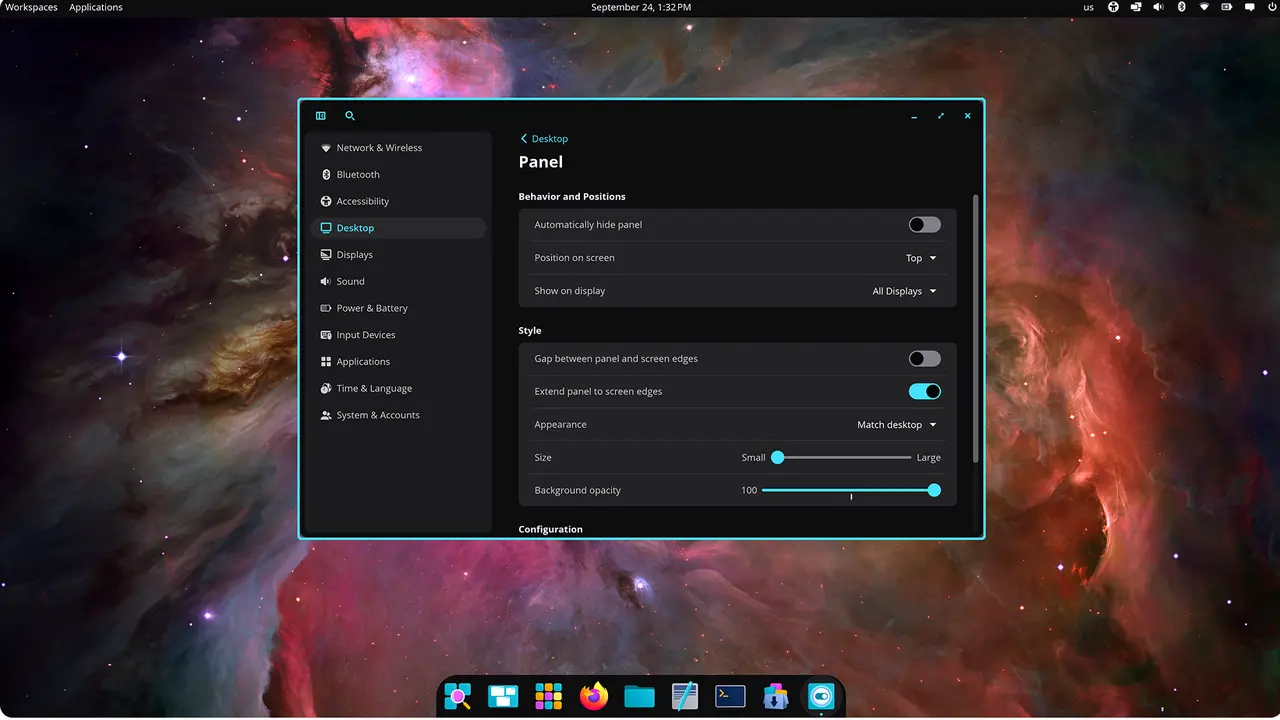
Desktop Workflow & Compositor Upgrades
Next, the file manager finally picks up Page-Up and Page-Down navigation. It is a basic omission to leave out this long. The developers also tightened MIME type handling across COSMIC Edit and COSMIC Files, which means empty files without extensions will actually open correctly now. On top of that, custom wallpaper directories get recursive scanning in cosmic-bg. If you have ever wasted time copying themed assets into your home folder only to have the desktop ignore them, this will save you hours.
The Wayland compositor takes a heavier hit in this release. pointer-warp-v1 support lands to give the desktop a direct cursor-warp primitive, while tiling exceptions and pinned workspace naming finally give power users some actual control. COSMIC-Term stops re-reading the system theme from disk on every menu bar render, which quietly fixes a stutter most people barely noticed but constantly complained about. Fractional scaling also gets an edge expansion fix for the COSMIC Panel, though it is not a magic bullet for high-DPI displays.
The history of Linux desktops is littered with compositors that promised seamless window management only to collapse under heavy tiling loads. COSMIC-Comp now includes tiling exceptions and pinned workspace naming, which suggests the team finally learned that power users need escape hatches, not just strict grids. The compositor also separates the logind feature from systemd, which should reduce dependency conflicts for distributions that prefer a lighter boot process.
Release Cadence & What Comes Next
Starting with this release, System76 plans to increment the minor version regularly. The developers put it plainly in their changelog: "We will now be incrementing the minor version regularly in order to allow for mid-release patch versions if necessary." The goal is straightforward. You get smaller, faster updates instead of waiting months for a feature-complete release that likely contains half a dozen regressions.
The team is already eyeing COSMIC 2.0, which promises hot reloading support, widget animations, and a new Frosted effect. You can expect that to land sometime after the current patch cycle settles. It is arguably competing with the most ambitious desktop environments I have ever played with in a long time, even if the Rust ecosystem still occasionally throws a wrench in the works.
Keep in mind that distribution packaging timelines vary. Arch users will likely see COSMIC 1.1 hit their mirrors first, while Fedora folks might need to wait for repo syncs. Head here to check the project GitHub page for the full list of commits and bug fixes. The source code and release notes are already up, so you can verify the changes yourself before updating your daily driver.


