Bottles 64.0 Fixes the Desktop Link Mess and Speeds Up Your Windows Apps on Linux
Running Windows software on Linux has always been a balancing act between compatibility and system stability, but Bottles 64.0 shifts that balance in favor of actual usability. This update tackles the persistent headaches around desktop shortcuts, sluggish interface performance, and offline setup hangs that have frustrated users for months. Readers will get a clear breakdown of what actually changed, which fixes matter most for daily workflows, and how to avoid the usual pitfalls when upgrading.
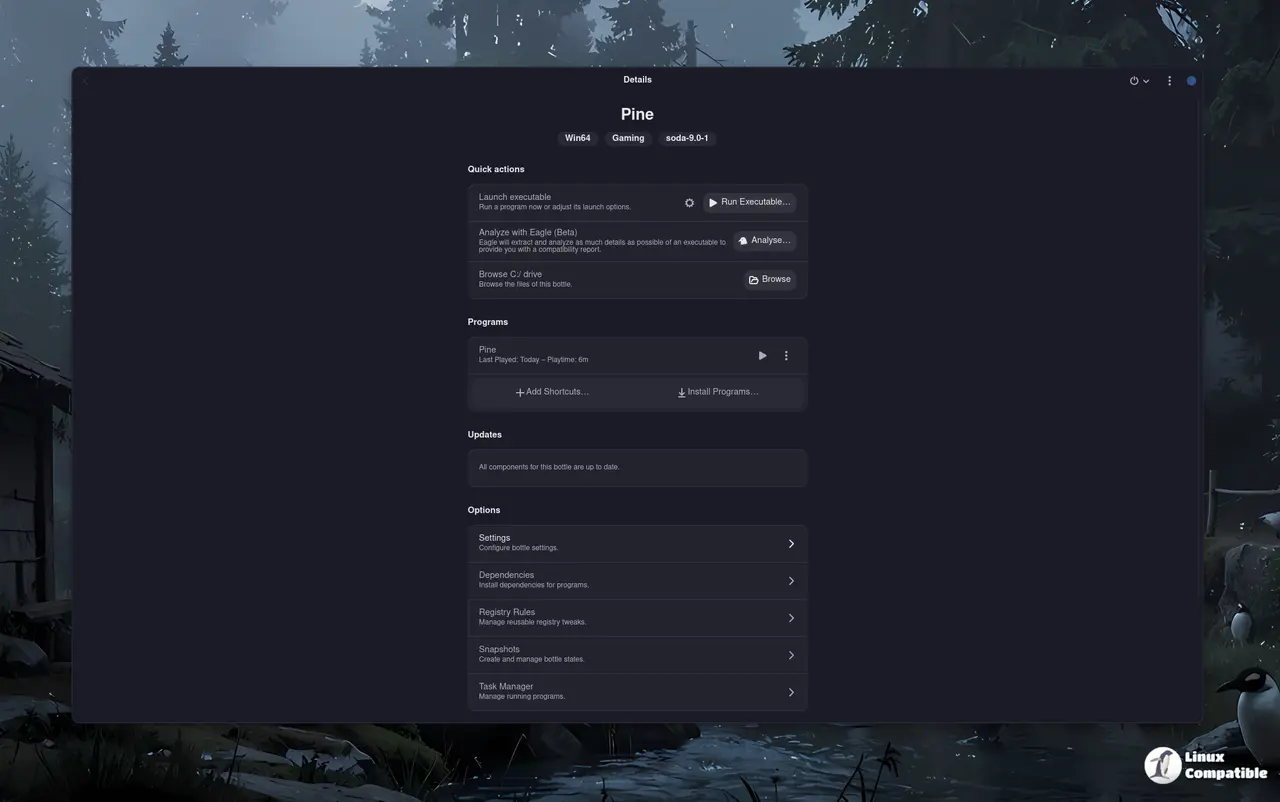
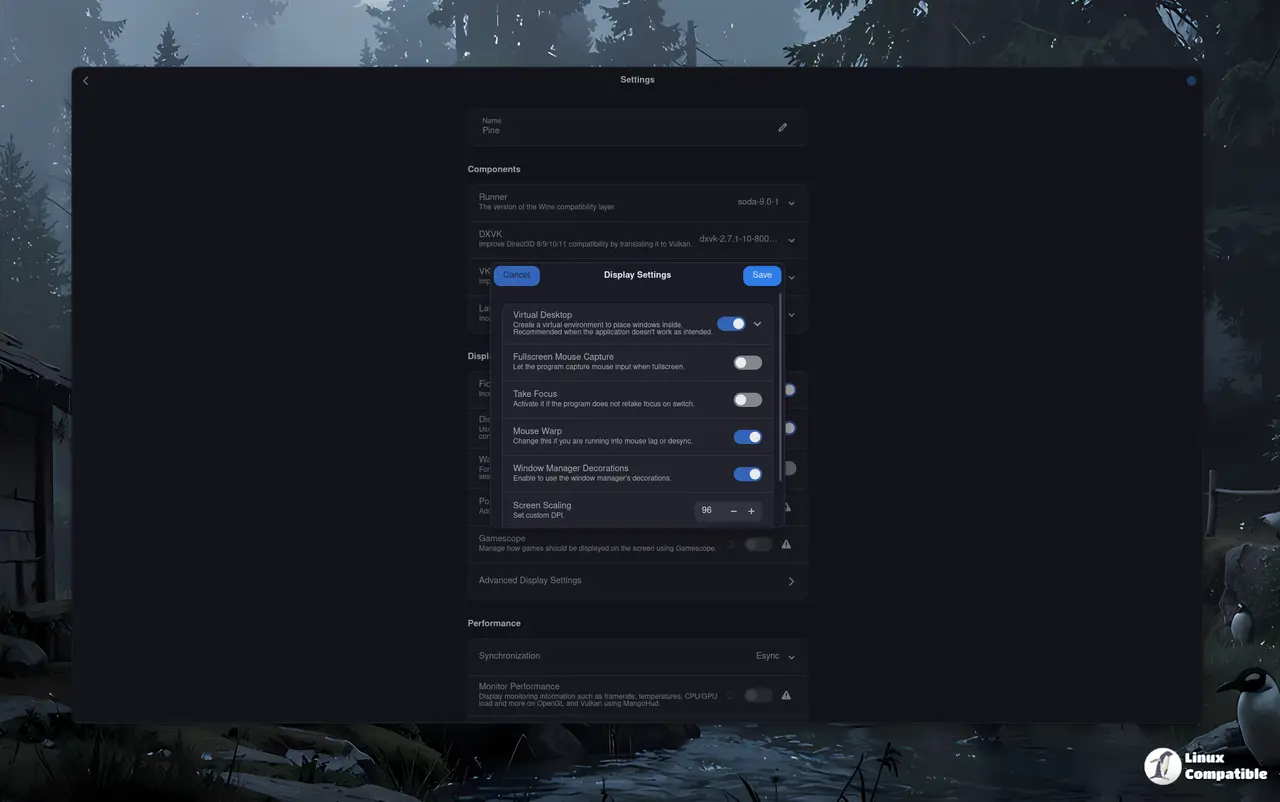
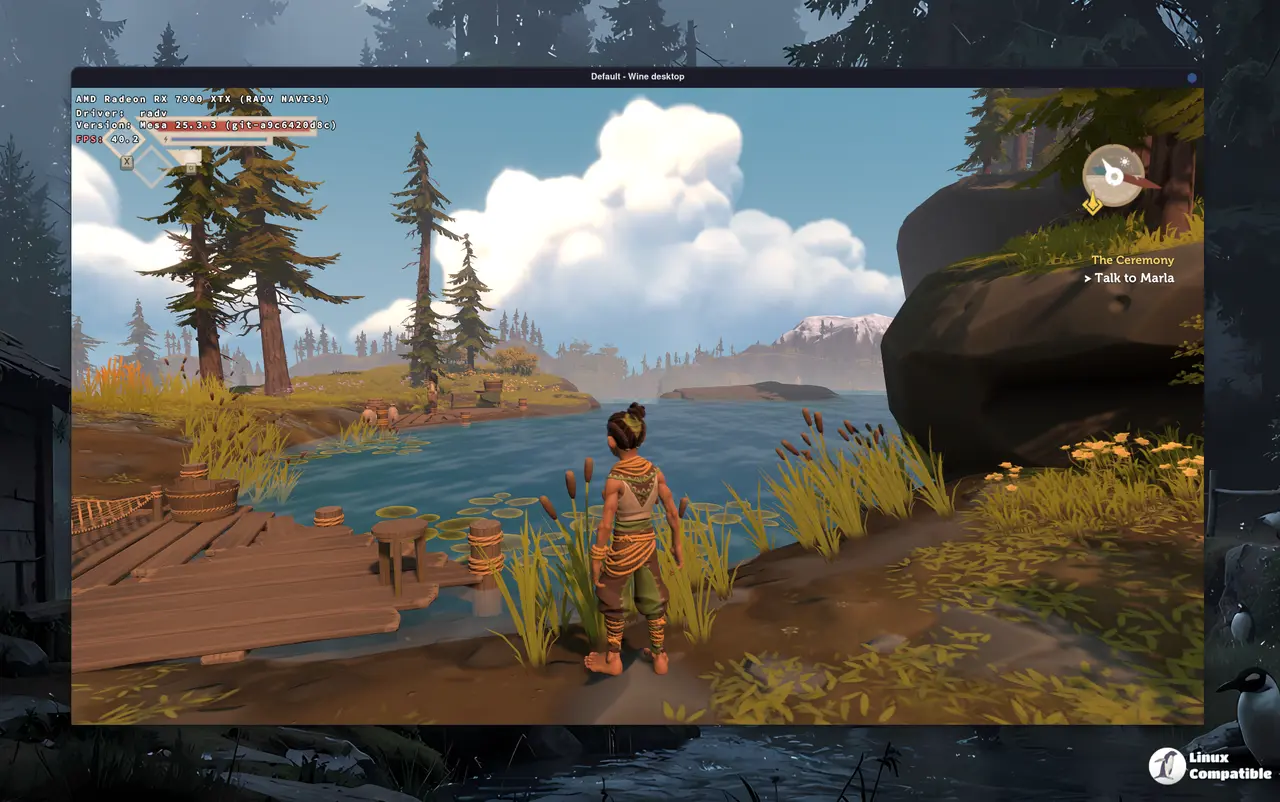
Bottles 64.0 Performance Tweaks That Actually Matter
The startup freeze and interface lag that plagued older versions usually happened when the application tried to render dozens of bottle entries or library paths simultaneously. The developers addressed this by optimizing how the interface handles program listings, which means launching Windows games or productivity tools no longer feels like waiting for a dial-up modem to connect. A realistic scenario involves someone managing a mixed setup with both gaming and work applications, where switching between bottles used to cause noticeable stuttering. That stutter is gone now, making the transition between environments feel seamless rather than frustrating. The underlying fix also removes deprecated variables that were just cluttering the codebase without providing any real benefit.
Desktop Integration and Shortcut Fixes
App names containing spaces used to completely break desktop links, leaving users with broken icons or missing entries in their application menus. This update sanitizes bottle names and enforces valid desktop entry categories, so shortcuts actually appear where they belong without requiring manual file editing. The executable chooser now properly displays uppercase extensions like .EXE and .MSI files, which saves time when hunting down installers buried in nested folders. Session idle inhibition is also handled correctly now, meaning the screen will not lock or suspend while a Windows program is actively running in the background. These changes matter because desktop integration has always been the weakest link for cross-platform compatibility tools.
Offline Mode and Component Management
Connectivity checks used to hang indefinitely during setup, forcing users into awkward workarounds or leaving bottles stuck in a perpetual loading state. The new timeout mechanism prevents that deadlock, while an offline banner keeps everyone informed when the connection drops instead of silently failing. A home card now allows bulk updates across multiple bottles at once, which eliminates the tedious process of opening each environment individually to grab newer runtime versions. CLI launches also stop triggering unwanted manager side effects, so terminal users can script bottle creation without fighting against background processes. The offline mode fixes are particularly useful for travelers or anyone working in environments with spotty internet access.
Security Scanning and Sandbox Improvements
Running unverified Windows executables on any system carries inherent risks, so the integration of Eagle threat scanning adds a necessary layer of protection directly into the workflow. The tool detects malware patterns and stealer signatures before execution, prompting warnings that actually make sense instead of throwing cryptic error codes. Crash detection now ties directly into this security scan, offering automatic analysis when programs fail unexpectedly. Proton runner paths and runtime files are properly exposed to dedicated sandboxes, which resolves compatibility issues with certain anti-cheat systems and legacy applications. The sandbox process termination fix also ensures that background tasks do not linger after closing a bottle, keeping system resources from leaking into the host environment.
Release Bottles 64.0
What's Changed fix[closes #4466]: [Bug]: App names with spaces break the .desktop links by @mirkobrombin in #4478 Drop deprecated vars by @ndiruhniu in #4435 [Bug]: avoid Manager startup side effe...
Upgrading to this version clears out enough technical debt to make daily Windows app management feel less like troubleshooting and more like actual productivity. Grab the update when ready, test it with your usual workload, and report any lingering edge cases back to the maintainers. The Linux desktop keeps getting better at handling foreign software without demanding a virtual machine or dual boot setup.


