Bazzite Linux 44.20260608 prioritizes handheld stability and NVIDIA driver compatibility by pinning a patched kwin build to prevent Wayland session crashes. The release also adjusts Sunshine for better gamepad capture on KDE desktops and aligns session shortcuts closer to SteamOS behavior. Rather than introducing flashy new features, the update delivers routine package bumps for core components like libinput, Steam, and selinux-policy to quietly fix known friction points. Current users can switch to this version quickly using the bazzite-rollback-helper, which handles the ostree transaction and preserves existing Flatpak containers without requiring a fresh install.
Bazzite Linux 44.20260608 Brings NVIDIA Fixes and Sunshine Tweaks to Your Deck
Bazzite Linux 44.20260608 lands with a tighter focus on handheld compatibility and NVIDIA driver workarounds, making it the kind of update that actually matters for Steam Deck owners and desktop gamers. This release swaps out a few bloated dependencies, patches kwin for recent NVIDIA stacks, and adjusts Sunshine to play nicer with KDE sessions. Users who want a stable, SteamOS-like experience without wrestling with Arch or Fedora directly will find the rebase process straightforward.
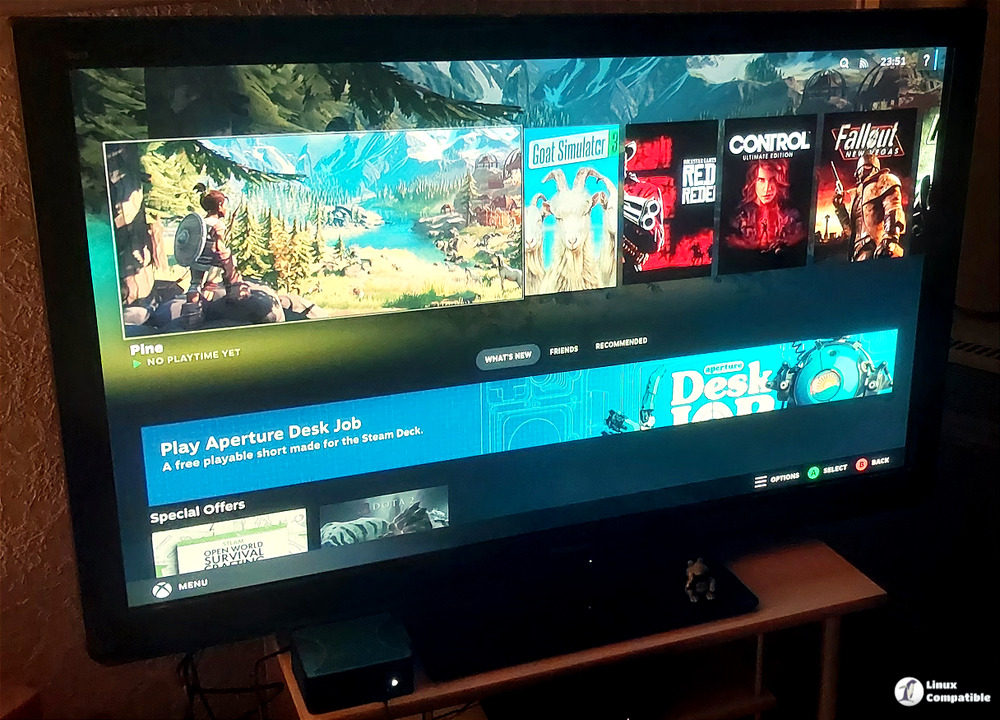
Why the NVIDIA kwin Patch Matters
The commit history shows a clear pattern of fighting NVIDIA driver regressions, and this release continues that trend by reapplying a patched kwin configuration until upstream catches up. The team noticed that recent NVIDIA stacks break window management on Wayland, so they temporarily pinned a stable kwin build to prevent desktop sessions from flickering or crashing. This is exactly the kind of defensive move that keeps Bazzite from turning into a daily driver nightmare after a routine update. Users running proprietary drivers will appreciate the stability, even if it means waiting for NVIDIA to fix their own kernel modules.
Sunshine Adjustments for Steam Deck and KDE
Sunshine receives targeted changes for handheld builds, specifically setting capture=kms and disabling system_tray during installation. These tweaks prevent input conflicts and reduce background resource drain on devices like the Steam Deck or Legion Go. The session adjustments also align closer to current SteamOS behavior, which means fewer broken shortcuts and more predictable game launch behavior. The revert of the new GUI updater suggests the interface was still causing more confusion than it solved, so sticking with the proven rollback helper remains the safer path.
What Actually Changed Under the Hood
The update rolls out a steady stream of package bumps rather than flashy new features. Bazaar moves from 0.8.1 to 0.8.3, while core components like libinput, javascriptcoregtk, and selinux-policy get minor version increments. Steam itself receives a point release that typically fixes controller mapping and Proton compatibility for recent titles. The removal of certain ryzen_smu components points to ongoing hardware detection cleanup, and the ntfs-3g bump ensures external drives mount without permission errors on modern kernels. None of these changes scream revolutionary, but they quietly patch the exact friction points that usually break a gaming VM or handheld session.
Rebasing to the Latest Build
Current users can switch to this version without wiping the system or recreating Flatpak containers. Running bazzite-rollback-helper rebase stable pulls the latest stable stream, while specifying bazzite-rollback-helper rebase 44.20260608 locks onto this exact release date. The helper handles the ostree transaction, verifies signatures, and reboots into the new deployment automatically. Users should keep a backup of important config files before switching streams, since ostree rollbacks are fast but not always reversible if a later update breaks a custom script. The process takes roughly ten minutes on a standard NVMe drive, and SteamOS-style session restoration kicks in immediately after reboot.
Keep the system updated, test game compatibility after major driver bumps, and enjoy the smoother handheld experience. Grab the ISO if the current setup feels too tangled, and let the rollback helper do the heavy lifting.


