Bazaar 0.8.1 Fixes Flatpak Update Glitches and Tightens GNOME App Store UI
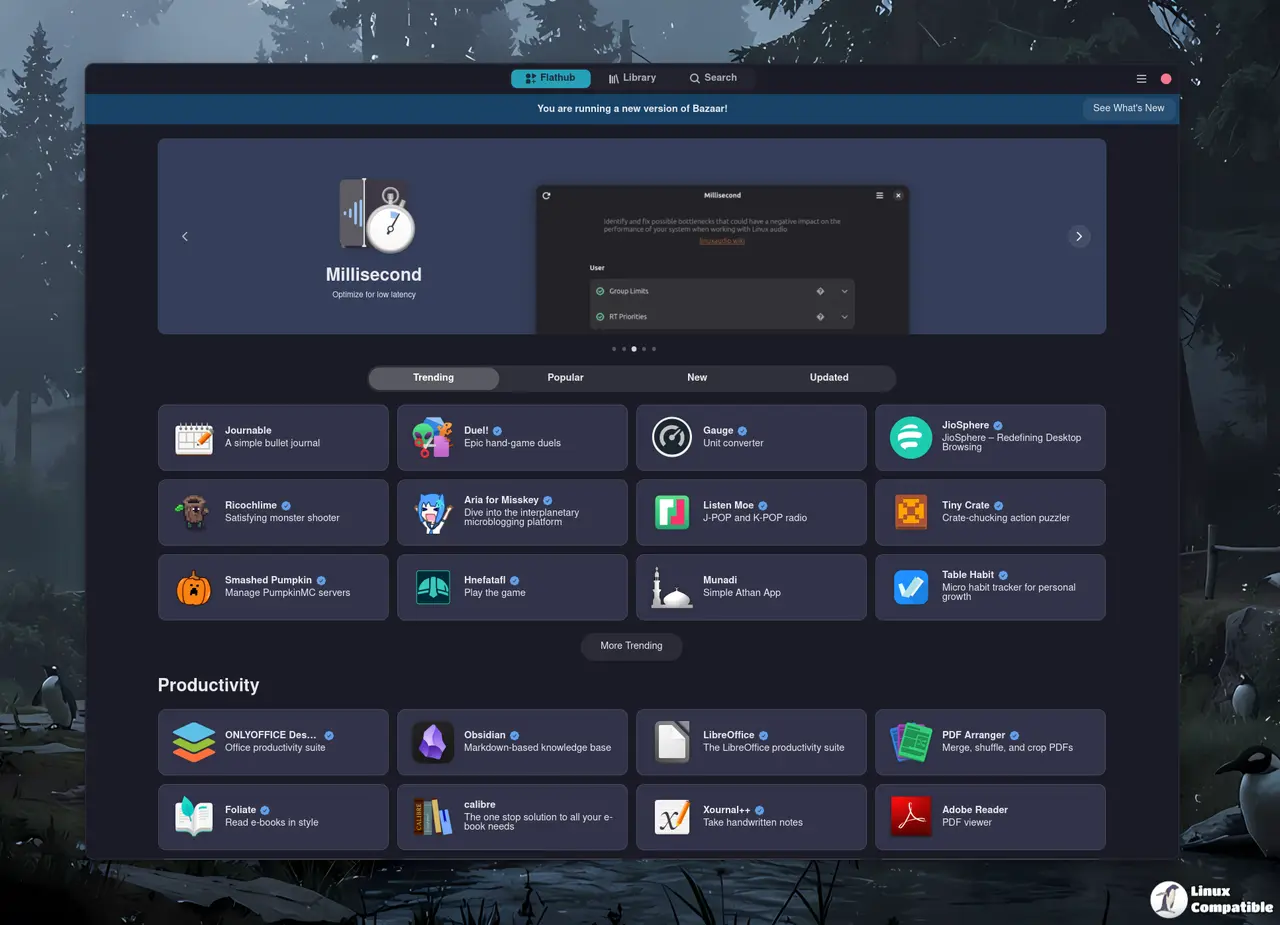
The latest drop of Bazaar 0.8.1 finally patches that annoying bug where installed updates refused to show up in the store interface. This release also cleans up several rendering hiccups, improves loading states, and adds a cancel button for app installations. Users running GNOME desktops who rely on Flatpak remotes will notice smoother navigation and fewer visual glitches when browsing Flathub packages.
The Update Display Bug Finally Gets Punched
That hot fix for missing updates is the real reason to grab this release right now. Desktop environments break when package managers stop talking to each other, and users often encounter this exact issue after a system update or when switching between Flathub stable and testing remotes. When the store refuses to show available upgrades, people either miss critical security patches or waste time manually checking package versions through terminal commands. The patch restores the normal update flow so the interface actually reflects what is sitting on disk.
Loading States and Rendering Tweaks
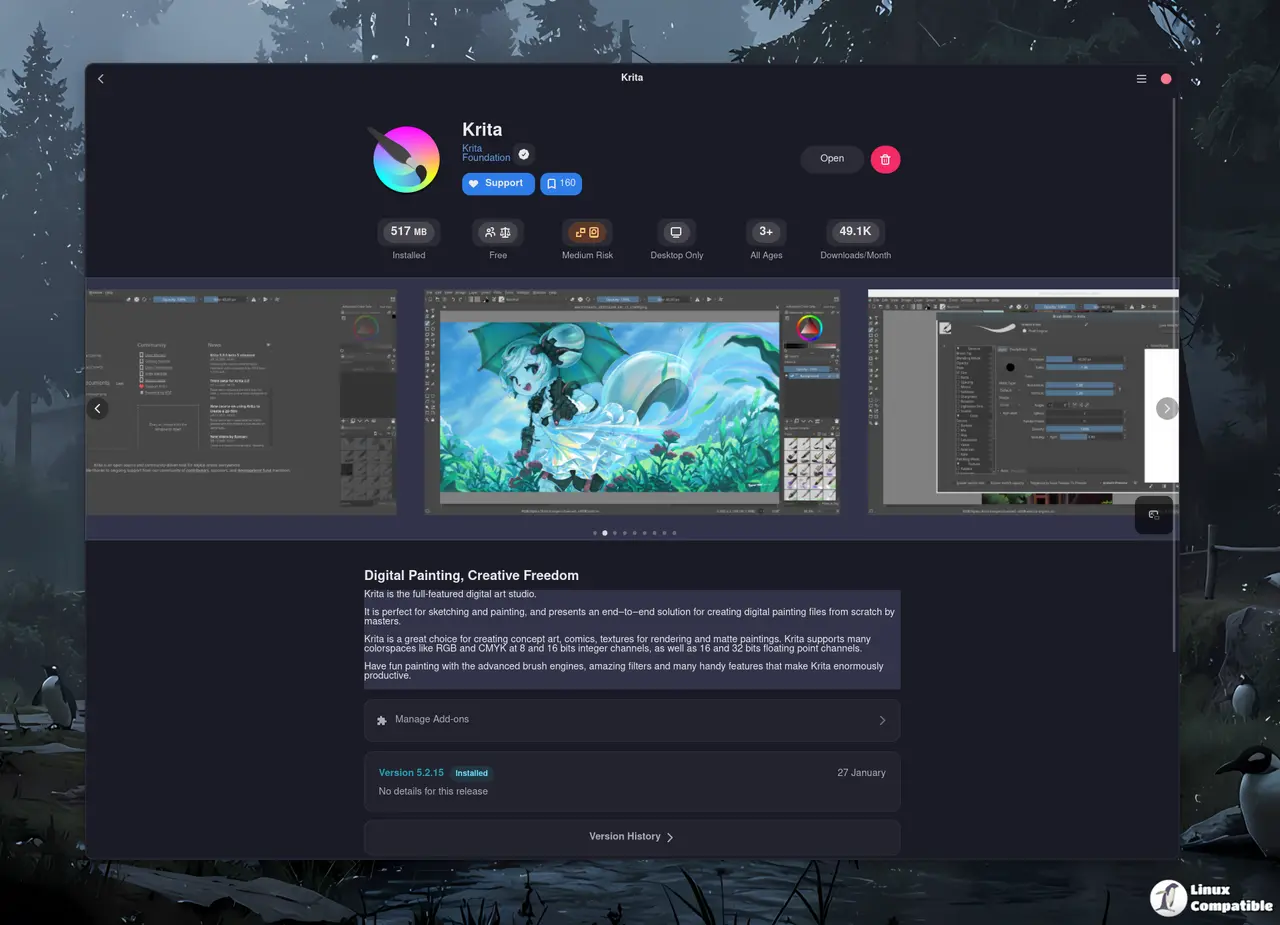
GNOME desktop environments expect applications to feel responsive, and Bazaar 0.8.1 spends a lot of effort smoothing out those rough edges. Large SVG icons used to trigger rendering glitches that left users staring at broken placeholders or stretched metadata cards. The developers reworked the initial loading state so the interface stops flashing empty containers while fetching package data from remote servers. Mobile width adjustments also keep wide pill layouts intact instead of collapsing them into unusable stacks. Graphs that lack enough data points now hide themselves cleanly rather than drawing awkward flat lines that confuse casual users.
Installation Workflow and Error Handling
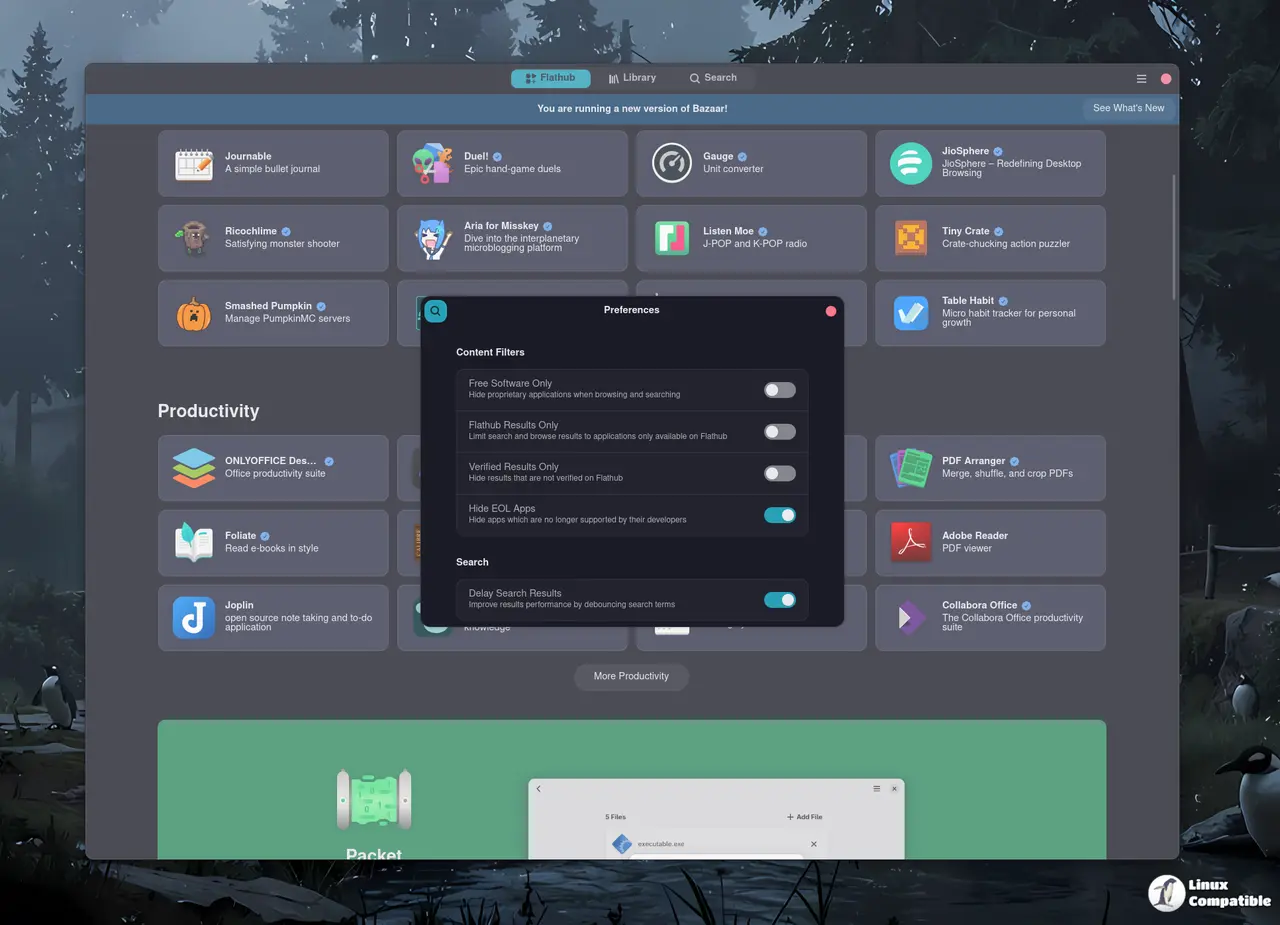
Managing app installations just got a bit more forgiving for everyday users. The new cancel button attached to rich app tiles stops downloads from running in the background when people change their minds mid fetch. More importantly, the error handling for leftover user data prevents failed installations from leaving behind orphaned configuration files that break future updates. A workaround for kRunner sending identifiers in lowercase also keeps search results consistent across desktop environments that rely on case sensitive matching. These changes matter because Flatpak remotes pull metadata differently than traditional package managers, and sloppy error states quickly turn into permission headaches.
Translation Updates and Developer Tooling
The release ships with refreshed localization strings for Turkish, Basque, Czech, French, Russian, Polish, and Cornish. Accurate translations keep the store usable outside English speaking regions without forcing users to navigate broken UI layouts. Behind the scenes, updated devcontainer configurations and Dockerfile dependencies make it easier for contributors to test changes in isolated environments. This kind of tooling cleanup does not show up in daily usage, but it keeps the project from accumulating technical debt that eventually slows down feature development. The metainfo file also received a refresh to align with current GNOME packaging standards.
What Bazaar 0.8.1 Means for Flatpak Users
This release does not introduce flashy new features, but it patches enough friction points to make the store actually reliable for daily use. Unlike bloated software centers that clutter the interface with sponsored tiles and unnecessary telemetry, this version keeps the focus strictly on package management. Flatpak remotes like Flathub dominate the Linux desktop ecosystem now, and a broken app store forces users back into terminal workflows that most people want to avoid. The update display fix alone justifies installing this version before running system maintenance routines. Users who prefer graphical package management will notice fewer visual hiccups and smoother navigation when browsing or upgrading applications.
Release Bazaar 0.8.1
0.8.1 Hot fix for an issue where updates would not show. What's Changed Fix rendering of large SVGs by @AlexanderVanhee in #1514 Hide view switcher on load by @AlexanderVanhee in #1510 Rework init...
Grab the update when you have a quiet moment and let the store catch up on its own.


