Amethyst Mod Manager adds native Wabbajack support in v2.5.0
The open-source Amethyst Mod Manager has shipped its most feature-packed release in quite some time. v2.5.0 adds native support for browsing and installing Wabbajack modlists, extends coverage to Project Zomboid, and carries a candid note from its lone developer. Chris DKN says he wants to spend the next while stabilizing existing features instead of piling on new ones.
The headline is the Wabbajack integration. Wabbajack is the well-known cross-game modlist installer from the Skyrim and Fallout scenes, so this brings its library of curated lists straight into Amethyst's workflow. You can now browse and install those lists from within the manager instead of running a separate tool.
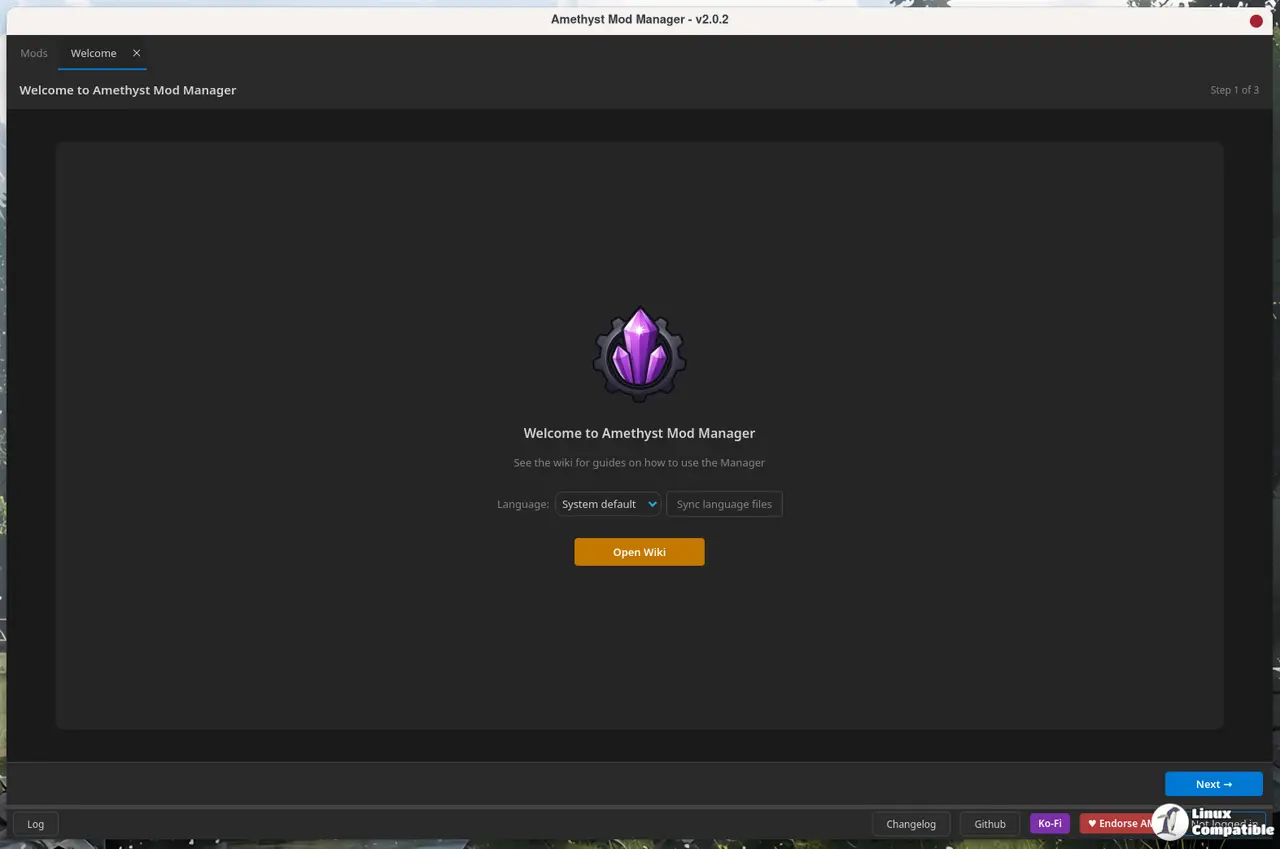
Chris didn't pretend it's polished, though. His release note includes this frank caveat: "Note that there will be issues in places with this. I've gone insane over the past month or so installing as many lists as I can to find issues but I imagine some will still creep up." Fair enough. Early adopters should expect a few rough edges, and the honest framing is a welcome change.
Project Zomboid rounds out the new game support, tracked under PR #488. That nudges Amethyst past its traditional Bethesda and Unreal Engine strongholds and into the survival-sandbox crowd.
The rest of the additions lean toward polish rather than capability. You can hide top-bar buttons and individual profiles from the dropdown, and there's now a content column that surfaces certain types of data inside a mod. On the tooling side you get a data-tab blacklist for files, a 64-bit option in the xEdit wizards, a Cathedral Assets Optimizer wizard, and a flag to launch LSFG VK with a game.
A developer asking for a breather
The release closes with Chris laying out why he's stepping back from the feature treadmill. "Over the past month or so I've received a lot of feature requests and while I appreciate it, it's starting to get to be a little too much to handle," he wrote. "I would much rather the current features work properly instead of adding more unless it makes sense to. For that reason I won't be taking feature requests until I am ready to. Issues and bug reports are still welcome of course, please bombard me with those."
It's a telling signal. The project has clearly been churning: v2.1.0 landed on August 5 with Daggerfall Unity support, then v2.2.0, v2.3.0 (which added VFS deployment), v2.4.0, and a series of point releases through mid-September. Reaching v2.5.0 by September 18 in that streak says plenty about the energy behind it.
To say the least, that energy is worth protecting. Single-developer, open-source projects like this ship fast and burn slow, but they're also a single sick day away from a stalled repo. Wabbajack support still has loose ends, and managing hundreds of mods is not forgiving of a flaky backend. However, at the same time, the GPL-3.0 license, the community's willingness to open issues and pull requests, and Chris's transparent approach all help shore things up.
Getting it
Amethyst runs as an AppImage, a Flatpak (with both stable and beta branches), or from the AUR. The Flatpak is a straightforward install:
flatpak install --user https://chrisdkn.github.io/Amethyst-Mod-Manager/amethyst.flatpakref
Keep in mind that the app may ask for a password to set up your OS keyring, which securely stores your Nexus API key rather than leaving it in plain text. Updates show up both inside the manager and in your package manager.
Head here to the release page for the full changelog and the supported-games wiki if you want the long version.


