Amethyst Mod Manager v2.4.1 Lands with Polished UX and One-Person Development Muscle
The Linux-native tool approaches 100 supported games, but the real story is how a single developer is turning it into the definitive mod management solution for the platform.
ChrisDKN pushed v2.4.1 of Amethyst Mod Manager to GitHub, and if you've spent any time wrangling Bethesda or RE Engine games on Linux, you already know why this matters. The tool now supports roughly a hundred titles, runs entirely natively without Wine workarounds.
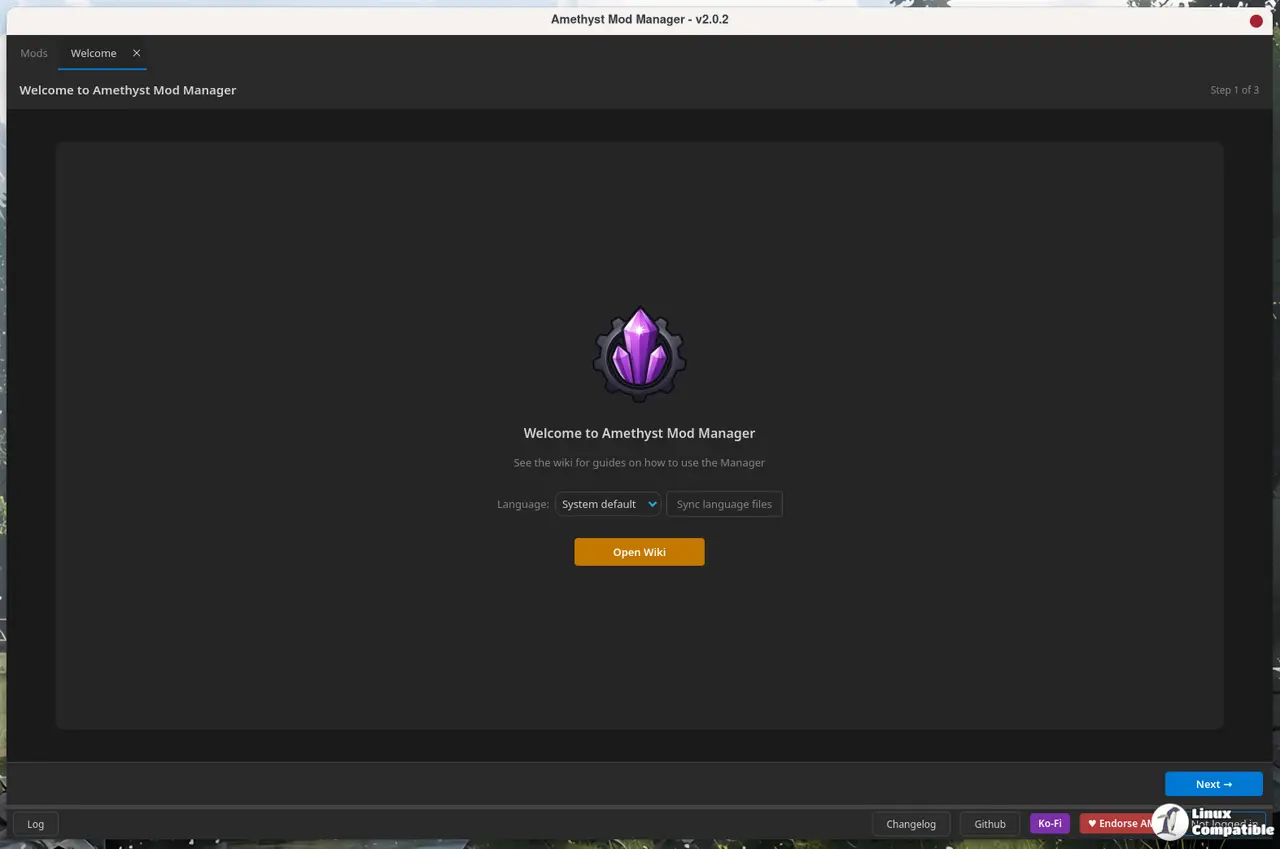
When mod managers for Linux actually existed a few years back, they were mostly afterthoughts built on top of Windows tools. Amethyst flipped that script by copying MO2's tabbed interface and rewriting everything from the ground up in Qt. That v2.0 rewrite was a massive gamble for a solo project, and honestly, it paid off. The current release cycle shows the kind of refinement usually reserved for funded teams.
What’s Actually New in 2.4.1
The changelog leans heavily into interface polish. You can now group mods via right-click, with one leader mod and a collapsible arrow. Clickable priority and version columns let you adjust load order without hunting through menus. Filters persist across restarts. That's the kind of friction reduction that makes a tool feel finished rather than just functional.
The developer summed up the intent directly in the release commit: "interface polish and performance fixes for large modlists." There's a new overwrite folder manager, Fomod step names finally display correctly in the installer window, and ReShade now pulls the add-ons version automatically. Fallout 3 gets two fresh wizards for BSA decompression and ESM patching, while xlodgen support extends to a handful of additional titles.
Performance-wise, large modlists load noticeably faster, and the collection install engine stops stalling on smaller mods during bulk downloads. If you're running legacy Bethesda setups, the deferred Fomod collection bug that tripped up a lot of users last month is patched.
In-App Updates and Dowload
The app supports in-app updates, so you won't have to juggle Flatpak, AppImage, or AUR commands just to get the latest patch. Community translations now run through Crowdin, which keeps the localized versions from lagging behind the English build. Keep in mind that the project remains GPLv3, so you can audit the code yourself if you're paranoid about what runs on your gaming rig.
Not cheap to maintain, though, and that's where the real-world limits of a solo project show up. Eight open issues as of the release date, mostly focused on game-specific quirks like plugin restoration and xEdit pathing. However, at the same time, the roadmap is clearly leaning into UI maturity and broader launcher detection rather than feature bloat.
You can grab v2.4.1 directly from the GitHub releases page, or run the one-line Flatpak install if you'd rather keep it sandboxed.


